
7 UX Designer - AI/ML Cover Letter Templates with Example
This guide helps you create a UX Designer - AI/ML cover letter and compare seven layouts for presenting your motivation and role fit clearly.
What Makes a Great UX Designer - AI/ML Cover Letter in 2026
A strong UX Designer - AI/ML cover letter connects the role’s complex AI services to clear, trustworthy customer experiences. It should show why this work matters to you and how your design approach fits the position.
Use specific evidence, such as testing model comparison or RAG setup flows with application developers. Connect what you learned to the employer’s goals for understandable products, privacy, and security.
The featured example moves from interest in the role to relevant design evidence, supporting experience, and a focused close. Adapt that progression while choosing a presentation that suits the employer and communication context.
#1 Simple One Column Format Cover Letter Example
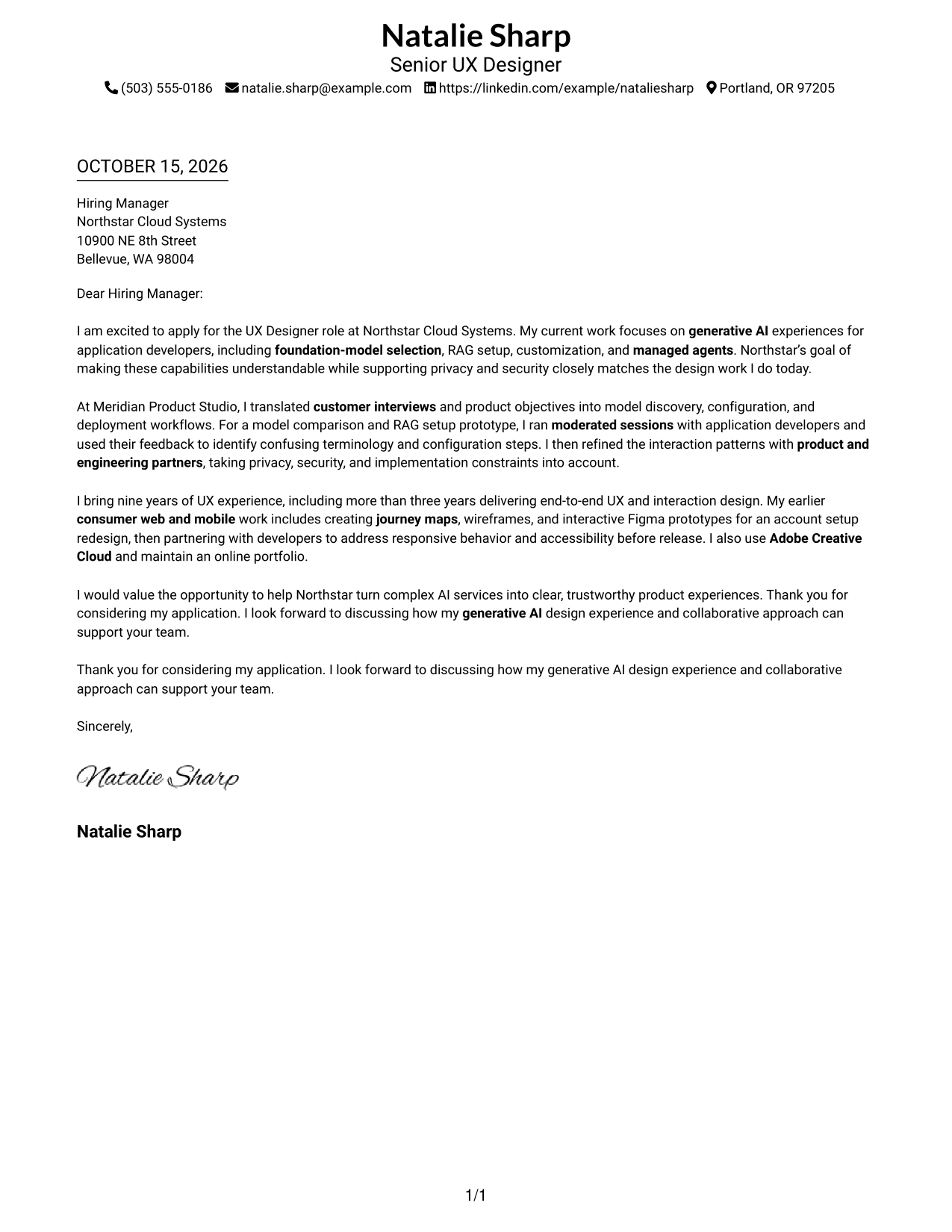
A simple one-column page keeps sender details and the full letter in one reading path, a direct choice for readers who prefer a familiar layout.
Why This Format Works
- Sender details sit in the header, apart from the greeting and main message.
- One column carries motivation, supporting evidence, and closing in a clear sequence.
- The photo-free presentation keeps attention on the written message.
Best For
- Single-column reading preference
- Header-based contact details
- Applications with several body paragraphs
- Direct employer-facing messages
- UX Designer - AI/ML applications
#2 Two Column Format Cover Letter Example
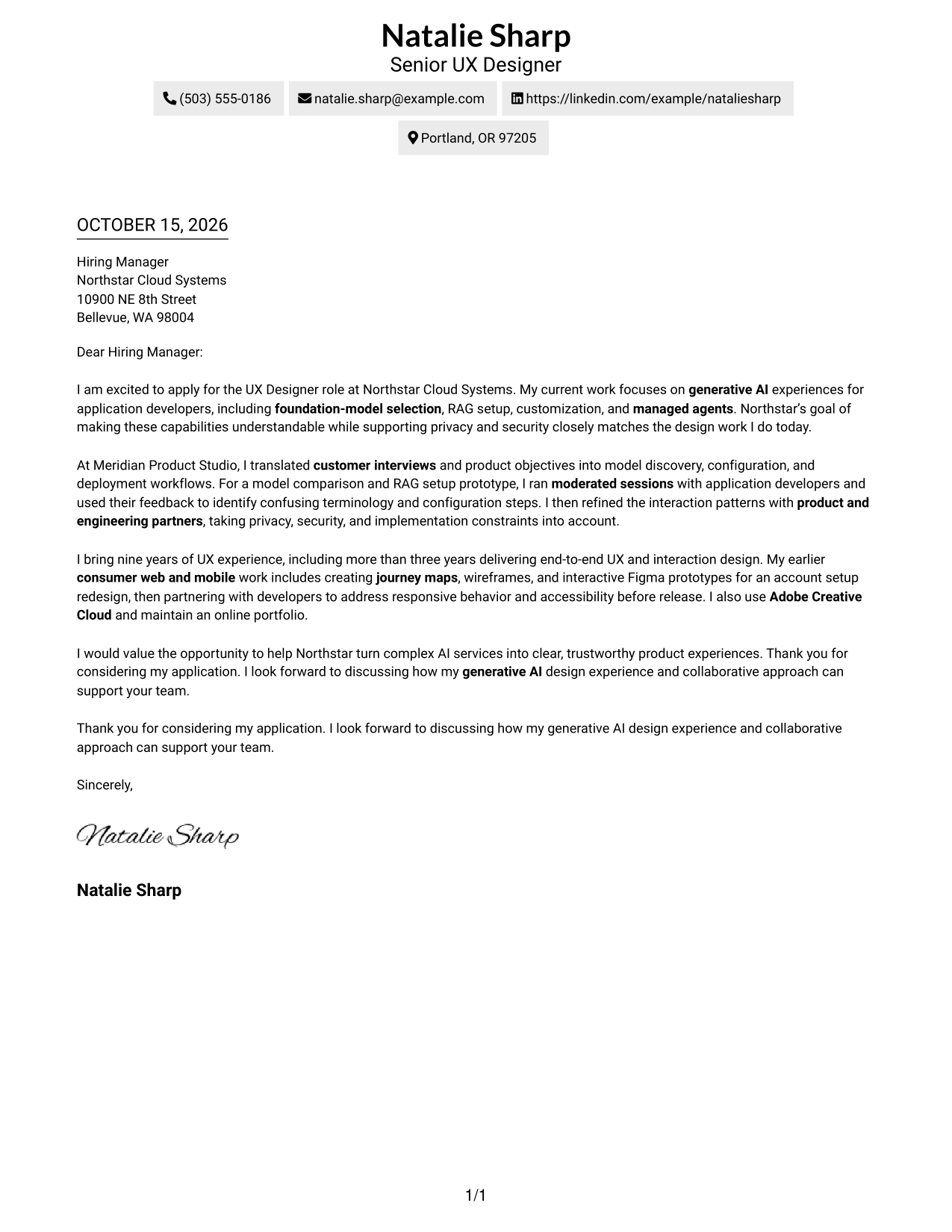
A contact sidebar sits beside one continuous letter body, a practical choice when contact information should stay apart from the message.
Why This Format Works
- Contact details have their own sidebar beside the single letter-body column.
- The message moves from role interest to evidence and closing without parallel arguments.
- With no added body headings, the text retains familiar letter conventions.
Best For
- Contact sidebar preference
- Applications with several contact links
- Letters with several supporting paragraphs
- Direct role-specific messages
- UX Designer - AI/ML applications
#3 Photo Header Two Column Format Cover Letter Example
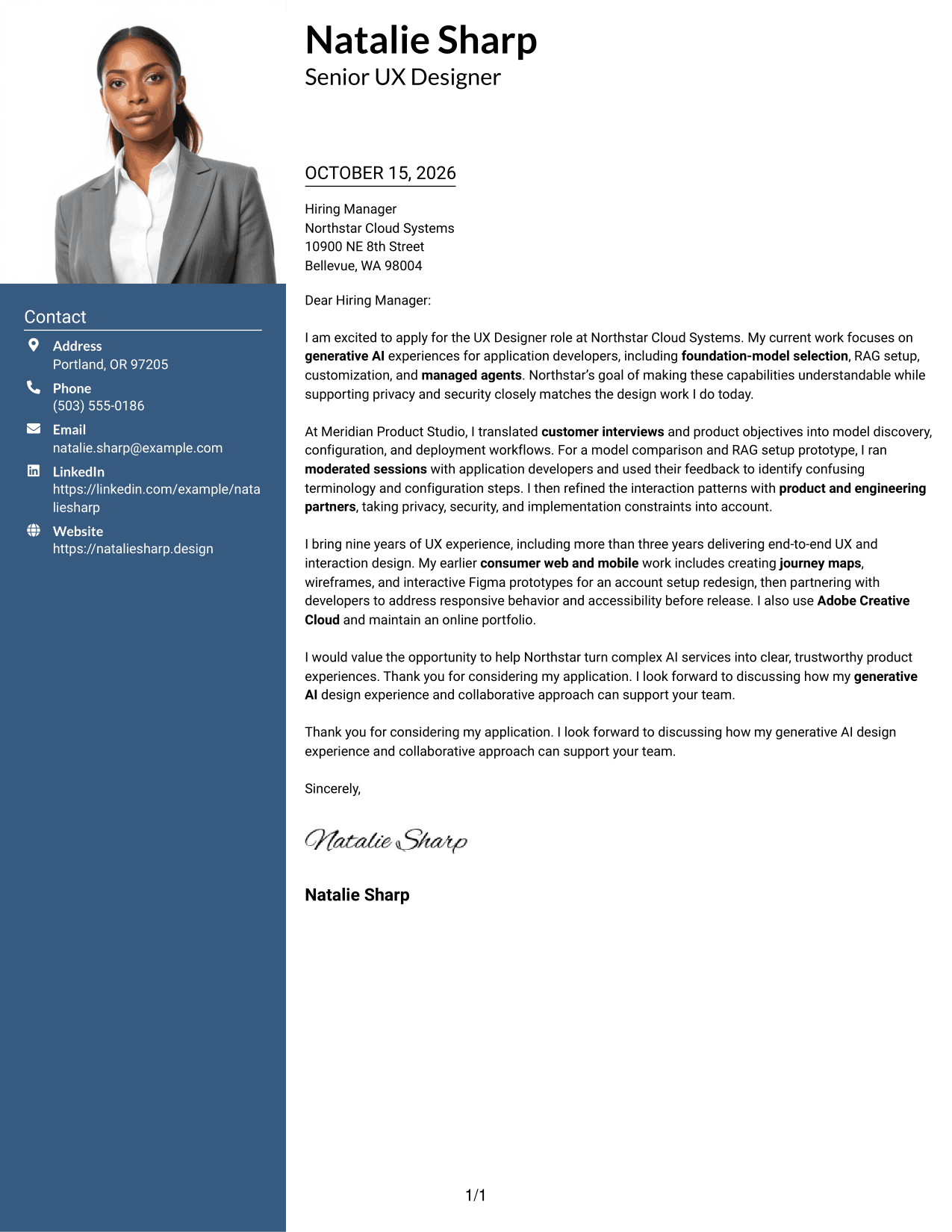
A photo in the header adds a personal visual element, while the contact sidebar stays beside the continuous letter body for readers who want both features.
Why This Format Works
- The header portrait adds a personal visual element without interrupting the letter body.
- Contact details remain distinct from the single continuous column of letter paragraphs.
- The body preserves a clear progression from motivation through evidence to closing.
Best For
- Header portrait preference
- Contact details beside the letter
- Applications with several body paragraphs
- Letters with a clear persuasive progression
- AI product design applications
#4 One Column Format with Photo Cover Letter Example
A portrait in the header gives this one-column letter a clear personal visual focus, while keeping the sender details and message together.
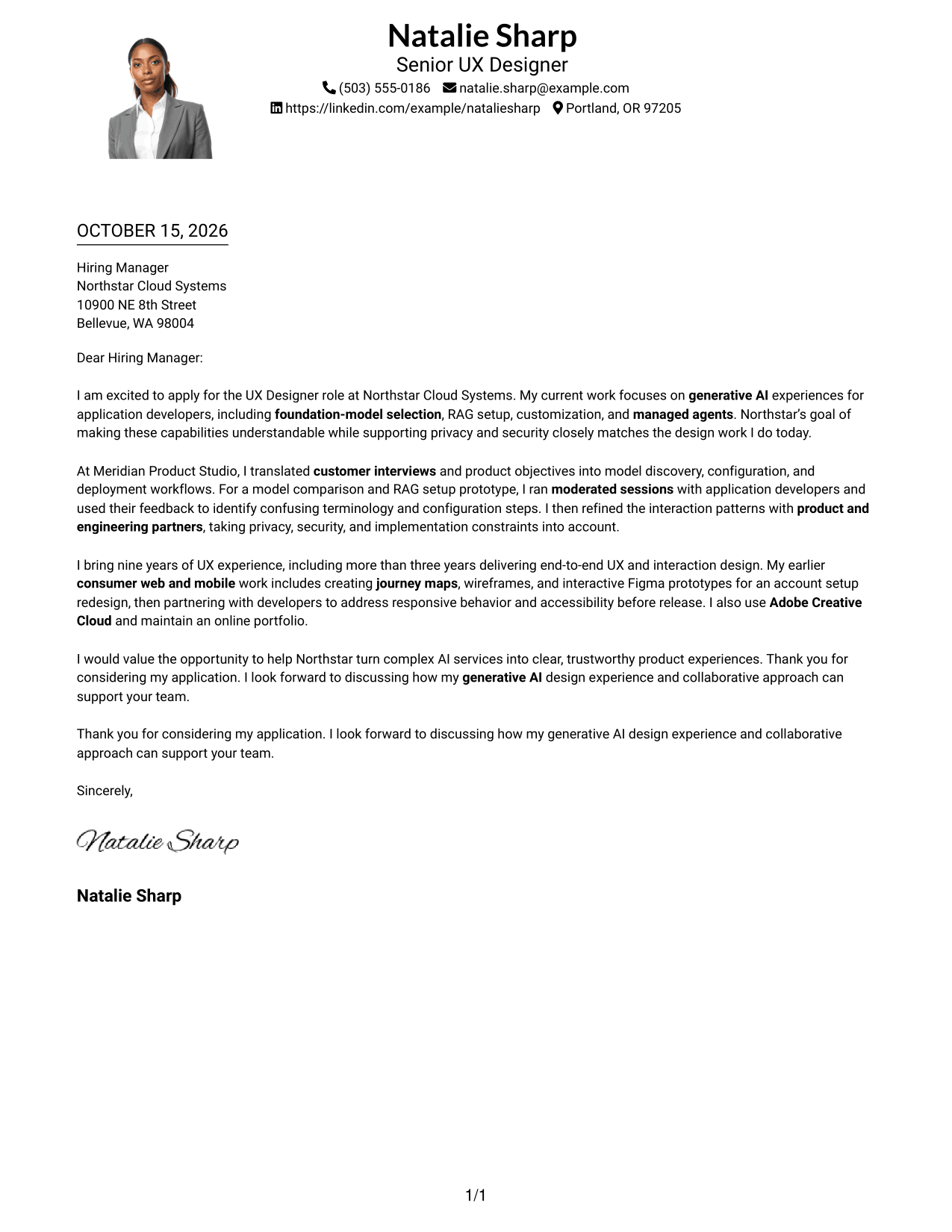
Why This Format Works
- An enlarged header portrait gives the page a clear personal visual focal point.
- Sender details and the letter share one column for a direct reading path.
- Body paragraphs carry the opening, supporting example, and closing in sequence.
Best For
- Header portrait preference
- One-column letter pages
- Applications with several body paragraphs
- Sender details kept with the message
- Letters with a concrete supporting example
#5 Simple Two Column Format Cover Letter Example
A contact sidebar beside a single continuous letter body separates practical contact details from the message without dividing the argument.
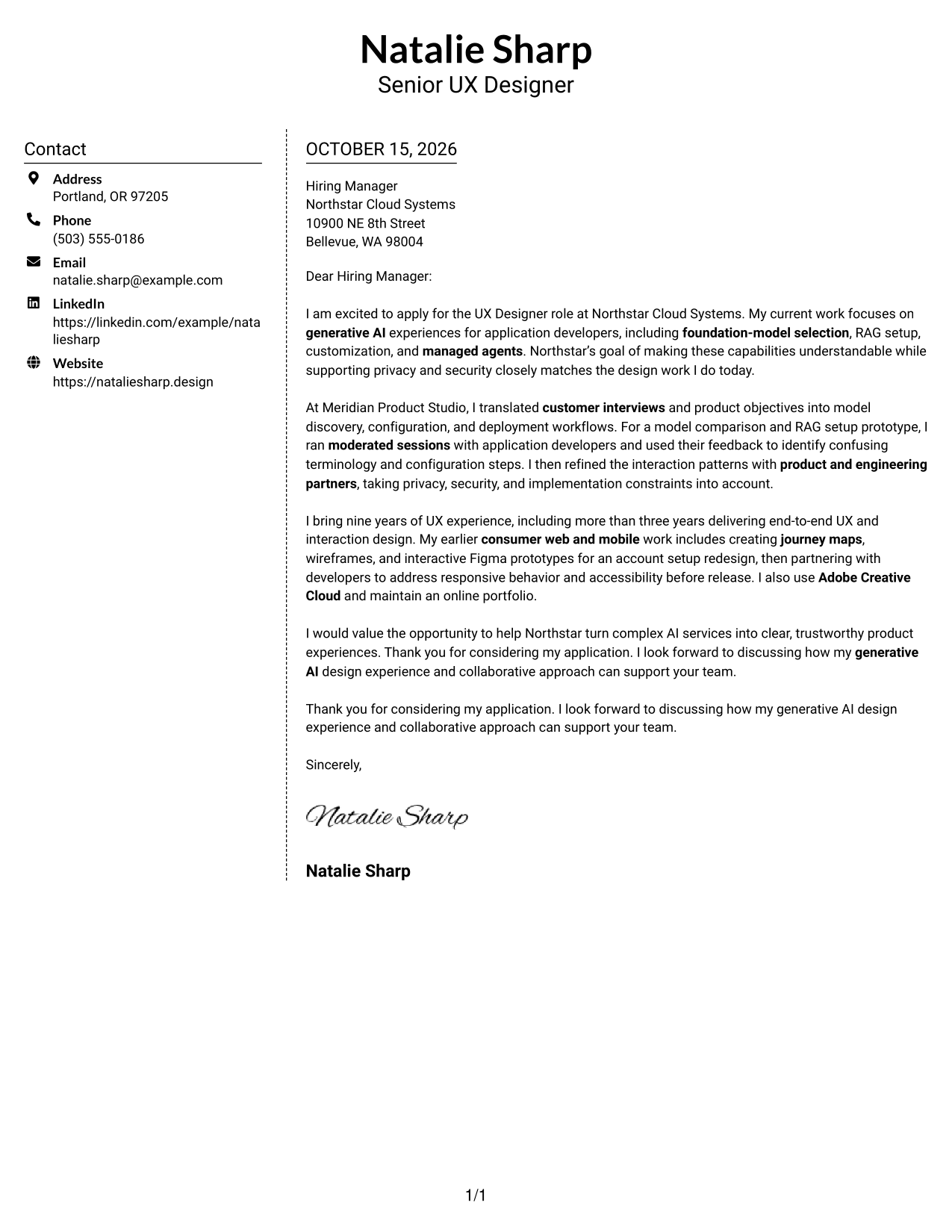
Why This Format Works
- Contact information sits beside, rather than within, the letter paragraphs.
- One continuous body keeps the employer-facing message together from greeting to closing.
- The familiar letter structure leaves the argument free of section headings.
Best For
- Sidebar-based contact organization
- Letters with several supporting paragraphs
- Continuous employer-facing messages
- Applications with multiple contact channels
- Clear opening and closing paragraphs
#6 Modern Icon Format Cover Letter Example
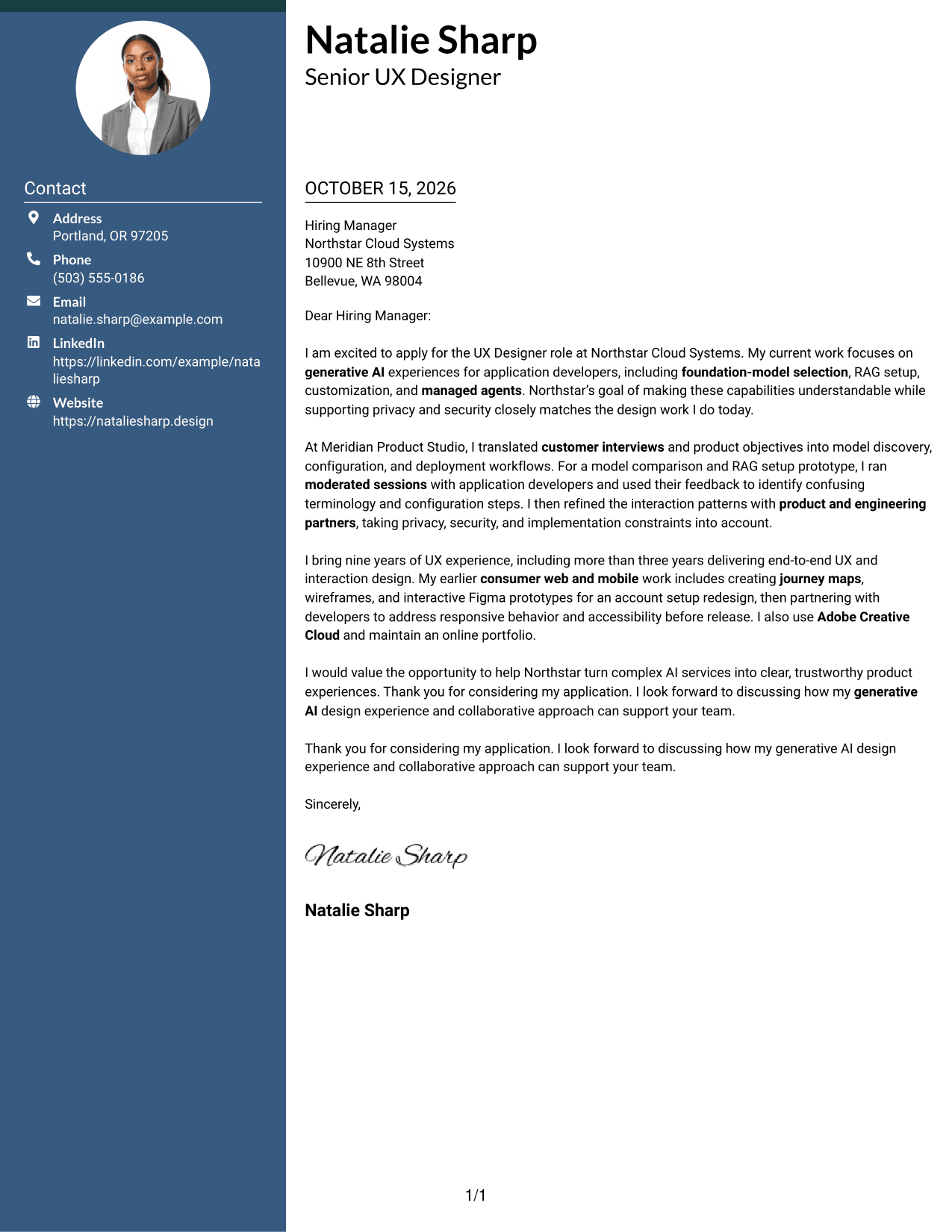
Contact icons give this two-column format quick visual cues, while a separate sidebar keeps the letter body in one continuous column.
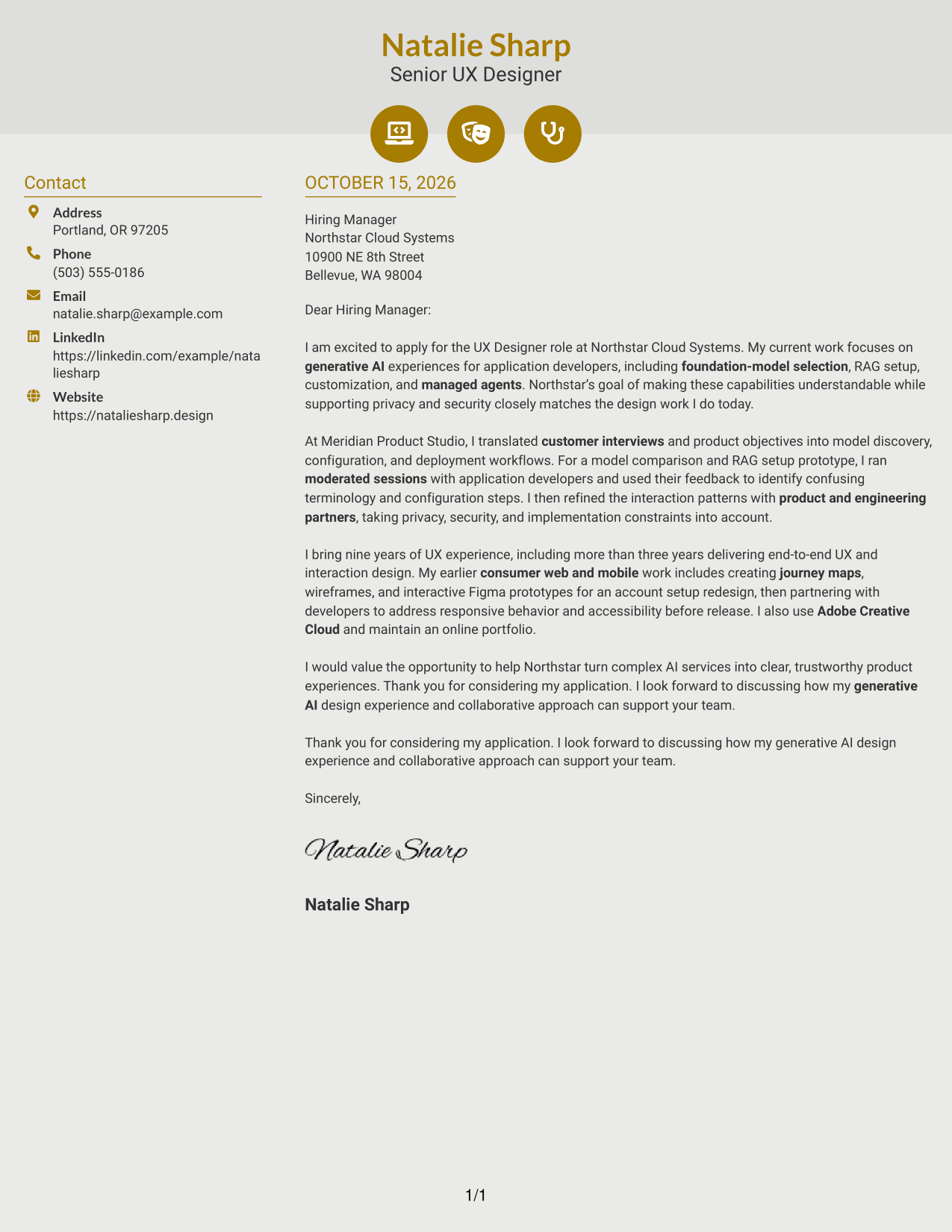
Why This Format Works
- Contact icons help distinguish sender details in the sidebar from the letter body.
- One body column keeps the application message in its original paragraph order.
- Decorative header accents add visual interest while the letter stays in prose.
Best For
- Icon-cued contact details
- Separate contact and message areas
- Applications with several body paragraphs
- Visual cues for contact information
- Letters with a direct closing
#7 Creative Two Tone Format Cover Letter Example
Two columns place contact details beside one continuous letter body, a useful arrangement for readers who want contact information separate from the message.
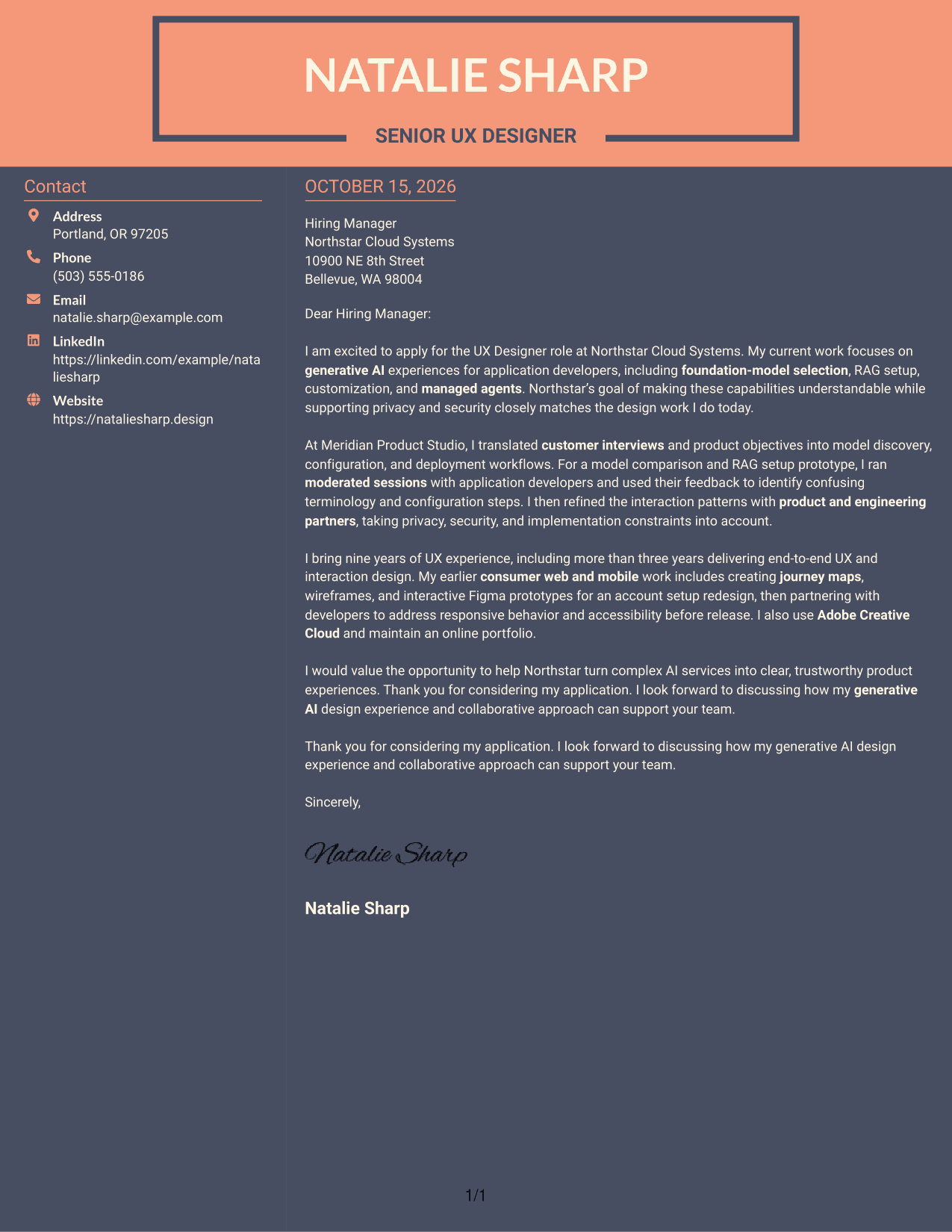
Why This Format Works
- Separate contact and letter columns give sender details a distinct place.
- The body remains one continuous text area for the full employer-facing message.
- The photo-free page keeps the focus on written content and contact details.
Best For
- Separate contact and message areas
- Applications with several body paragraphs
- Continuous letter-body reading
- Photo-free application materials
- UX Designer - AI/ML applications
Why Use ResumeInMinutes for a UX Designer - AI/ML Cover Letter
ResumeInMinutes lets you compare PNG previews and open an example in the editor. Use the example as a starting point, then shape your message around your motivation, relevant design evidence, and the employer’s product goals.
- Multiple writing styles
- Clear, professional layouts
- Job-focused wording
- Simple cover letter structure
- Examples to review in the editor
- Cover letter customization
For this role, bring your generative AI design work, customer research, prototyping, and collaboration with product and engineering partners into a clear story about fit.
See Also
- 7 UX Designer - AI/ML Resume Templates with Example
- 33 Principal UX Designer, Voice & AI UX, UI Resume Templates with Example 2026 (ATS-Optimized)
- 33 Entry-Level UI/UX Experience Designer Resume Templates with Example 2026 (ATS-Optimized)
- 33 Junior UI/UX Designer Resume Templates with Example 2026 (ATS-Optimized)
- 33 Lead User Experience (UX) Designer Resume Templates with Example 2026 (ATS-Optimized)
- 33 Lead UX Designer Resume Templates with Example 2026 (ATS-Optimized)
- 33 Principal Associate - UX/UI Designer Resume Templates with Example 2026 (ATS-Optimized)
- 33 Principal Conversational UX Designer Resume Templates with Example 2026 (ATS-Optimized)
- 30+ Principal UX Designer, Voice & AI UX, UI Cover Letter Templates with Example 2026
- 30+ Entry-Level UI/UX Experience Designer Cover Letter Templates with Example 2026
Frequently Asked Questions
What should a UX Designer - AI/ML cover letter emphasize?
Show how you make complex AI services easier to understand and use. Connect your design choices to customer research, prototyping, and careful attention to privacy and security.
How can I show relevant experience in my cover letter?
Describe a specific design challenge and the steps you took. For example, explain how feedback from application developers helped you improve model comparison or RAG setup flows.
How should I explain my interest in an AI/ML design role?
Connect your interest to the product’s purpose and the user needs it serves. Explain why making foundation models, customization, or managed agent workflows clear matters to you, using details that reflect your own experience.
Which cover letter layout should I choose?
Choose a clear layout that makes your opening, evidence, and closing easy to follow. Compare the PNG previews, then open an example in the editor to review its presentation.
Should I include Figma or Adobe Creative Cloud in my cover letter?
Mention these tools when they support a specific point about your design process. Keep the focus on how you used your skills to explore, test, or explain a solution.




