
7 UX Designer - AI/ML Resume Templates with Example
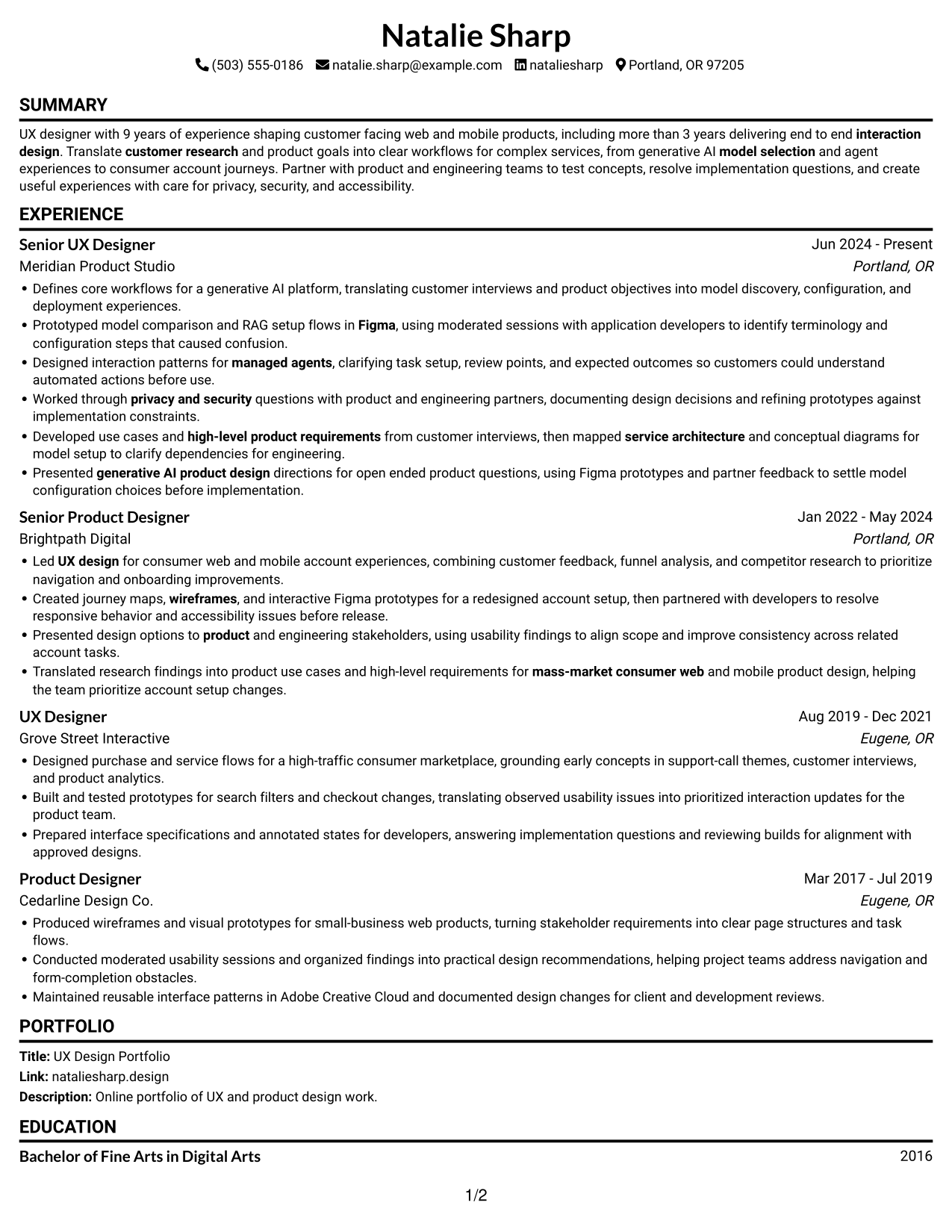
This guide shows you how to build a clear, focused UX Designer - AI/ML resume. You will learn how to present your design work so readers can quickly see your process and results.
Strong resumes connect customer research to useful product decisions. Show how you shape model selection, retrieval-augmented generation (RAG), and managed-agent workflows, and describe how you test prototypes and work with product and engineering teams.
Explore one resume example presented in 7 layouts. Compare the image previews, then open an example in the editor to review its structure and customize the resume.
What Makes a Great UX Designer - AI/ML Resume in 2026
A strong resume is easy to scan and backed by clear examples. Use focused experience bullets to show how research, prototyping, and testing shaped product decisions.
Include relevant terms such as Figma, foundation models, RAG, managed agents, interaction design, privacy, and security. Add measurable results when you have them, and keep each bullet specific.
Note: Resume examples are for educational purposes only. Use only information that accurately reflects your experience and qualifications. References to real organizations do not imply affiliation or endorsement.
#1 Simple One Column Format Resume Example
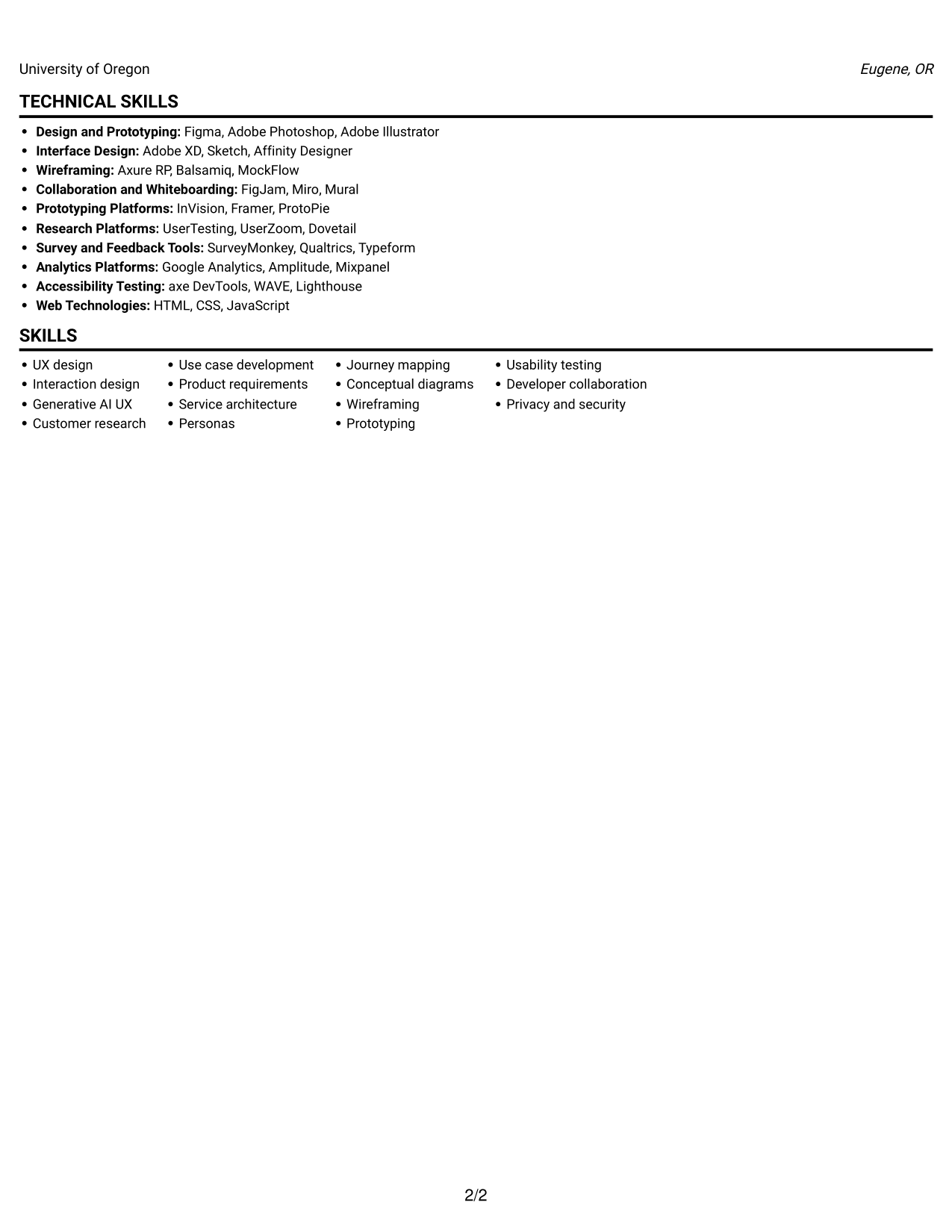
The single-column body keeps experience, skills, and education in one reading path, so readers can follow sections in order.
Why This Format Works
- Experience entries follow one reading path, helping reviewers track career progression.
- Skills and education are easy to find within the same body.
- Full-width lines give detailed research and design bullets room to read.
Best For
- Linear career-history review
- Full-width experience details
- Skills and education in one flow
- Research-led design resumes
- Straightforward section navigation
Resume Keywords
- UX design
- interaction design
- generative AI product design
- customer research
- high-level product requirements
- Use case development
- service architecture
- Interface Design
- Prototyping
- Figma
- Presented design options to product and engineering stakeholders, using usability findings to align scope and improve consistency across related account tasks.
- Personas
- conceptual diagrams
- wireframes
- model selection
#2 Simple Two Column Format Resume Example
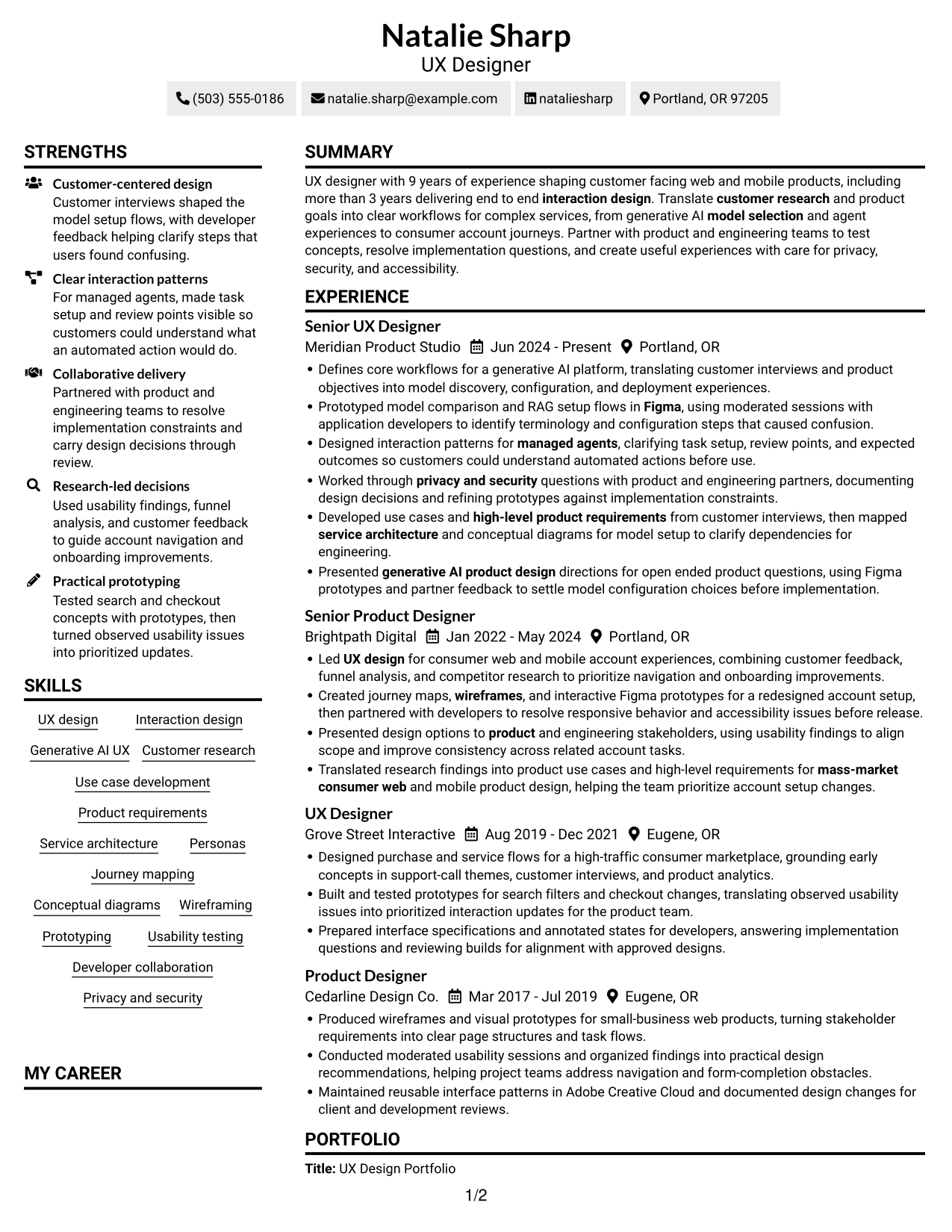
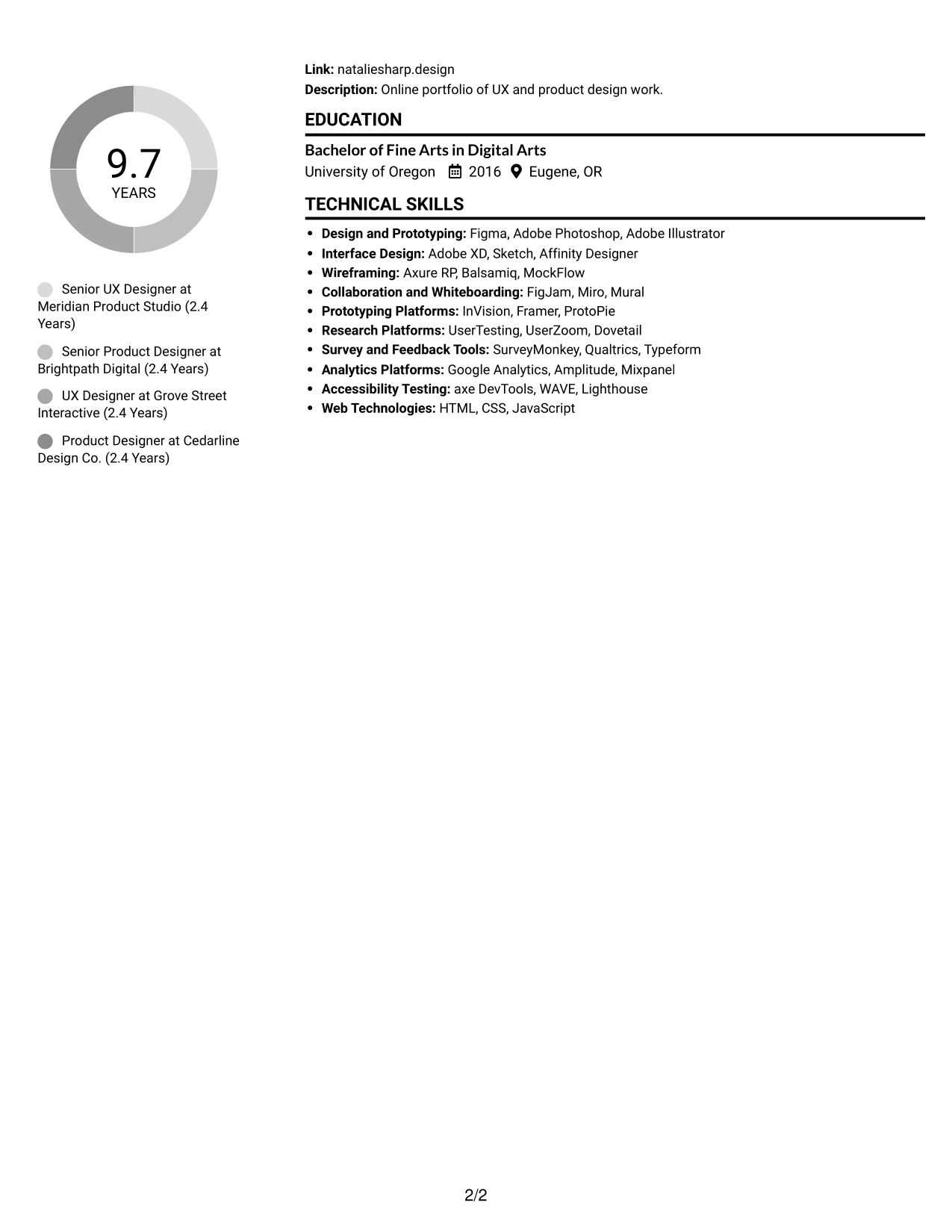
The two-column body gives resume sections separate visual areas, helping readers move between experience and supporting details.
Why This Format Works
- Separate column areas help reviewers distinguish experience from supporting resume sections.
- Skills and education can be located without reading every experience bullet.
- Experience bullets retain a defined sequence within their section.
Best For
- Side-by-side section review
- Experience with supporting details
- Quick access to skills
- Distinct section grouping
- Resumes with varied content
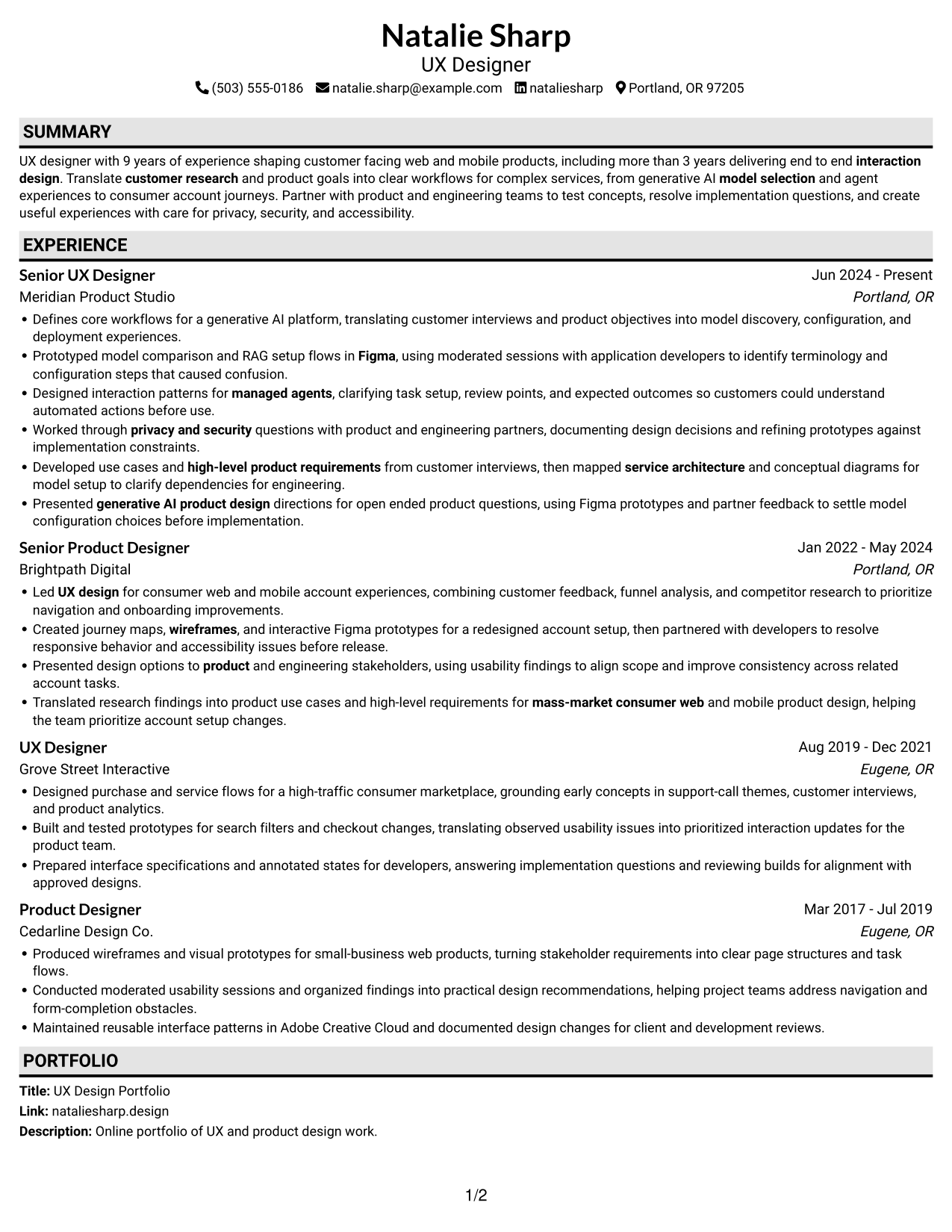
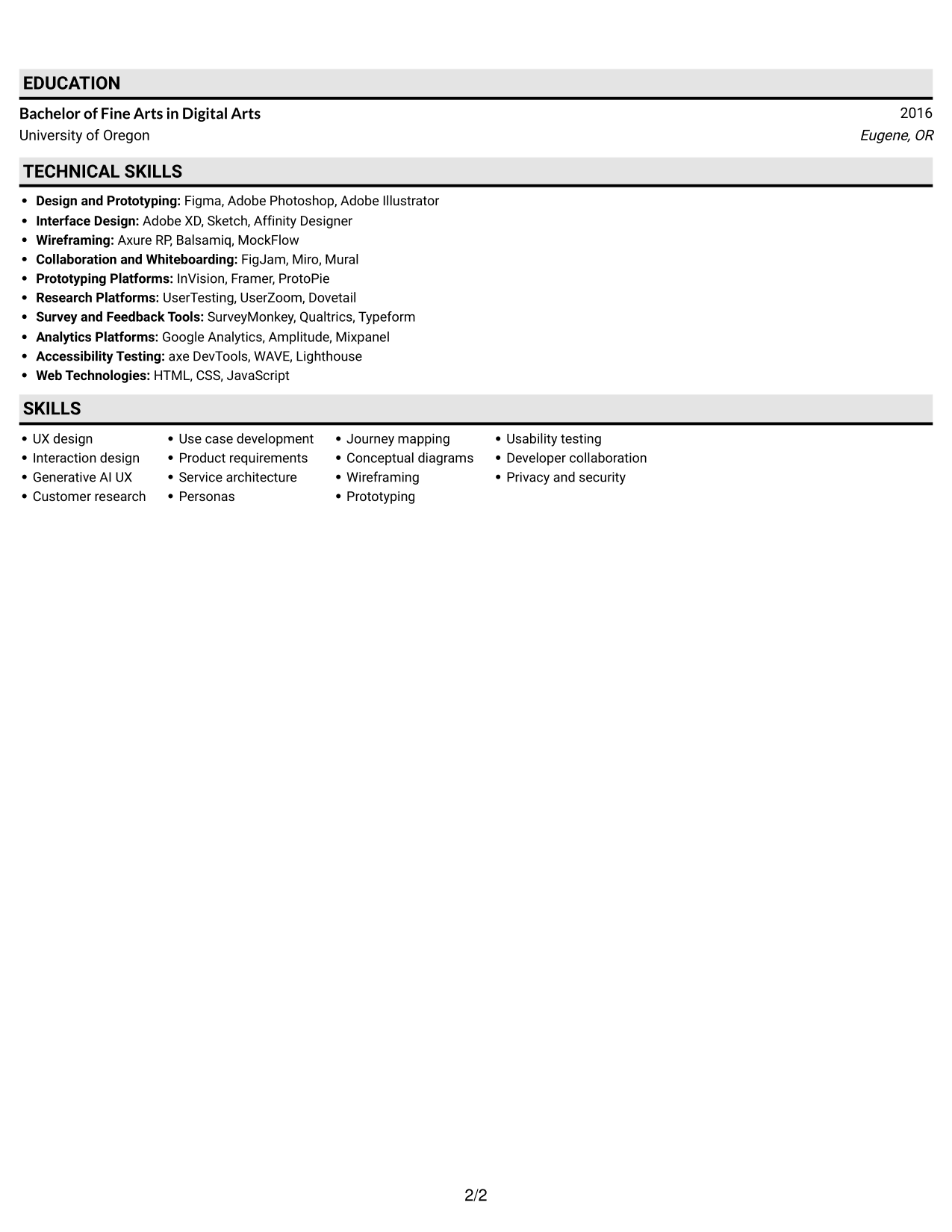
#3 Plain One Column with Shaded Labels Resume Example
The one-column body keeps the resume in a top-to-bottom sequence, making the order of its sections easy to follow.
Why This Format Works
- The single-column flow lets recruiters follow experience from one entry to the next.
- Skills and education are easy to locate in the section sequence.
- Full-width experience bullets can show research and design work in context.
Best For
- Top-to-bottom resume review
- Sequential career history
- Full-width work details
- Skills and education in sequence
- Research and design experience
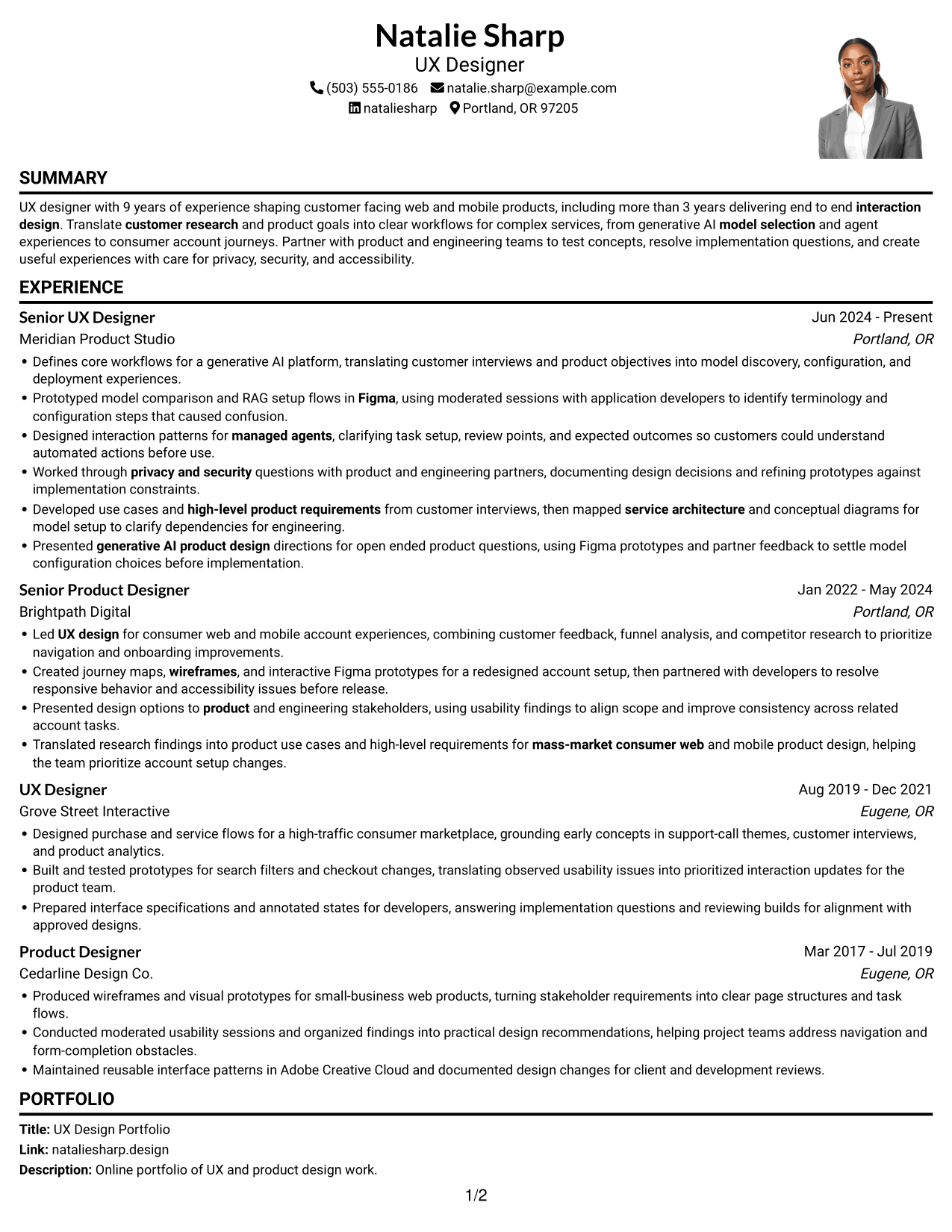
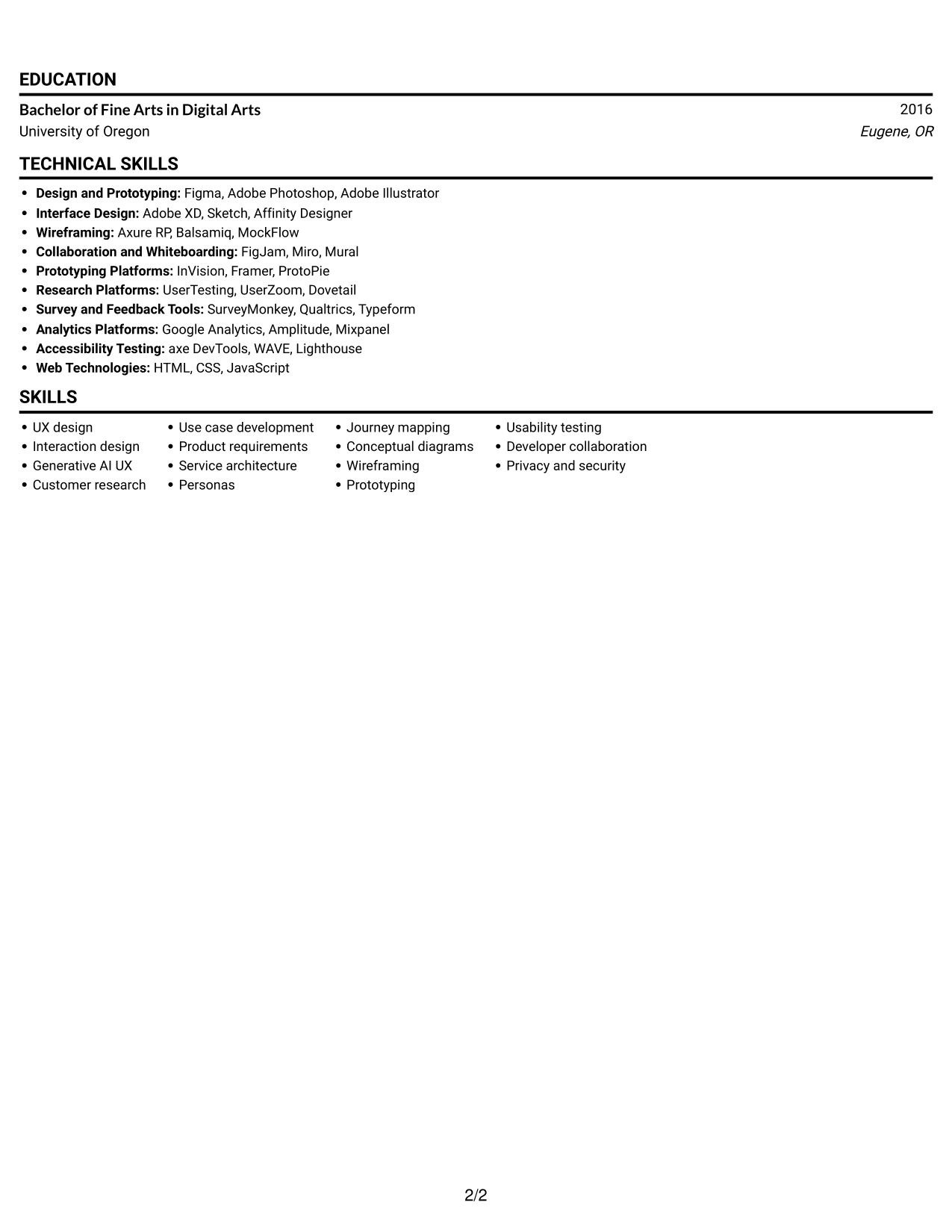
#4 One Column Format with Photo Right Resume Example
This one-column layout includes a photo and keeps resume content in a single reading path, making the section order easy to follow.
Why This Format Works
- Experience stays in sequence within a single, uninterrupted reading path.
- Skills and education remain in the same review flow as work history.
- Full-width sections give detailed research and interaction design bullets room to read.
Best For
- Resume designs with a photo
- Single-path section review
- Full-width experience details
- Sequential career entries
- Research and interaction design work
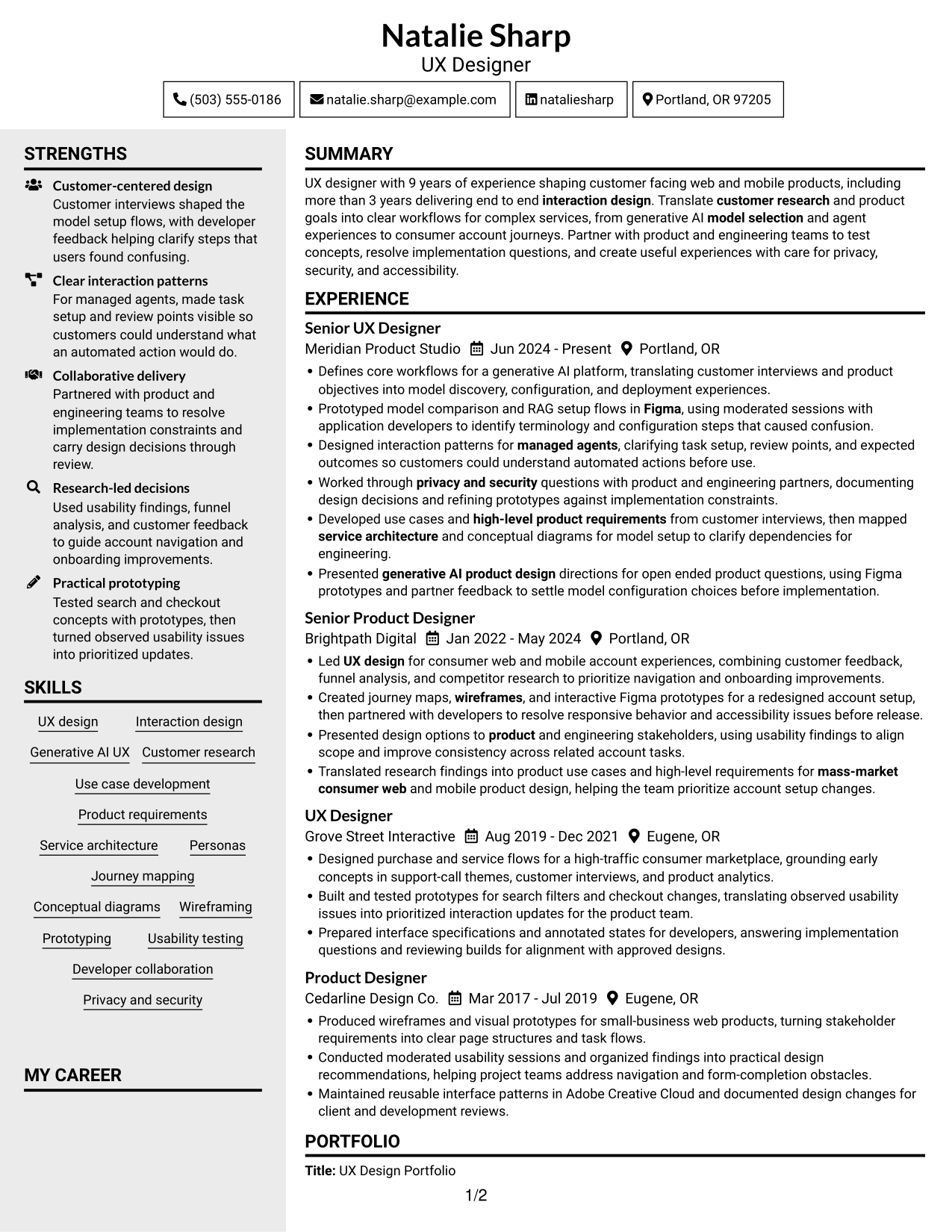
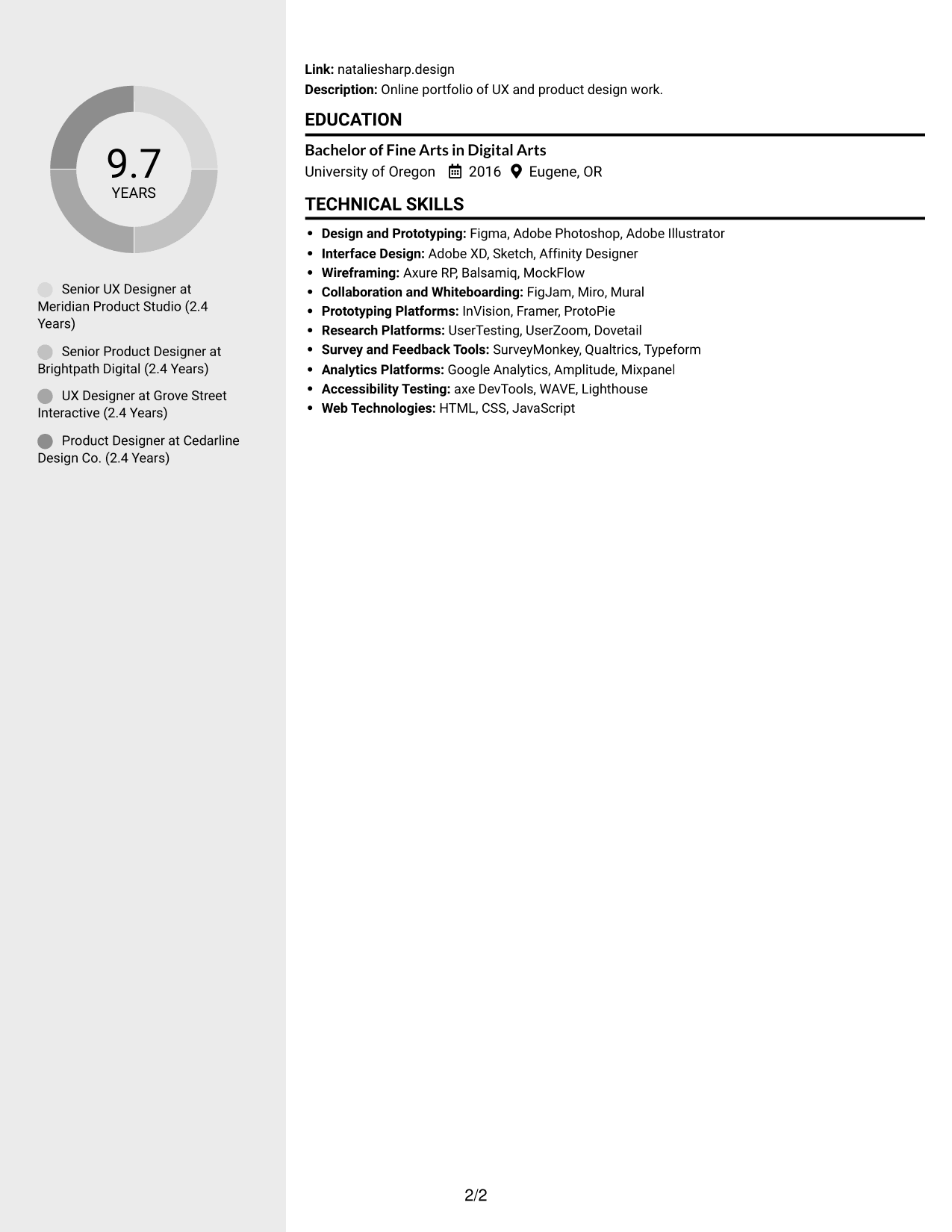
#5 Clean Two Column Sidebar Format Resume Example
The two-column body separates resume content into distinct areas, helping readers review experience alongside supporting sections.
Why This Format Works
- Two-column grouping gives experience and supporting sections distinct areas for review.
- Skills and education can be found without scanning every work-history bullet.
- A clear sequence helps reviewers follow career progression within experience.
Best For
- Grouped resume sections
- Experience beside supporting details
- Skills and education access
- Clear career progression
- Resumes with several content areas
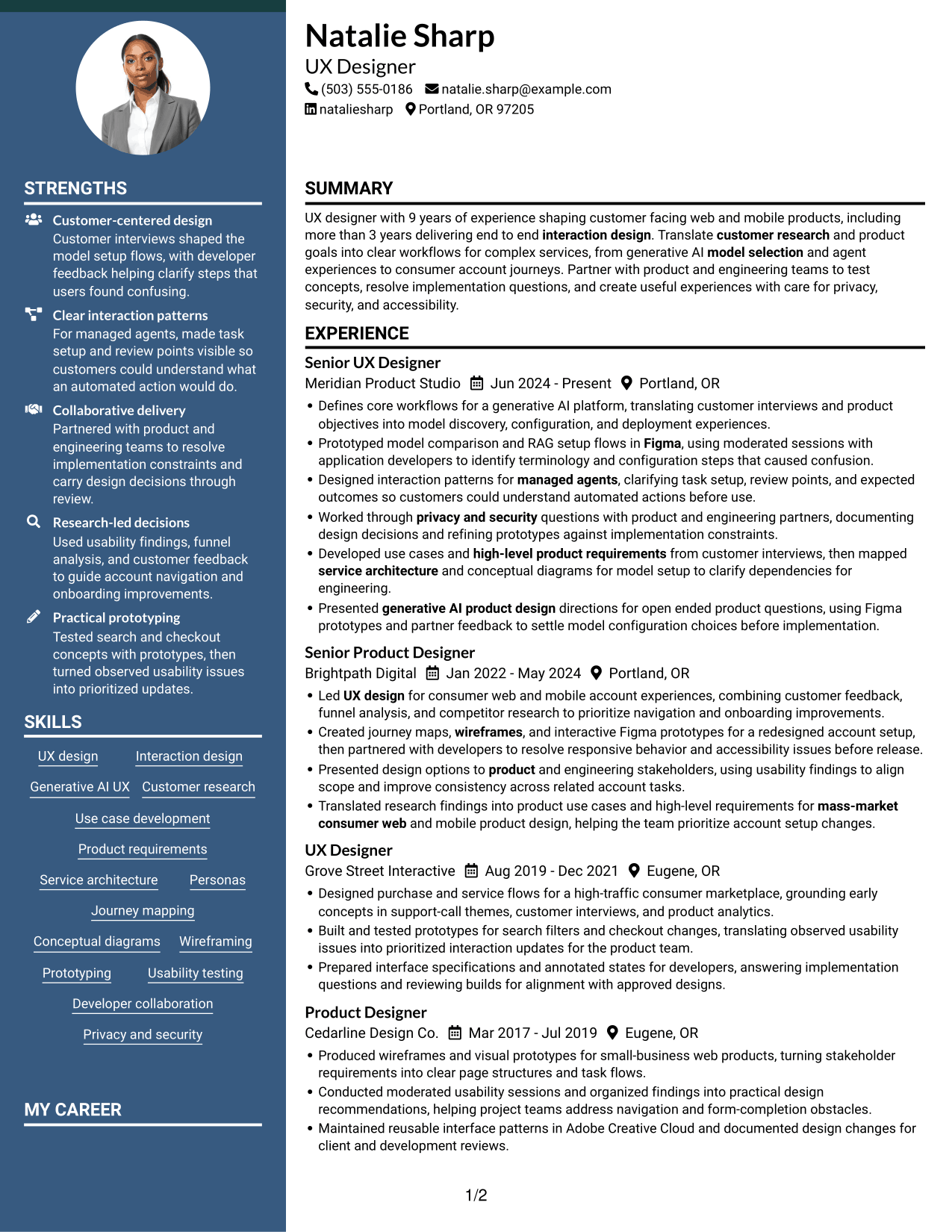
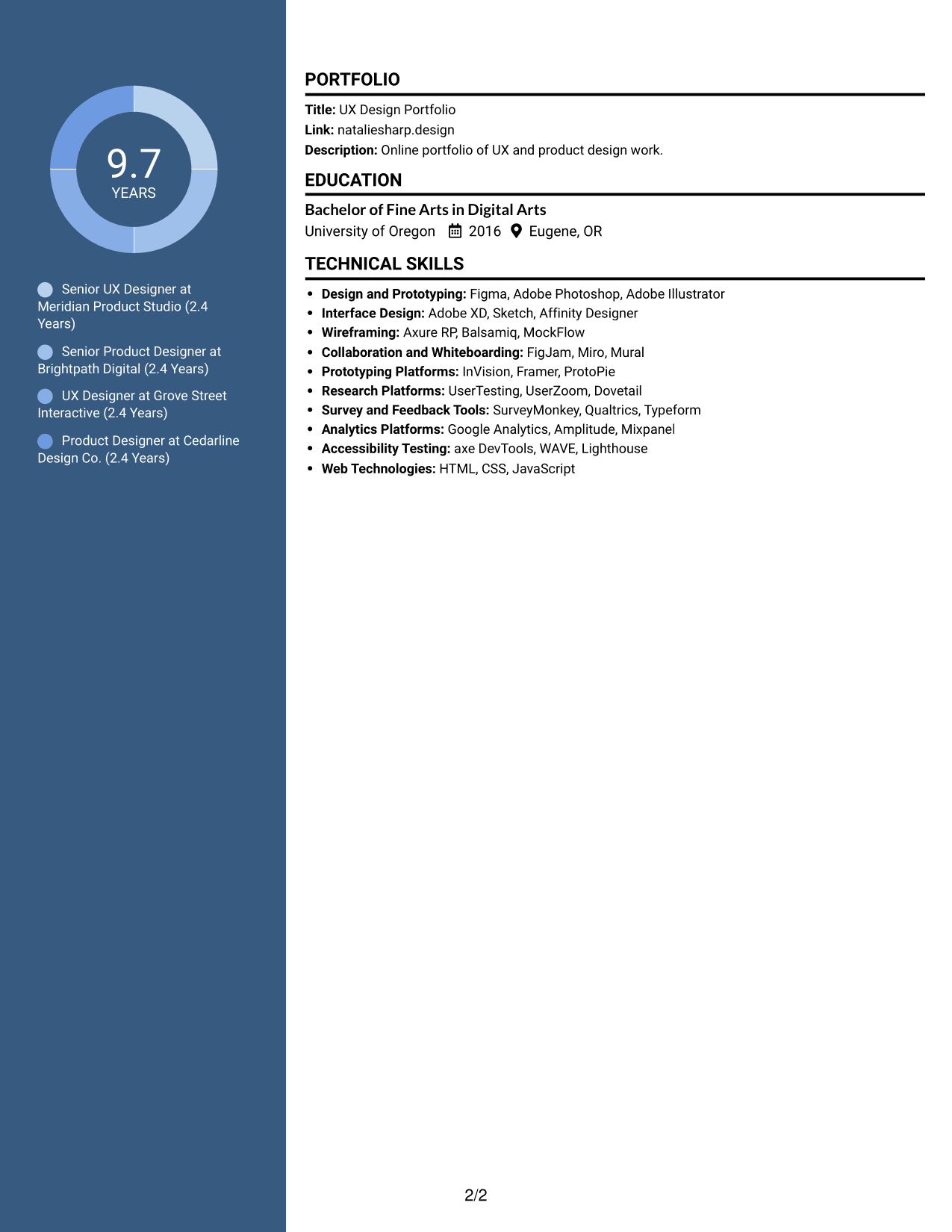
#6 Two Column Format Resume Example
The two-column body gives the resume a clear structure for reviewing experience and other sections without treating them as one long list.
Why This Format Works
- Reviewers can move between experience and related resume sections with ease.
- Skills and education can be scanned apart from detailed career entries.
- Section groups support review of research methods and design work.
Best For
- Separate areas for resume content
- Quick review of skills
- Detailed career entries
- Research and design methods
- Mixed content needs
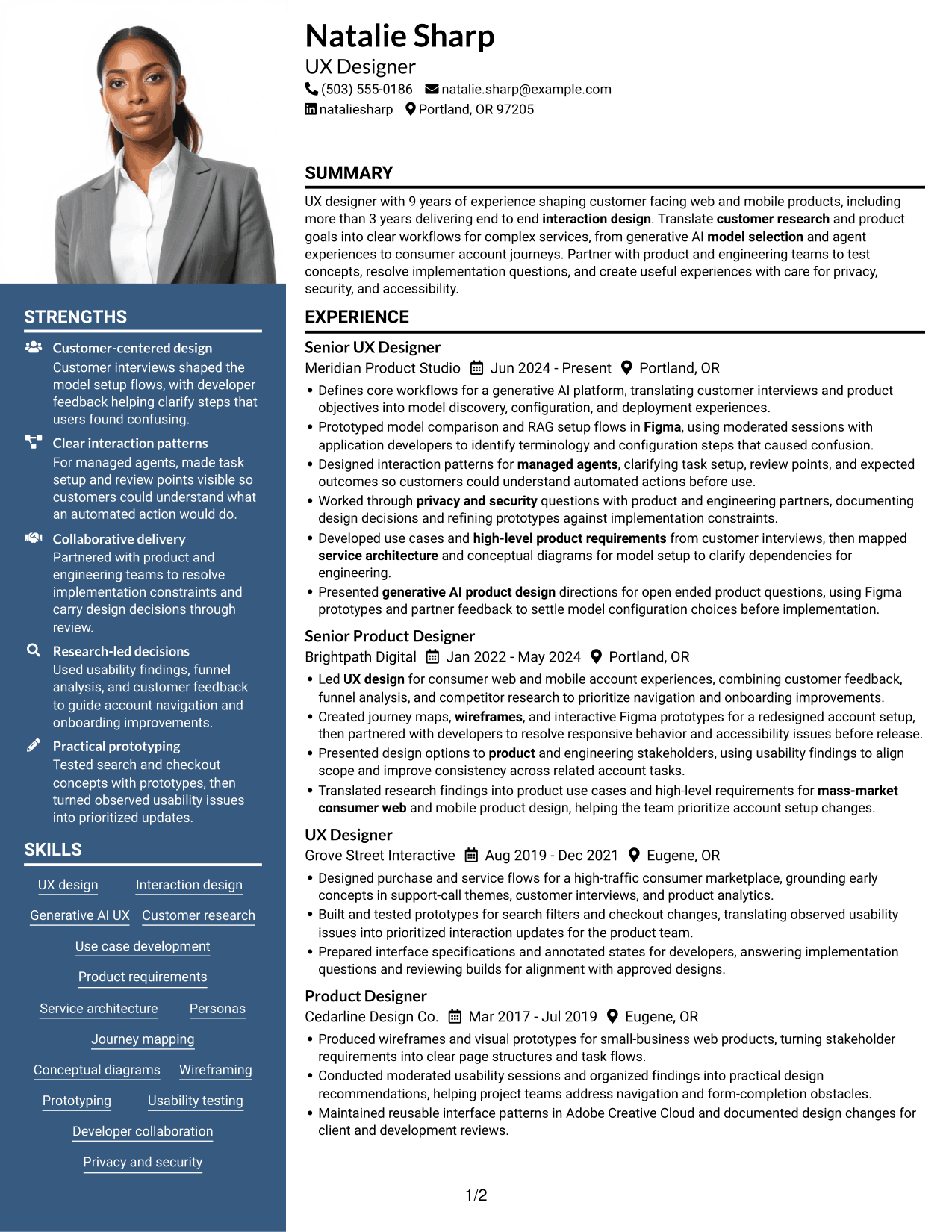
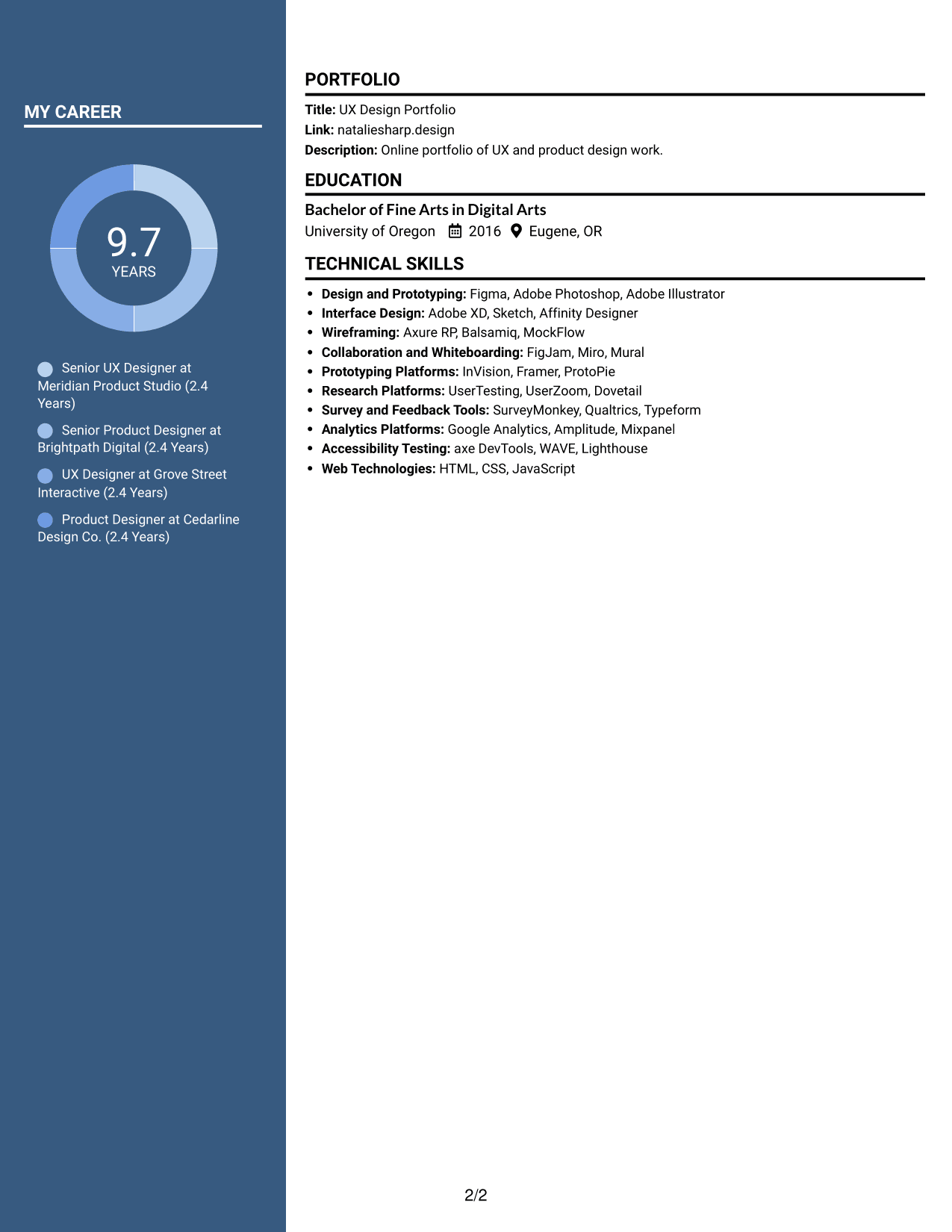
#7 Photo Header Two Column Format Resume Example
The two-column body includes a photo and gives resume sections distinct areas, so readers can review the content in clear groups.
Why This Format Works
- Distinct section groups give reviewers a clear way to navigate experience.
- Career entries stay separate from skills and education details.
- The two-column structure helps readers move between work history and design methods.
Best For
- Resume layouts with a photo
- Grouped content review
- Career history beside supporting details
- Separate skills and education areas
- Design methods and work history
Why Build Your UX Designer - AI/ML Resume with ResumeInMinutes
A clear resume structure helps you organize your skills, experience, education, and portfolio details. ResumeInMinutes lets you view an example in the editor and customize its content to show your design work.
- ATS-friendly section structure
- Clear skills and experience sections
- Focused resume content
- Space for design methods and tools
- Readable resume layouts
- Editor-based customization
Use concise bullets to connect user evidence, design choices, and results. Keep your portfolio link easy to find so readers can review relevant examples of your work.
See Also
- 33 Principal UX Designer, Voice & AI UX, UI Resume Templates with Example 2026 (ATS-Optimized)
- 33 Entry-Level UI/UX Experience Designer Resume Templates with Example 2026 (ATS-Optimized)
- 33 Junior UI/UX Designer Resume Templates with Example 2026 (ATS-Optimized)
- 33 Lead User Experience (UX) Designer Resume Templates with Example 2026 (ATS-Optimized)
- 33 Lead UX Designer Resume Templates with Example 2026 (ATS-Optimized)
- 33 Principal Associate - UX/UI Designer Resume Templates with Example 2026 (ATS-Optimized)
- 33 Principal Conversational UX Designer Resume Templates with Example 2026 (ATS-Optimized)
- 33 Senior UX Designer Resume Templates with Example 2026 (ATS-Optimized)
- 7 UX Designer - AI/ML Cover Letter Templates with Example
- 30+ Principal UX Designer, Voice & AI UX, UI Cover Letter Templates with Example 2026
Frequently Asked Questions
Are these UX Designer - AI/ML resume templates ATS-friendly?
The layouts use readable sections and headings to support scanning. Use clear job-related terms in your skills and experience, such as UX design, Figma, RAG, prototyping, and managed agents when they match your background.
What do the resume previews show?
The previews show the same resume example in different layouts. Compare the images, then open an example in the editor to review and customize its structure.
What should a UX Designer - AI/ML resume include?
Include a focused summary, relevant experience, skills, education, and a portfolio link. Describe customer research, interaction flows, prototypes, testing, and collaboration with product or engineering teams where these apply to your work.
Which resume layout works well for a UX Designer - AI/ML role?
Choose a layout with clear headings and enough room for specific experience bullets. A simple, readable design helps people and applicant tracking systems find your skills and work history.
How can I show AI and machine learning product design work?
Explain the user problem, your design contribution, and what changed as a result. If relevant to your work, name areas such as foundation-model selection, RAG setup, managed-agent workflows, privacy, and security.
Should I include a photo on my resume?
For U.S. applications, a photo is generally not needed. A no-photo resume keeps attention on your skills, experience, and portfolio.




