
7 Workday Extend Developer Cover Letter Templates with Example
Use this practical guide to write a Workday Extend Developer cover letter, with seven layouts to help you present your fit clearly.
What Makes a Great Workday Extend Developer Cover Letter in 2026
A strong Workday Extend Developer cover letter connects production application delivery to the role’s needs. Explain your interest and show how your work supports reliable, useful solutions.
Use specific evidence, such as application delivery, integration work, testing, or team guidance. Connect that evidence to the employer’s goals and explain how you can help build lasting Workday Extend practices.
The featured Workday Extend Developer example moves from role interest to production application evidence, technical alignment, and a clear close. Adapt that focused progression while choosing a presentation suited to the employer and communication context.
#1 Simple One Column Format Cover Letter Example
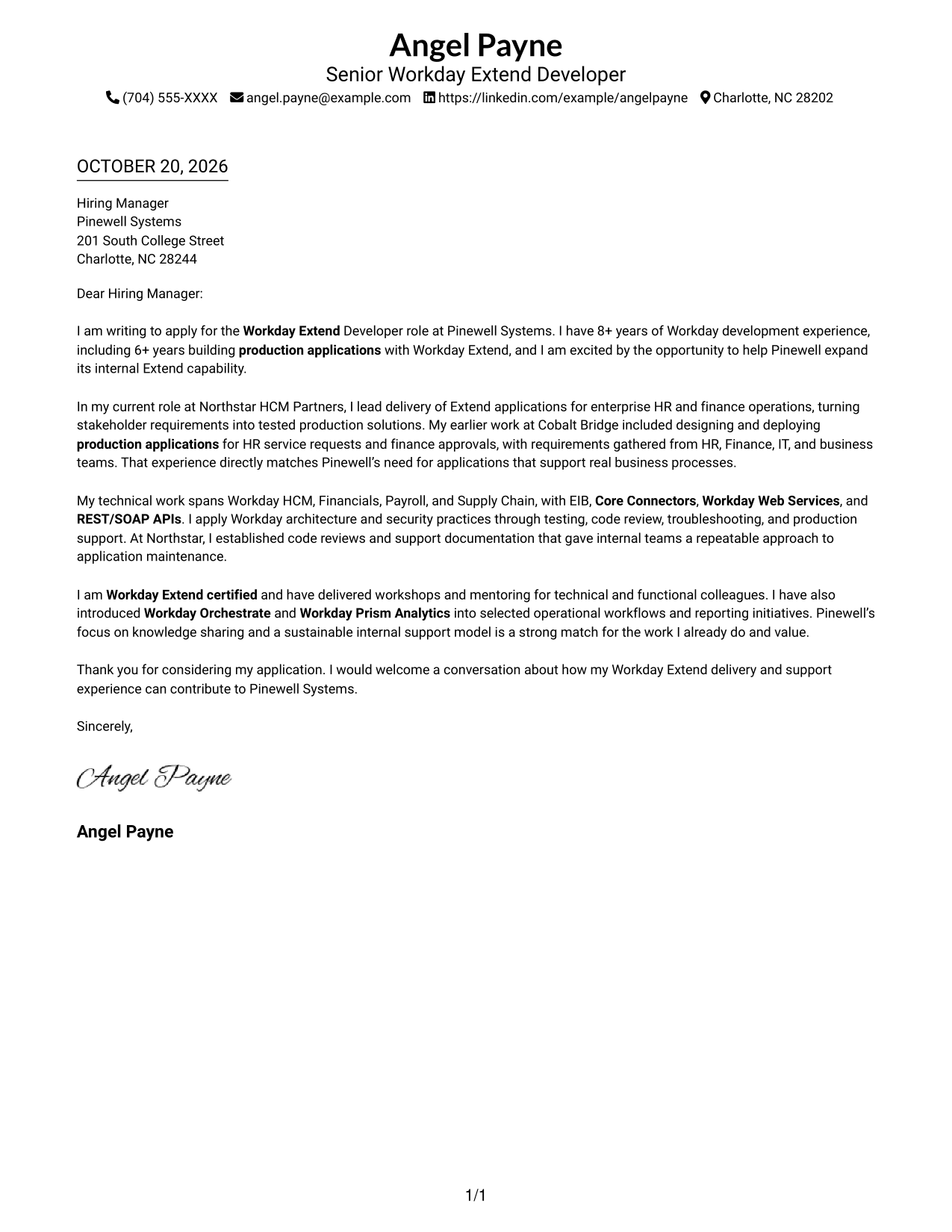
With sender details in the header and one column for the letter, this format keeps the full message in a direct reading path.
Why This Format Works
- Contact information stays apart from the letter's opening, motivation, evidence, and closing.
- One continuous column lets the reader follow the case from first paragraph to sign-off.
- No photo keeps the page focused on contact details and the written message.
Best For
- Single-column reading preference
- Header-based contact details
- Paragraph-led persuasion
- Photo-free page preference
- Direct written communication
#2 Two Column Format Cover Letter Example
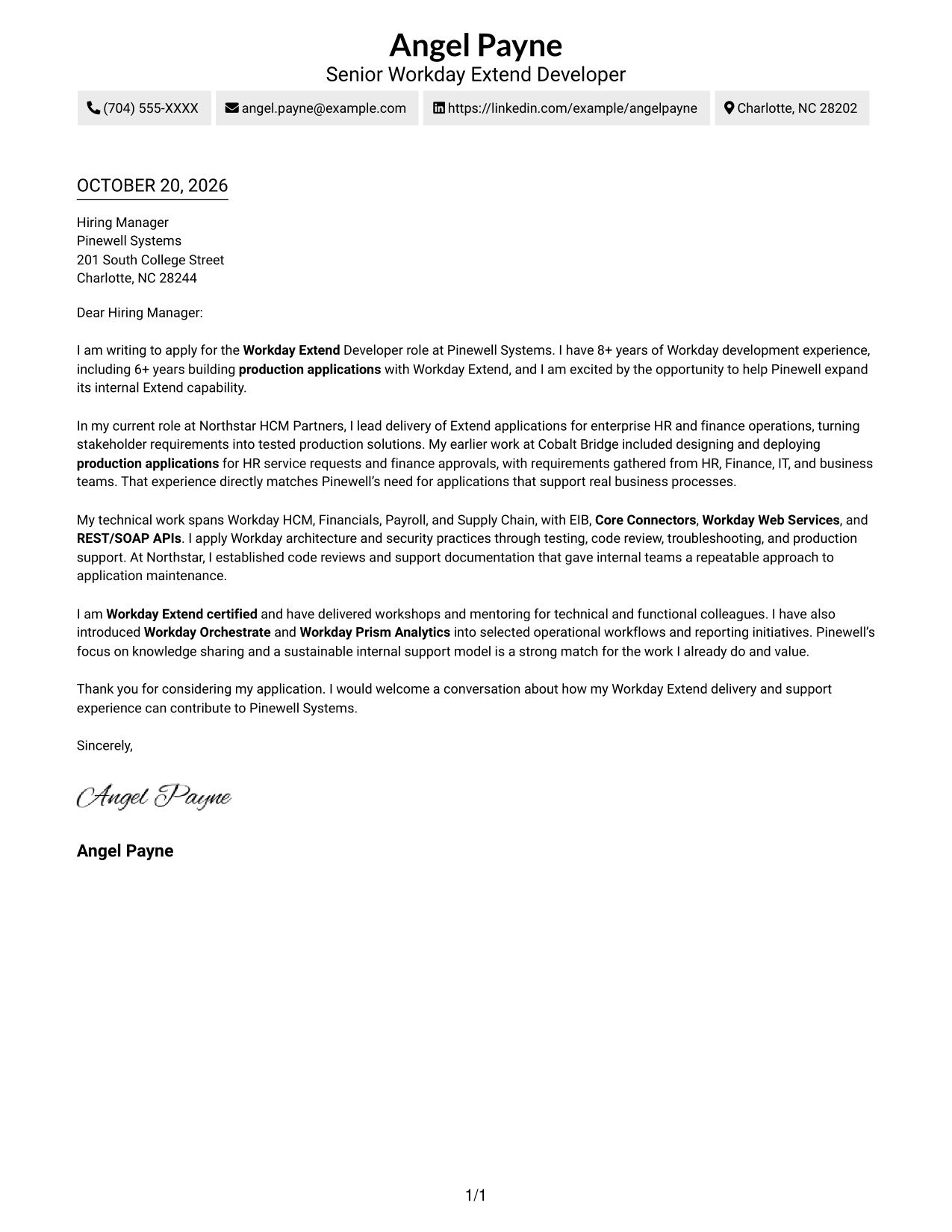
A contact sidebar sits beside the single, continuous letter body, giving sender details a separate place while keeping the message intact.
Why This Format Works
- The contact sidebar separates correspondence details from the letter's persuasive message.
- Readers can follow motivation and evidence in one body without switching columns.
- The paired areas make the distinction between sender information and letter text clear.
Best For
- Sidebar contact lookup
- One-body-column reading
- Side-by-side page preference
- Continuous persuasive letters
- Photo-free correspondence
#3 Photo Header Two Column Format Cover Letter Example
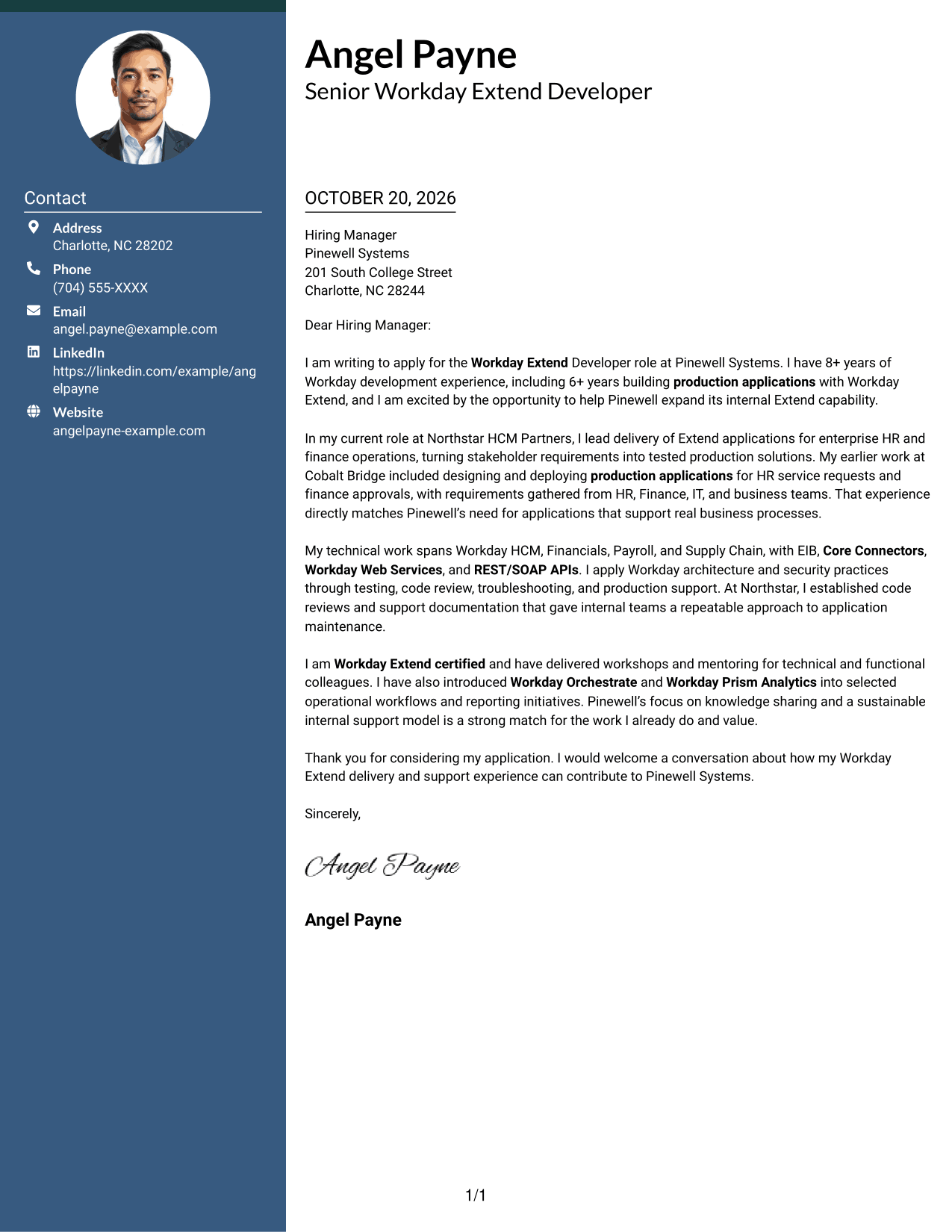
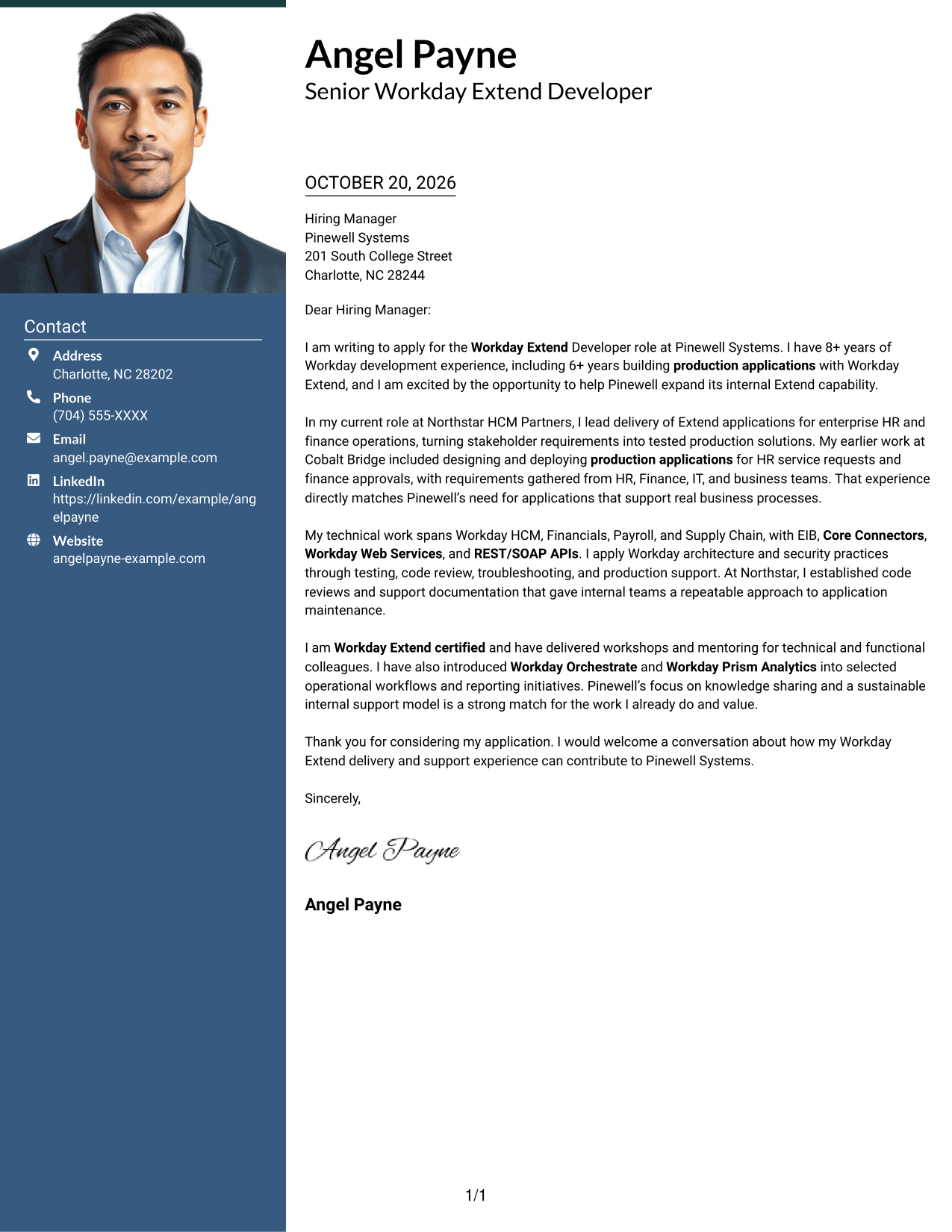
This two-column format pairs a contact sidebar and continuous letter body with a photo, adding a visual element while keeping the message together.
Why This Format Works
- The photo adds a visual point of identification without changing the letter's content.
- Contact details remain separate from the letter's continuous body.
- One connected body lets readers track motivation, supporting evidence, and the close in order.
Best For
- Photo-inclusive correspondence
- Contact sidebar preference
- Continuous letter-body reading
- Visual sender identification
- Side-by-side page layout
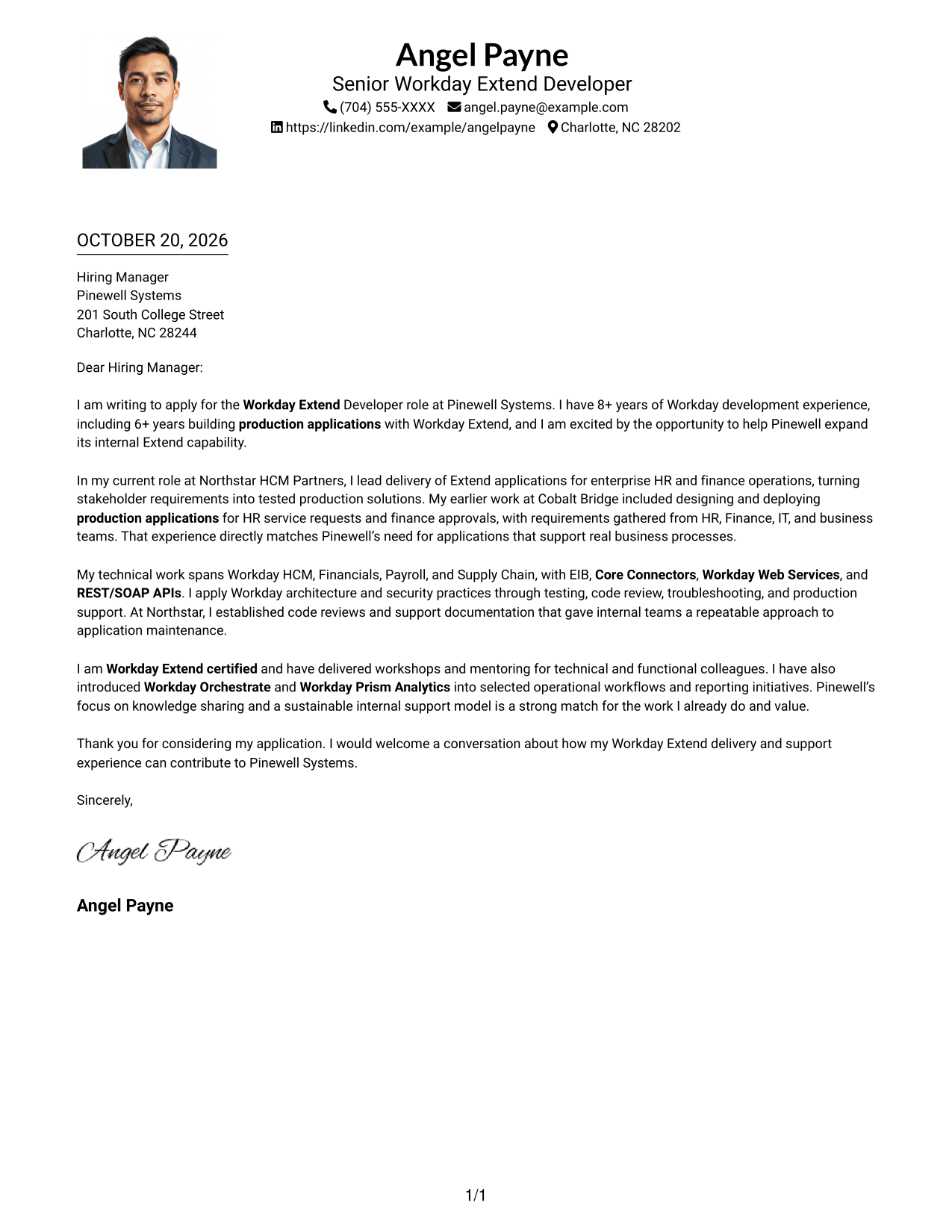
#4 One Column Format with Photo Cover Letter Example
A single column holds the continuous letter body, while the photo provides a visual feature alongside the sender details in the header.
Why This Format Works
- The photo offers a visual point of identification while leaving the letter's argument unchanged.
- Sender details in the header stay distinct from the letter body.
- A single body column keeps the opening, supporting points, and close in reading order.
Best For
- One-column page preference
- Photo-inclusive application materials
- Header-based sender details
- Continuous persuasive prose
- Sequential letter reading
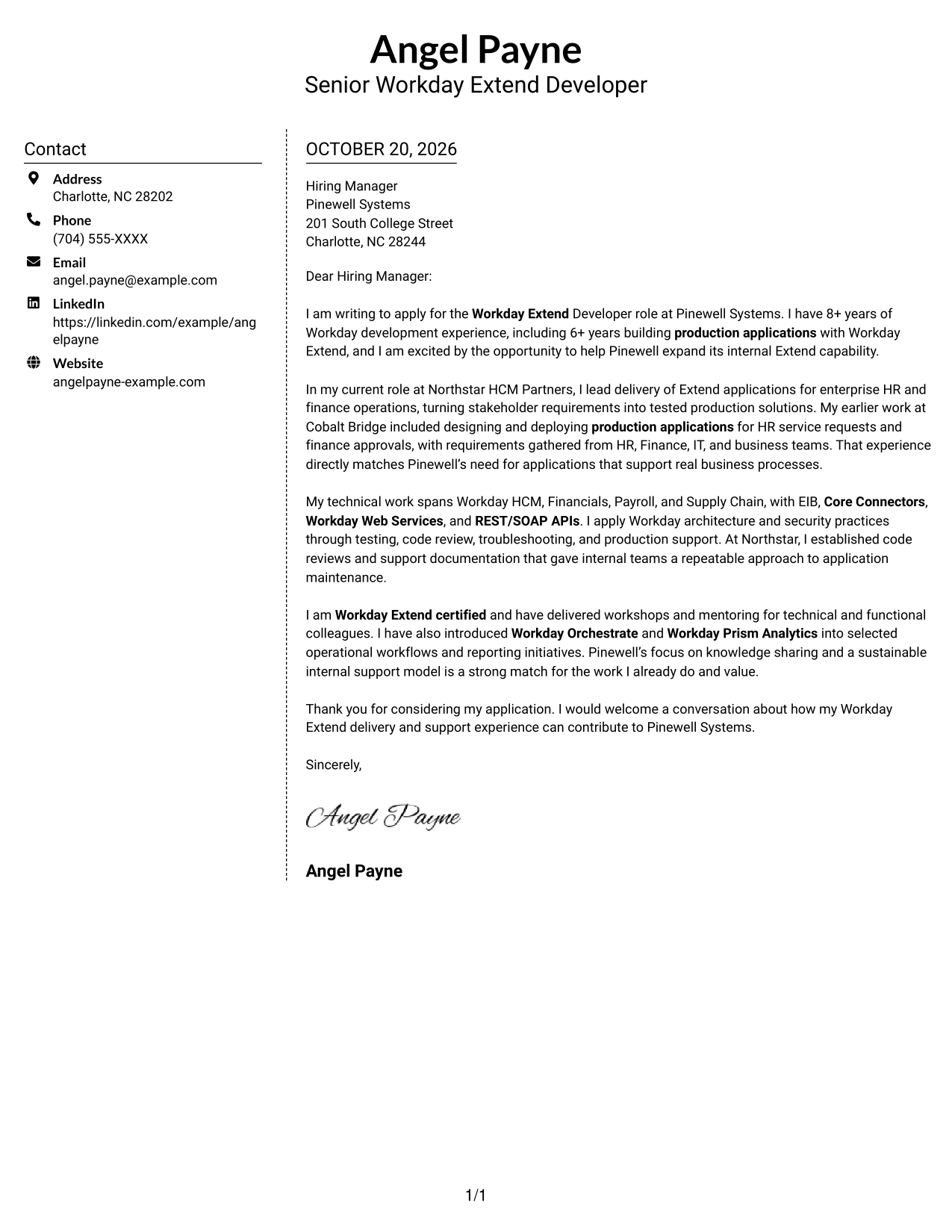
#5 Simple Two Column Format Cover Letter Example
The contact sidebar and single letter-body column give sender information its own area without splitting the message into parallel parts.
Why This Format Works
- The sidebar gives contact details a defined place beside the letter.
- The argument stays together in one body column from greeting through closing.
- Separate areas help readers distinguish correspondence information from the message itself.
Best For
- Defined contact area
- Single-column letter text
- Side-by-side layout preference
- Greeting-to-closing argument
- Photo-free application materials
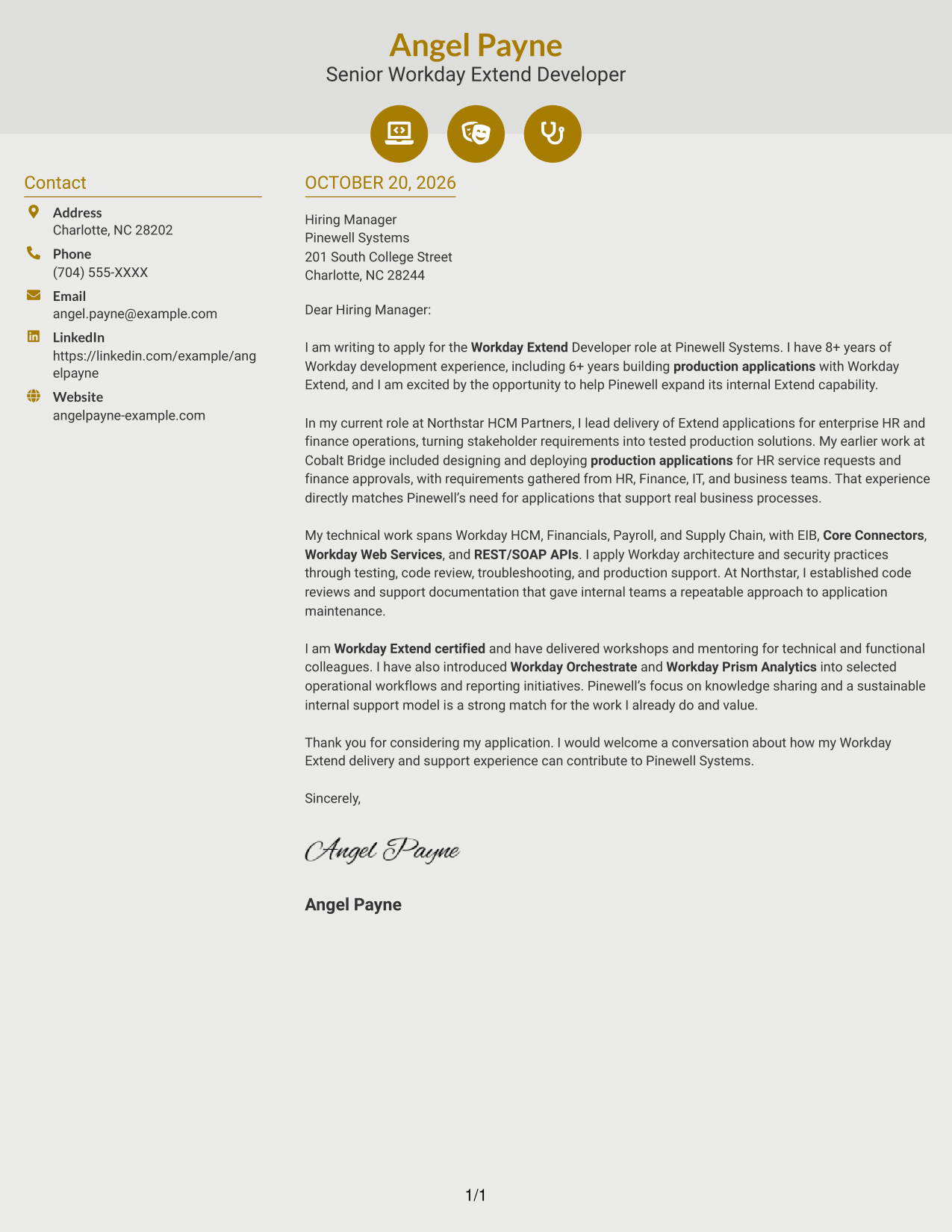
#6 Modern Icon Format Cover Letter Example
This two-column layout places contact details beside one continuous letter body, with icons serving as cues for contact information rather than argument stages.
Why This Format Works
- Contact icons help readers identify correspondence details without labeling letter paragraphs.
- The letter's opening, evidence, and closing remain together in one body column.
- A separate contact area keeps sender information distinct from the written case.
Best For
- Icon-cued contact details
- One-column letter-body reading
- Continuous application arguments
- Separate sender information
- Photo-free document preference
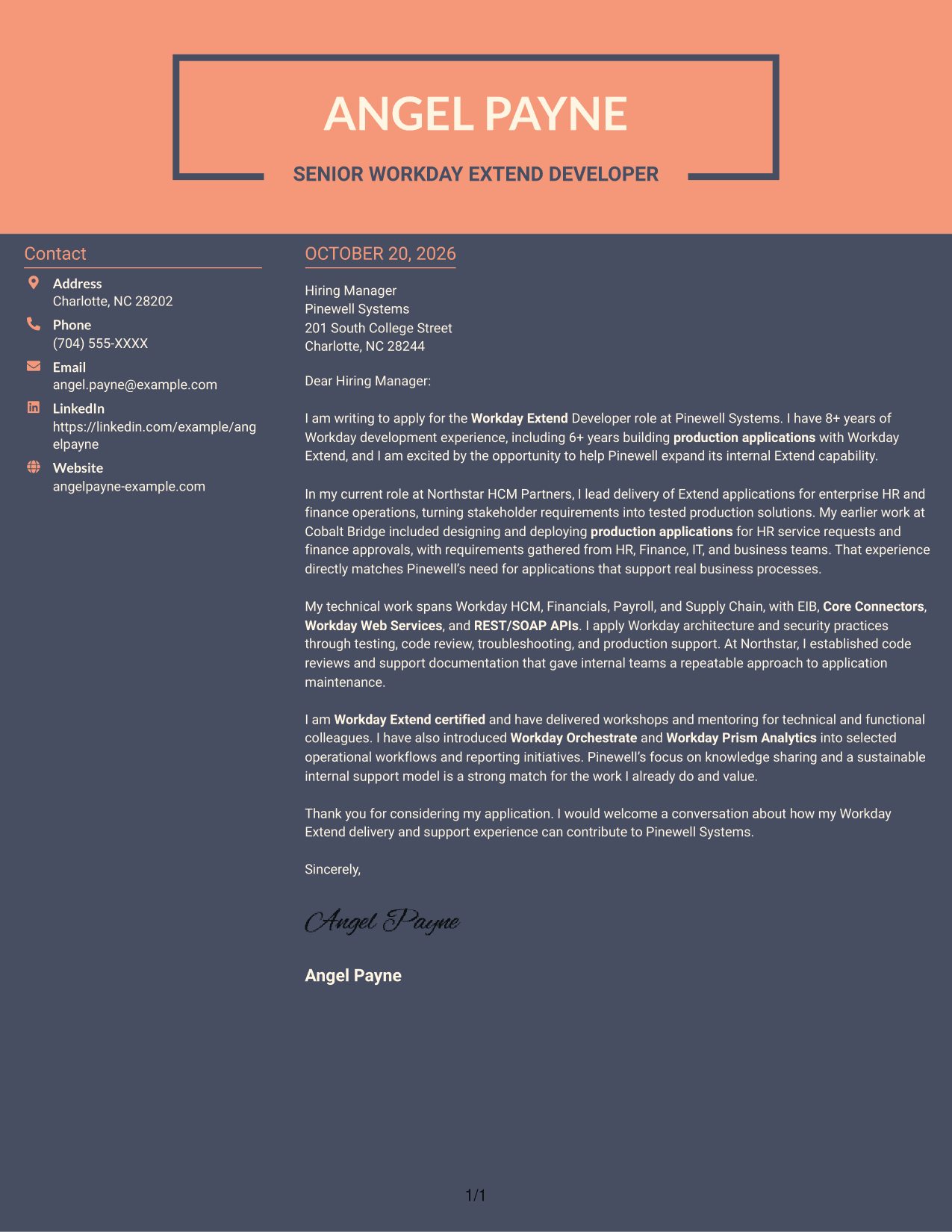
#7 Creative Two Tone Format Cover Letter Example
A contact sidebar beside one continuous letter body creates a two-column arrangement that keeps correspondence details apart from the message.
Why This Format Works
- The sidebar places sender details beside, rather than within, the letter text.
- A single body column preserves the sequence from opening interest to closing request.
- Readers can distinguish contact information from the connected persuasive message.
Best For
- Contact sidebar organization
- Connected letter paragraphs
- Two-column page preference
- Opening-to-close persuasion
- Photo-free written communication
Why Use ResumeInMinutes for a Workday Extend Developer Cover Letter
Compare image previews, then open an example in the editor to view or customize its cover letter presentation.
- PNG image previews
- Examples to view in the editor
- Editor customization links
- Cover letter-focused guidance
- Role-specific examples
- Professional presentation styles
Use the examples to shape a clear opening, connect your Workday Extend experience to the role, and close with a direct statement of interest.
See Also
- 7 Workday Extend Developer Resume Templates with Example
- 7 3D Application Developer Intern Resume Templates with Example
- 33 AI Automation Engineer / Full-Stack Developer Resume Templates with Example 2026 (ATS-Optimized)
- 33 AI Engineer / Applied AI Developer Resume Templates with Example 2026 (ATS-Optimized)
- 33 AI Engineer, Developer Experience Resume Templates with Example 2026 (ATS-Optimized)
- 33 AI Hyper Automation Developer Resume Templates with Example 2026 (ATS-Optimized)
- 33 AI/ML Engineer Intern, Cloud & Developer Infra Resume Templates with Example 2026 (ATS-Optimized)
- 7 AI Solutions Developer Resume Templates with Example
- 30+ AI Automation Engineer / Full-Stack Developer Cover Letter Templates with Example 2026
- 30+ AI Engineer / Applied AI Developer Cover Letter Templates with Example 2026
Frequently Asked Questions
Are these Workday Extend Developer cover letter templates easy to read?
Yes. The examples use clear cover letter layouts that help readers follow your interest, role-related evidence, and closing message.
Does the guide show different cover letter presentations?
It presents one Workday Extend Developer cover letter example in several layouts. Compare the image previews and open an example in the editor to view or customize it.
What should I emphasize in a Workday Extend Developer cover letter?
Highlight relevant Workday Extend application delivery, integration work, testing, troubleshooting, and support. Choose evidence that reflects your own experience and connects to the role.
How can I show that I am a good fit for the employer?
Connect your experience to the employer’s stated needs. For example, discuss how you work with functional and technical teams or share knowledge to support sustainable application practices, if those points reflect your background.
Should I use a photo on my cover letter?
Use a photo only if it is common or expected in your country, region, or industry. For U.S. applications, a no-photo presentation is usually the safer choice.




