
7 Workday Extend Developer Resume Templates with Example
This guide shows you how to build a clear, focused Workday Extend Developer resume. Learn how to organize your experience so recruiters can quickly see your application development, integration, and delivery work.
Strong resumes connect technical work to business needs. Highlight Workday Extend applications, integrations, dashboards, workflows, testing, security, and measurable results, then support those points with relevant tools and keywords.
The example is presented in 7 resume layouts so you can compare image previews and choose a format that presents your experience clearly. Open an example in the editor to review or customize its structure.
What Makes a Great Workday Extend Developer Resume in 2026
A strong resume makes Workday Extend delivery easy to verify. Use clear section headings and concise experience bullets that show what you built, how you tested it, and how it supported business processes.
Include relevant terms such as Workday HCM, Financials, EIB, Core Connectors, Workday Web Services, REST/SOAP APIs, Workday security, and production support. Add Workday Prism Analytics, Workday Orchestrate, and certification details when they match your background.
Note: Resume examples are for educational purposes only. Use only information that accurately reflects your experience and qualifications. References to real organizations do not imply affiliation or endorsement.
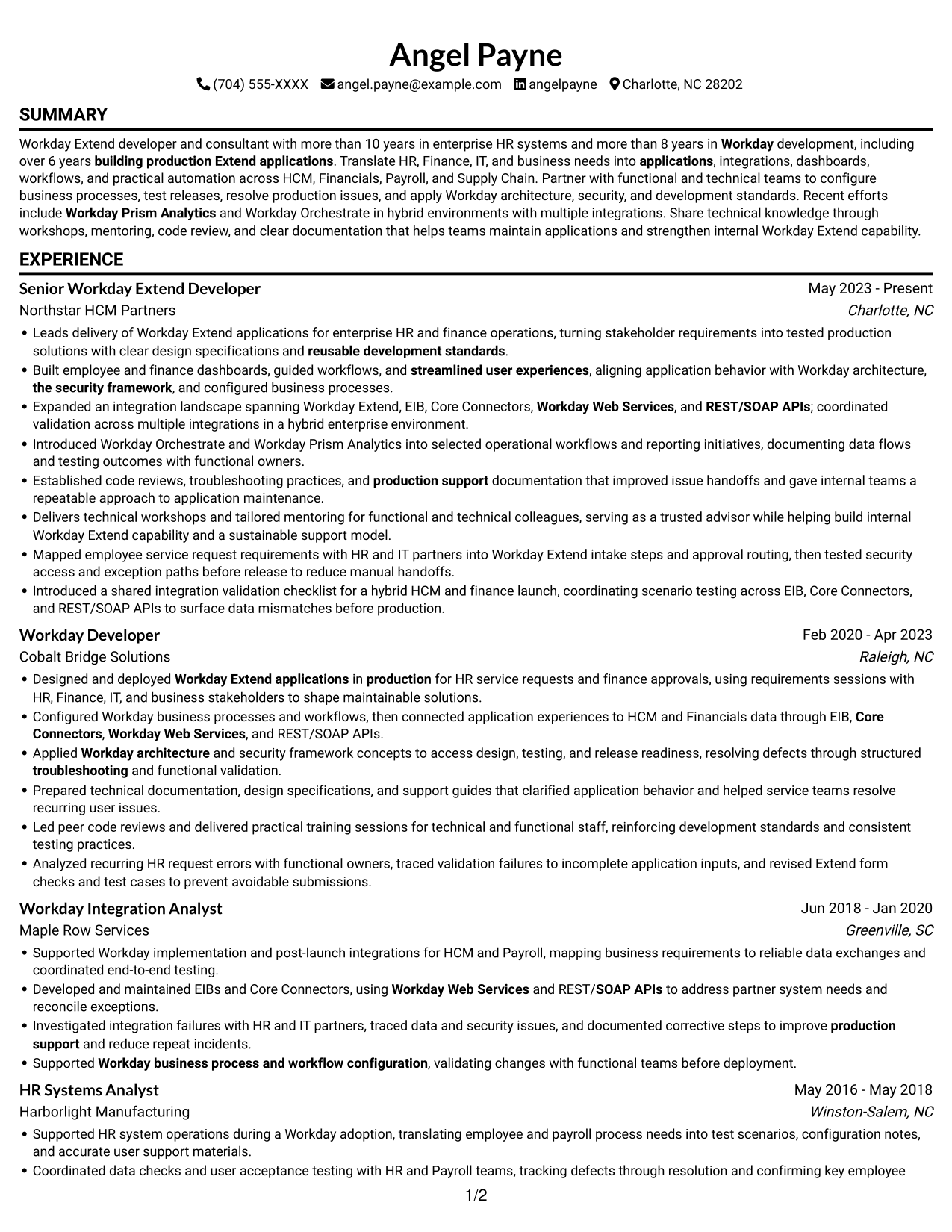
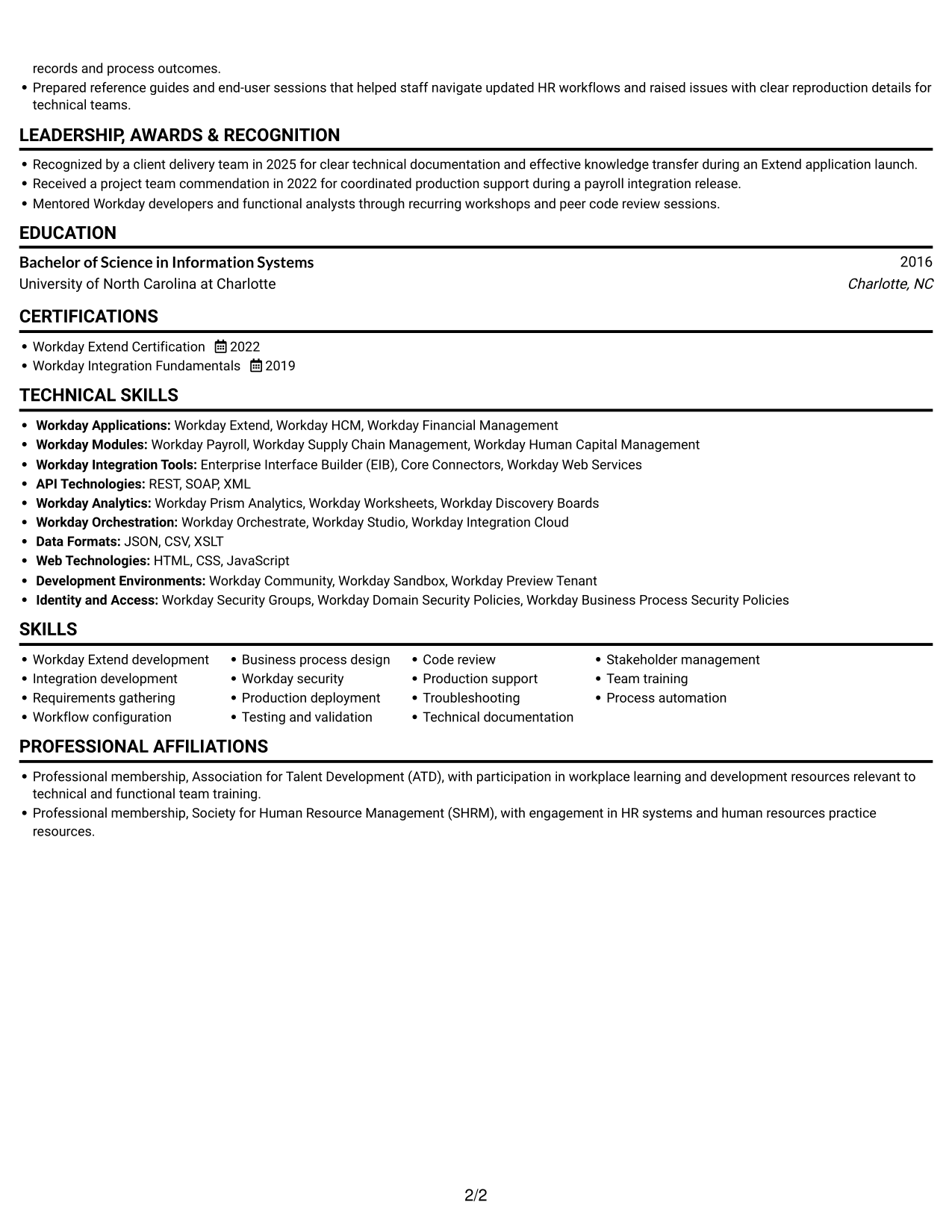
#1 Simple One Column Format Resume Example
The Simple One Column Format presents the resume in one steady reading path, making the career sequence easy to follow.
Why This Format Works
- One reading path lets reviewers follow experience from recent roles to earlier work.
- Full-width sections give detailed experience and education room for clear bullet text.
- Consistent vertical order makes certifications and skills easy to locate.
Best For
- Linear career-history review
- Detailed experience bullets
- Skills and credentials in sequence
- ATS-friendly, text-first applications
- Workday Extend Developer applications
Resume Keywords
- more than 8 years in Workday development
- building production Extend applications
- Designed and deployed Workday Extend applications in production
- building production Extend applications. Translate HR, Finance, IT, and business needs into applications, integrations, dashboards, workflows, and practical automation across HCM, Financials, Payroll, and Supply Chain. Partner with functional and technical teams to configure business processes, test releases, resolve production issues, and apply Workday architecture, security, and development standards. Recent efforts include Workday Prism Analytics and Workday Orchestrate in hybrid environments with multiple integrations. Share technical knowledge through workshops, mentoring, code review, and clear documentation that helps teams maintain applications
- Developed and maintained EIBs and Core Connectors, using Workday Web Services and REST/SOAP APIs
- EIB
- Core Connectors
- Workday Web Services
- REST/SOAP APIs
- Workday business process and workflow configuration
- reusable development standards
- Workday architecture
- the security framework
- Requirements gathering
- Analyzed recurring HR request errors with functional owners, traced validation failures to incomplete application inputs, and revised Extend form checks and test cases to prevent avoidable submissions.
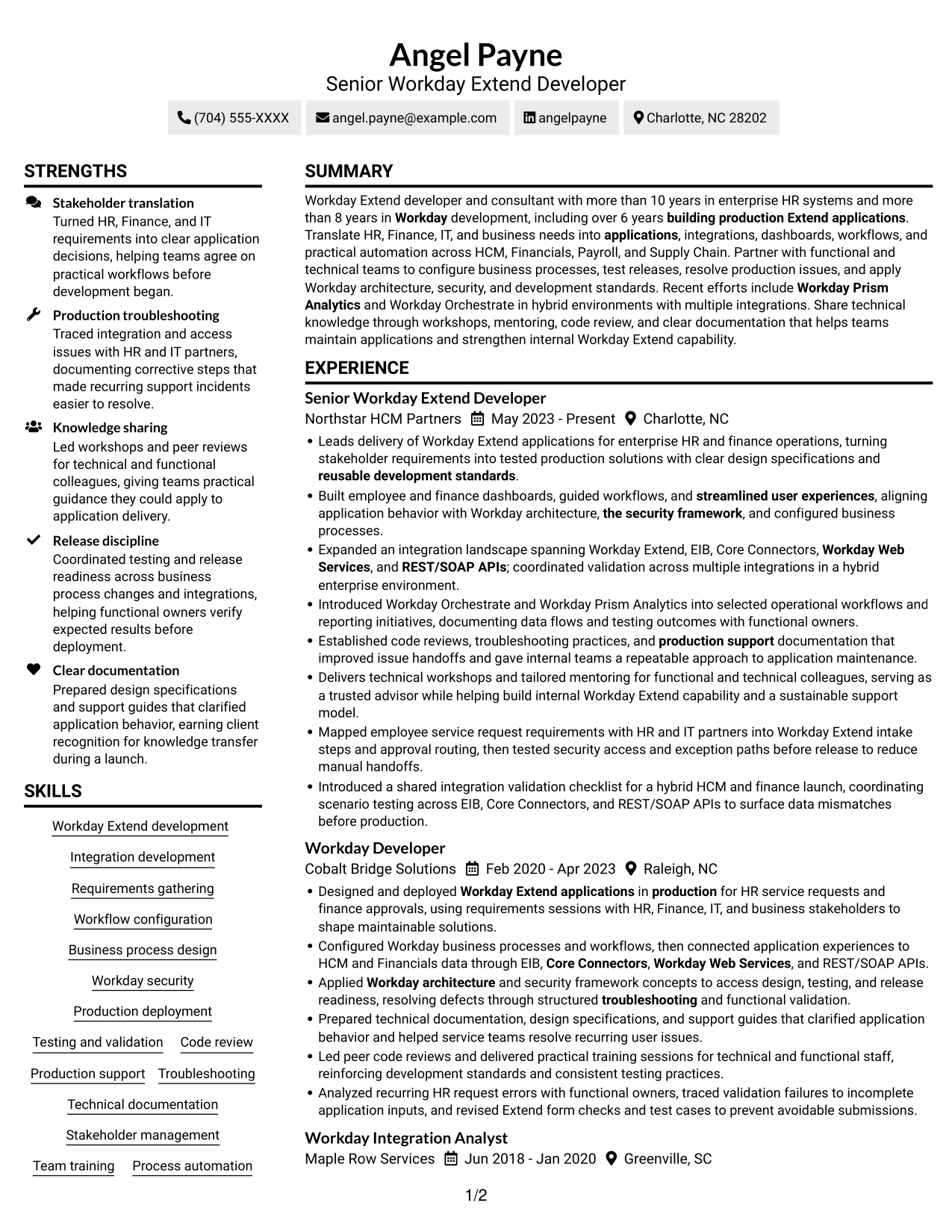
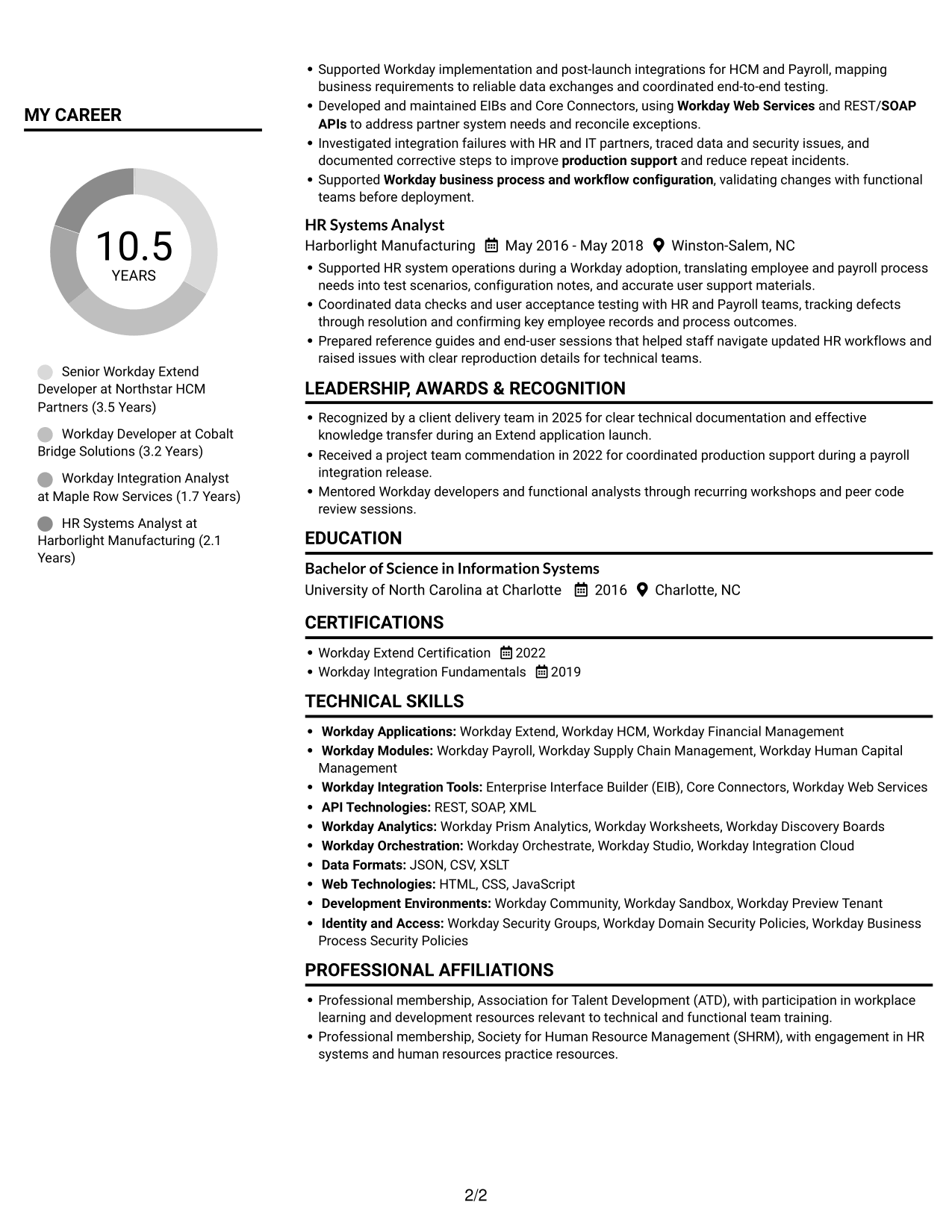
#2 Simple Two Column Format Resume Example
The Simple Two Column Format uses parallel columns to organize resume information, giving reviewers a compact way to scan its sections.
Why This Format Works
- Two columns keep supporting resume details distinct from the career history for quick reference.
- Reviewers can compare sections across columns while preserving a clear experience sequence.
- Separate areas make skills, education, and credentials easier to locate during review.
Best For
- Compact section organization
- Side-by-side information review
- Resumes with several content areas
- Experience and skills review
- Workday development applications
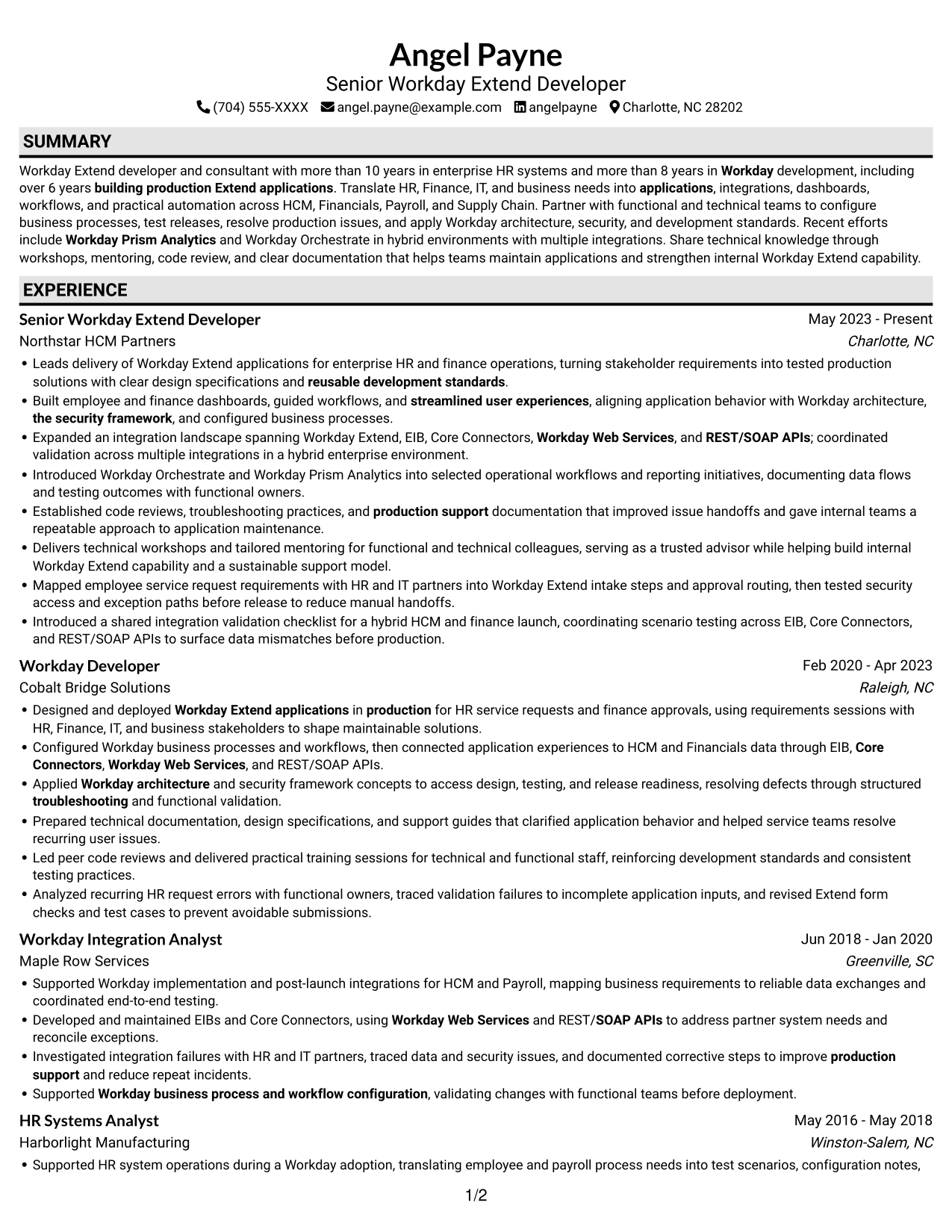
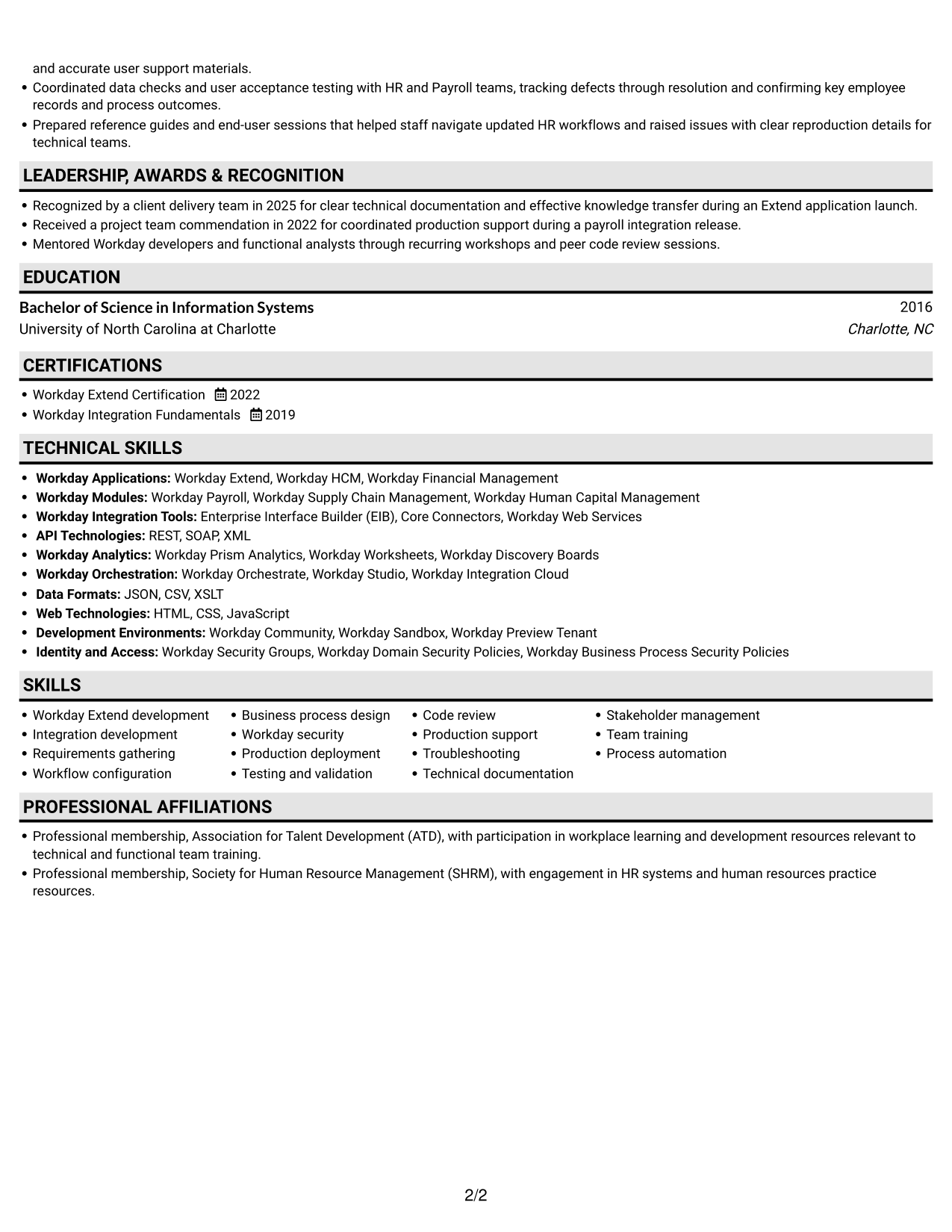
#3 Plain One Column with Shaded Labels Resume Example
Plain One Column with Shaded Labels keeps the resume in a direct top-to-bottom sequence, helping reviewers move through its sections without switching columns.
Why This Format Works
- A single vertical sequence helps reviewers trace career progression without shifting between columns.
- Full-width text supports readable bullets across roles, education, and credentials.
- Consistent section order gives skills and certifications a predictable place in review.
Best For
- Top-to-bottom career review
- Resumes with detailed role bullets
- Education and credentials in one sequence
- Text-focused applications without a photo
- Workday developer applications
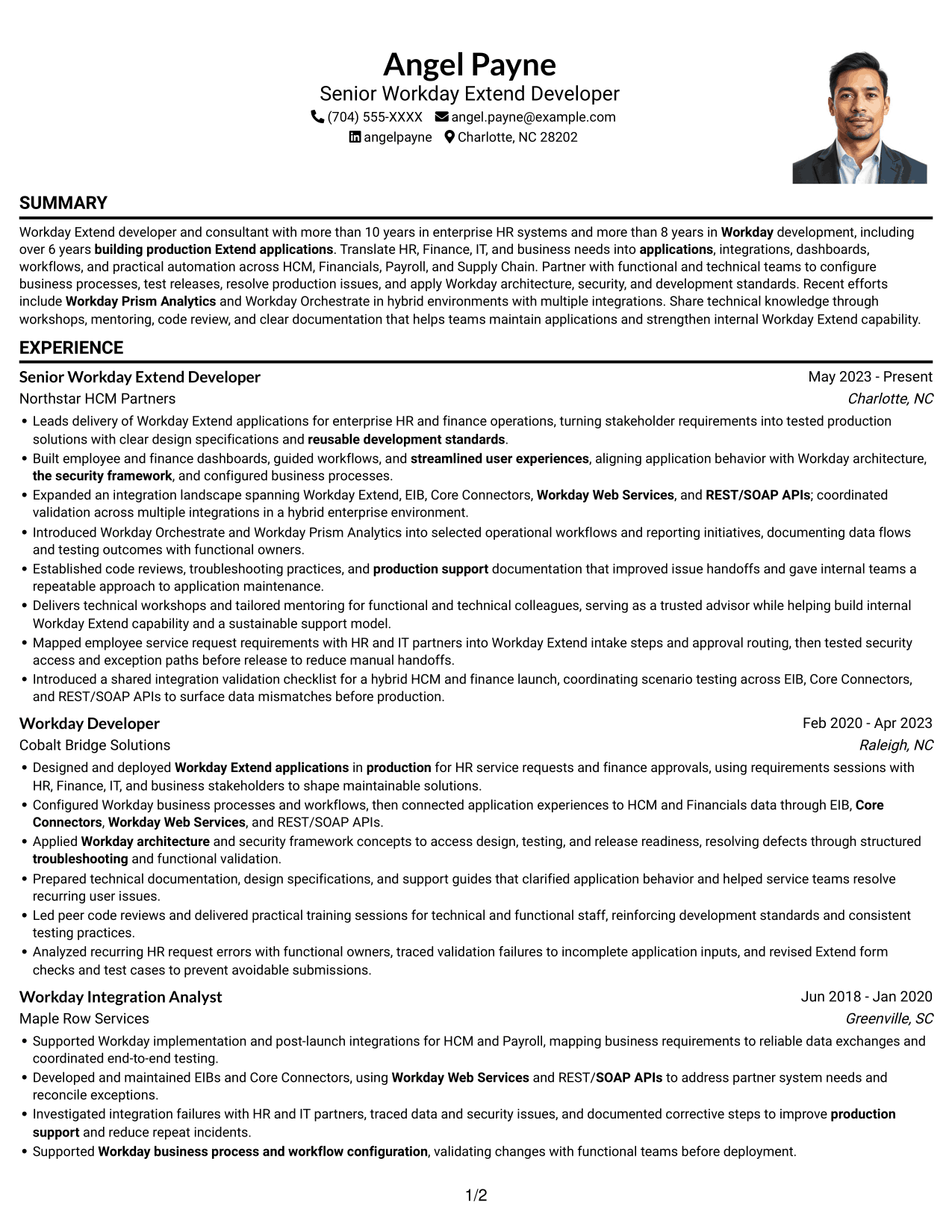
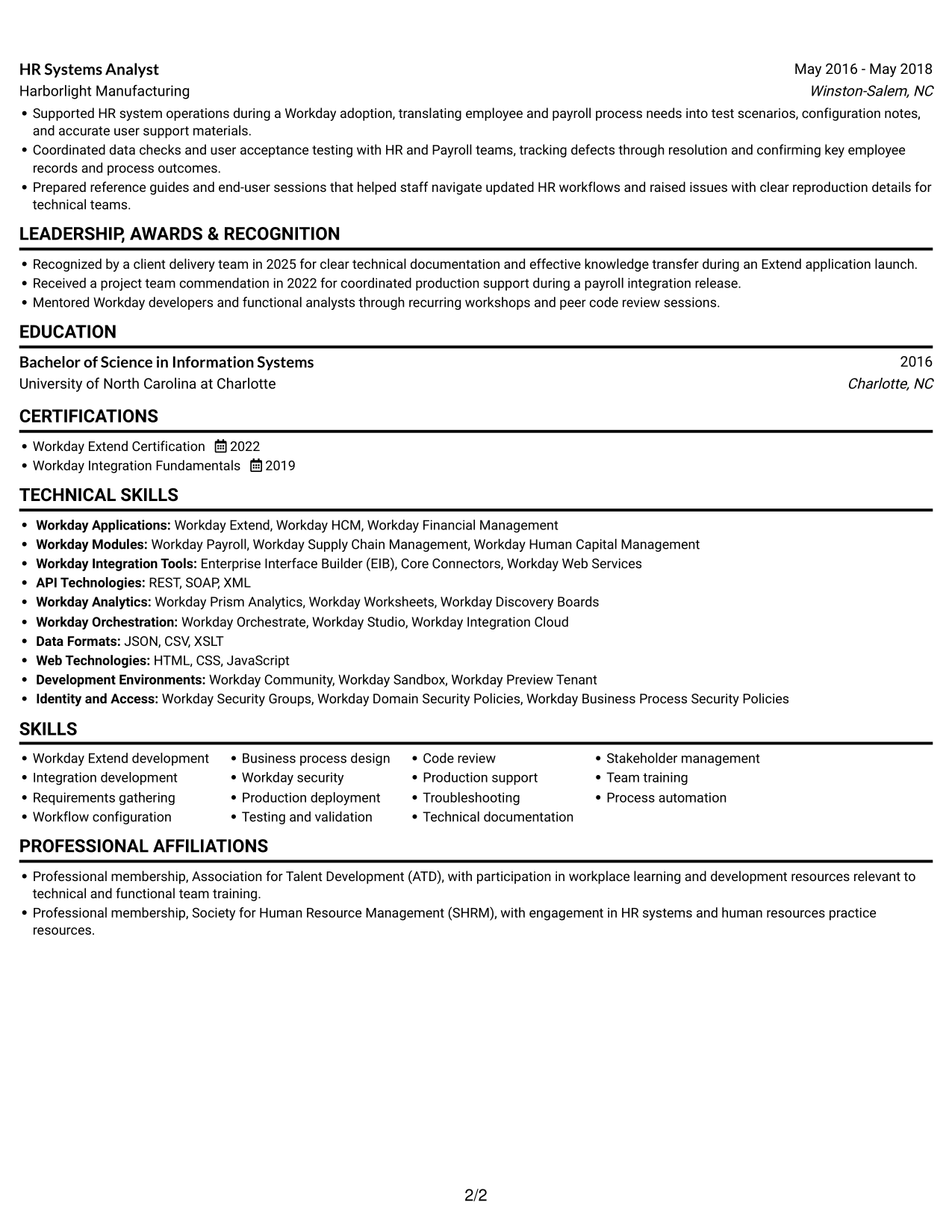
#4 One Column Format with Photo Right Resume Example
One Column Format with Photo Right places a photo to the right of the resume, adding a visible personal element while keeping the text in one reading path.
Why This Format Works
- The one-column body keeps experience and supporting sections in a single reading order.
- Full-width role entries give detailed career history room to remain easy to scan.
- Education and credentials follow the same direct path through the resume.
Best For
- Photo-forward resume presentation
- Single-path experience review
- Detailed role histories
- Resumes with several supporting sections
- Applications where a photo is requested
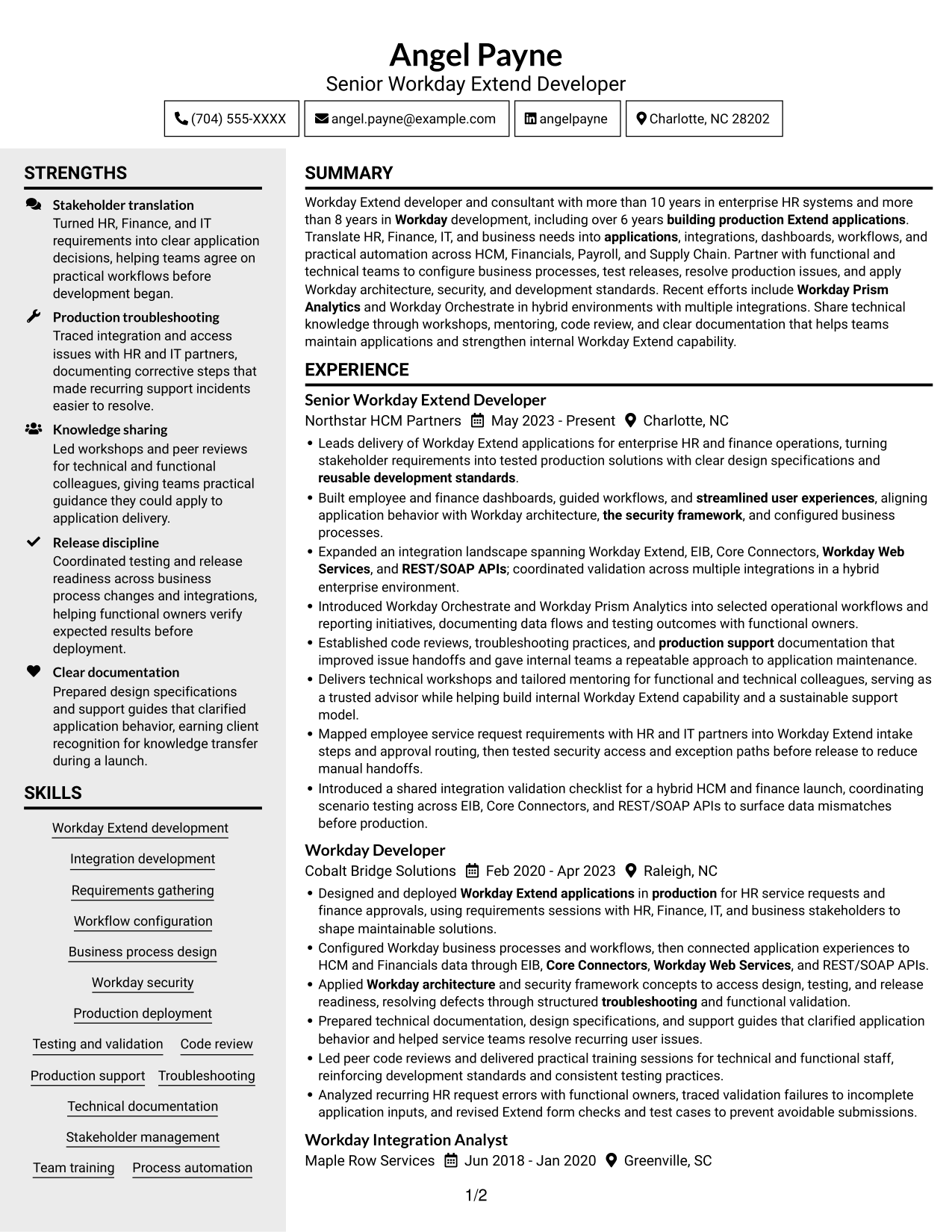
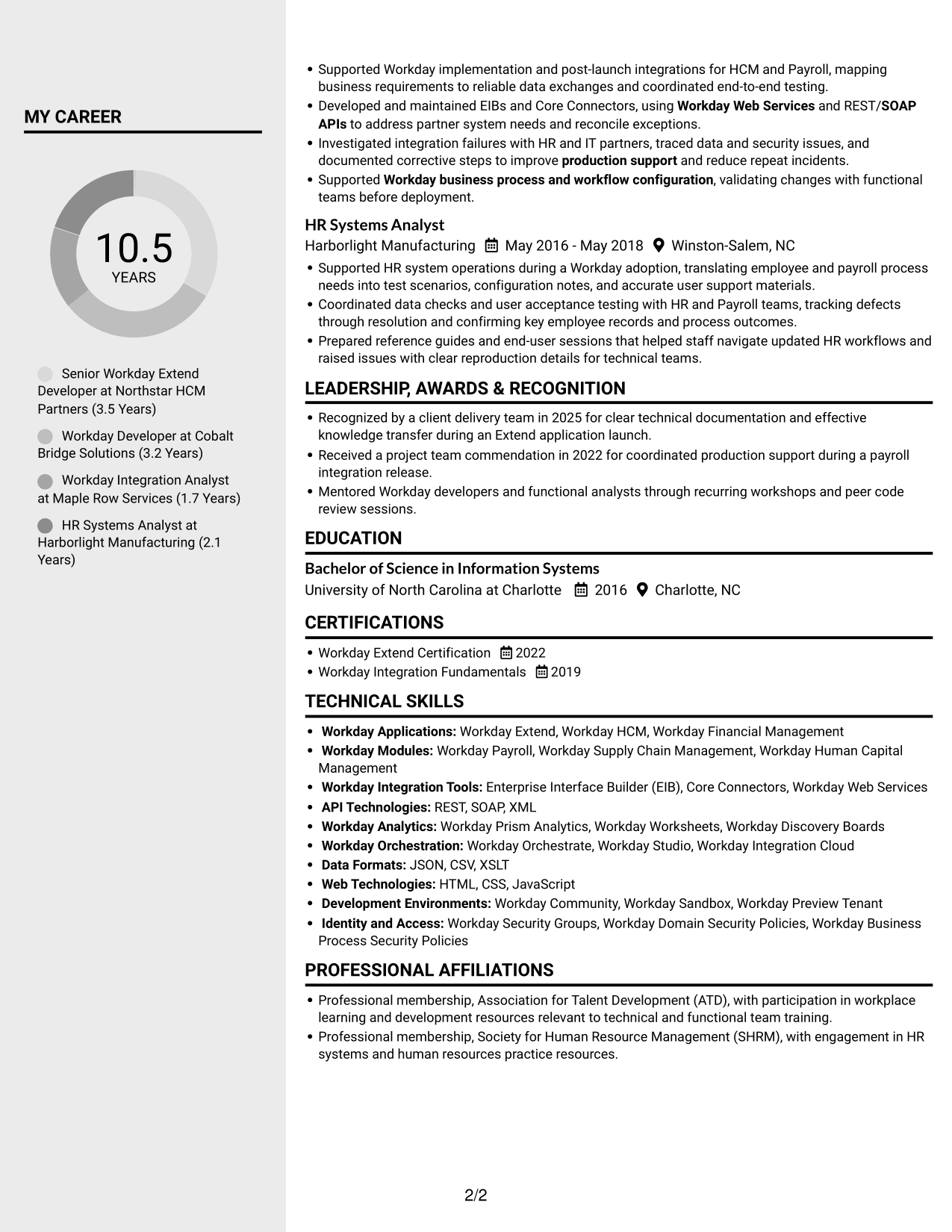
#5 Clean Two Column Sidebar Format Resume Example
Clean Two Column Sidebar Format places a sidebar beside the main text, creating a clear visual division within the resume.
Why This Format Works
- Reviewers can move between skills, education, and experience without losing their place.
- A defined main text area gives detailed role bullets a consistent reading route.
- The sidebar keeps supporting information within easy reach.
Best For
- Resume details grouped beside experience
- Quick access to supporting information
- Detailed role descriptions
- Skills and credentials reviewed alongside work history
- Workday Extend Developer applications
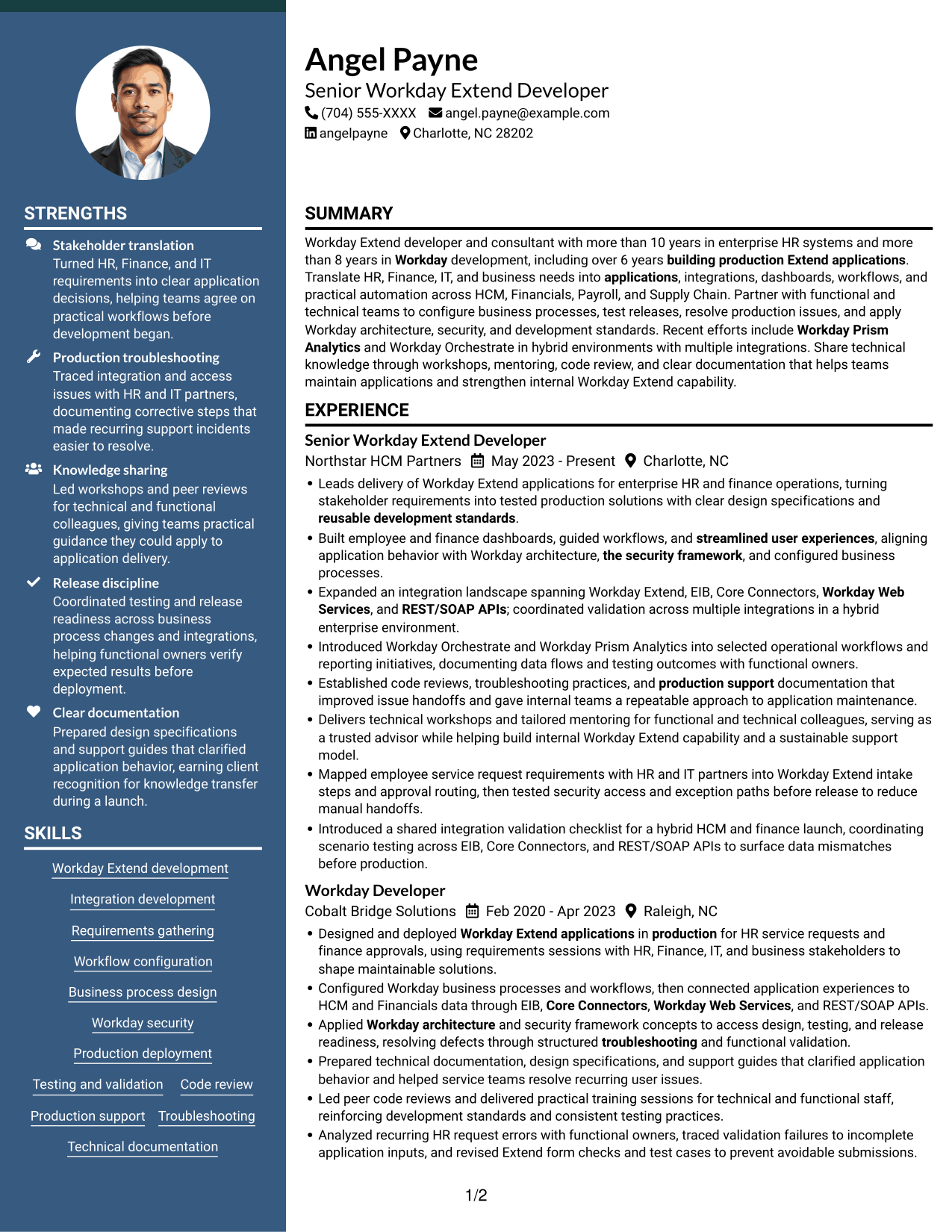
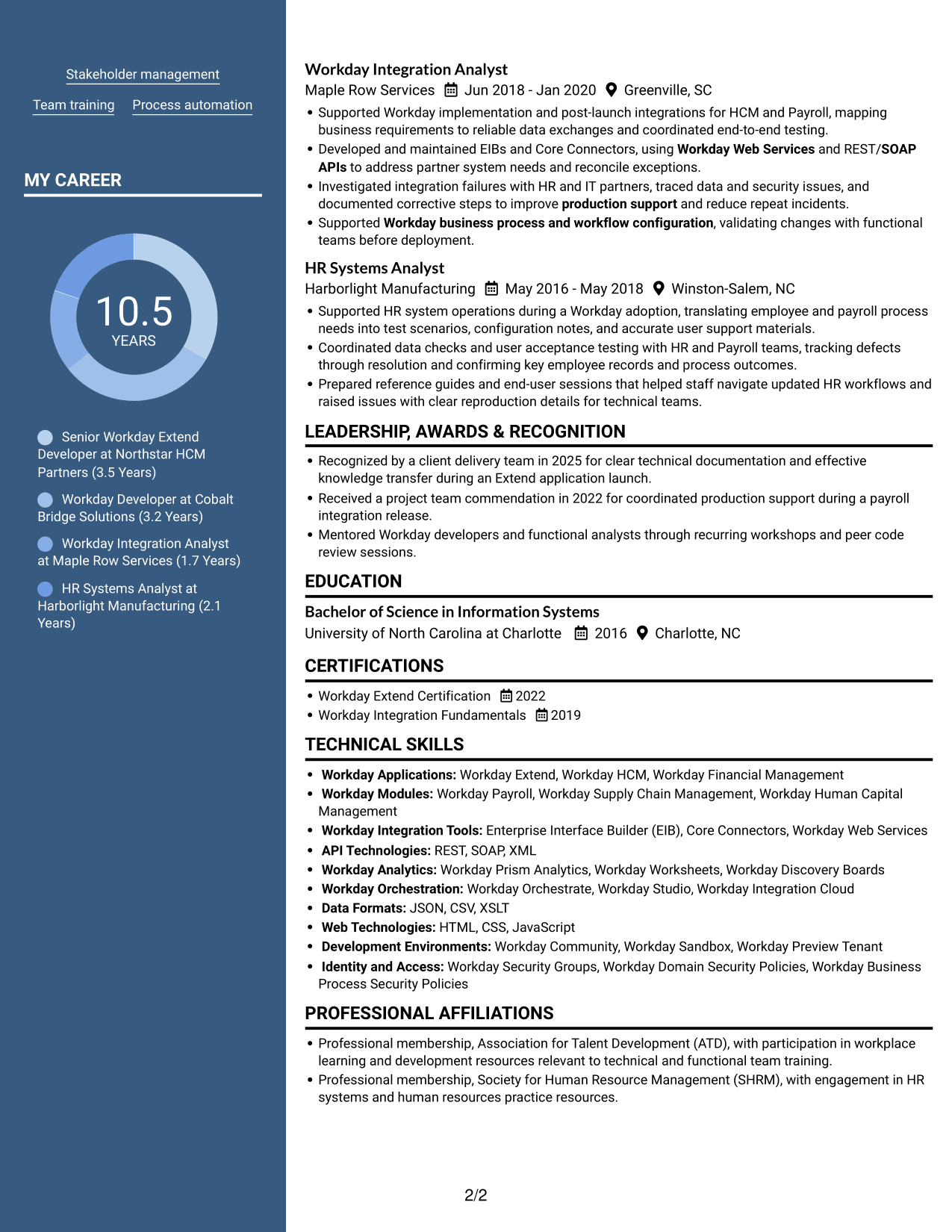
#6 Two Column Format Resume Example
Two Column Format arranges resume information across two columns, giving the document a compact structure for section-by-section review.
Why This Format Works
- Two-column reading gives reviewers a second route to locate resume sections efficiently.
- Grouped information lets the experience record sit apart from other resume content.
- Skills, education, and certifications remain easy to scan as distinct categories.
Best For
- Compact resume organization
- Section-by-section review
- Several types of supporting information
- Career history with distinct skill categories
- Workday development applications
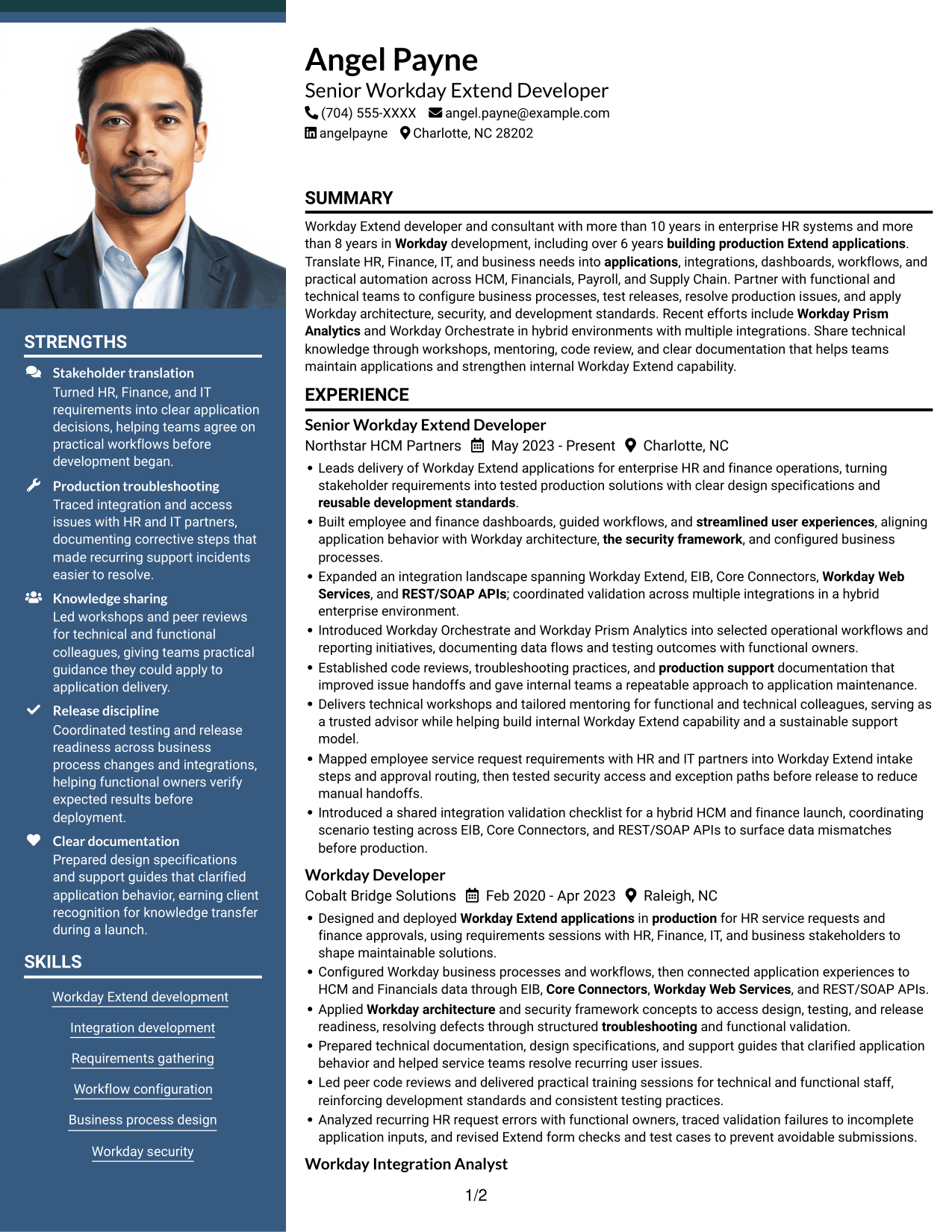
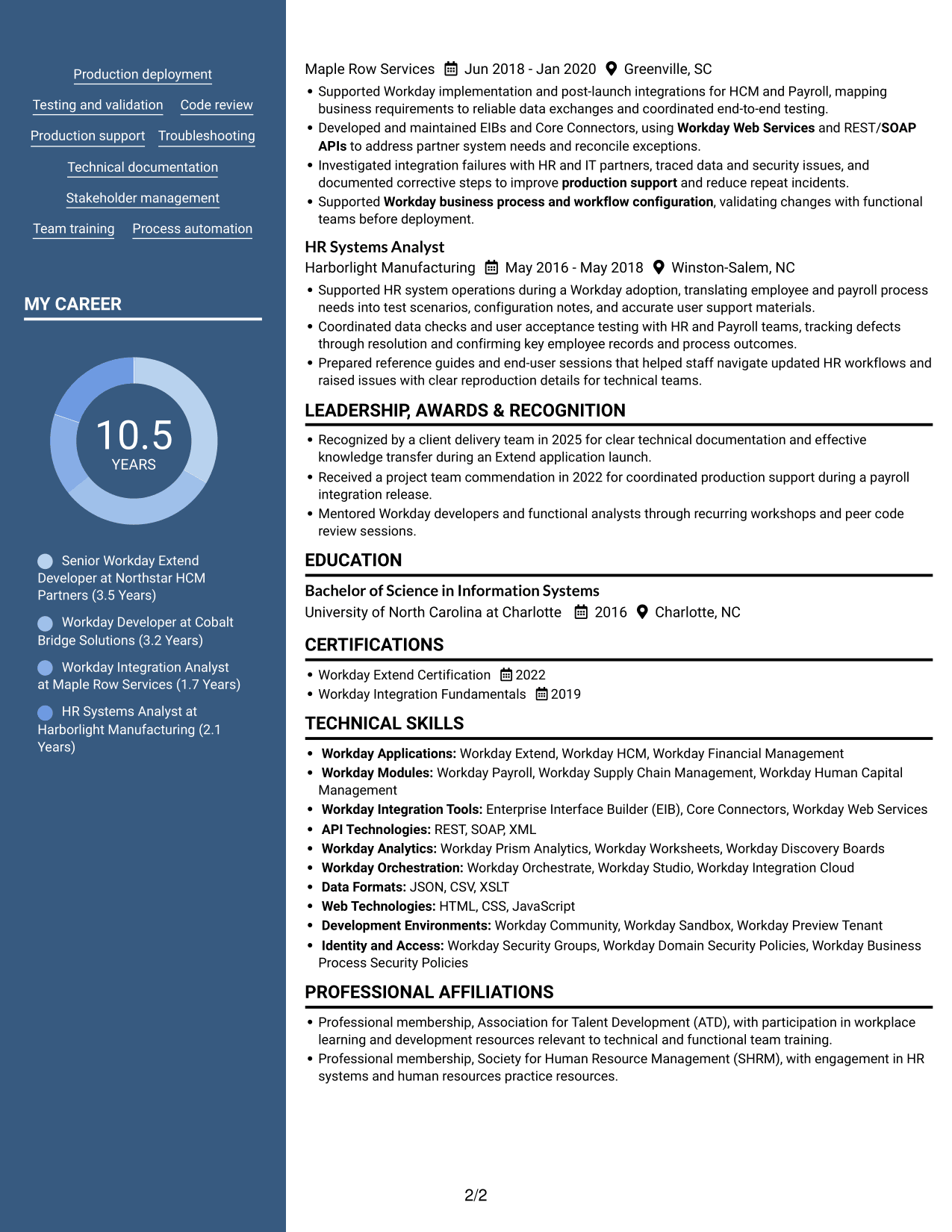
#7 Photo Header Two Column Format Resume Example
Photo Header Two Column Format features a photo in the header, giving the resume a clear visual starting point above its two-column body.
Why This Format Works
- Two columns give reviewers an organized way to scan career history and supporting sections.
- Distinct section areas help keep skills and credentials easy to find.
- The body structure lets reviewers move between resume categories without losing their place.
Best For
- Photo in the resume header
- Two-column section review
- Career history with supporting details
- Skills and credentials in a compact layout
- Applications requesting a photo
Why Build Your Workday Extend Developer Resume with ResumeInMinutes
Use the resume example to review how technical skills, application delivery, integrations, and work history can fit into a clear structure. Choose an image preview to compare the layouts, then open an example in the editor to customize its content.
- Clear resume section structure
- ATS-readable headings
- Role-specific keyword guidance
- Skills and experience organization
- Workday integration examples
- Resume customization in the editor
Keep the focus on your own evidence. Show the applications, integrations, testing, support work, and results that best match Workday Extend Developer responsibilities.
See Also
- 7 3D Application Developer Intern Resume Templates with Example
- 33 AI Automation Engineer / Full-Stack Developer Resume Templates with Example 2026 (ATS-Optimized)
- 33 AI Engineer / Applied AI Developer Resume Templates with Example 2026 (ATS-Optimized)
- 33 AI Engineer, Developer Experience Resume Templates with Example 2026 (ATS-Optimized)
- 33 AI Hyper Automation Developer Resume Templates with Example 2026 (ATS-Optimized)
- 33 AI/ML Engineer Intern, Cloud & Developer Infra Resume Templates with Example 2026 (ATS-Optimized)
- 7 AI Solutions Developer Resume Templates with Example
- 33 Associate - Java Developer Resume Templates with Example 2026 (ATS-Optimized)
- 7 Workday Extend Developer Cover Letter Templates with Example
- 30+ AI Automation Engineer / Full-Stack Developer Cover Letter Templates with Example 2026
Frequently Asked Questions
Are these Workday Extend Developer resume templates ATS-friendly?
The examples use clear section headings and readable layouts that support scanning. Include accurate role terms such as Workday Extend, EIB, Core Connectors, Workday Web Services, and REST/SOAP APIs where they match your experience.
Are these different Workday Extend Developer resumes?
The page shows one resume example in several visual layouts. Compare the image previews to see how each format organizes the same type of resume content.
What should a Workday Extend Developer resume include?
Include a focused summary, technical skills, relevant experience, education, and certifications. Describe Extend applications, integrations, workflows, dashboards, testing, production support, and results that you can support with evidence.
Which resume format works well for a Workday Extend Developer?
A simple layout with clear headings and easy-to-scan experience bullets is a practical choice. Keep technical skills organized and use consistent dates and section labels.
How can I show Workday integration experience?
Name the integration tools and methods you have used, such as EIB, Core Connectors, Workday Web Services, or REST/SOAP APIs. Explain the work you performed, including testing, troubleshooting, data validation, or production support.
Should I include Workday Extend certification?
Yes, include a relevant certification with its exact name and completion date. You can also list related Workday training or certifications when they support the role and reflect your actual qualifications.
Should I include a photo on my resume?
For U.S. applications, a resume without a photo is generally the safer choice. Use the space for role-related skills, experience, or measurable results instead.




