
7 Workday Financials Technical Lead Cover Letter Templates with Example
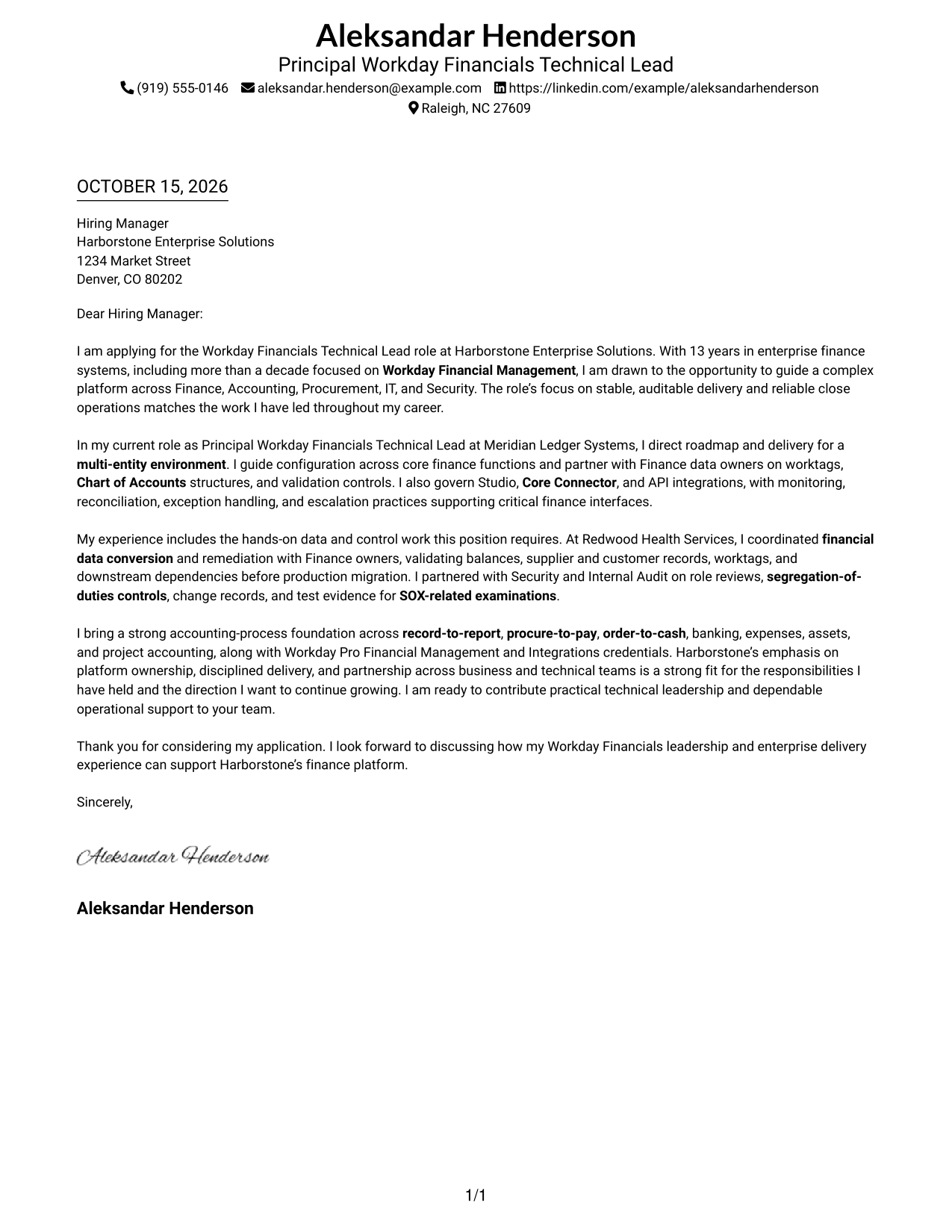
This practical guide to a Workday Financials Technical Lead cover letter presents the example in 7 layouts, helping you shape a clear, persuasive application.
What Makes a Great Workday Financials Technical Lead Cover Letter in 2026
A strong letter connects platform leadership to the role’s needs, including reliable Workday Financial Management delivery, sound controls, and support for finance operations.
Use specific evidence about configuration, integrations, data conversion, testing, or audit work. Then show how your approach fits the employer’s priorities and supports clear communication across Finance and technical teams.
The featured Workday Financials Technical Lead example follows a focused progression from role interest to relevant evidence and a clear close, which you can adapt while choosing a presentation that suits the employer and communication context.
#1 Simple One Column Format Cover Letter Example
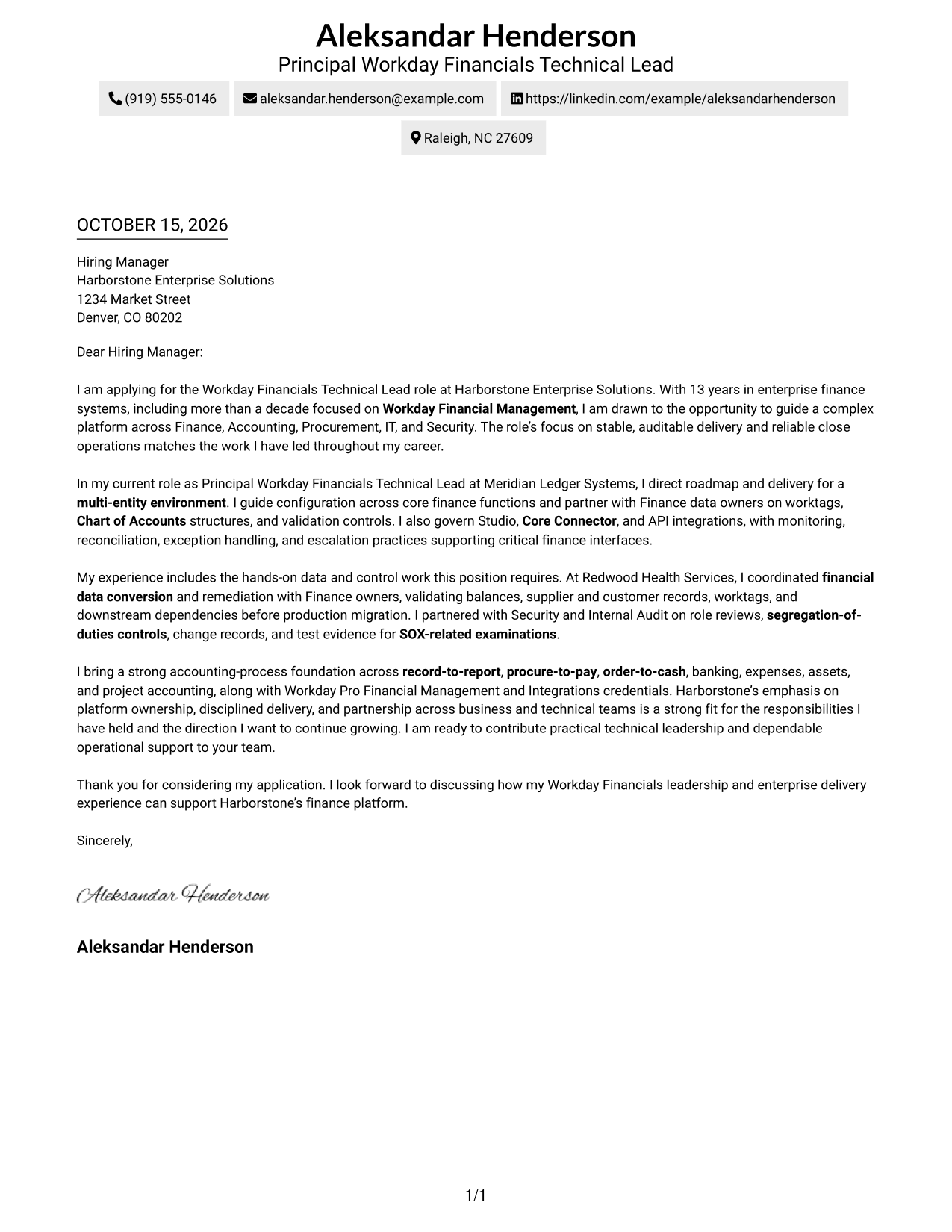
The one-column layout keeps sender details in the header and the complete letter in one reading path.
Why This Format Works
- Sender details stay in the header, apart from the letter’s main message.
- One reading path lets reviewers follow the opening, case, and close in sequence.
- With no sidebar, the continuous body holds the page’s central place.
Best For
- Single-column reading preference
- Header-based contact details
- Uninterrupted letter paragraphs
- Text-led application materials
- A familiar letter reading order
#2 Two Column Format Cover Letter Example
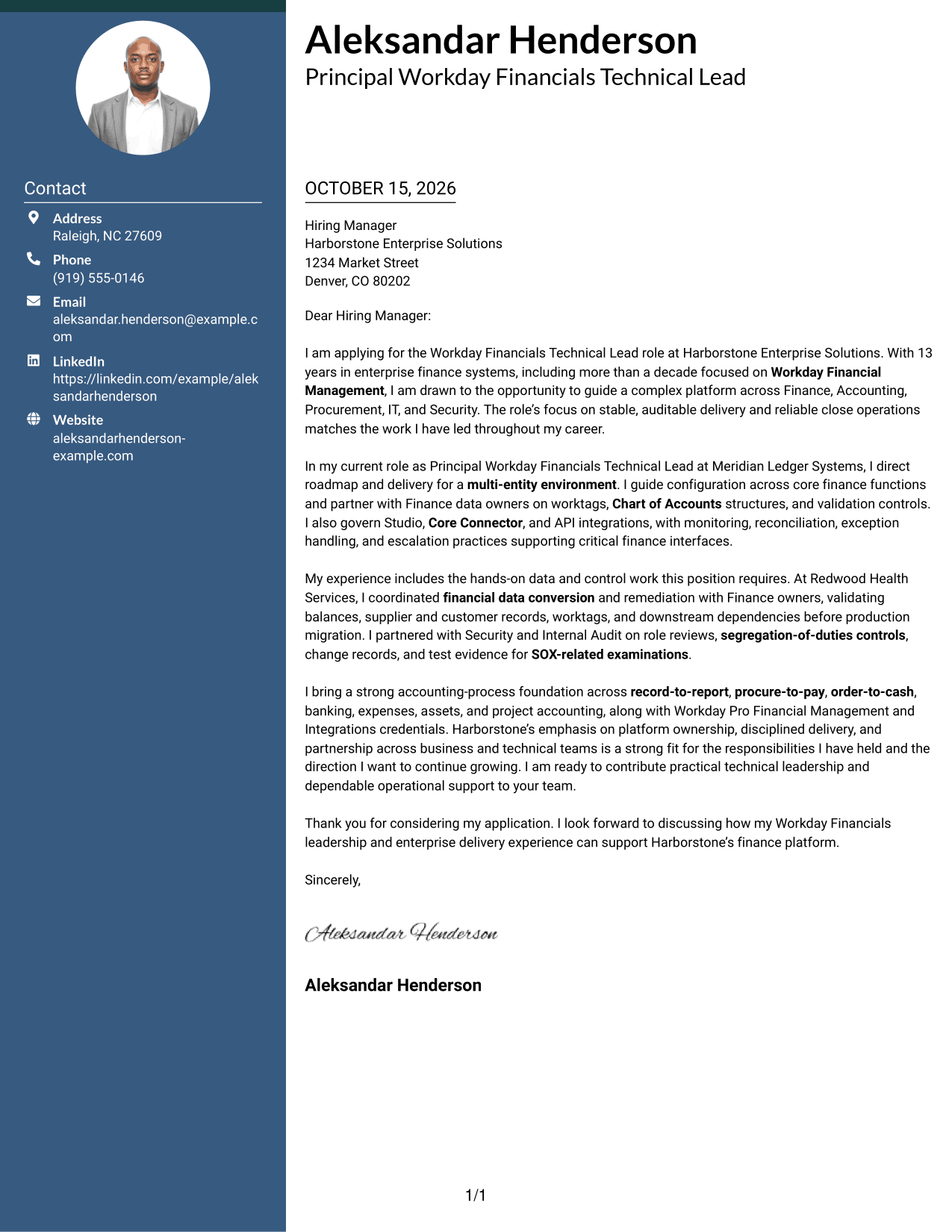
A contact sidebar sits beside one continuous letter body, keeping sender information apart from the message.
Why This Format Works
- Contact details occupy a sidebar, while all persuasive paragraphs remain together.
- One body column preserves the letter’s opening-to-close sequence.
- The two areas give contact information and the message different visual roles.
Best For
- Contact sidebar organization
- Letters with several sender details
- Full recipient-address blocks
- Continuous persuasive paragraphs
- Two-area page organization
#3 Photo Header Two Column Format Cover Letter Example
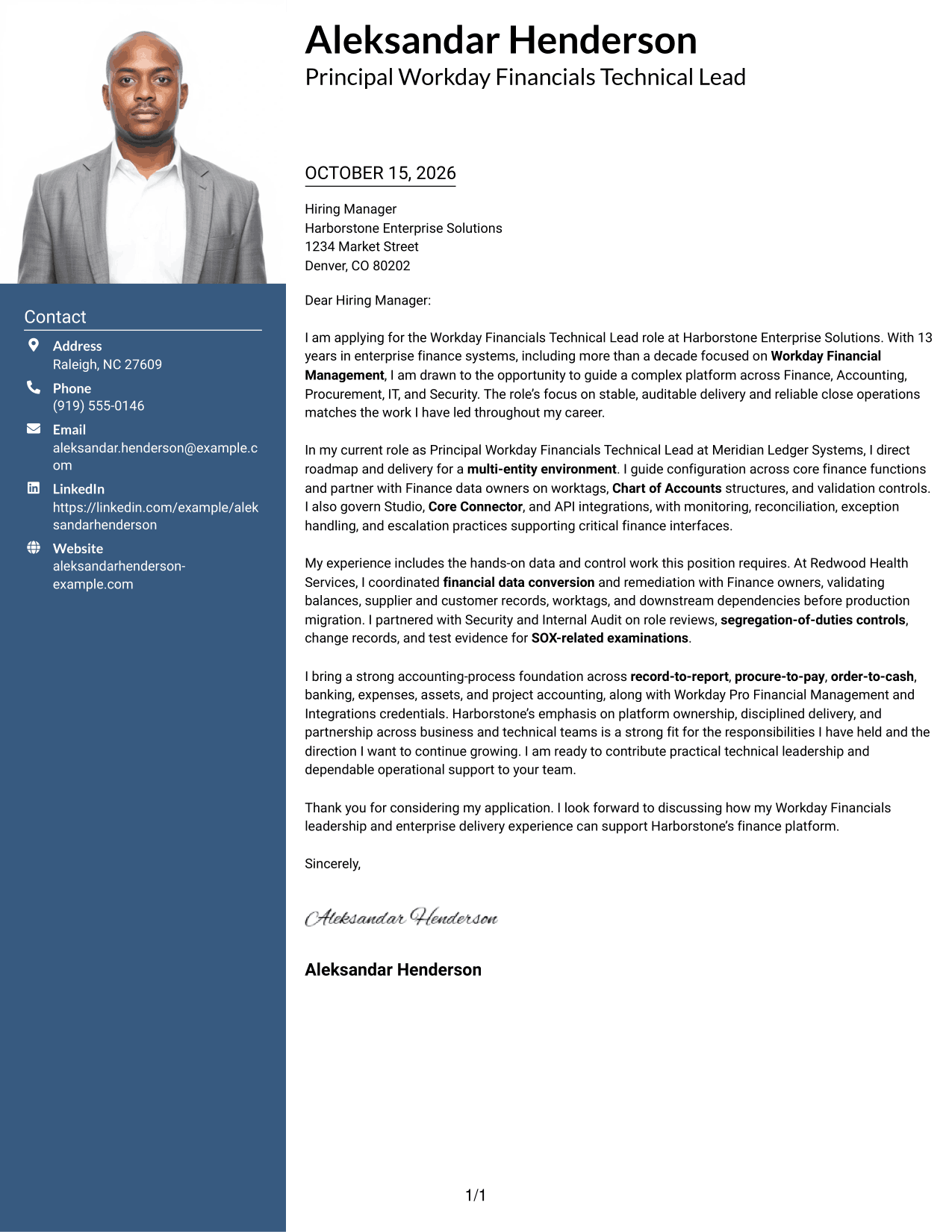
A photo joins the two-column layout, with contact details in a sidebar beside the continuous letter body.
Why This Format Works
- The contact sidebar gives sender information a place beside the main letter.
- A single body column keeps the letter’s paragraphs in their intended order.
- The photo adds a visible personal element without dividing the message.
Best For
- Portrait-included correspondence
- Sidebar contact details
- Continuous letter arguments
- Letters with full recipient details
- Photo-inclusive page preference
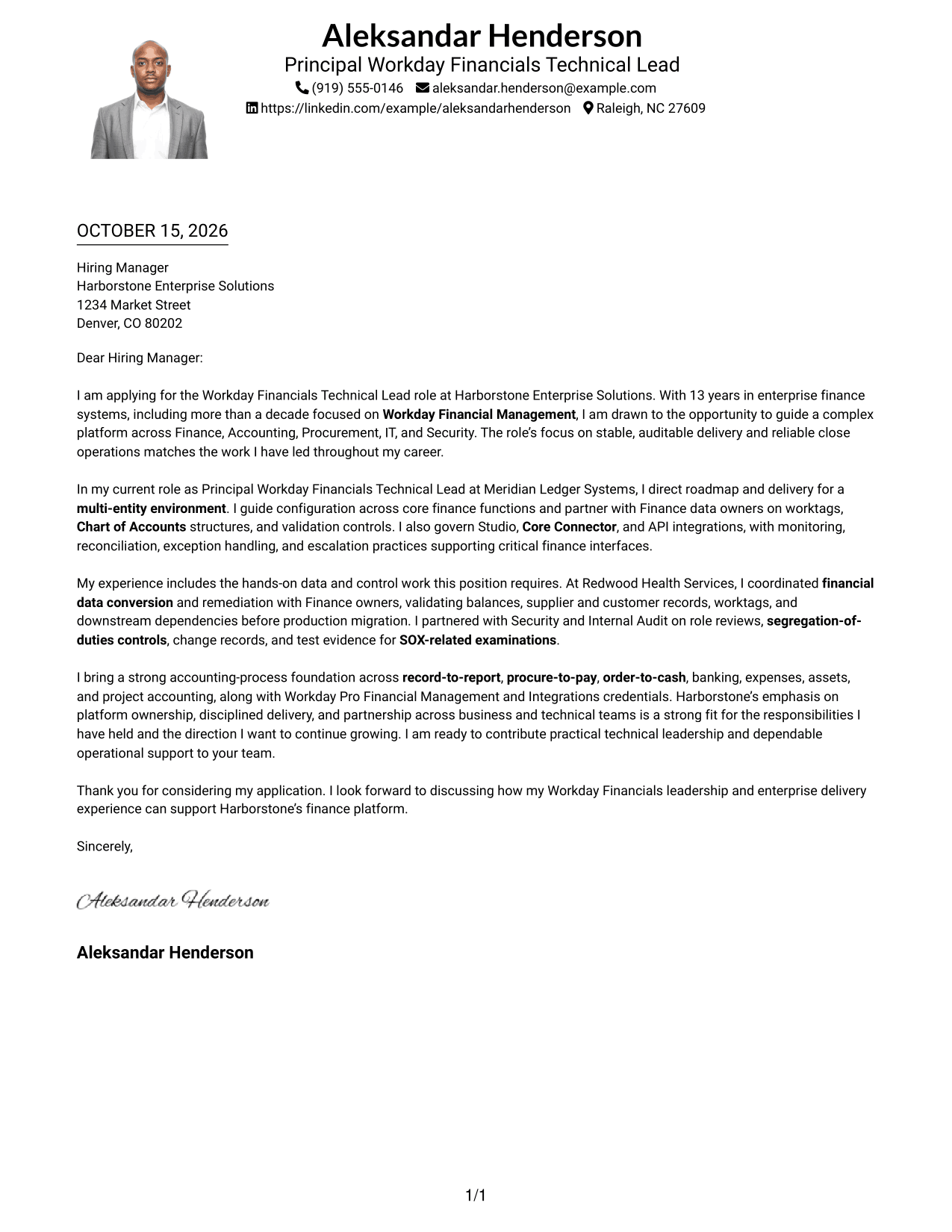
#4 One Column Format with Photo Cover Letter Example
This one-column letter includes a photo while keeping the sender details in the header and the body continuous.
Why This Format Works
- The one-column body gives the letter one clear reading route.
- Header contact details remain apart from the persuasive paragraphs.
- A photo adds a personal visual element to the page.
Best For
- One-column letter layouts
- Photo-included applications
- Header-based contact details
- Continuous paragraph flow
- Personal visual presentation
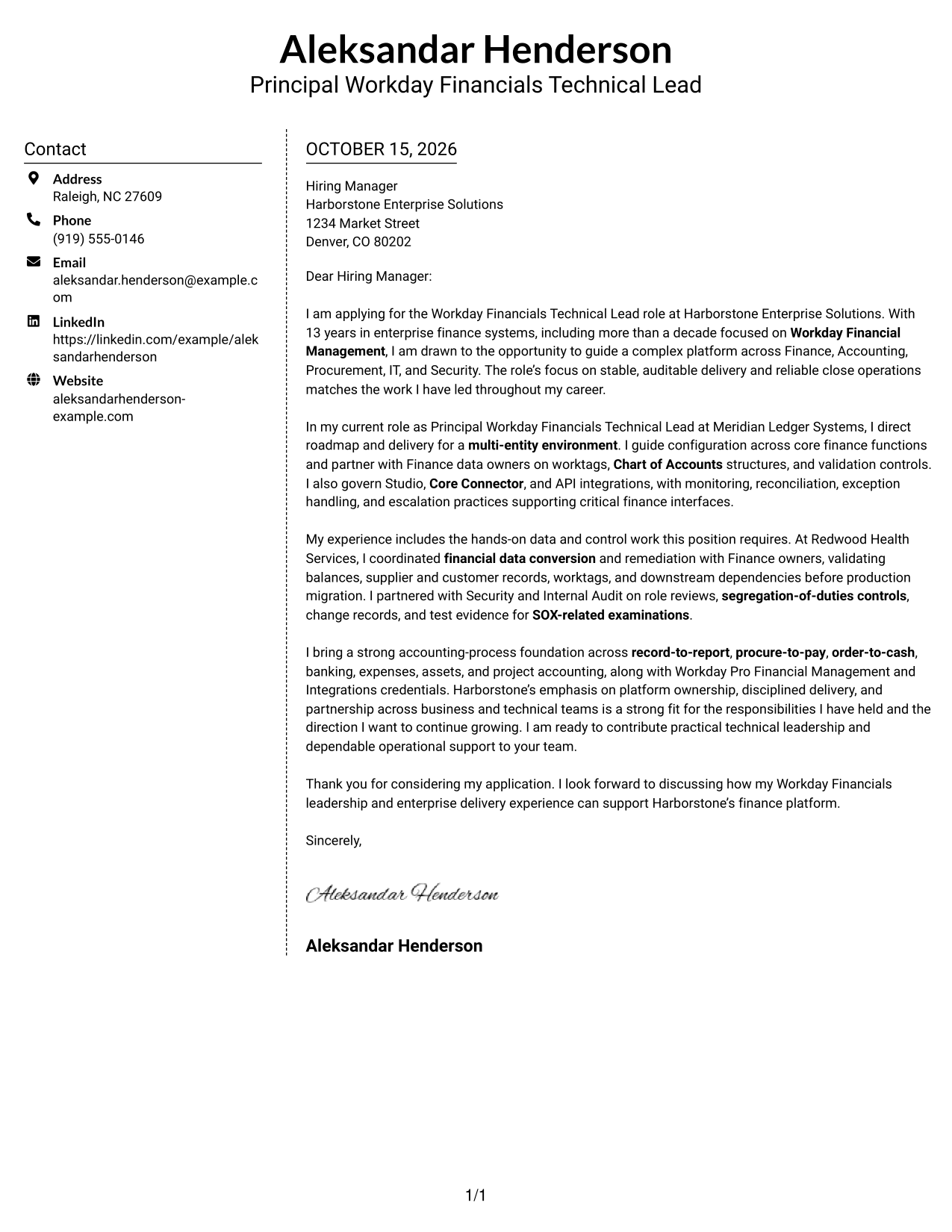
#5 Simple Two Column Format Cover Letter Example
The two-column structure places contact details beside, rather than inside, the continuous letter body.
Why This Format Works
- The sidebar keeps contact information distinct from the letter’s persuasive text.
- A single body column carries the message from opening through closing.
- The separate areas make the contact block easy to locate.
Best For
- Side-by-side contact placement
- Letters with multiple contact channels
- Formal recipient address blocks
- Unbroken persuasive writing
- Distinct contact and message areas
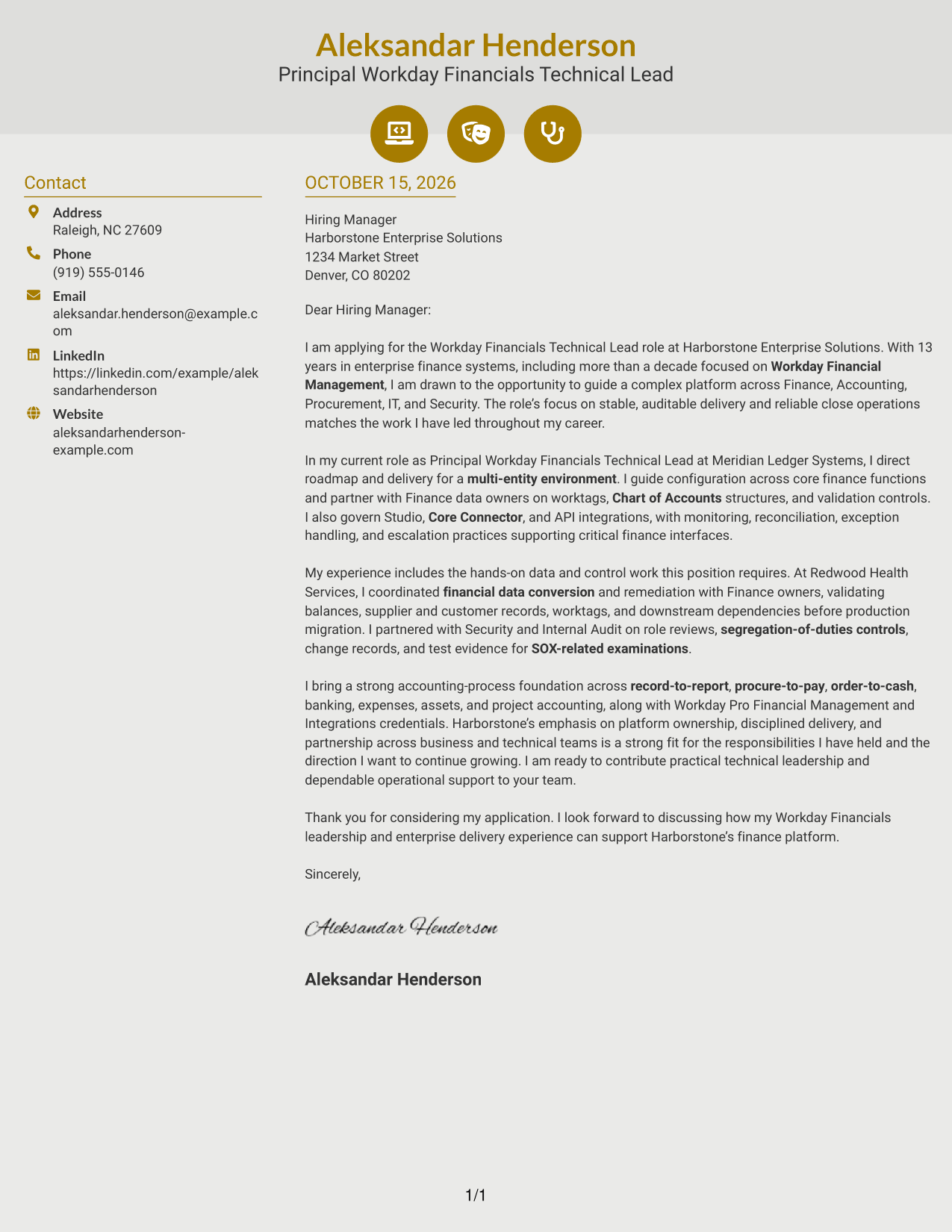
#6 Modern Icon Format Cover Letter Example
The two-column layout uses contact cues and decorative header accents alongside one continuous letter body.
Why This Format Works
- Contact cues help readers identify sender details without marking letter paragraphs.
- One body column keeps the argument together from opening to close.
- The sidebar separates contact information from the main message.
Best For
- Icon-marked contact details
- Two-column letter layouts
- Continuous message paragraphs
- Quickly located sender information
- Decorative header accents
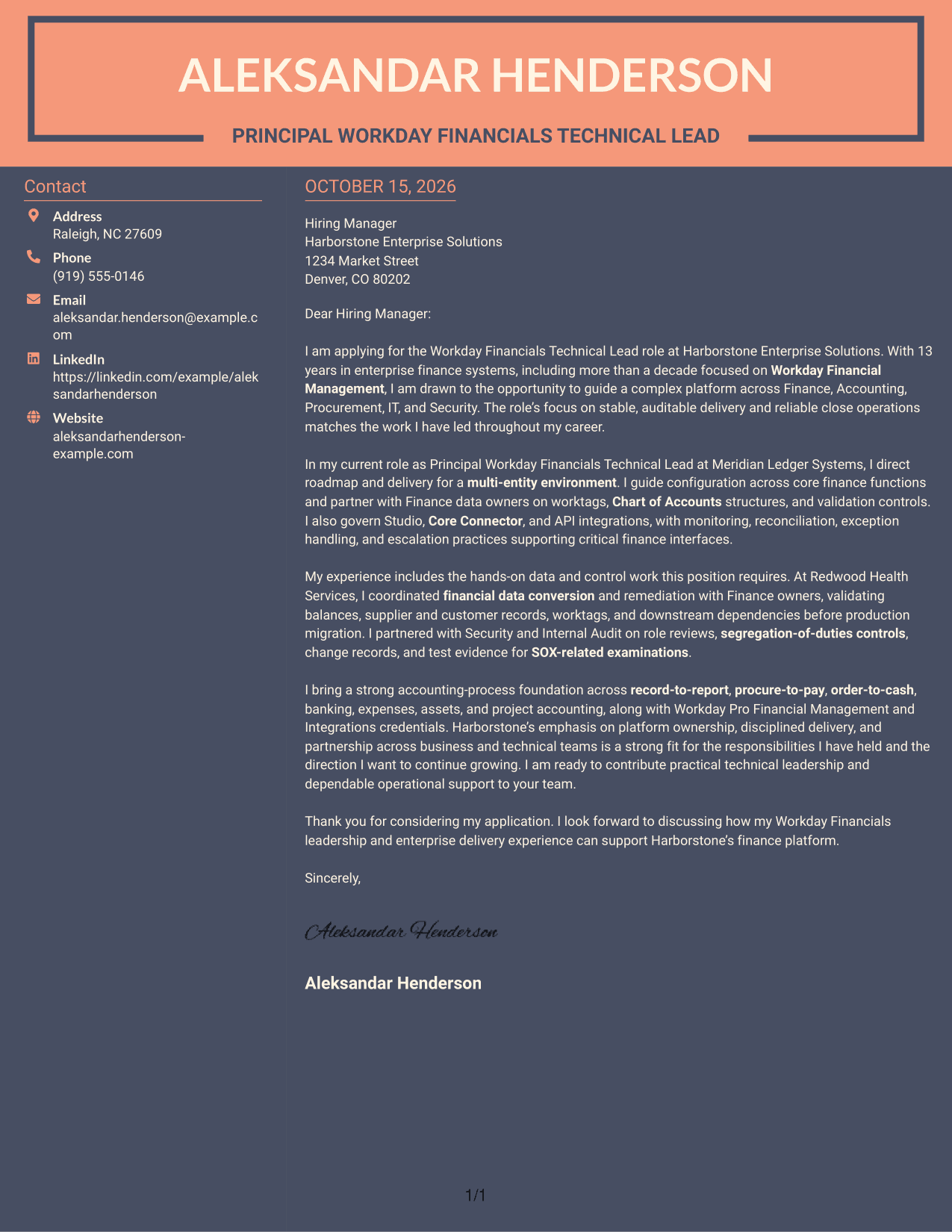
#7 Creative Two Tone Format Cover Letter Example
The two-column arrangement keeps contact information beside a single, continuous letter body.
Why This Format Works
- The sidebar gives contact information a dedicated place beside the letter.
- The single body column keeps the full message in one reading sequence.
- Separate contact and message areas make the page structure clear.
Best For
- Sidebar-based contact details
- Letters with full sender information
- Continuous letter-body reading
- Formal recipient information
- Separate contact and message areas
Why Use ResumeInMinutes for a Workday Financials Technical Lead Cover Letter
Review the image previews to compare presentation styles, then open an example in the editor to customize its cover letter for your target role.
- Cover letter examples
- Clear letter structure
- Role-focused guidance
- Image previews
- Editor access
- Adaptable presentation styles
For this role, focus your message on Workday Financial Management ownership, integrations, data quality, controls, and partnership across Finance and technology teams.
See Also
- 7 Workday Financials Technical Lead Resume Templates with Example
- 7 Associate Manager - Workday Data Operations Resume Templates with Example
- 7 Integration Engineer 3, Workday - Functional (HCM) Resume Templates with Example
- 7 Senior HR Systems Solutions Architect (Workday) Resume Templates with Example
- 7 Senior HRIT Lead - Workday Resume Templates with Example
- 7 Senior Workday Security Administrator - Workday Extend Resume Templates with Example
- 7 Workday Compensation Application Consultant - Core and Advanced Compensation Resume Templates with Example
- 7 Workday Integration - Application Consultant Resume Templates with Example
- 7 Associate Manager - Workday Data Operations Cover Letter Templates with Example
- 7 Senior HRIT Lead - Workday Cover Letter Templates with Example
Frequently Asked Questions
What should a Workday Financials Technical Lead cover letter include?
Connect your experience to the role’s needs. Useful evidence may include Workday Financial Management configuration, integration oversight, data conversion, release testing, SOX controls, and coordination with Finance and technical teams.
How can I show platform leadership in the letter?
Describe the decisions and responsibilities you owned, such as setting a delivery roadmap, managing technical risks, guiding configuration, or improving integration monitoring and reconciliation.
How should I explain my fit with the employer?
Link a specific example from your work to the employer’s stated priorities, such as stable finance operations, audit-ready controls, or dependable close support. Avoid repeating the job description without showing relevant evidence.
How can I compare the cover letter examples?
Review the image previews to compare the page designs, then use the editor link to open an example and adapt its wording and presentation to the role.
Should I include technical details in my cover letter?
Include only details that support your case for the role. For example, you can name Workday Studio, Core Connectors, APIs, data conversion, or SOX controls when they are part of your relevant experience.




