
7 Workday Financials Technical Lead Resume Templates with Example
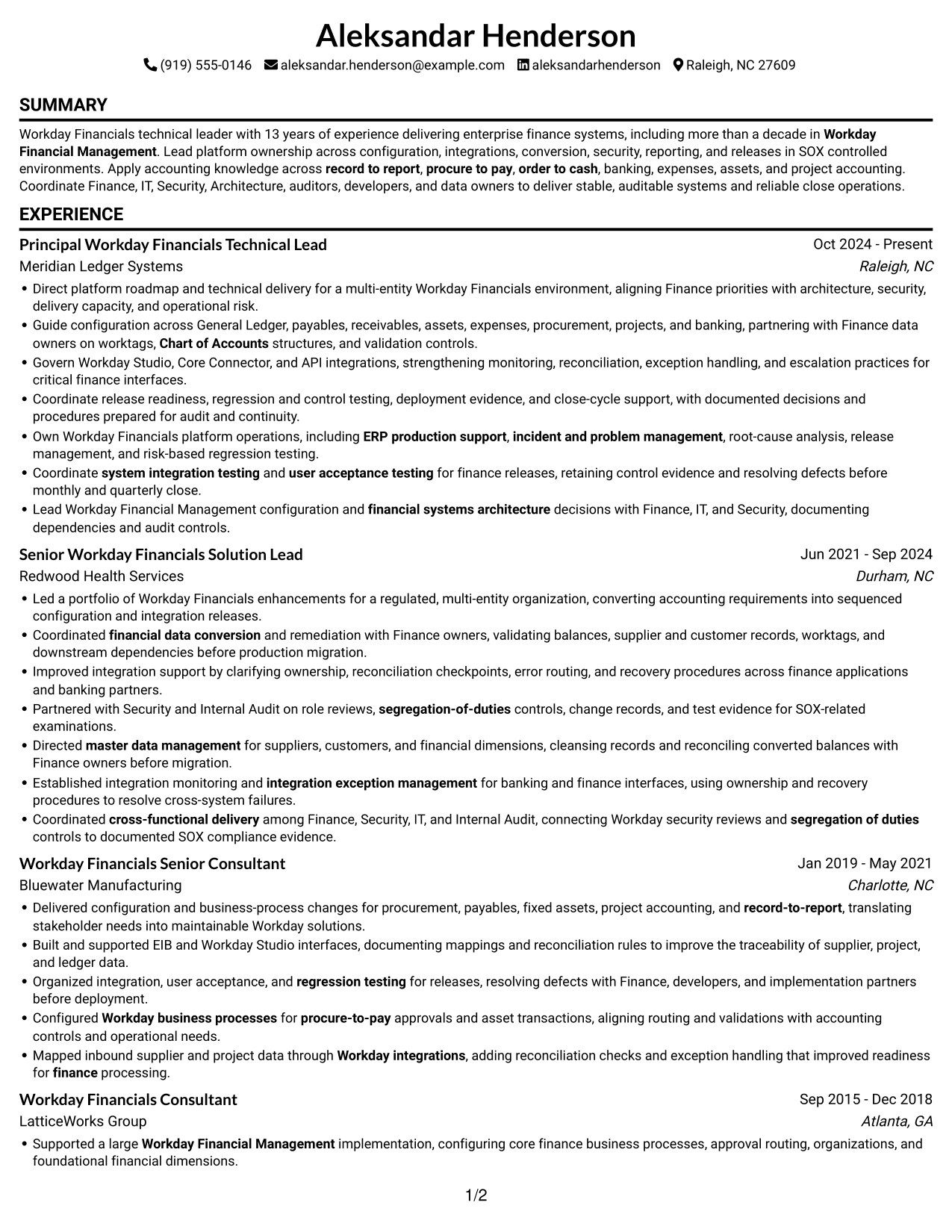
This guide shows you how to build a Workday Financials Technical Lead resume that is clear, focused, and easy to review. You will learn how to present platform ownership and technical delivery in a way that helps readers understand your contribution.
Strong resumes connect Workday configuration, integrations, financial data, security, reporting, and release work to business needs. Use specific terms such as Workday Studio, Core Connectors, EIB, APIs, Chart of Accounts, worktags, reconciliation, and SOX controls when they match your experience.
The example is presented in 7 layouts, so you can compare the image previews and choose a format that fits your information. Open an example in the editor to review or customize its layout.
What Makes a Great Workday Financials Technical Lead Resume in 2026
A strong resume makes platform scope, technical decisions, and finance outcomes easy to scan. Use clear sections and concise bullets to show how you support stable, well-controlled Workday operations.
Include relevant evidence for configuration, integrations, conversion, security, reporting, and release work. Match keywords such as Workday Studio, Core Connectors, EIB, data reconciliation, SOX controls, and regression testing to your actual experience.
Note: Resume examples are for educational purposes only. Use only information that accurately reflects your experience and qualifications. References to real organizations do not imply affiliation or endorsement.
#1 Simple One Column Format Resume Example
The Simple One Column Format keeps every resume section in one vertical reading path, helping reviewers follow the information in sequence.
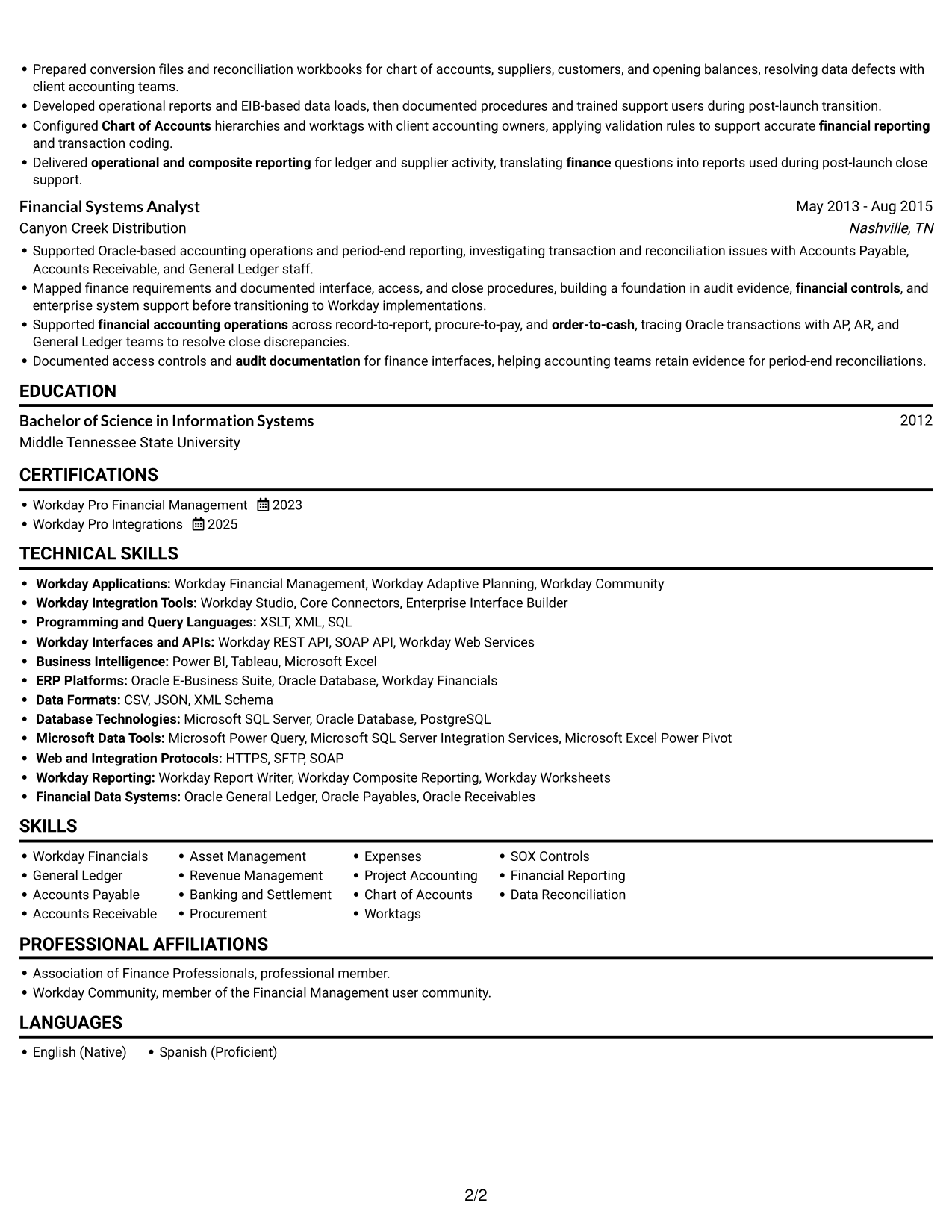
Why This Format Works
- Career history and education follow one reading path, making section order easy to follow.
- Experience bullets stay in sequence, so achievements remain connected to their work history.
- Skills, credentials, and education each have room for clear section labels.
Best For
- Sequential section review
- Single-column ATS parsing
- Chronological career histories
- Clearly separated resume sections
- Resumes without portrait imagery
Resume Keywords
- Workday Financial Management
- Workday business processes
- Workday integrations
- financial systems architecture
- ERP production support
- financial accounting operations
- record to report
- procure to pay
- order to cash
- financial controls
- SOX compliance
- segregation-of-duties
- financial data conversion
- master data management
- Data Reconciliation
#2 Simple Two Column Format Resume Example
The Simple Two Column Format sets resume information in two columns, a useful choice when readers need distinct areas without a long vertical run.
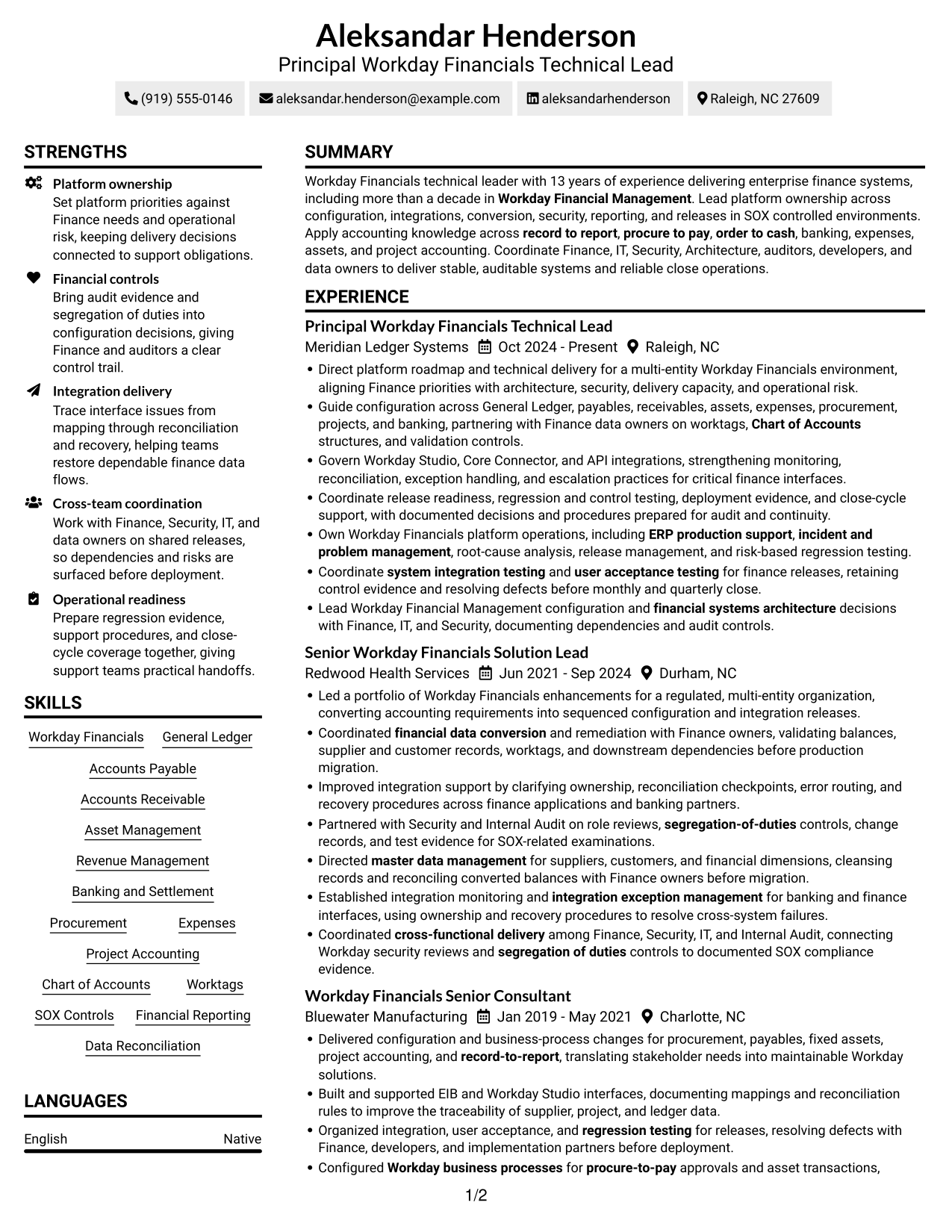
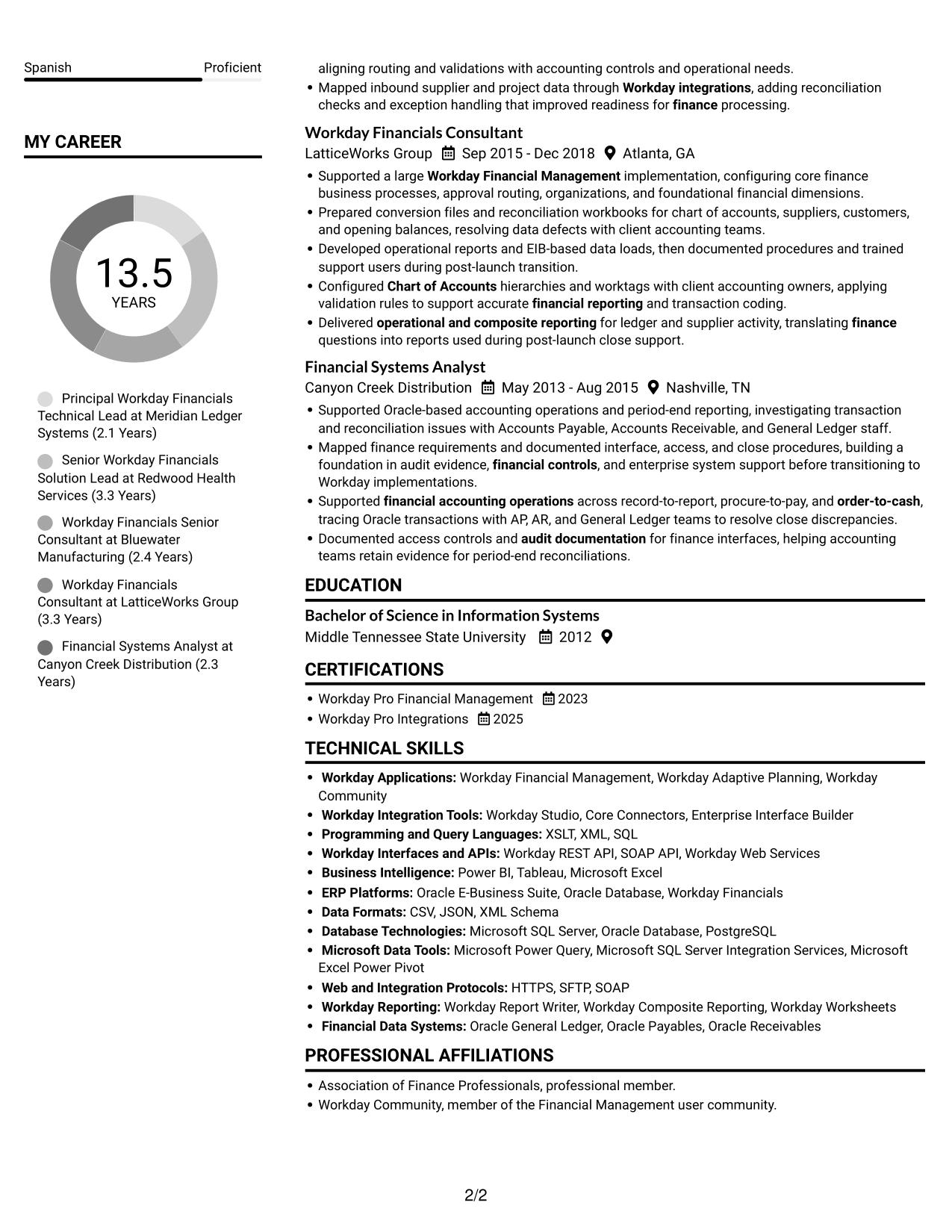
Why This Format Works
- Career history can sit beside supporting sections for a useful side-by-side view.
- Skills and credentials can be found without searching through every experience bullet.
- Education stays easy to locate as readers move between the two columns.
Best For
- Two-column resume organization
- Side-by-side section scanning
- Longer career histories
- Skills and credentials alongside experience
- Readers comparing resume sections
#3 Plain One Column with Shaded Labels Resume Example
The Plain One Column with Shaded Labels format keeps resume content in one vertical sequence, suiting reviewers who prefer a direct section-by-section read.
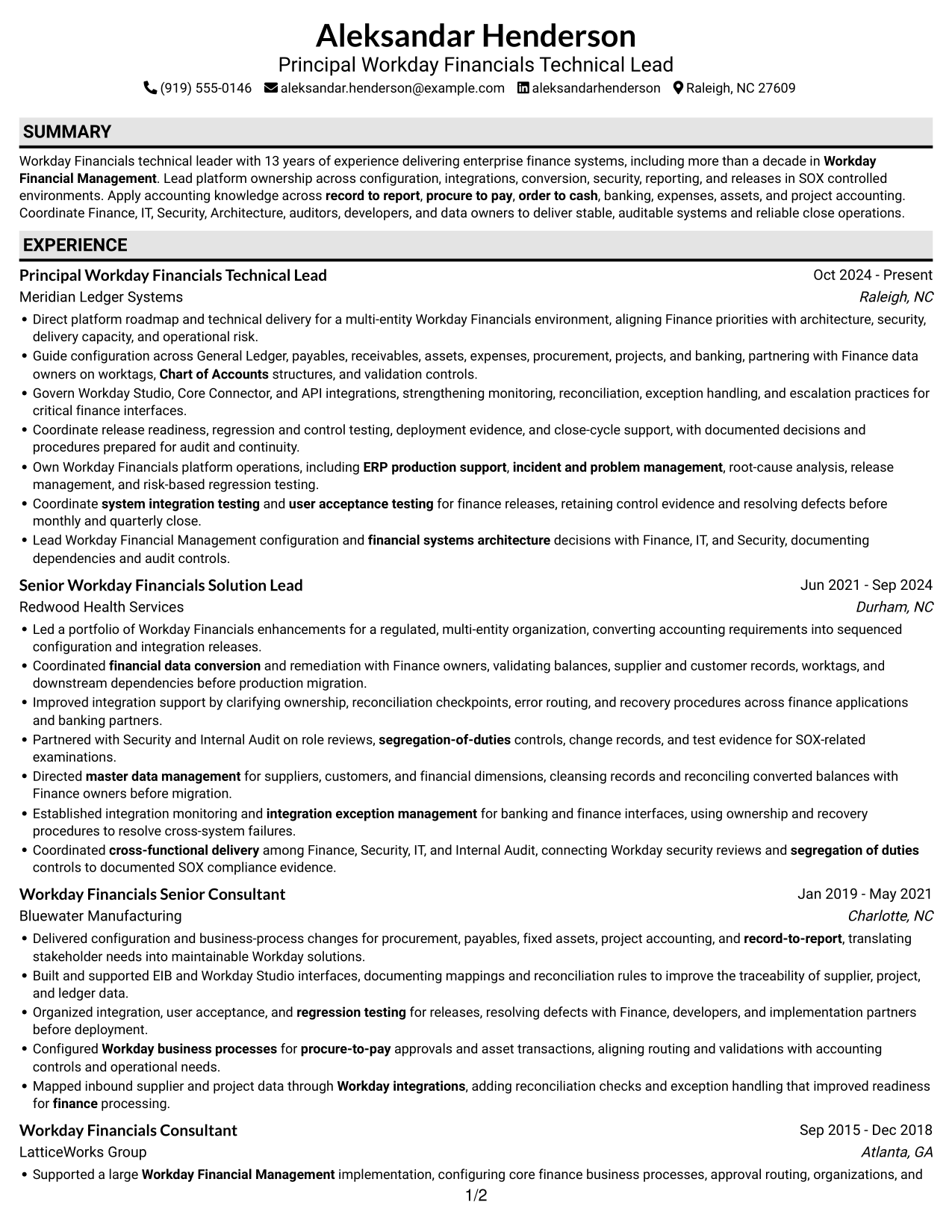
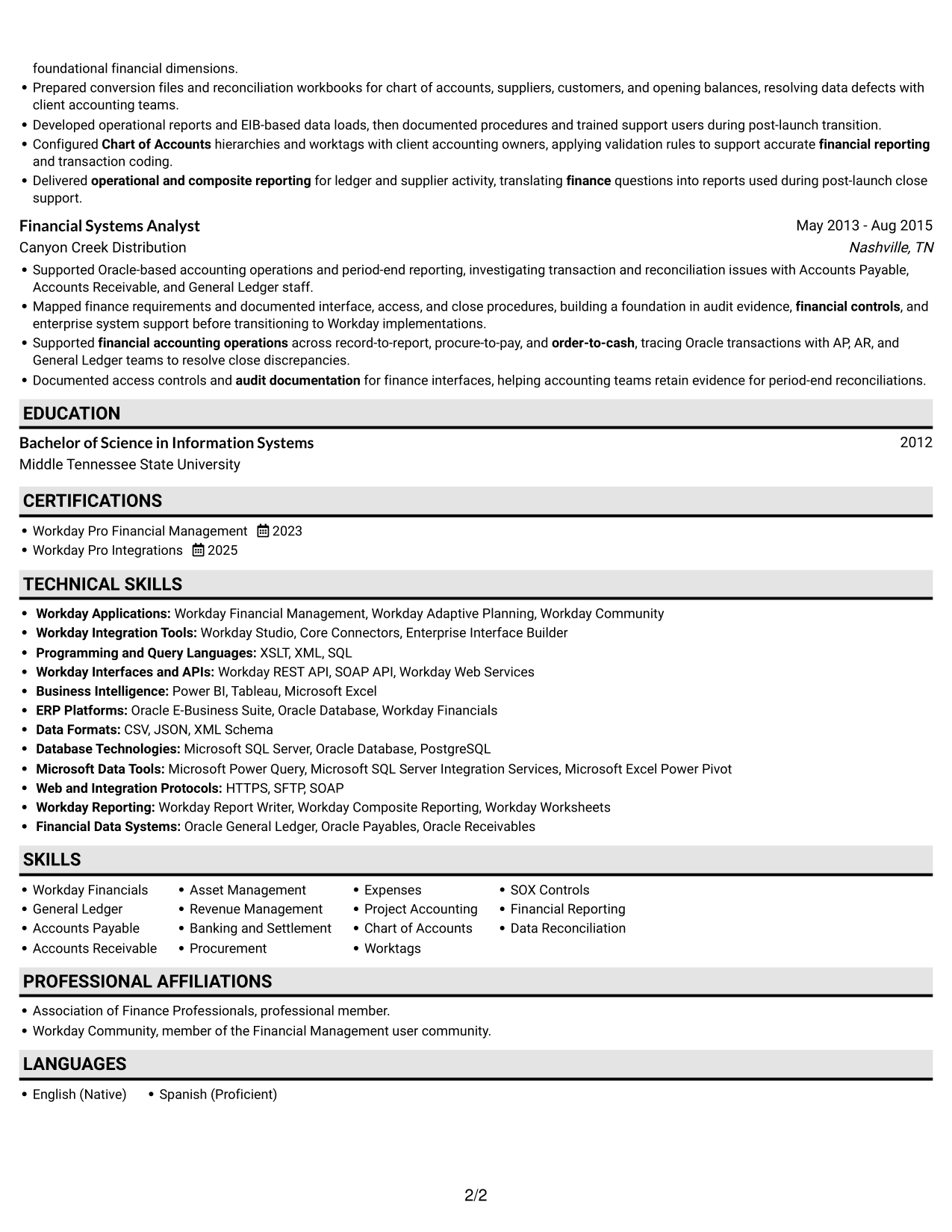
Why This Format Works
- Work history can unfold role by role without competing column paths.
- Education and certifications stay within the same clear reading sequence.
- Experience bullets keep achievements close to the context of each position.
Best For
- Single-path resume reading
- Ordered career progression
- Section-by-section review
- Experience-led resume content
- No-photo resume preference
#4 One Column Format with Photo Right Resume Example
The One Column Format with Photo Right pairs a right-side portrait with a single-column resume, useful when a visible portrait is part of the preferred presentation.
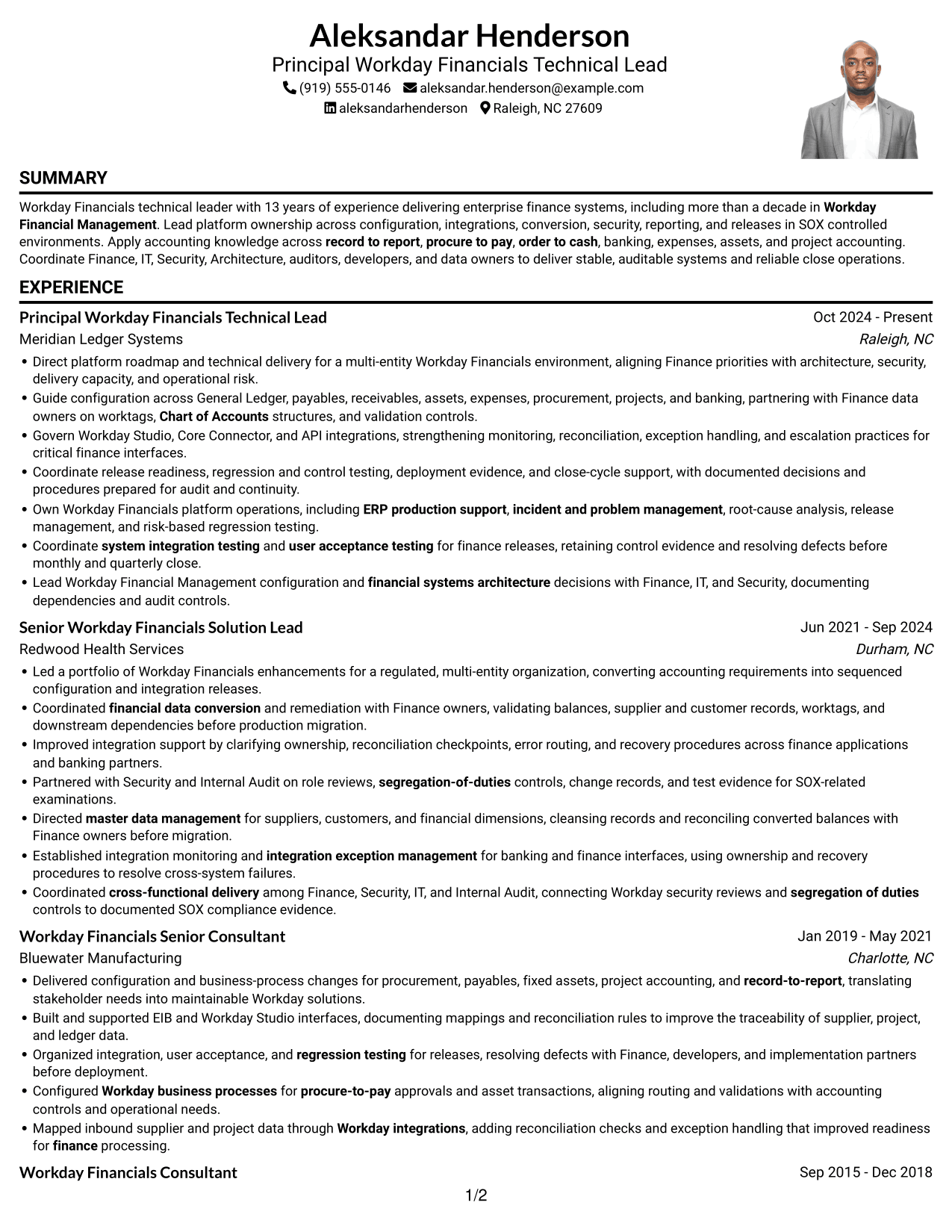
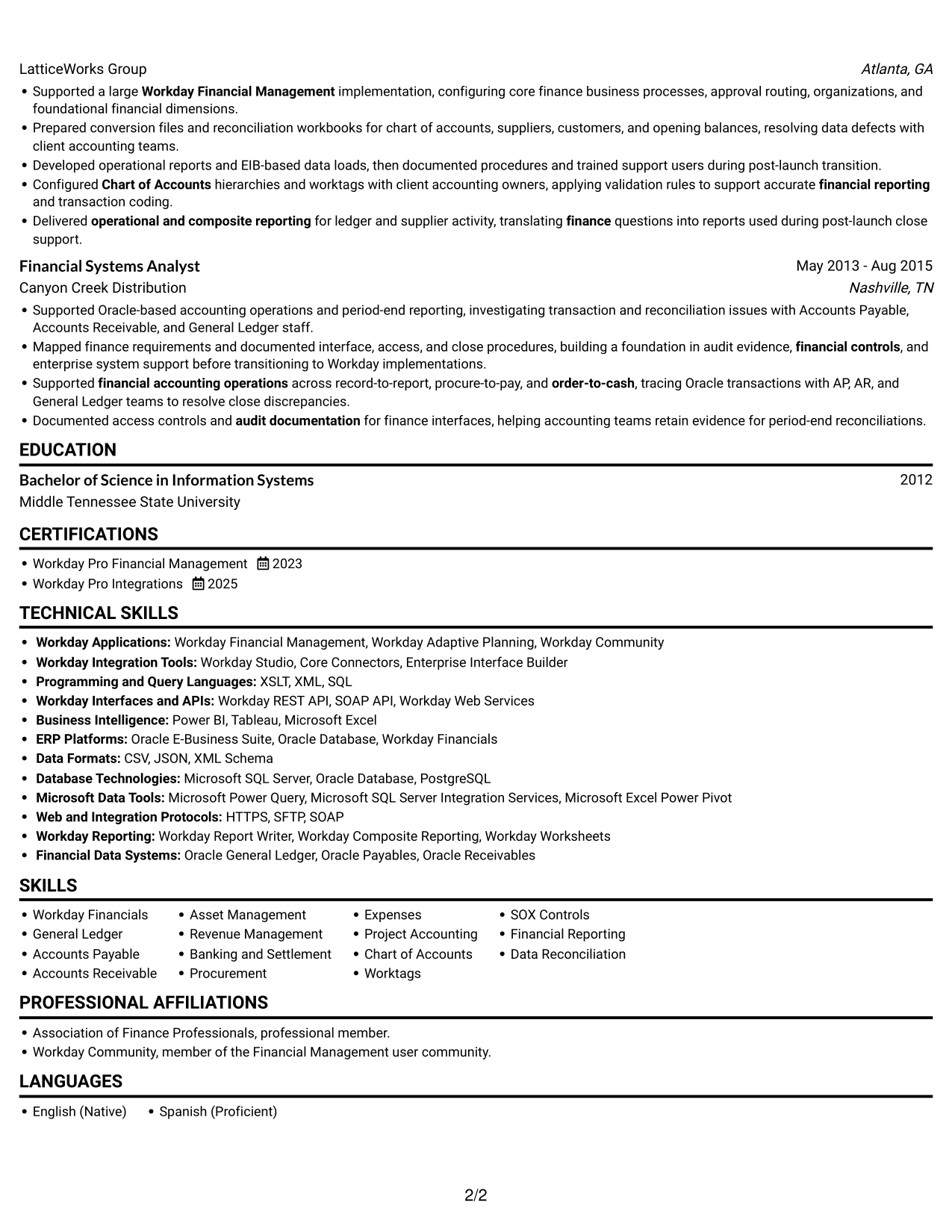
Why This Format Works
- One-column sections keep experience and education in a shared downward reading sequence.
- Role-by-role bullets connect achievements with the context of each position.
- Skills and certifications remain easy to find within the same column.
Best For
- Portrait-inclusive resume presentation
- One-column section order
- Role-by-role experience review
- Compact skills and credential sections
- Applications where a portrait is preferred
#5 Clean Two Column Sidebar Format Resume Example
The Clean Two Column Sidebar Format uses two columns to give resume sections separate space, a practical option for compact, side-by-side review.
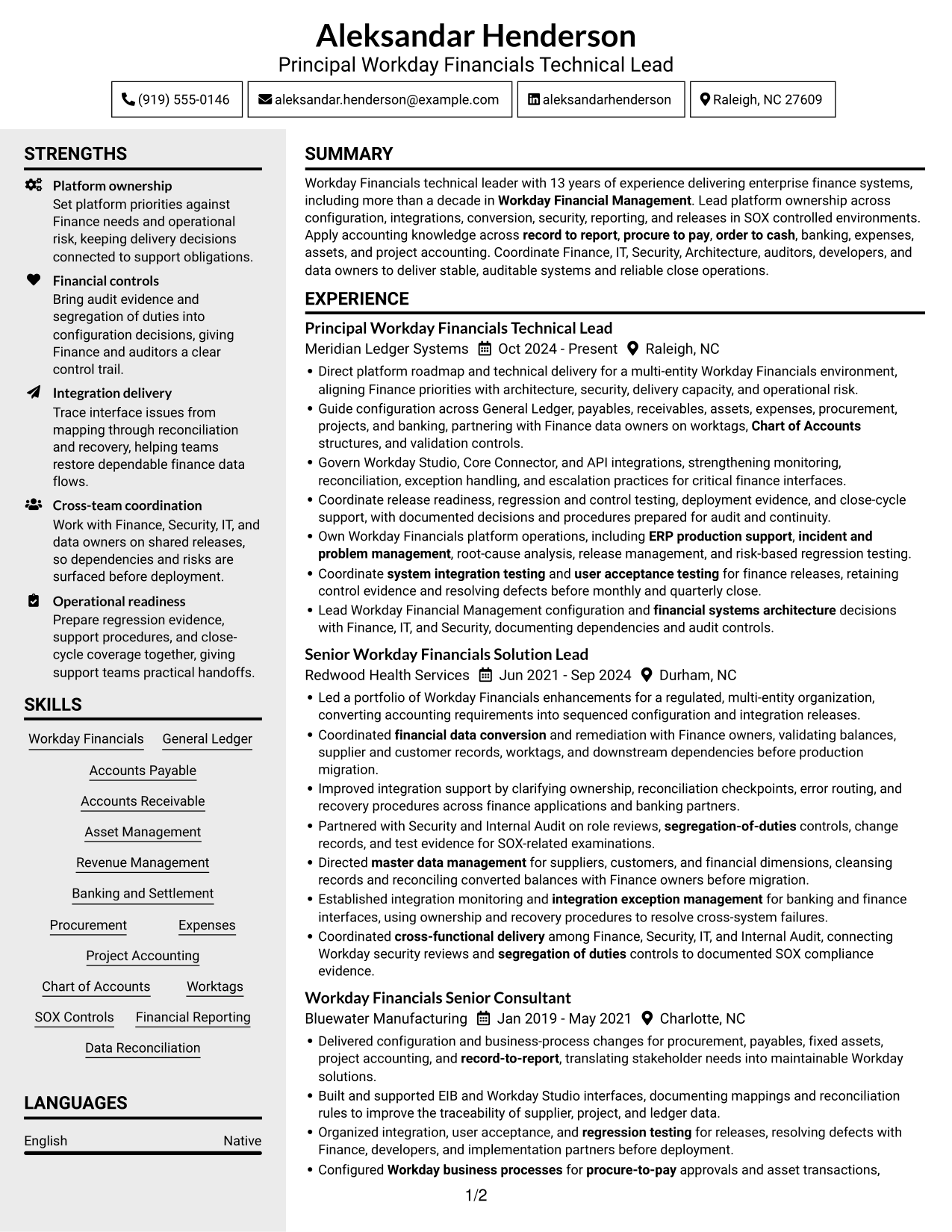
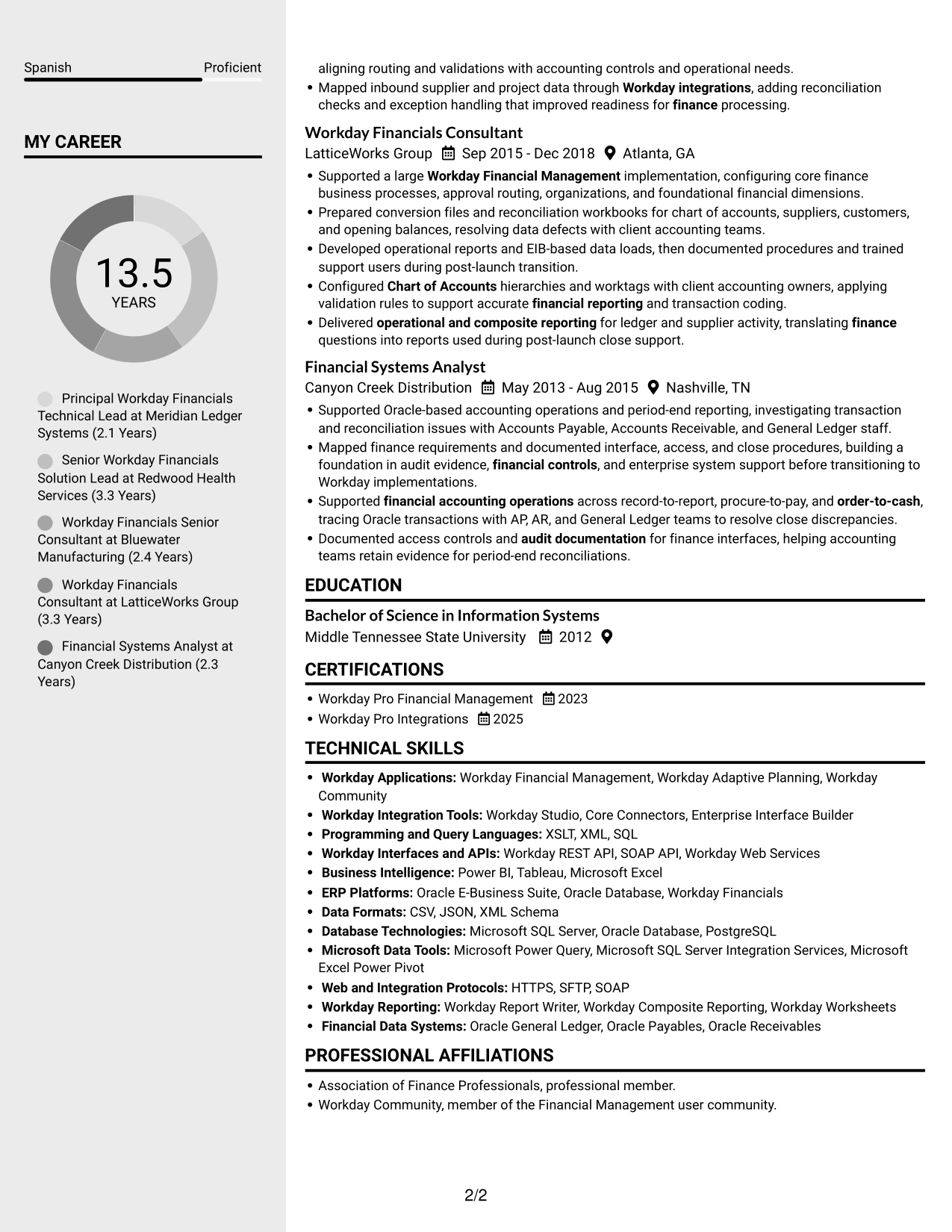
Why This Format Works
- Career history can be reviewed alongside the resume's other section groups.
- Separate columns give skills and education their own visible reading areas.
- Credentials remain easy to locate without interrupting the experience sequence.
Best For
- Side-by-side section review
- Compact resume content
- Quick access to skills and education
- Career histories with supporting credentials
- Readers who prefer a sidebar layout
#6 Two Column Format Resume Example
The Two Column Format divides resume information between two reading areas, helping readers scan grouped content without following one long column.
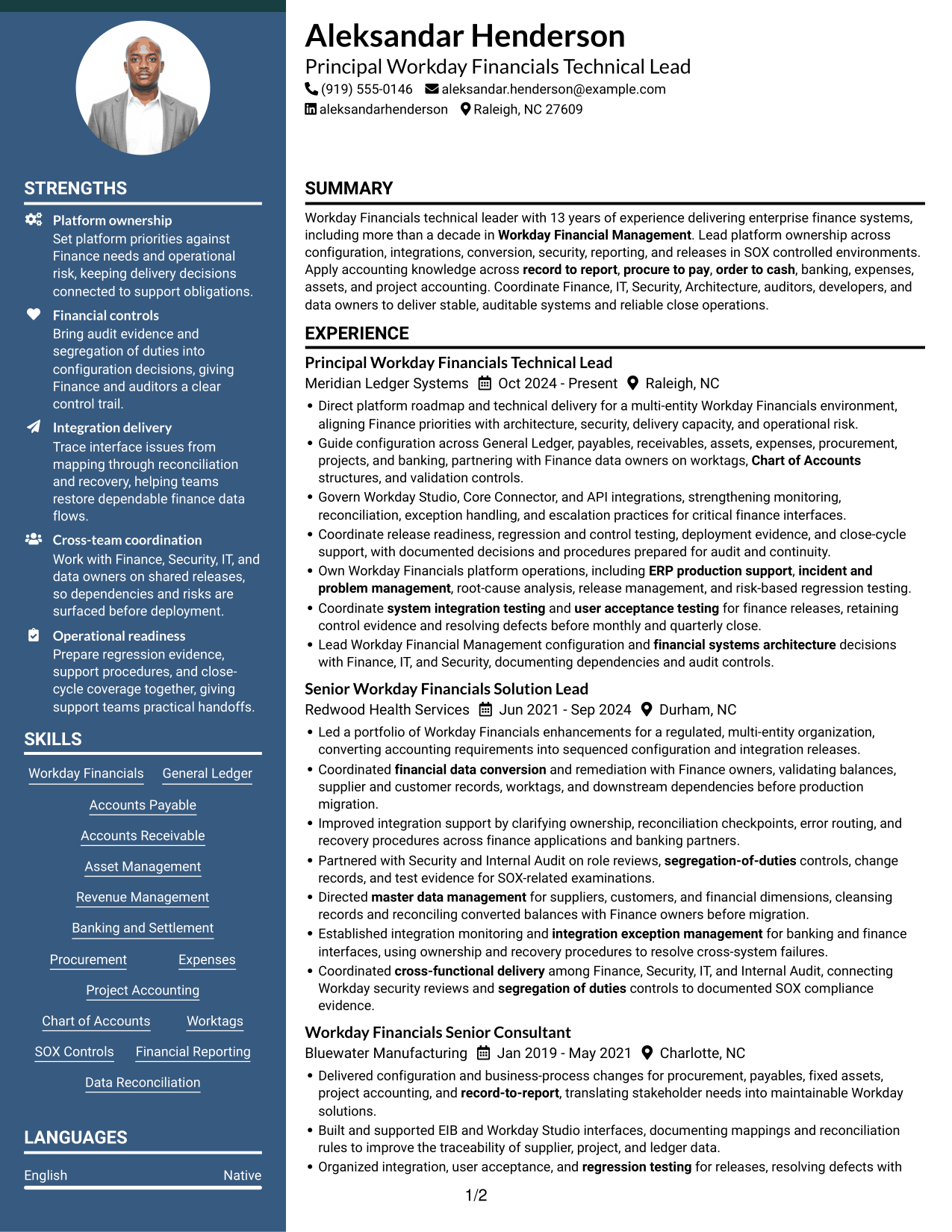
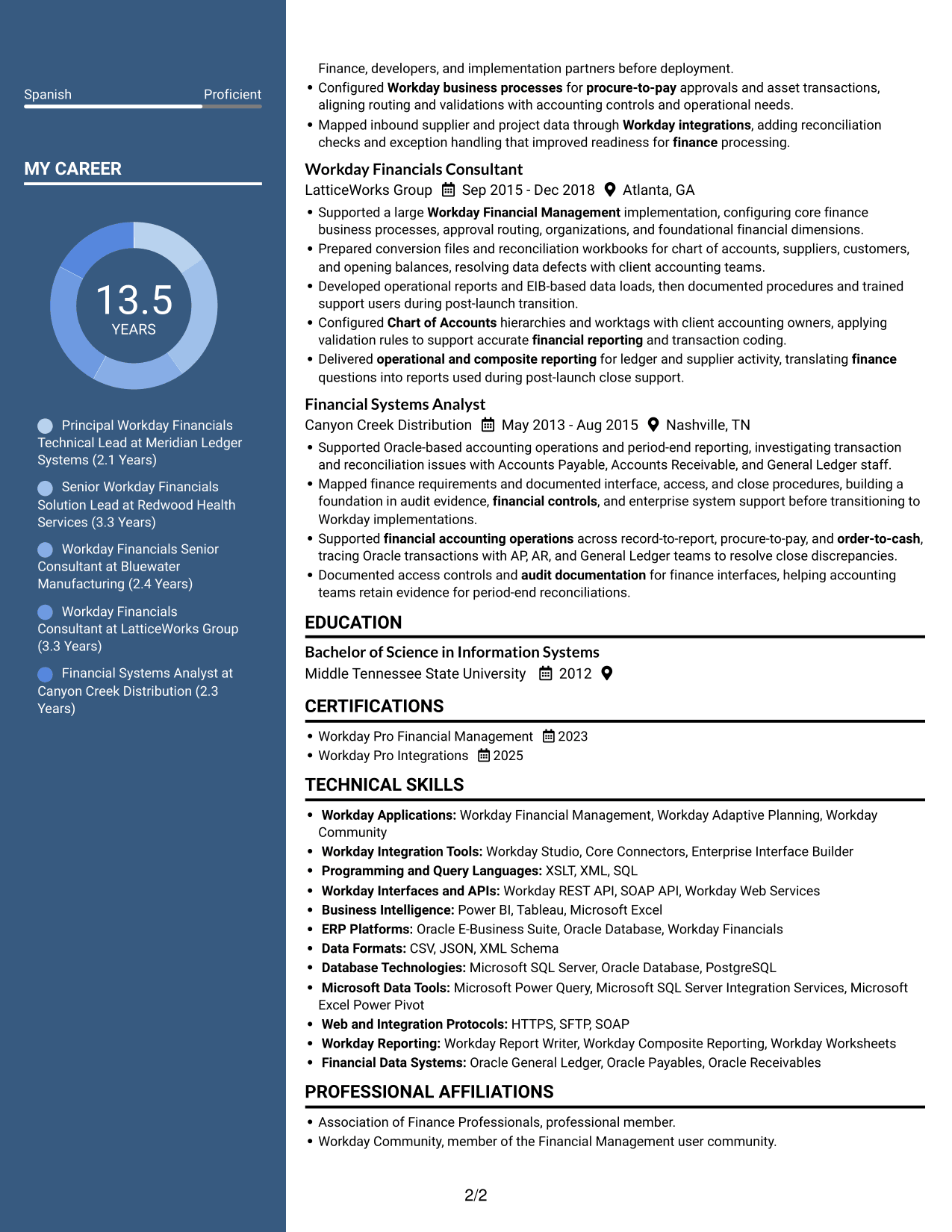
Why This Format Works
- Career progression can be followed within its section, not across the full page width.
- Skills and credentials are easy to check without losing the work-history sequence.
- Education stays visible as a distinct section during a quick review.
Best For
- Grouped resume sections
- Two-area content review
- Career progression across roles
- Quick checks of skills and credentials
- Resumes using page width efficiently
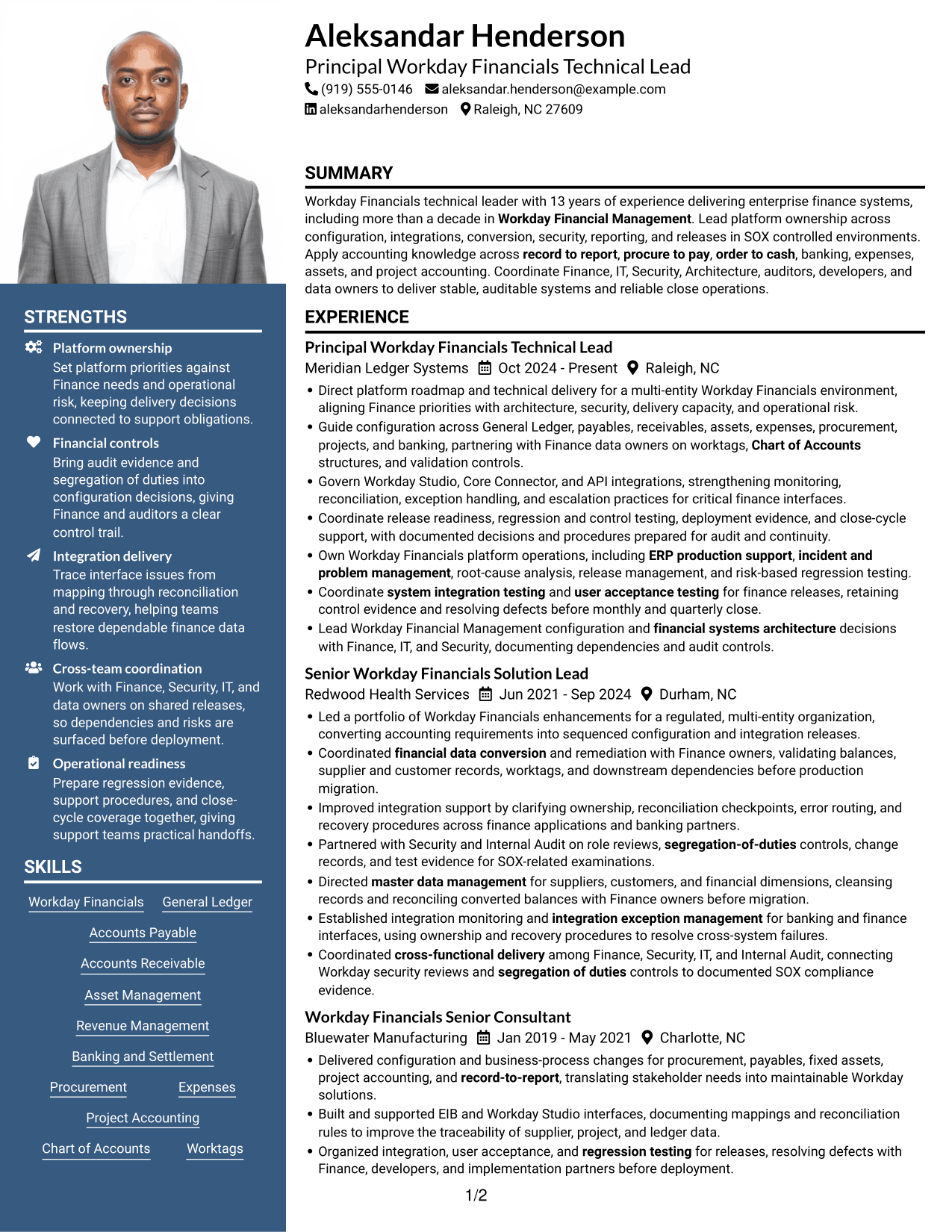
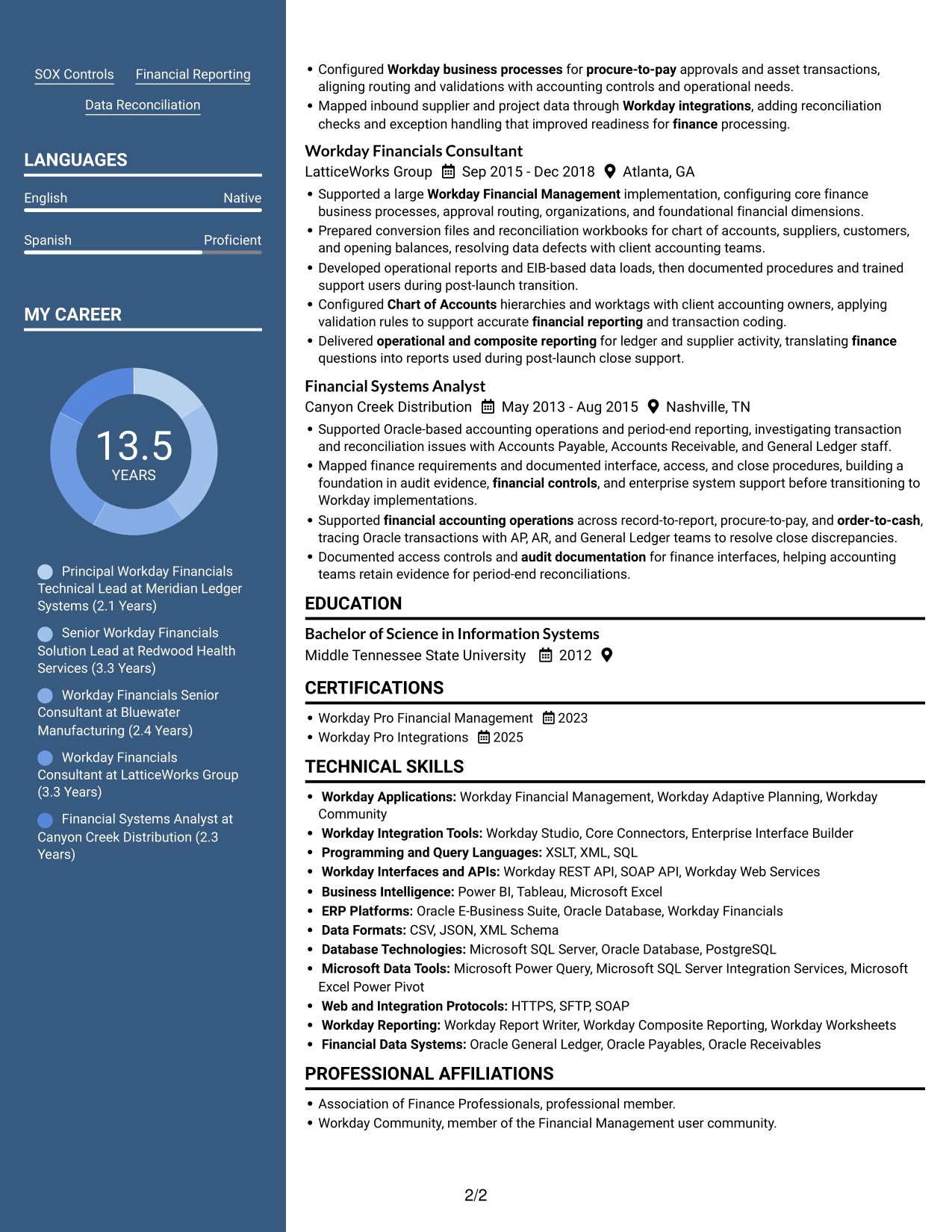
#7 Photo Header Two Column Format Resume Example
The Photo Header Two Column Format combines a portrait in the header with a two-column resume body, useful when both visual identification and grouped content matter.
Why This Format Works
- Two-column organization gives experience and supporting resume sections separate reading areas.
- Career entries remain grouped, making progression easier to follow across roles.
- Skills, education, and certifications are easy to find beyond the experience section.
Best For
- Header portrait preference
- Grouped resume sections
- Side-by-side content review
- Career progression across roles
- Skills and education alongside experience
Why Build Your Workday Financials Technical Lead Resume with ResumeInMinutes
ResumeInMinutes gives you an example you can review and customize. Arrange your experience, skills, certifications, and education so readers can find role-relevant details quickly.
- Resume layouts to compare
- Clear section structure
- ATS-aware content guidance
- Skills and experience organization
- Editor access for examples
- Resume customization support
Focus your resume on the Workday Financials work that best shows your technical leadership. Use concise bullets to explain your role in configuration, data integrity, controls, testing, and operational readiness.
See Also
- 7 Associate Manager - Workday Data Operations Resume Templates with Example
- 7 Integration Engineer 3, Workday - Functional (HCM) Resume Templates with Example
- 7 Senior HR Systems Solutions Architect (Workday) Resume Templates with Example
- 7 Senior HRIT Lead - Workday Resume Templates with Example
- 7 Senior Workday Security Administrator - Workday Extend Resume Templates with Example
- 7 Workday Compensation Application Consultant - Core and Advanced Compensation Resume Templates with Example
- 7 Workday Integration - Application Consultant Resume Templates with Example
- 7 Workday Payroll Systems Analyst Resume Templates with Example
- 7 Workday Financials Technical Lead Cover Letter Templates with Example
- 7 Associate Manager - Workday Data Operations Cover Letter Templates with Example
Frequently Asked Questions
Are these Workday Financials Technical Lead resume templates ATS-friendly?
The examples use readable headings and organized resume sections. Include job-relevant terms such as Workday Financial Management, integrations, financial reporting, SOX controls, and release management where they accurately describe your background.
Are these different resumes or different layouts?
The guide uses one Workday Financials Technical Lead resume example to show how the same information can appear in different layouts. Compare the image previews, then open an example in the editor to review or customize it.
What should a Workday Financials Technical Lead resume include?
Include a focused summary, relevant Workday skills, experience, education, and certifications. Add clear examples of configuration, integrations, data conversion, security, financial controls, reporting, testing, and release work when they reflect your experience.
How should I describe Workday integrations on my resume?
Name the tools you used, such as Workday Studio, Core Connectors, EIB, or APIs. Explain your role in data mapping, monitoring, reconciliation, exception handling, testing, or support, and include an outcome when you can support it with evidence.
Should I include Workday Pro credentials?
Yes, list relevant Workday Pro credentials in a certifications section with the credential name and date. These can help readers quickly identify your Workday Financial Management or integrations training.
Should I include a photo on my resume?
For U.S. applications, a resume without a photo is generally the safer choice. Use a clean layout that keeps attention on your experience, skills, and results.




