
7 Workday US Payroll Lead Cover Letter Templates with Example
This practical guide helps you create a focused Workday US Payroll Lead cover letter, with seven layouts to compare and adapt.
What Makes a Great Workday US Payroll Lead Cover Letter in 2026
A strong letter links payroll workstream leadership to results, such as careful testing, a successful go-live, and stable payroll operations.
Use specific evidence, such as coordinating a multi-entity deployment, then connect your contribution to the employer’s needs and explain why its client work fits your approach.
The featured example moves from role fit to implementation evidence, relevant consulting work, employer interest, and a clear close. Adapt that progression while choosing a presentation that suits the employer and the communication context.
#1 Simple One Column Format Cover Letter Example
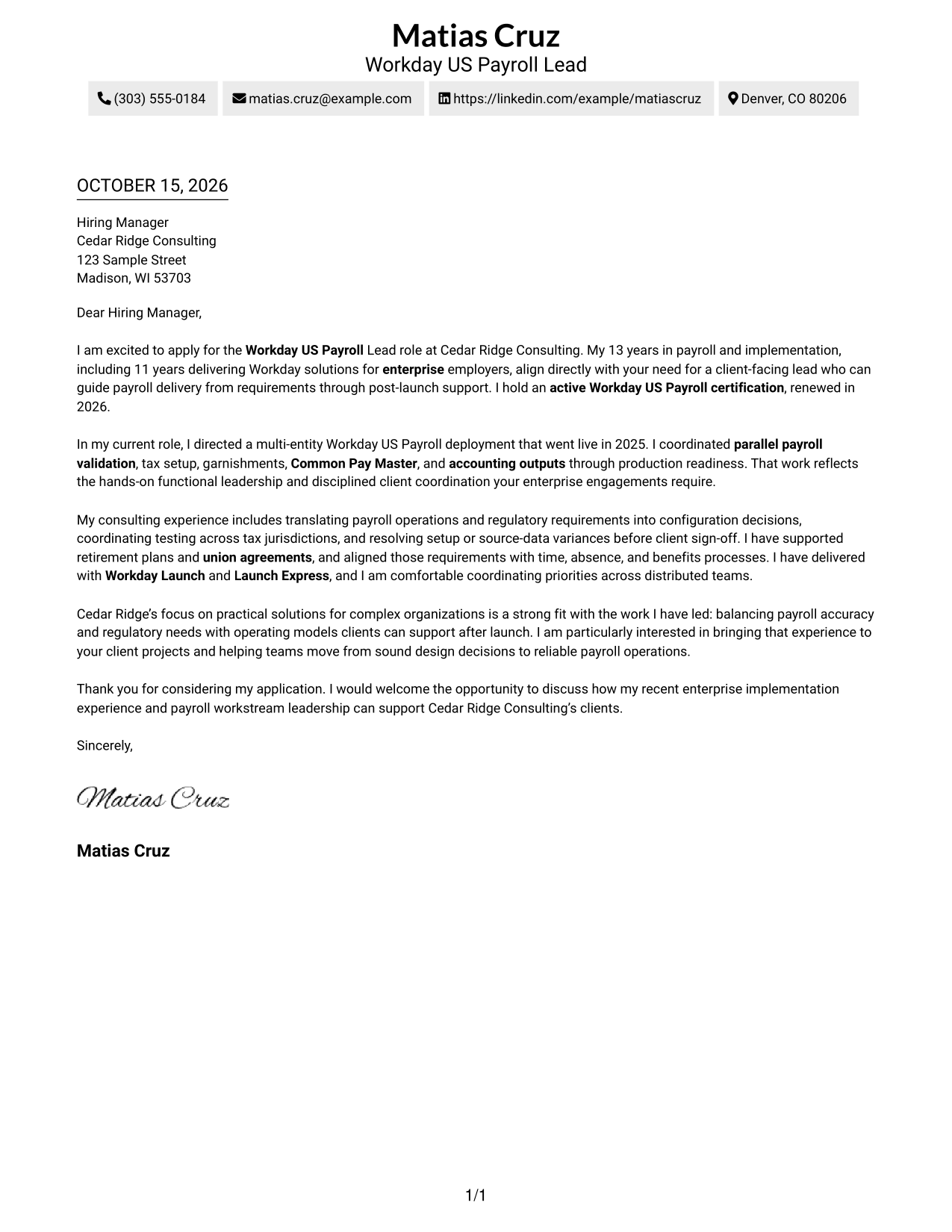
The Simple One Column Format places sender details in the header and keeps the letter body in one column for a direct reading path.
Why This Format Works
- Sender details in the header remain separate from the greeting and message.
- The single body column keeps the opening, evidence, and closing in sequence.
- Photo-free presentation suits readers who want the written message to remain central.
Best For
- Single-column letter pages
- Header-based contact details
- Continuous paragraph arguments
- Photo-free correspondence
- Readers who prefer linear reading
#2 Two Column Format Cover Letter Example
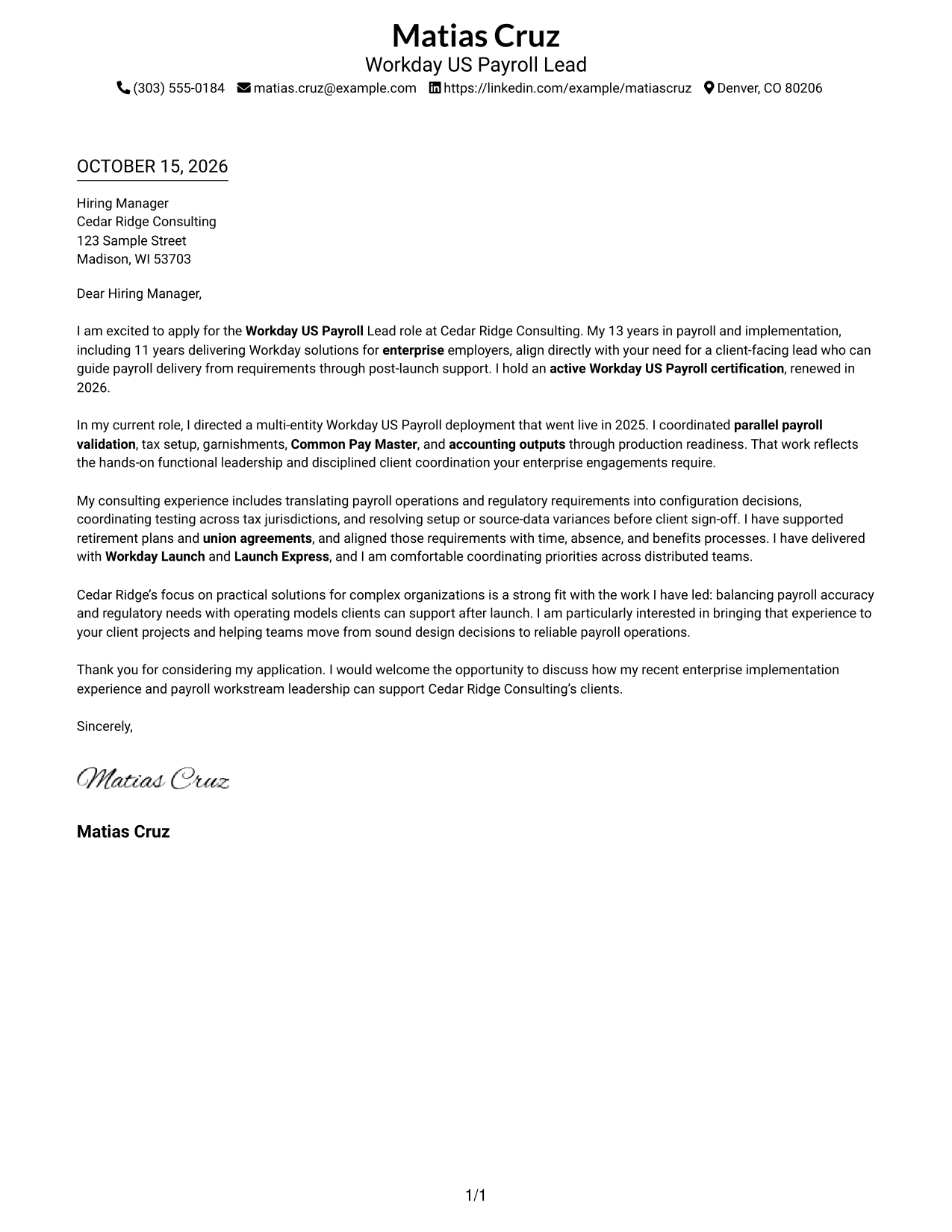
The Two Column Format sets a contact sidebar beside one continuous letter body, keeping contact information distinct from the message.
Why This Format Works
- The contact sidebar keeps sender information apart from the letter's argument.
- One continuous body lets readers follow motivation, evidence, and closing in order.
- The paragraphs retain a familiar business-letter tone without argument headings.
Best For
- Contact details beside the message
- Continuous letter paragraphs
- Quick access to sender information
- Photo-free correspondence
- Two-column page preferences
#3 Photo Header Two Column Format Cover Letter Example
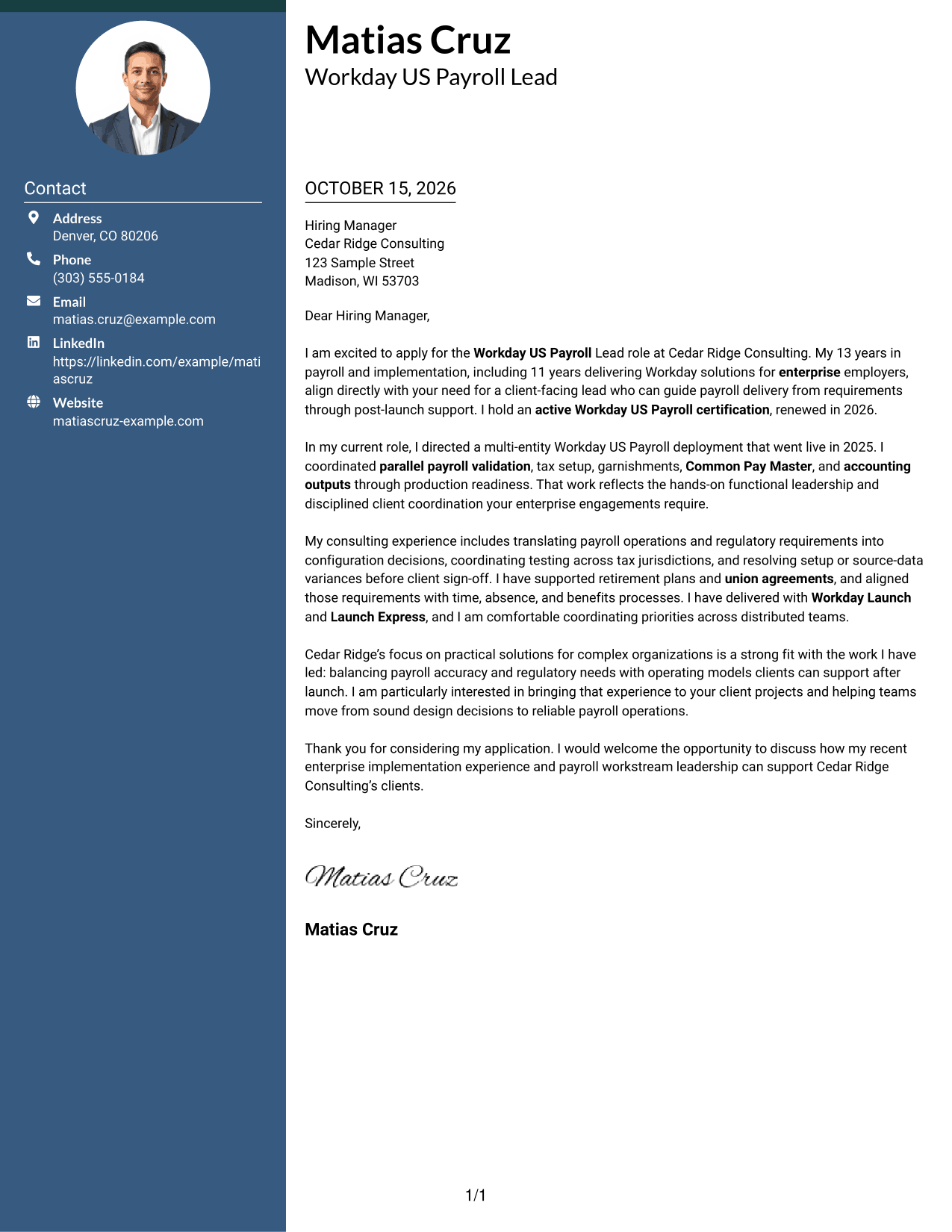
The Photo Header Two Column Format combines a contact sidebar and continuous letter body with a photo for a portrait-inclusive presentation.
Why This Format Works
- The sidebar separates sender details from the letter's opening and argument.
- A single body keeps motivation, supporting evidence, and closing together.
- The included photo suits readers who prefer a portrait in the document.
Best For
- Contact details beside the letter
- Portrait-inclusive correspondence
- Continuous paragraph flow
- Two-column page preferences
- Applications with a sender photo
#4 One Column Format with Photo Cover Letter Example
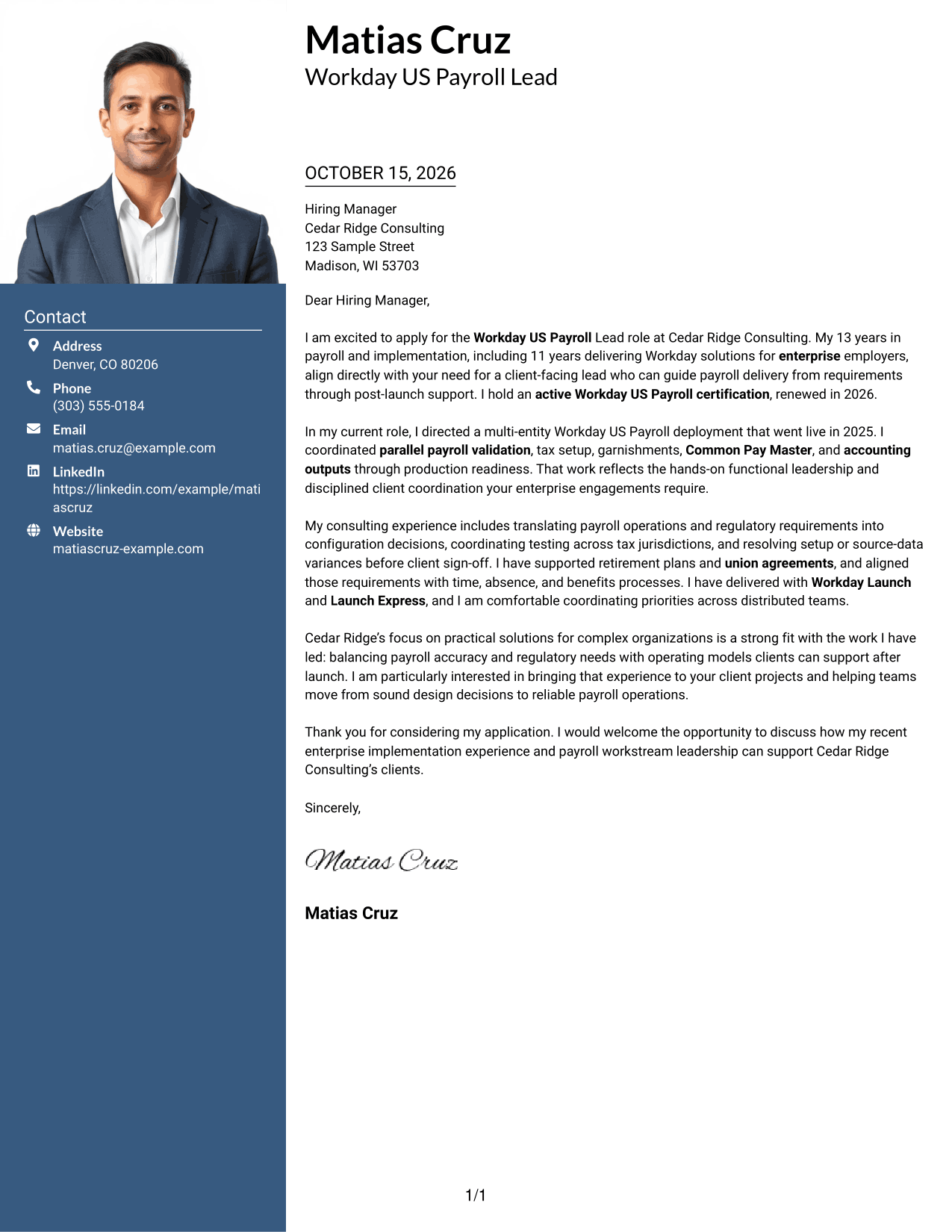
The One Column Format with Photo keeps the sender details in the header and places a photo with the single-column letter.
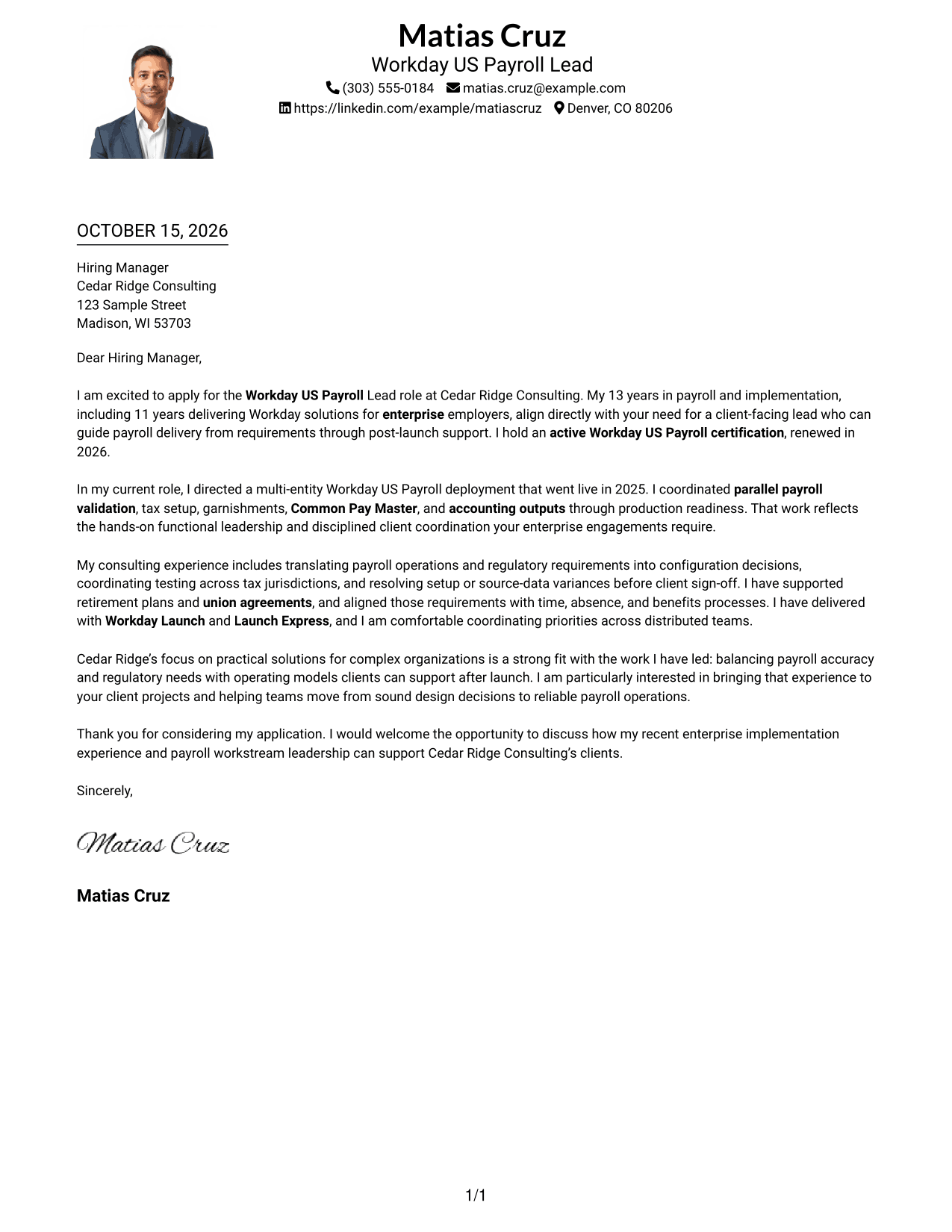
Why This Format Works
- The header gives sender details a distinct place before the letter begins.
- One column carries the opening, evidence, and closing in a clear sequence.
- A photo adds a portrait as a visual part of the presentation.
Best For
- Single-column letter pages
- Header-based contact details
- Portrait-inclusive correspondence
- Continuous paragraph arguments
- Applications with a sender photo
#5 Simple Two Column Format Cover Letter Example
The Simple Two Column Format places sender details in a contact sidebar beside a continuous letter body, while keeping the message photo-free.
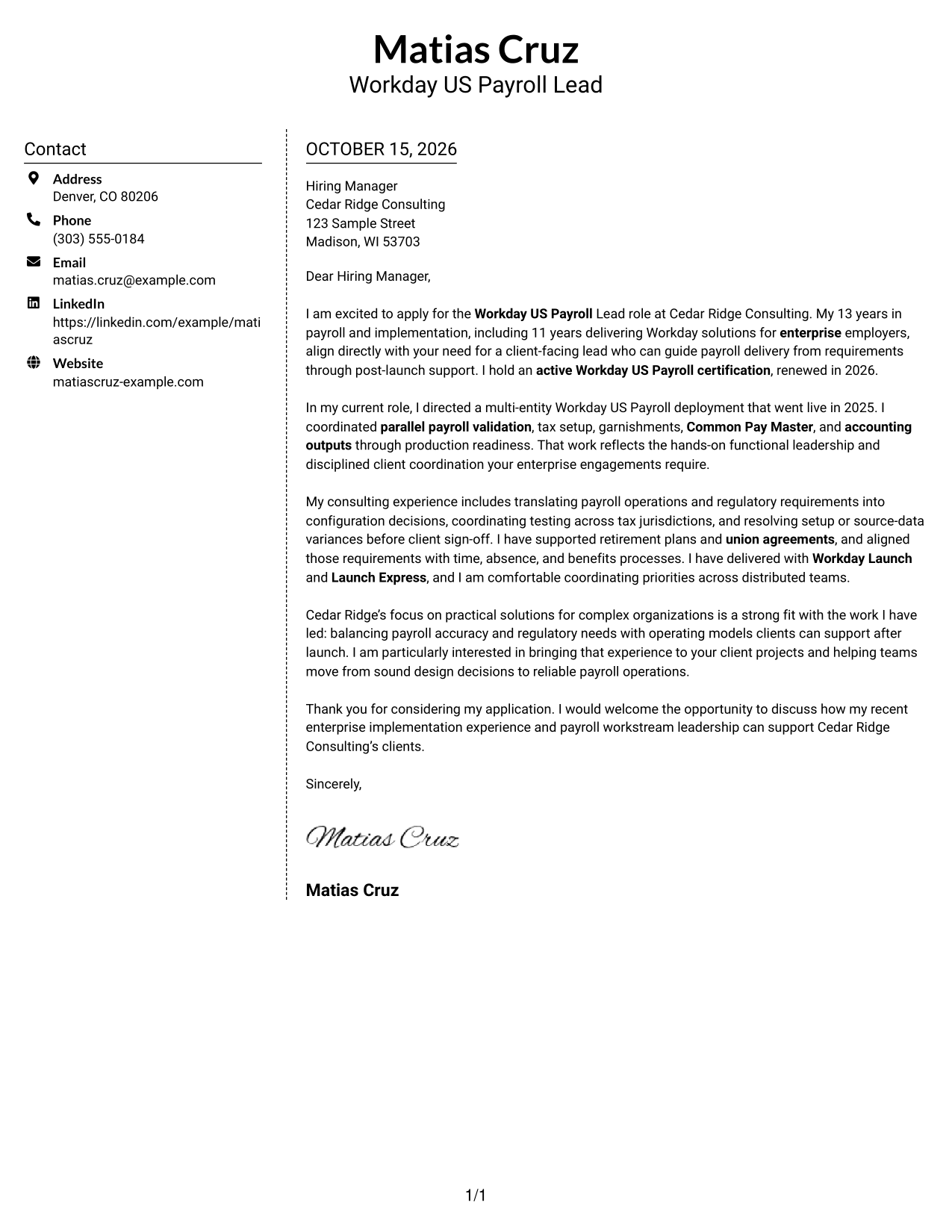
Why This Format Works
- Sender details have their own area, apart from the letter paragraphs.
- The continuous body keeps the case for fit in a single sequence.
- Photo-free styling keeps the presentation focused on written communication.
Best For
- Contact sidebar layouts
- Continuous letter paragraphs
- Photo-free correspondence
- Side-by-side contact and message
- Written-message-focused applications
#6 Modern Icon Format Cover Letter Example
The Modern Icon Format uses two columns, with contact details in a sidebar and icons as cues for contact information or header accents.
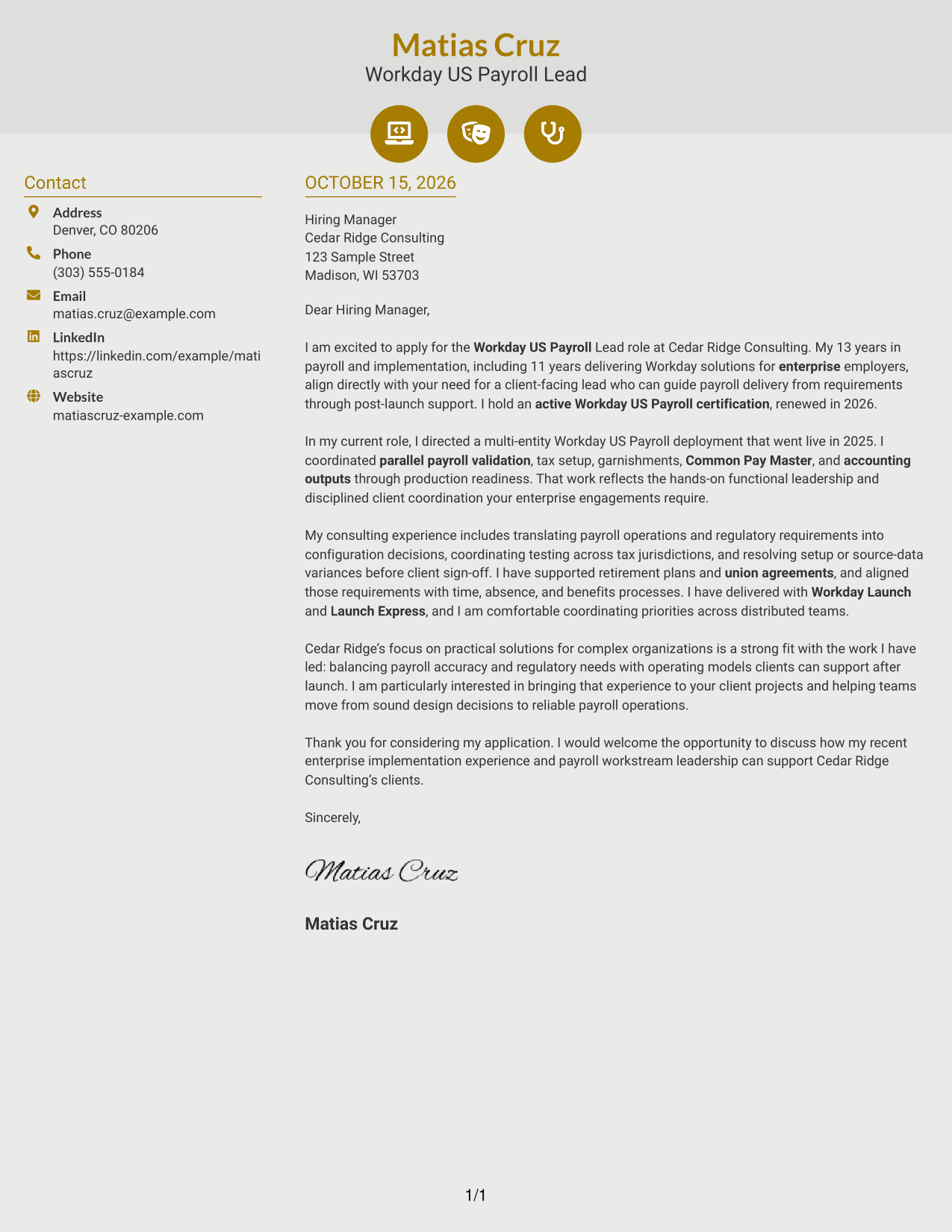
Why This Format Works
- Contact icons help distinguish sender details from the letter paragraphs.
- The sidebar keeps contact information beside, not within, the message.
- A single body carries motivation and evidence through to the closing.
Best For
- Icon-marked contact details
- Sidebar contact information
- Continuous letter paragraphs
- Two-column page preferences
- Photo-free correspondence
#7 Creative Two Tone Format Cover Letter Example
The Creative Two Tone Format places a contact sidebar beside one continuous letter body, separating the sender's details from the written message.
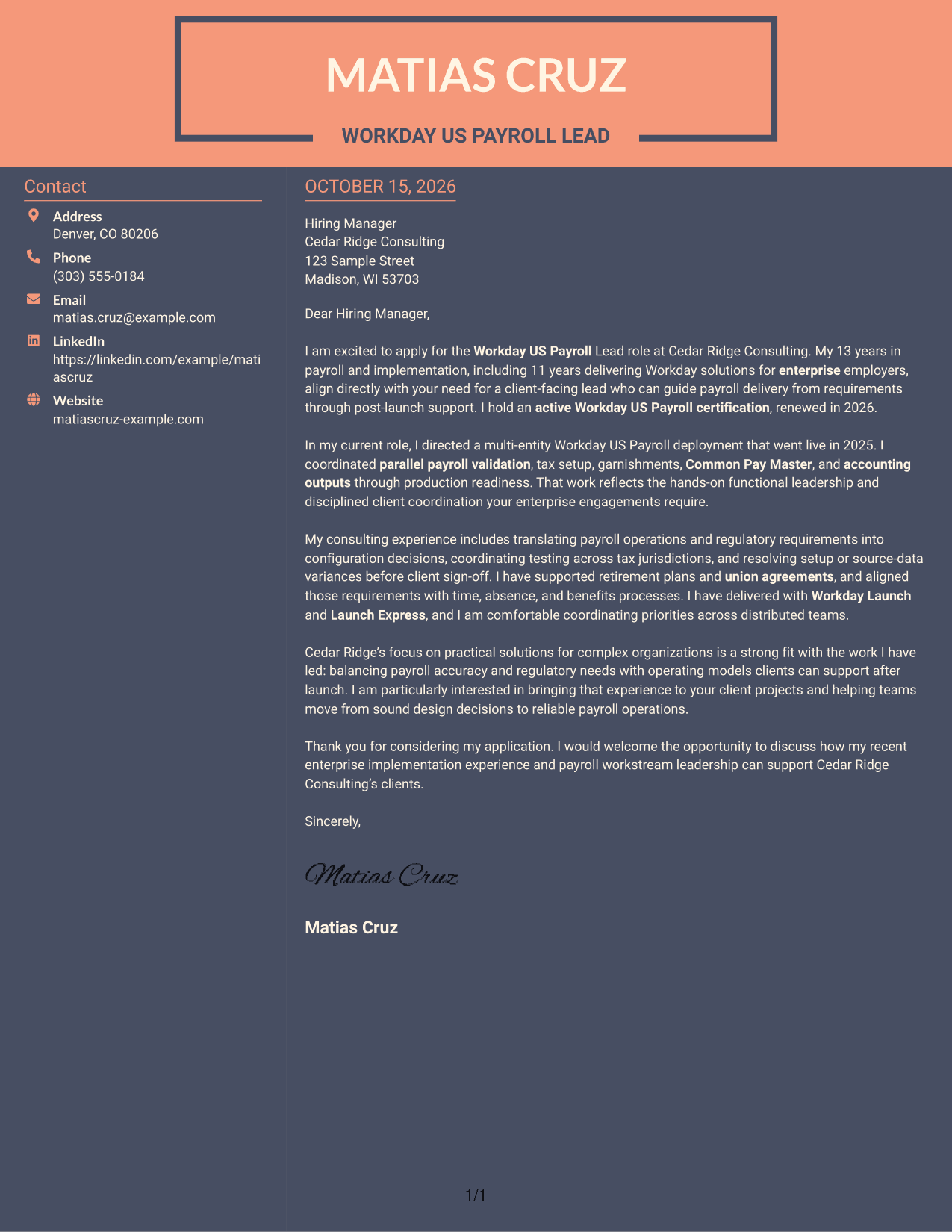
Why This Format Works
- The sidebar gives contact information a separate place beside the letter.
- The uninterrupted body carries the opening, supporting points, and closing in order.
- No argument headings divide the letter's paragraphs into separate stages.
Best For
- Contact details beside the message
- Uninterrupted paragraph style
- Two-column page preferences
- Photo-free correspondence
- Letters without argument headings
See Also
- 7 Workday US Payroll Lead Resume Templates with Example
- 7 Workday Payroll Systems Analyst Resume Templates with Example
- 7 Analytics Sr Software Engineer (US Federal) Resume Templates with Example
- 7 Director, US Marketing - Surgical Robotics Resume Templates with Example
- 7 Field Marketing Specialist - US Resume Templates with Example
- 7 Principal Cyber Security Engineer US Federal Resume Templates with Example
- 7 US Congressional Lead Resume Templates with Example
- 7 Payroll Specialist Resume Templates with Example
- 7 Workday Payroll Systems Analyst Cover Letter Templates with Example
- 7 Payroll Technician - Public Sector Payroll Cover Letter Templates with Example
Frequently Asked Questions
What should the opening of a Workday US Payroll Lead cover letter include?
Name the role and show how your payroll delivery experience fits its needs. A clear opening can connect workstream leadership, implementation delivery, and client communication to the position.
What evidence is useful in this cover letter?
Choose a specific implementation example and explain your contribution. For instance, describe how you coordinated payroll validation, tax setup, garnishments, Common Pay Master, or accounting outputs through a go-live.
How can I show interest in the employer?
Connect the employer’s stated focus on practical solutions for complex organizations to the work you have done. Explain how your approach can help its client teams reach reliable payroll operations.
Does this guide show one letter in different layouts?
Yes. The examples use the same featured cover letter in different presentations, so you can compare how the layout supports its message.
How can I compare the previews and open an example?
Review the PNG preview images to compare the page presentation. Use the View in Editor link to open an example, or choose the customization action to begin working with it in the editor.




