
7 Workday US Payroll Lead Resume Templates with Example
This guide shows you how to create a clear, focused Workday US Payroll Lead resume. You will learn how to organize implementation evidence and compare professional layouts for this role.
A strong resume connects payroll workstream leadership with delivery across design, configuration, parallel testing, deployment, and post-launch support. Show the scope of enterprise projects and explain how your work helped teams reach accurate, supportable payroll operations.
The example is presented in 7 layouts, with image previews you can compare before opening an example in the editor. The guidance also covers ATS-friendly sections and role-specific terms such as US payroll taxation, garnishments, Common Pay Master, payroll accounting, retirement benefits, and union or CBA payroll.
What Makes a Great Workday US Payroll Lead Resume in 2026
A strong Workday US Payroll Lead resume makes implementation leadership easy to see. Clear sections and concise experience bullets show how you guide payroll design, configuration, testing, deployment, and support.
Use terms that match your real experience, such as Workday US Payroll, active certification, taxation, garnishments, Common Pay Master, payroll accounting, retirement benefits, and union or CBA payroll. Add specific results or project scope when you can support them.
The examples shown below are intentionally detailed to demonstrate a range of experiences, skills, accomplishments and relevant keywords. We prefer detailed resumes as they provide more context to the hiring managers and also help the ATS systems identify relevant qualifications and score your resume better for a match. But the length of a resume is an individual choice. If you want a one page resume, just keep the most relevant experience and information for the job. Note: Resume examples are for educational purposes only. Use only information that accurately reflects your experience and qualifications. References to real organizations do not imply affiliation or endorsement.
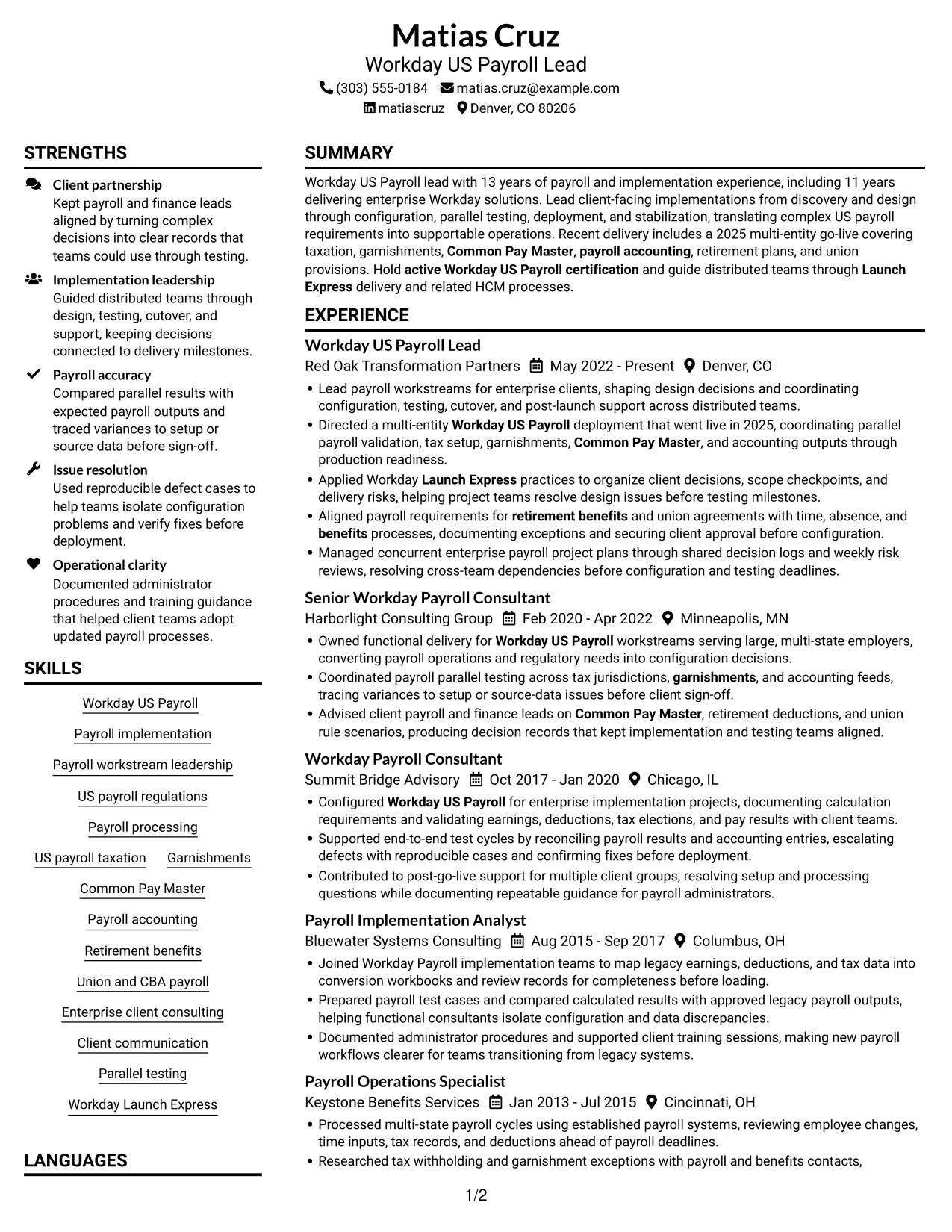
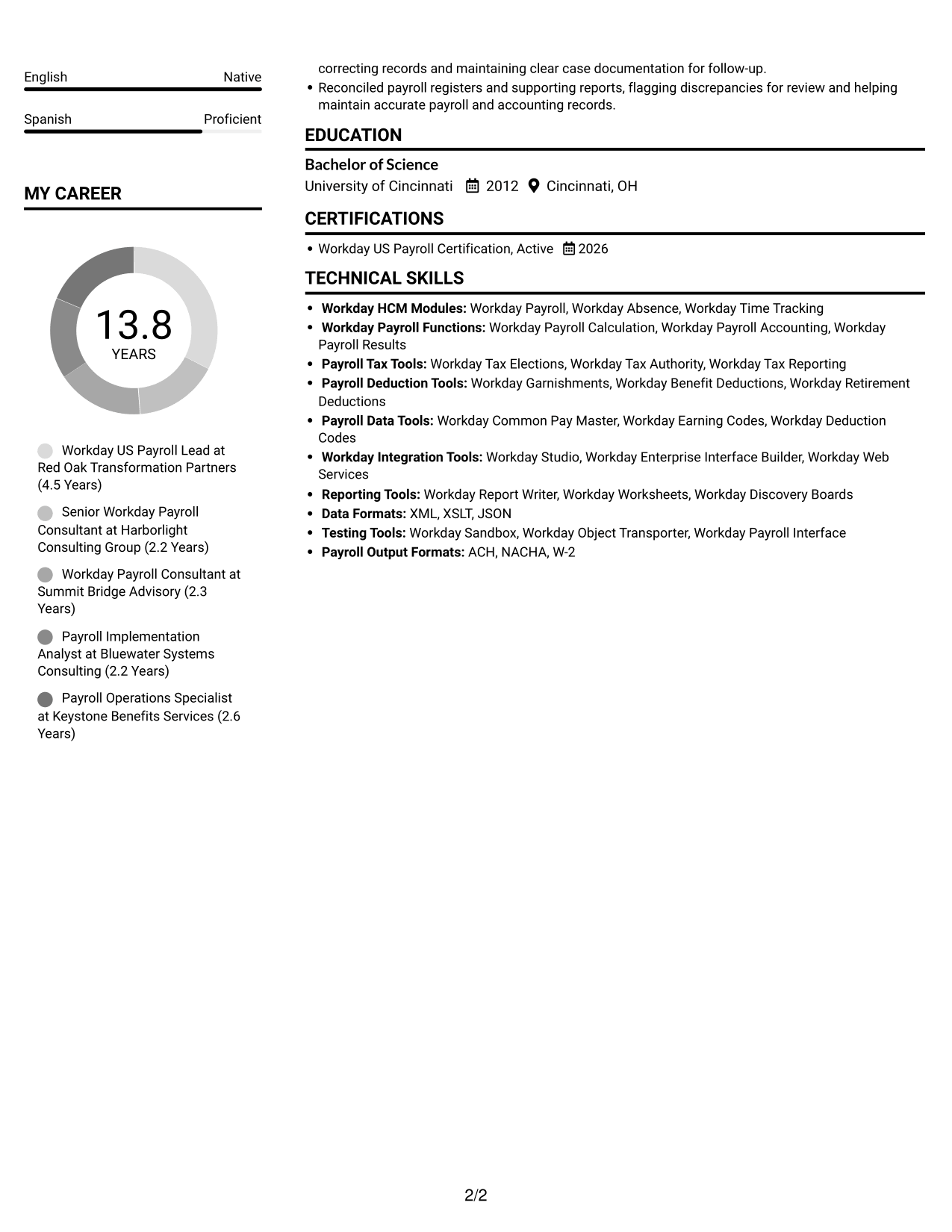
#1 Plain Two Column Format Resume Example
The Plain Two Column Format uses a two-column layout, helping reviewers compare career history with supporting resume sections in one view.
Resume Snapshot
- Workday US Payroll Lead with 13 years of payroll and implementation experience
- 2025 multi-entity Workday US Payroll go-live
- Active Workday US Payroll certification, renewed 2026
- Enterprise delivery across taxation, garnishments, Common Pay Master, and payroll accounting
Why This Format Works
- Two columns let reviewers compare career history with supporting sections in one view.
- Separate content areas give skills and education room beside the work history.
- Section separation helps readers locate certification and measurable payroll results during a quick review.
Best For
- Side-by-side section review
- Dense professional histories
- Several supporting resume sections
- No-photo document preference
- Fast movement between content areas
Resume Keywords
- Workday US Payroll
- active Workday US Payroll certification
- US payroll regulations
- Payroll processing
- US payroll taxation
- Garnishments
- Common Pay Master
- Payroll accounting
- Enterprise client consulting
- Payroll workstream leadership
- Client communication
- Retirement benefits
- Union and CBA payroll
- benefits
- Launch Express
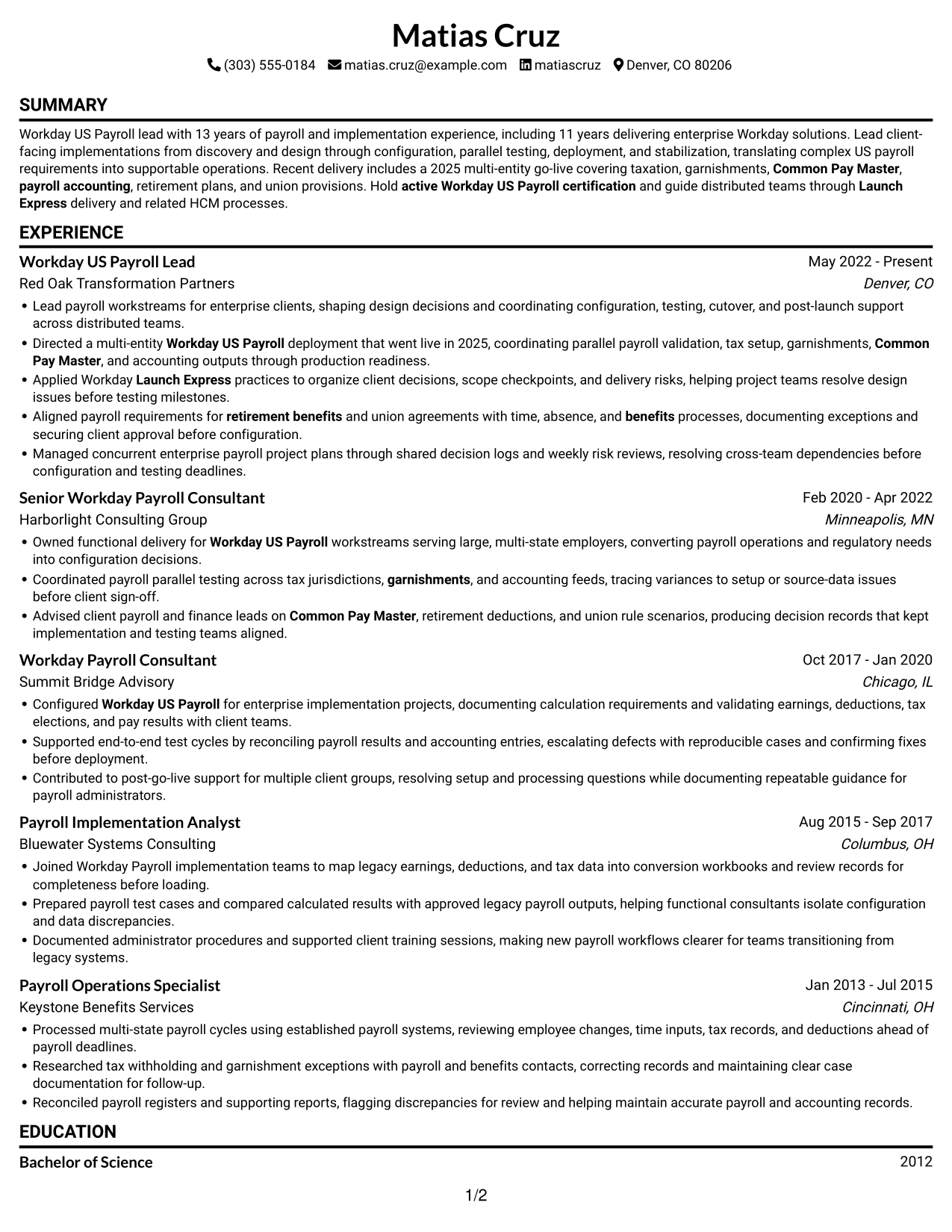
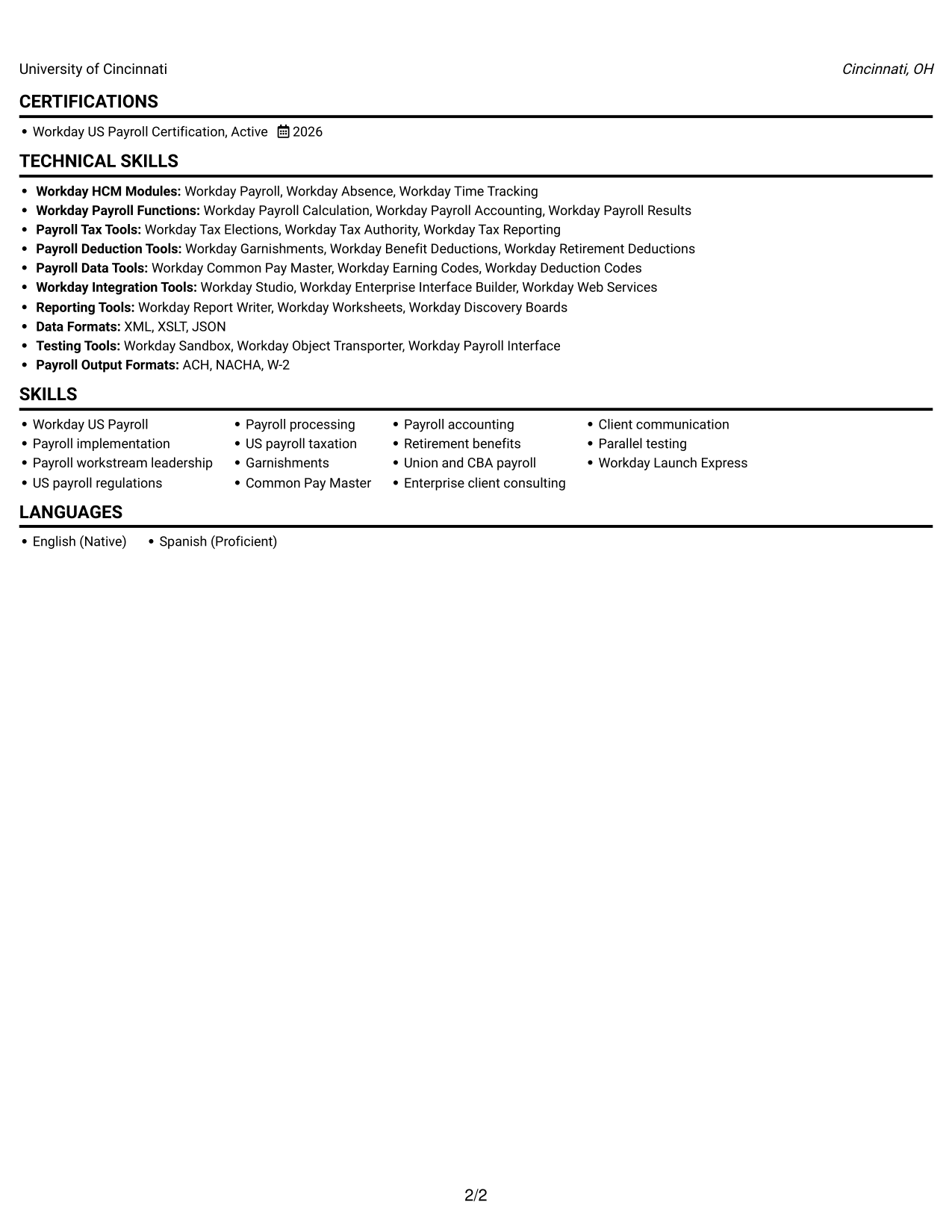
#2 Simple One Column Format Resume Example
The Simple One Column Format keeps resume content in a single-column reading order, a practical choice for following work history from one role to the next.
Why This Format Works
- One continuous column keeps career progression easy to follow from role to role.
- A steady downward reading order helps recruiters find education and certification without switching columns.
- ATS-friendly text flow can make skills and experience details easier to parse.
Best For
- Chronological work histories
- ATS-focused submissions
- Linear resume review
- Detailed experience records
- Traditional text-first applications
#3 Clean Two Column Sidebar Format Resume Example
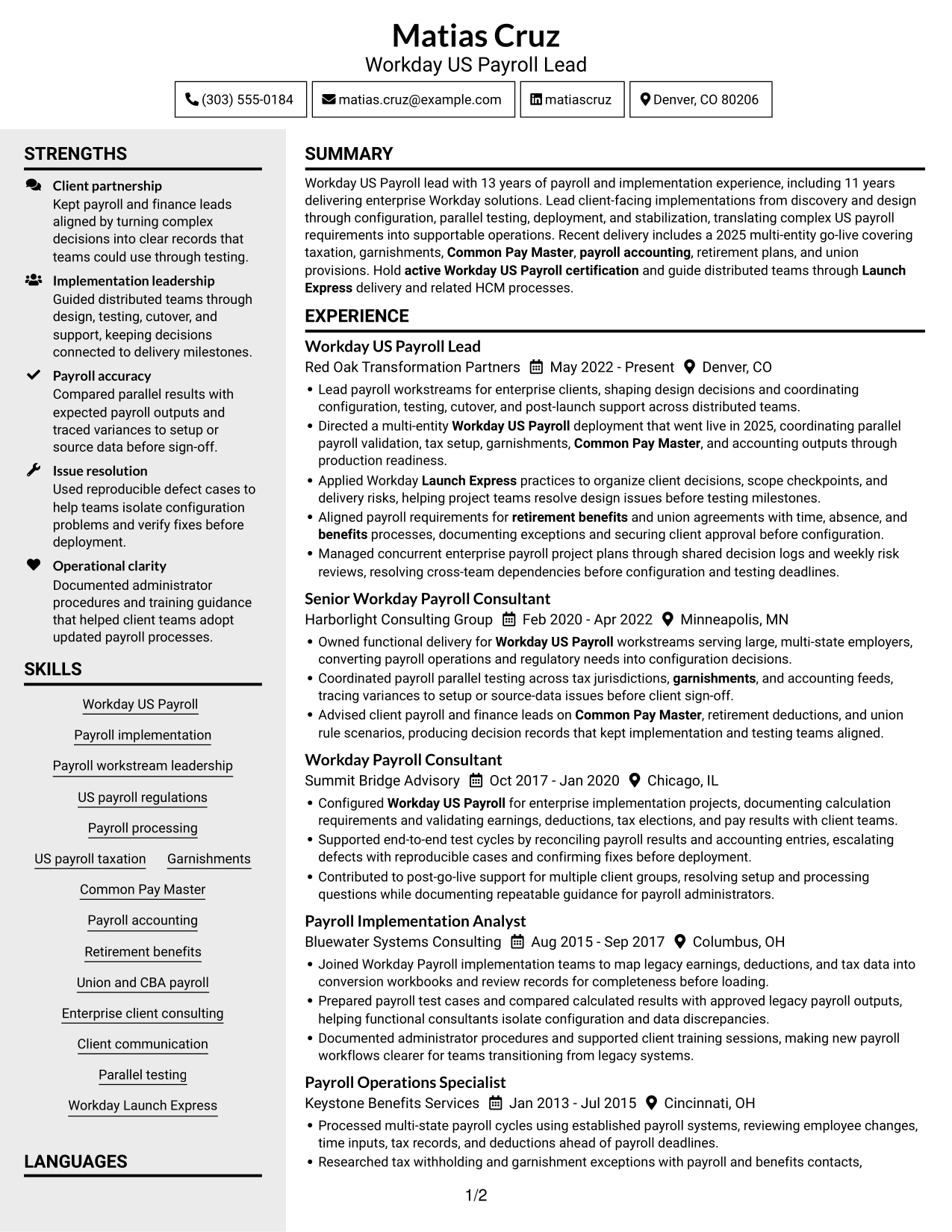
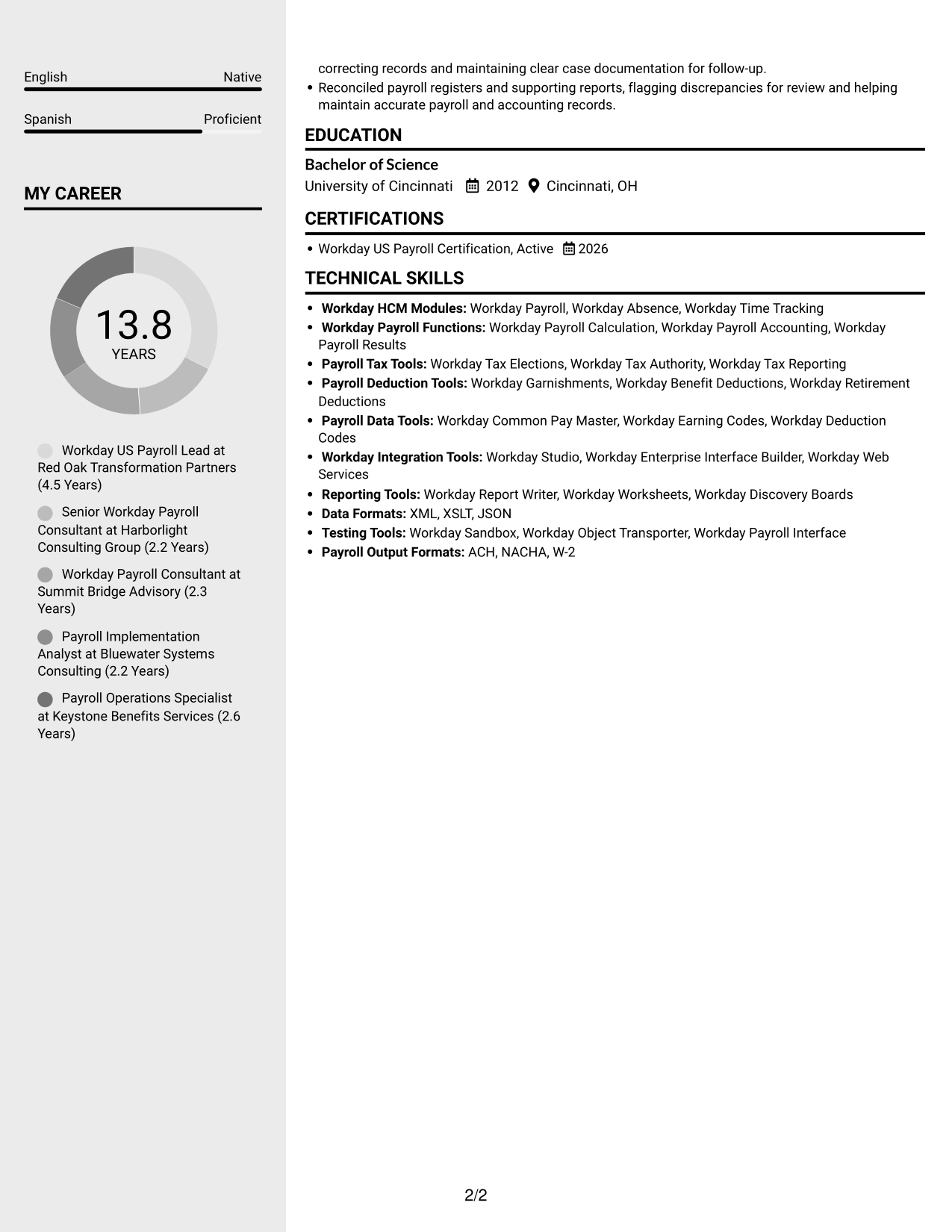
The Clean Two Column Sidebar Format places resume content in two columns, giving supporting details a distinct place beside career history.
Why This Format Works
- The sidebar arrangement gives supporting details a distinct place beside career history.
- Two-column grouping helps readers move between experience and skills without scanning one long block.
- Education and certification can stay easy to locate alongside detailed implementation history.
Best For
- Career history with supporting details
- Multi-section professional resumes
- Skills and education alongside experience
- Readers who prefer a sidebar
- Separate content areas for quick review
#4 Two Column Format Resume Example
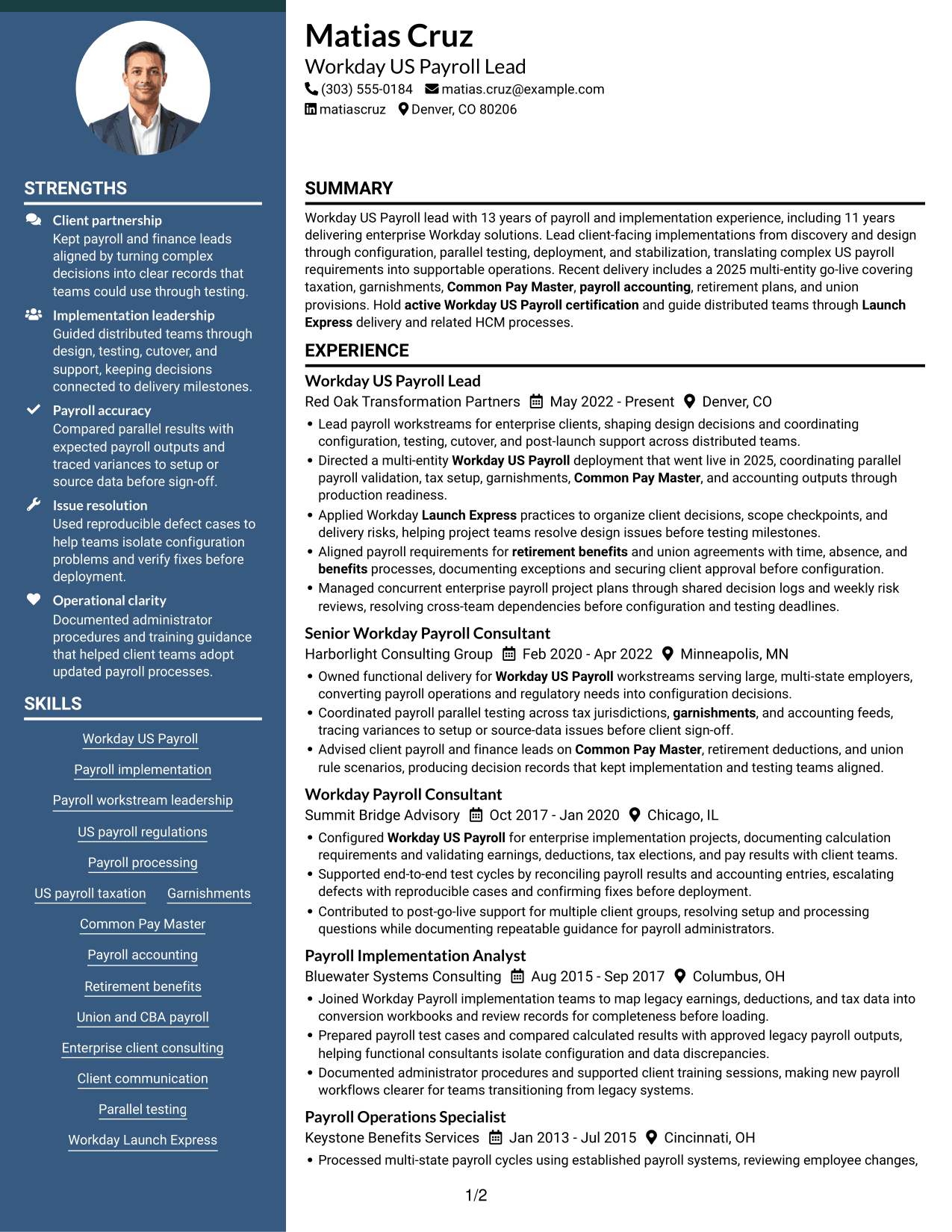
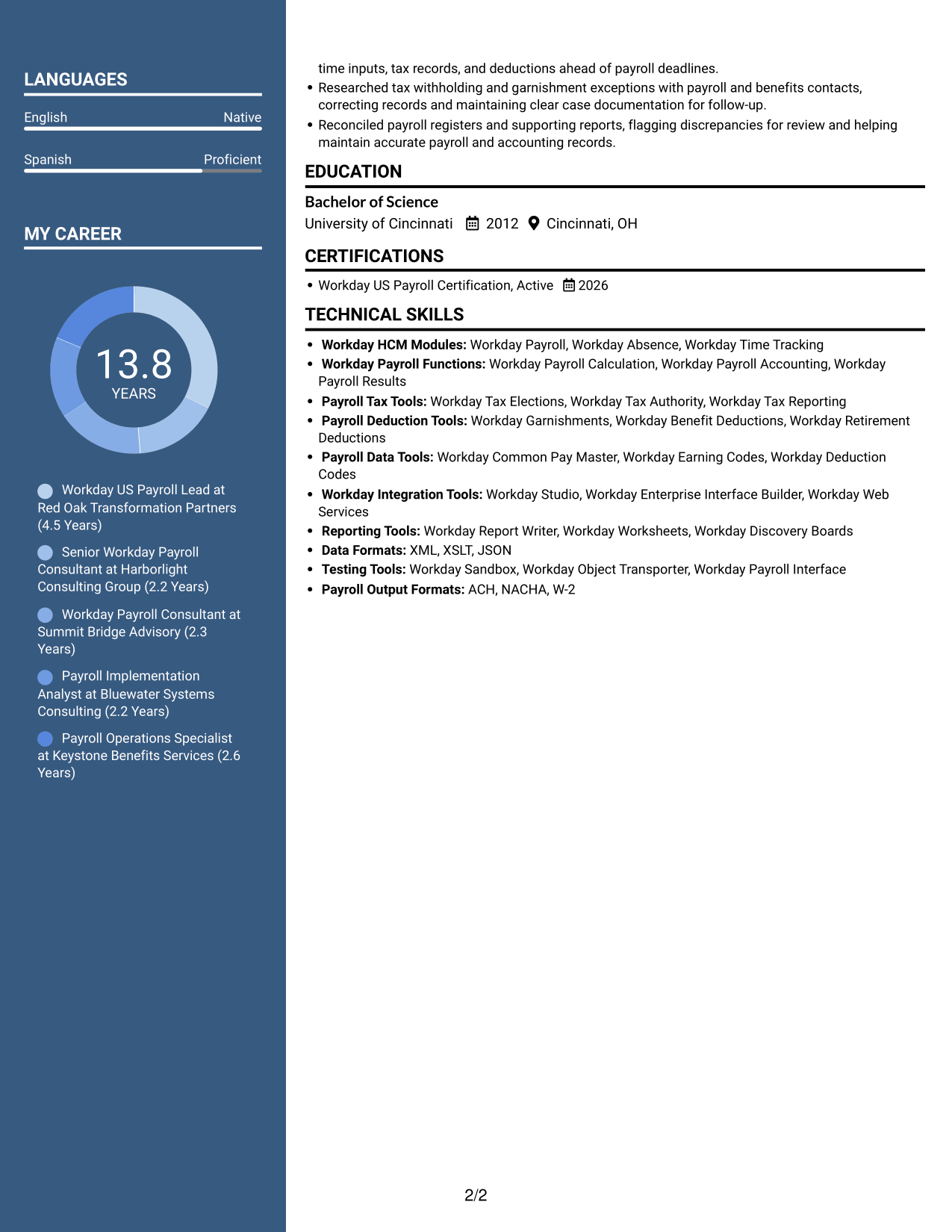
The Two Column Format sets resume content in two columns, offering a useful option for readers who want separate sections visible together.
Why This Format Works
- Parallel columns help reviewers compare career progression with qualifications across the resume.
- Separate column areas reduce the need to search through one uninterrupted section sequence.
- Education and certification are easier to locate when experience takes substantial space.
Best For
- Work histories with detailed entries
- Several resume content categories
- Side-by-side section review
- Skills and education in view
- Readers avoiding one long text block
#5 Photo Header Two Column Format Resume Example
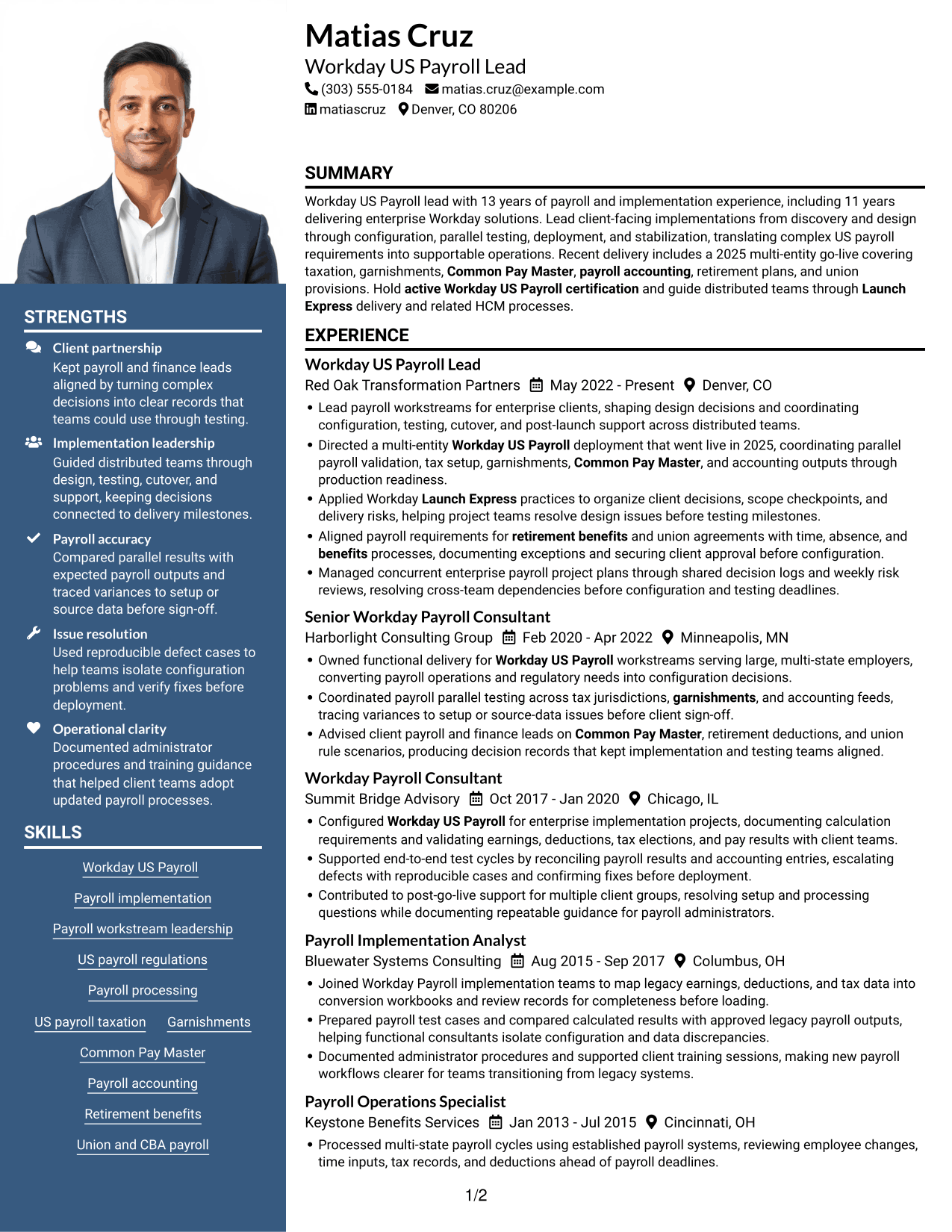
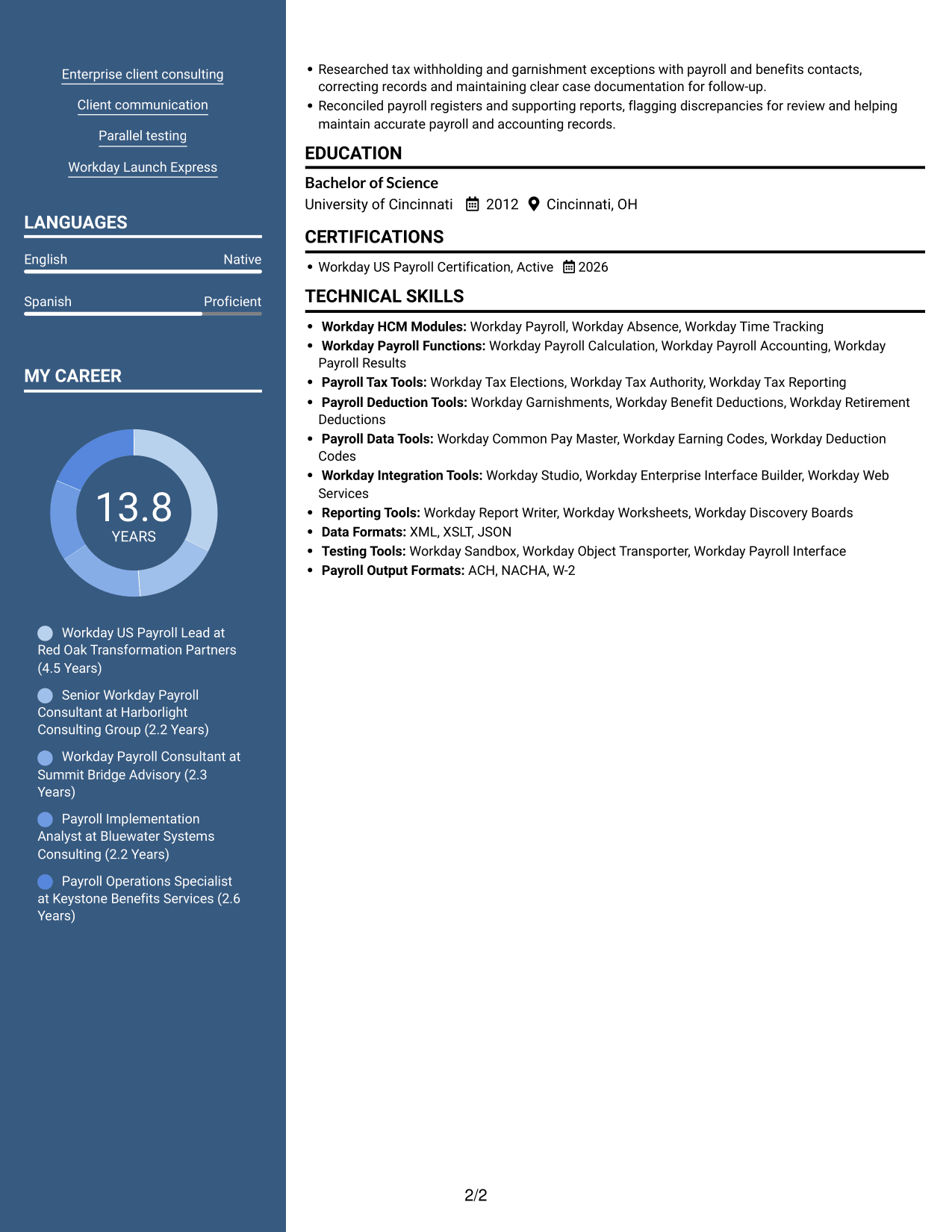
The Photo Header Two Column Format combines a profile photo with two-column resume content, for readers who want a portrait and separate content areas.
Why This Format Works
- The two-column body keeps experience and supporting information in distinct areas.
- The header portrait offers a visual identifier without changing how resume evidence is organized.
- Separate column areas help readers move between payroll experience, skills, and education.
Best For
- Resume layouts with a portrait
- Side-by-side content review
- Career histories with supporting sections
- Skills and education near experience
- Readers who prefer a visual identifier
#6 Colored Two Column Format Resume Example
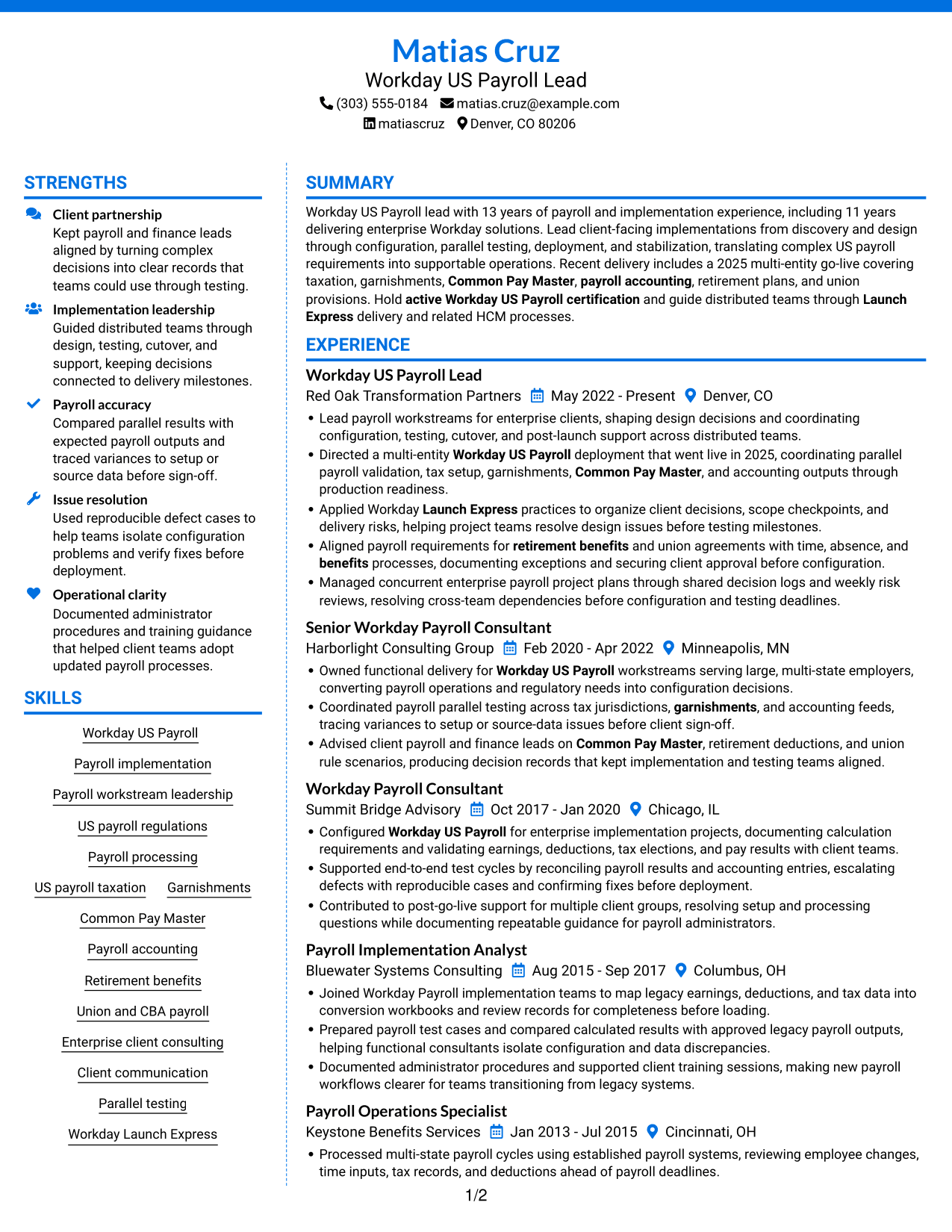
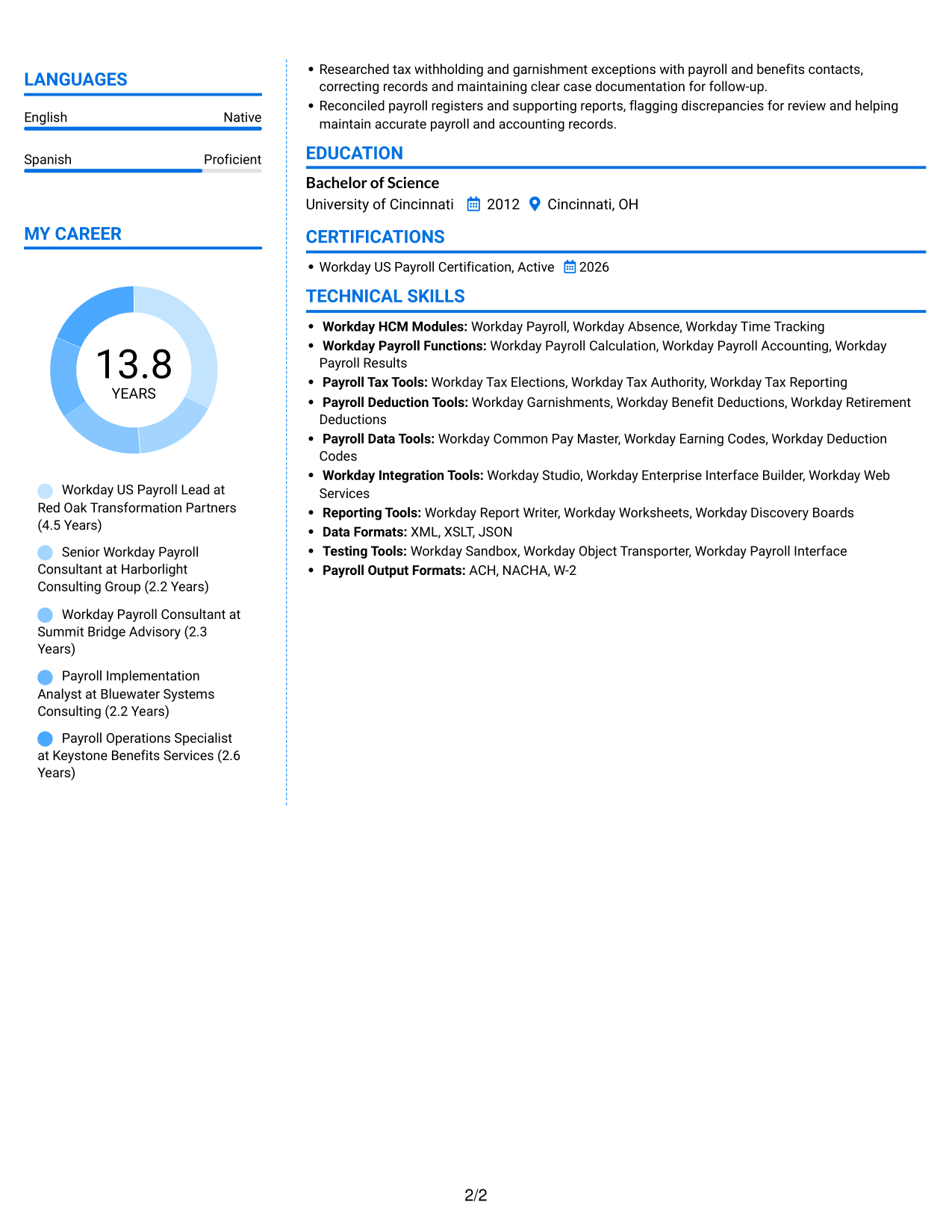
The Colored Two Column Format arranges resume content in two columns, giving readers a clear way to move between career history and supporting sections.
Why This Format Works
- Two-column organization gives career history and supporting sections separate places on the page.
- Readers can scan skills and credentials without moving through every experience detail.
- Separate content areas help substantial work histories remain easier to navigate.
Best For
- Long career records
- Skills and credentials beside experience
- Several types of supporting details
- Two-column reading preference
- Resume sections reviewed in parallel
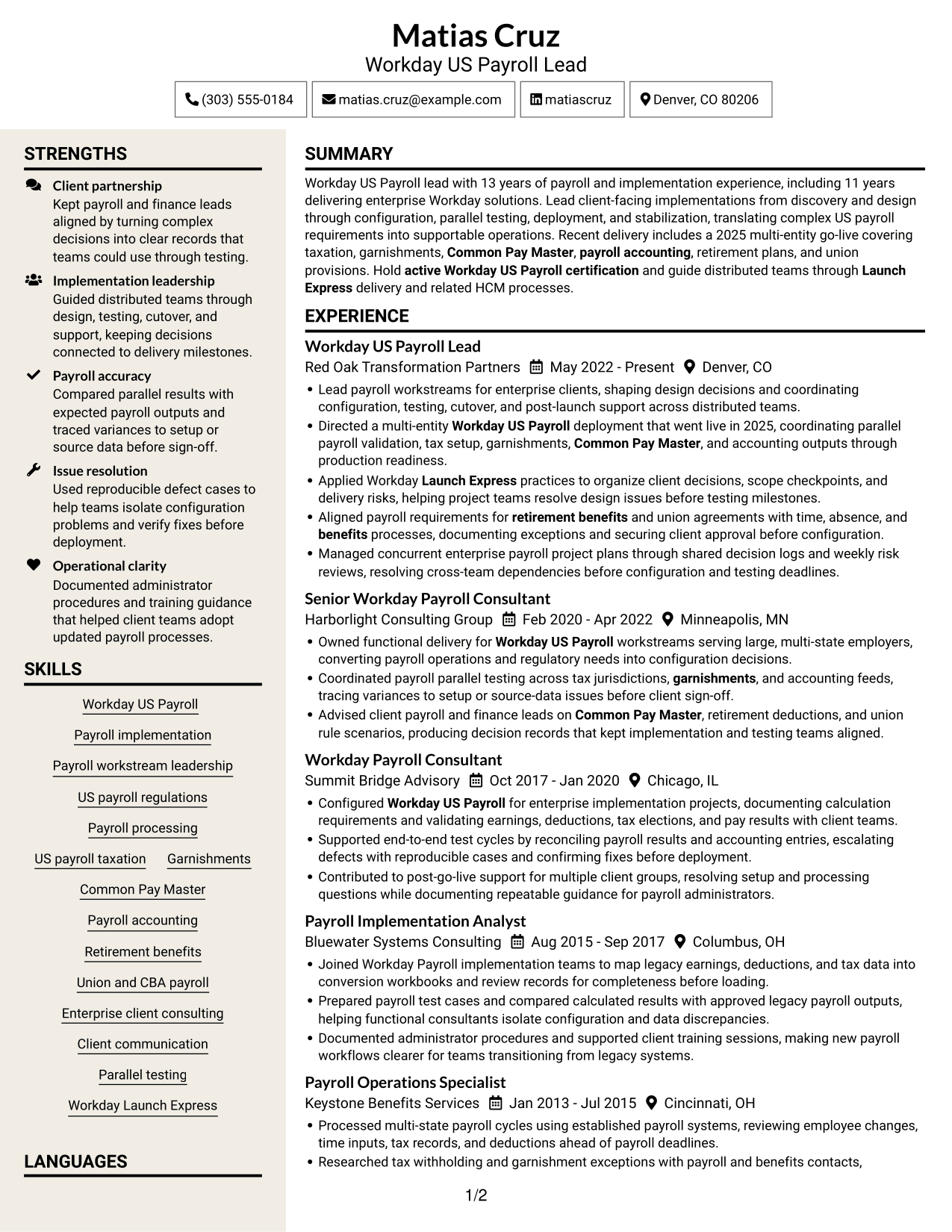
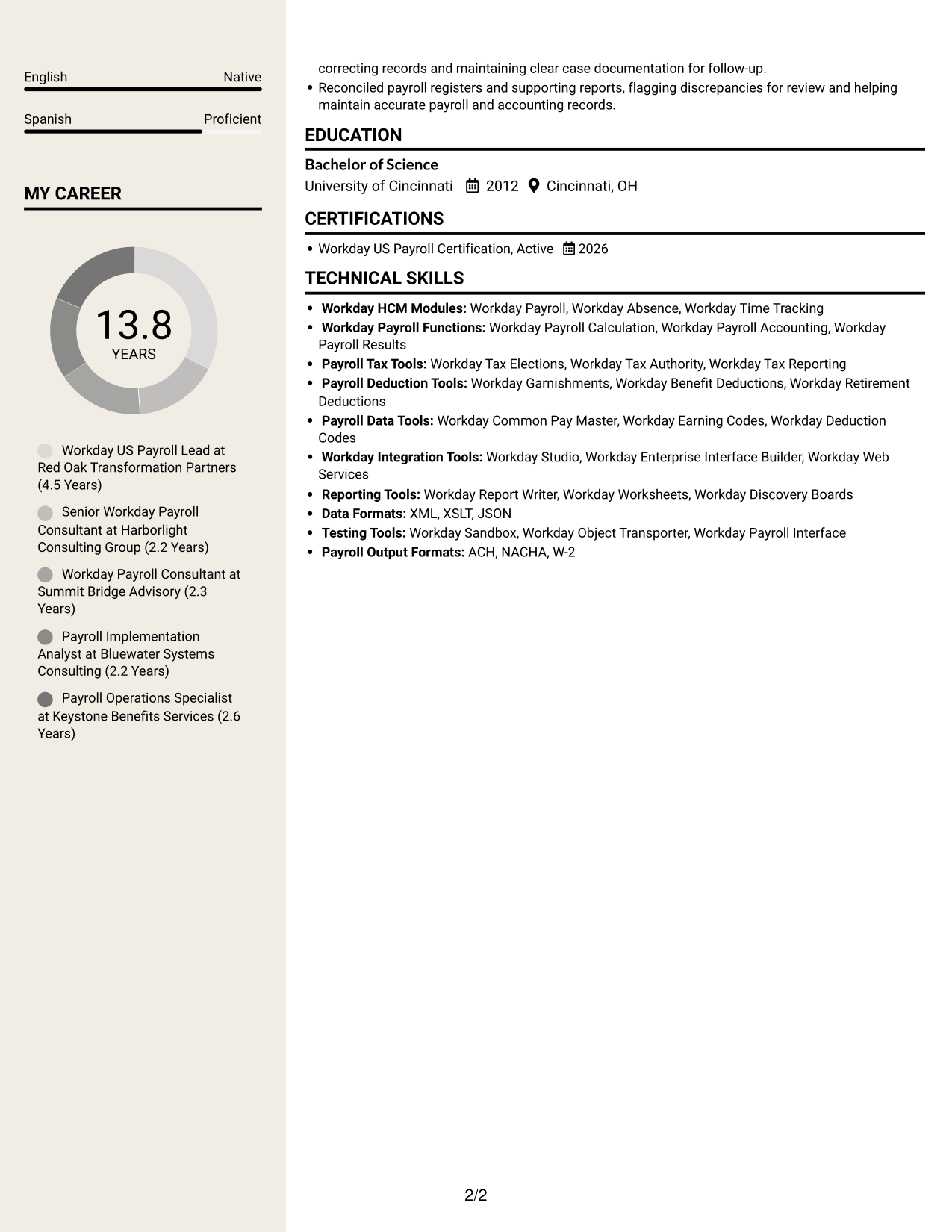
#7 Stylish Two Column Designer Format Resume Example
The Stylish Two Column Designer Format arranges resume content in two columns, a practical choice when readers want career details and supporting sections visible together.
Why This Format Works
- Two columns let reviewers move between experience and qualifications while keeping section context.
- Side-by-side organization can make a long career record less demanding to scan.
- Education and credentials stay findable alongside the resume's implementation history.
Best For
- Parallel review of resume sections
- Long implementation histories
- Career details with related qualifications
- Education and credentials near experience
- Readers who want two-column organization
See Also
- 7 Workday Payroll Systems Analyst Resume Templates with Example
- 7 Analytics Sr Software Engineer (US Federal) Resume Templates with Example
- 7 Director, US Marketing - Surgical Robotics Resume Templates with Example
- 7 Field Marketing Specialist - US Resume Templates with Example
- 7 Principal Cyber Security Engineer US Federal Resume Templates with Example
- 7 US Congressional Lead Resume Templates with Example
- 7 Payroll Specialist Resume Templates with Example
- 7 Payroll Technician - Public Sector Payroll Resume Templates with Example
- 7 Workday US Payroll Lead Cover Letter Templates with Example
- 7 Workday Payroll Systems Analyst Cover Letter Templates with Example
Frequently Asked Questions
Are these Workday US Payroll Lead resume templates ATS-friendly?
The layouts use clear sections and readable headings to support resume scanning. Include relevant terms from your own experience, such as Workday US Payroll, parallel testing, payroll accounting, and Common Pay Master.
Do the examples show different candidates or layouts?
The examples show one Workday US Payroll Lead resume in several visual layouts. Compare the image previews, then open an example in the editor to view or customize it.
What should a Workday US Payroll Lead resume include?
Include a focused summary, relevant experience, skills, education, and certifications. Use experience bullets to show your role in payroll requirements, configuration, parallel testing, go-live, and post-launch support.
Which resume layout works well for a Workday US Payroll Lead?
Choose a layout with clear headings and an easy-to-follow work history. A simple structure helps recruiters find implementation scope, payroll expertise, and results, and can make it easier for applicant tracking systems to read the content.
How can I show complex payroll implementation work?
Describe the project scope and your contribution. Name relevant areas such as taxation, garnishments, Common Pay Master, payroll accounting, retirement plans, or union provisions when they match your experience. Include a measurable result when one is available.
Should I include a photo on my resume?
For U.S. applications, a resume without a photo is usually the safer choice. Use the space for relevant implementation experience, skills, and certifications.




