
7 Workforce Development Administrative Manager - Welfare-to-Work Programs Cover Letter Templates with Example
This practical guide shows you how to write a strong Workforce Development Administrative Manager - Welfare-to-Work Programs cover letter. It explains how to connect your experience to the role and make your interest clear.
Learn how to open with a clear statement of fit, choose evidence that speaks to program operations and compliance, explain your motivation and alignment with the employer, and close in a professional way.
Review one example and explore how the same letter can appear in 7 layouts. Use the guidance to choose a presentation that suits the employer and the way you will communicate.
What Makes a Great Workforce Development Administrative Manager - Welfare-to-Work Programs Cover Letter in 2026
A strong letter connects the role’s needs to clear examples of workforce operations, policy guidance, participant access, and program oversight. A focused opening helps the reader understand your fit right away.
Choose evidence that shows how you support consistent services, sound decisions, and effective partnerships. Explain why the employer’s work matters to you, then end with a direct and courteous closing.
The featured example follows a focused progression from role fit to relevant evidence, motivation, and a professional close. Adapt that flow while choosing a presentation that suits the employer and the communication context.
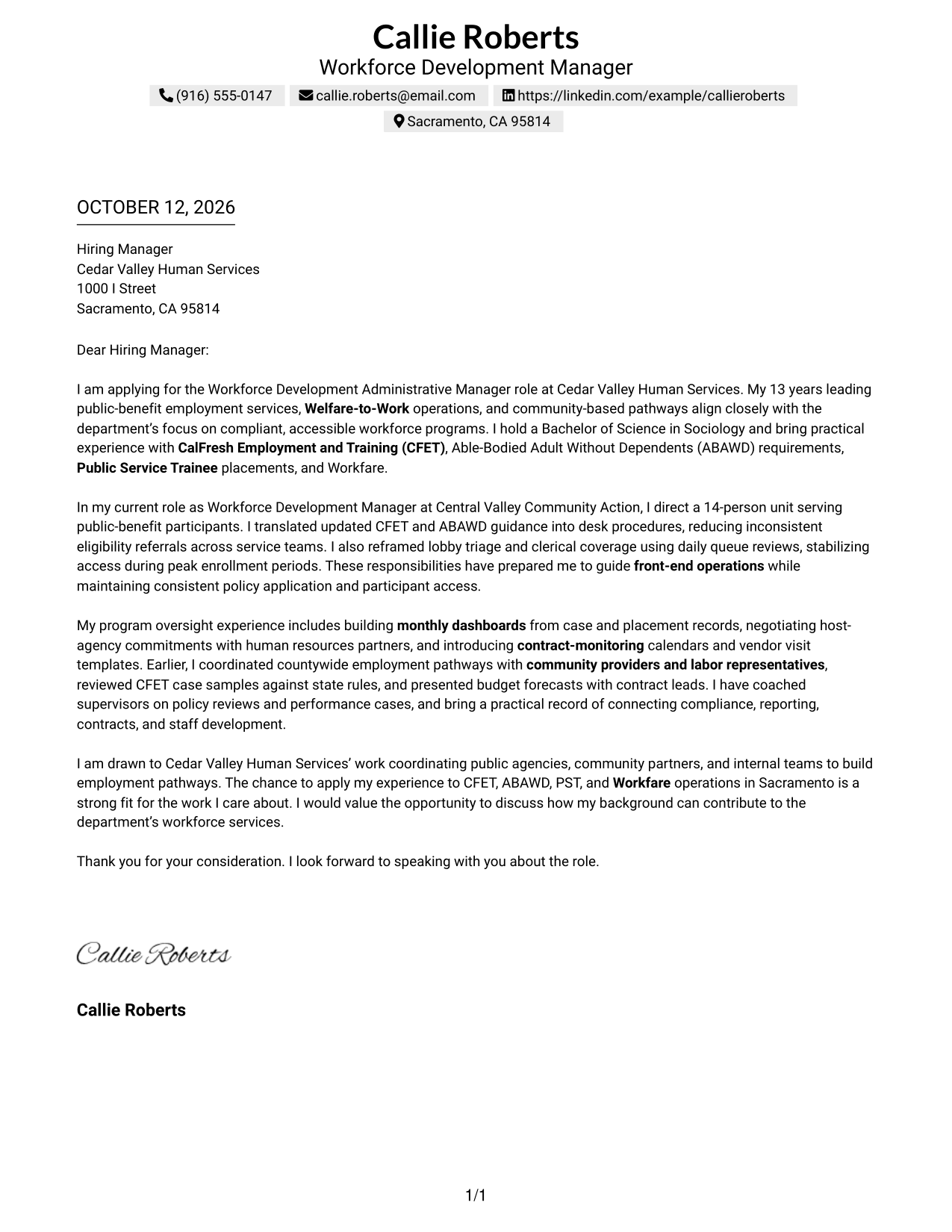
#1 Simple One Column Format Cover Letter Example
The Simple One Column Format gives reviewers a direct path from the opening’s motivation through role-aligned evidence to a courteous close, making the case for employer fit easy to follow.
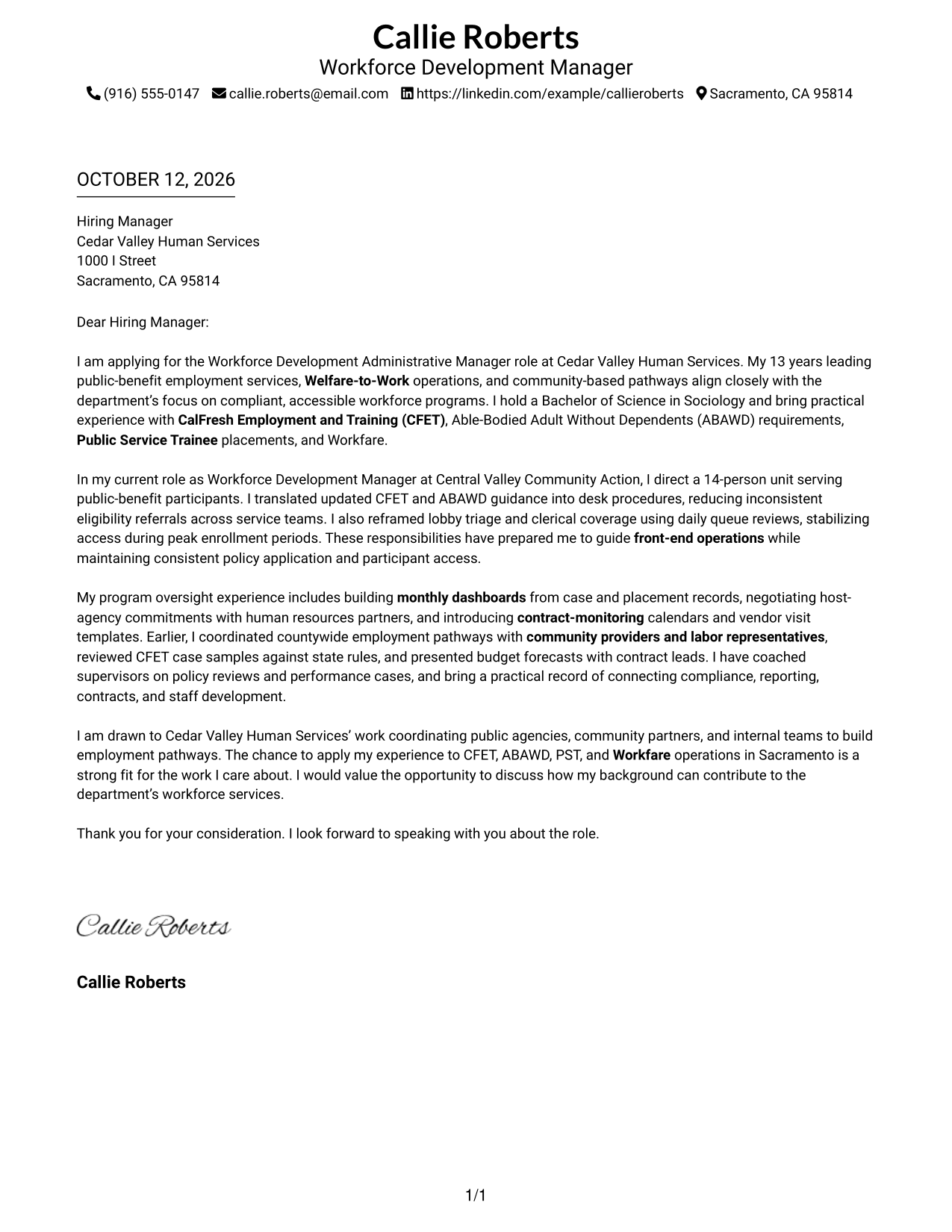
Why This Format Works
- One continuous column keeps the opening, motivation, evidence, and closing in a clear sequence.
- Header contact details stay apart from the letter’s role-aligned evidence and employer fit.
- With no parallel body column, each paragraph can build on the last.
Best For
- One-direction letter reading
- Opening-to-closing argument flow
- Contact details above the body
- Evidence across connected paragraphs
- Simple visual presentation
#2 Two Column Format Cover Letter Example
The Two Column Format places a contact sidebar beside one continuous letter body, helping reviewers locate sender details while following the motivation, evidence, and close in order.
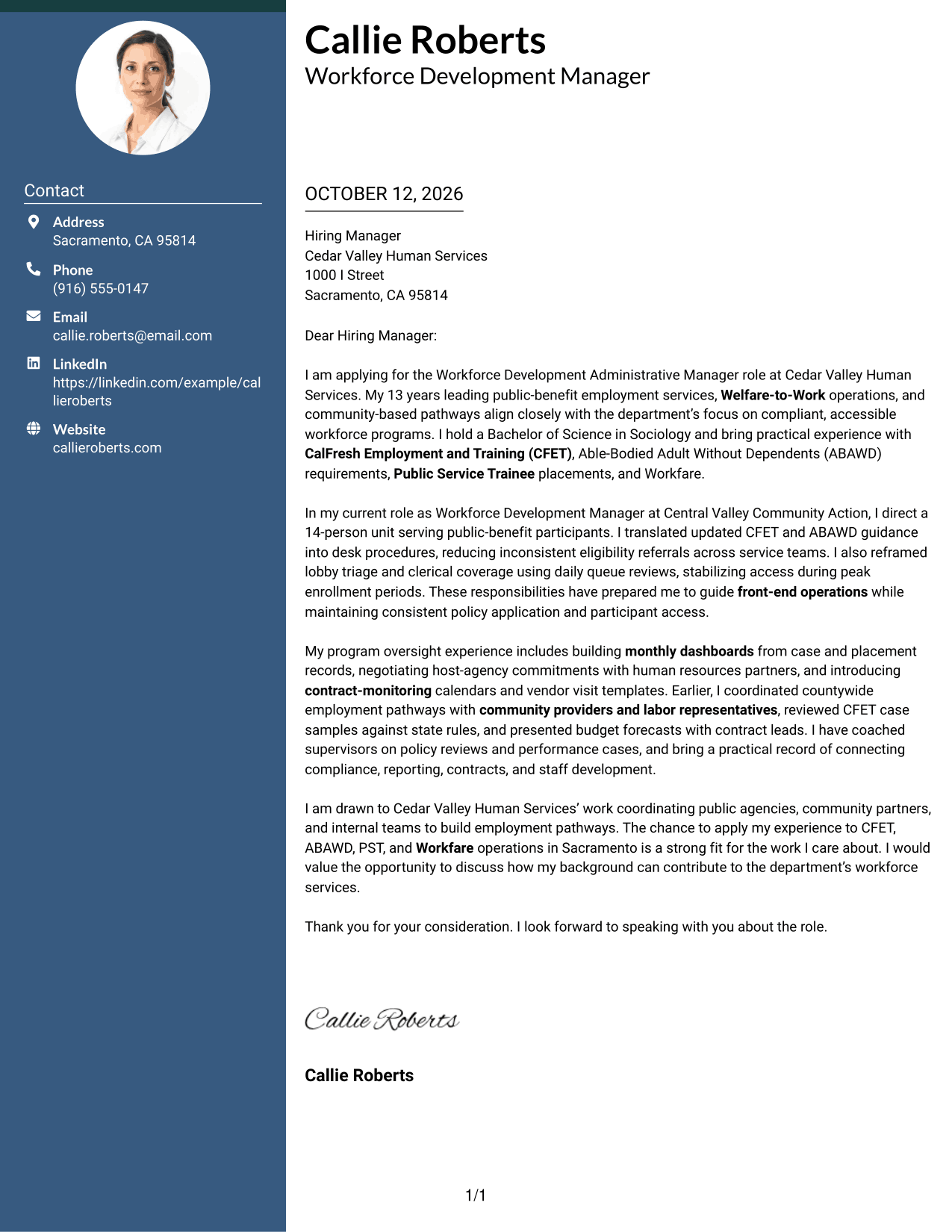
Why This Format Works
- Contact details sit apart from motivation, keeping the letter’s argument easy to follow.
- One body column carries relevant experience from its opening evidence to closing.
- Reviewers can locate sender information without searching among persuasive paragraphs.
Best For
- Contact details beside letter text
- Sender information easy to locate
- One continuous argument column
- Distinct opening and close
- Side-by-side contact and letter areas
#3 Photo Header Two Column Format Cover Letter Example
The Photo Header Two Column Format sets a photo header and contact sidebar apart from one continuous letter body, so reviewers can follow the opening, employer interest, evidence, and close.
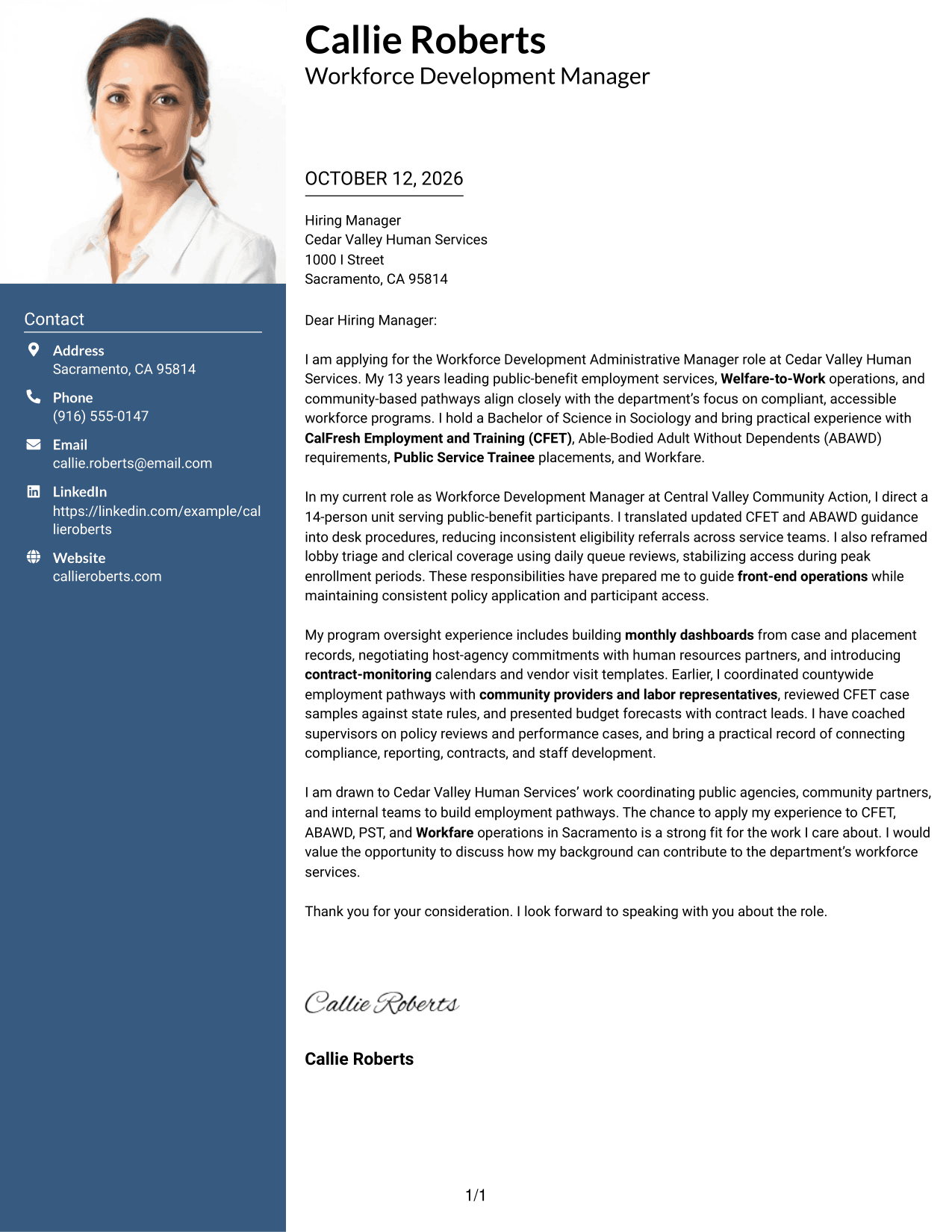
Why This Format Works
- Contact details remain outside the continuous body, keeping motivation and evidence together.
- The photo stays in the header, while the letter’s case unfolds in its paragraphs.
- One body column carries relevant experience through to the closing without a parallel argument.
Best For
- Applications that request a photo
- Contact details beside the letter
- A single connected argument
- Photo header and contact sidebar
- Clear separation of sender and message
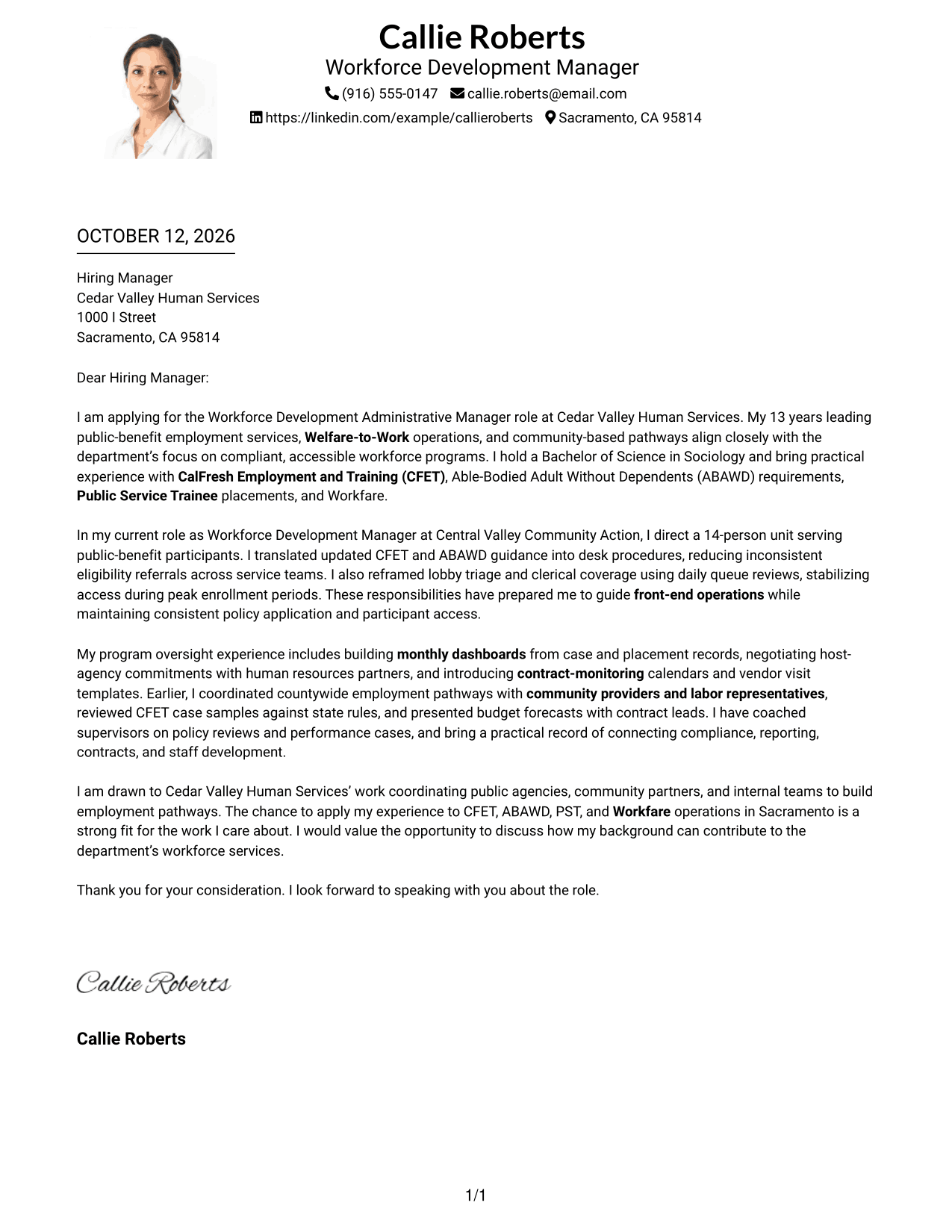
#4 One Column Format with Photo Cover Letter Example
The One Column Format with Photo keeps the letter’s message in one reading path, with the photo and sender details in the header above the opening, evidence, and close.
Why This Format Works
- The one-column body keeps motivation, experience, and the closing in a single reading path.
- Header contact details remain distinct from the case for employer fit.
- The photo stays above the body, so it does not interrupt paragraph-by-paragraph evidence.
Best For
- Applications that request a headshot
- Single-column letter reading
- Sender details in a photo header
- Letters with a clear paragraph sequence
- Contact information above the message
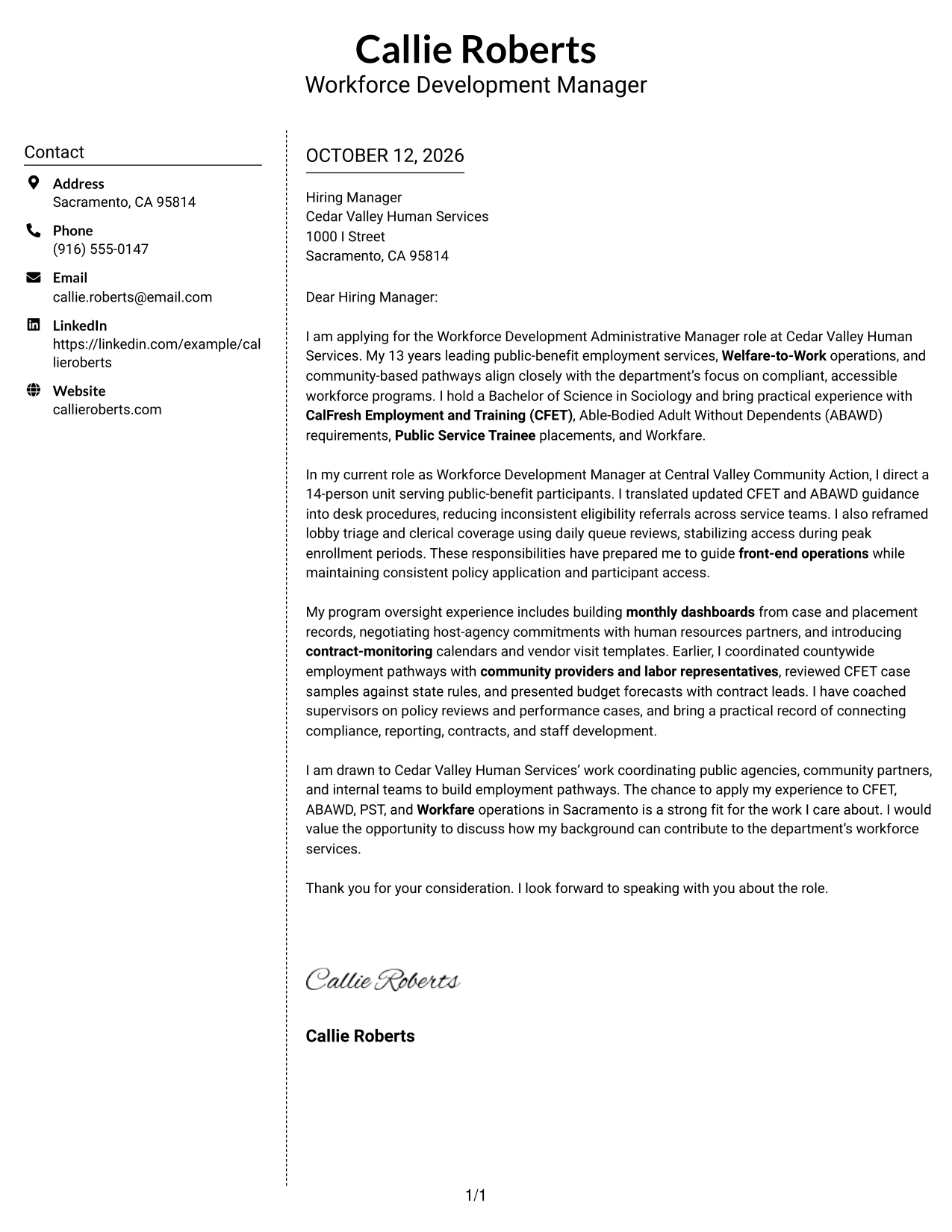
#5 Simple Two Column Format Cover Letter Example
The Simple Two Column Format keeps contact details in a side area and the letter in one uninterrupted column, helping reviewers move through its motivation, evidence, and closing without parallel text.
Why This Format Works
- Side contact details leave the letter’s opening and motivation together in the main column.
- One continuous body lets evidence build toward the closing without competing text.
- Reviewers can find sender information separately from the persuasive message.
Best For
- Side contact information
- Uninterrupted letter paragraphs
- Sender details apart from persuasion
- A simple two-area page
- Quick access to contact details
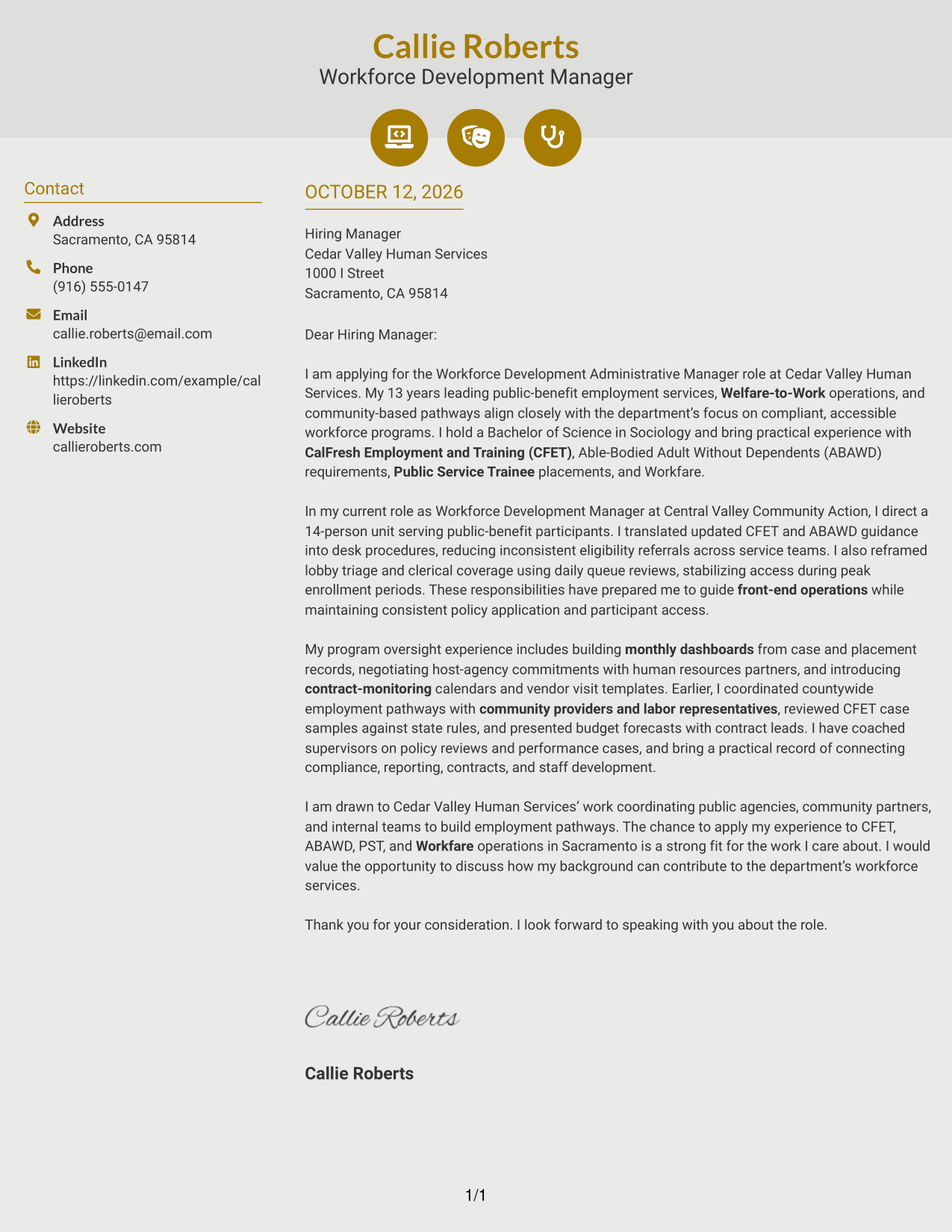
#6 Modern Icon Format Cover Letter Example
Modern Icon Format pairs contact details in a sidebar with one continuous letter body, using icons as contact cues while the opening, motivation, evidence, and closing remain in sequence.
Why This Format Works
- Contact icons help identify sender details, not the letter’s motivation or evidence.
- The continuous body keeps role-aligned evidence connected to its opening and close.
- Sidebar separation lets the closing remain part of the same argument as the evidence.
Best For
- Contact details paired with icons
- One-column letter body
- Contact cues beside the message
- Connected paragraphs of evidence
- Scannable sender information
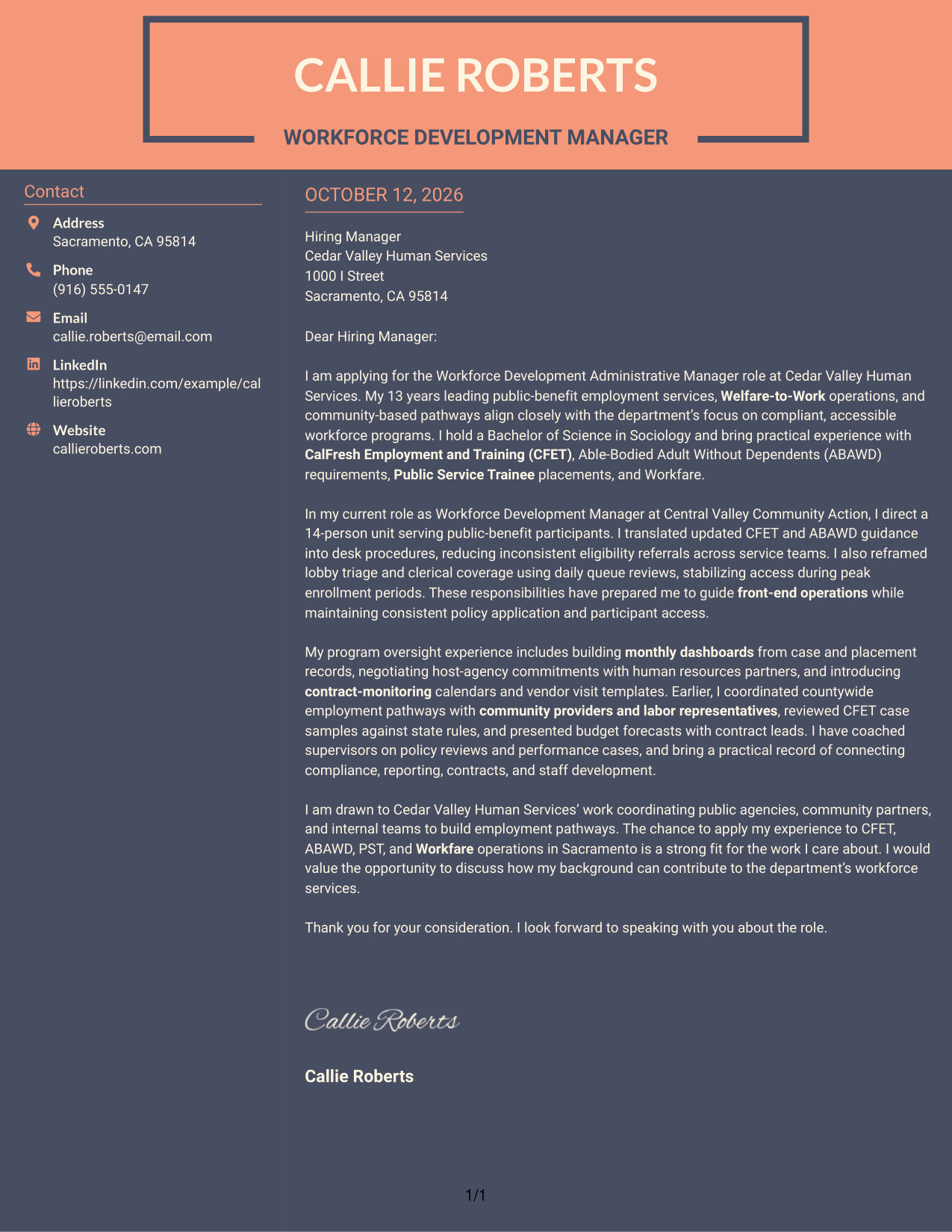
#7 Creative Two Tone Format Cover Letter Example
Creative Two Tone Format uses distinct visual areas for contact details and one continuous letter body, helping reviewers move from motivation to evidence and closing without losing the case for fit.
Why This Format Works
- Two-tone contrast distinguishes contact details from the letter’s continuous case for fit.
- One body column lets motivation lead into evidence and then the closing.
- Separate visual areas keep sender information from interrupting persuasive paragraphs.
Best For
- Visually distinct contact and letter areas
- One continuous persuasive message
- Two-tone separation for navigation
- Opening, evidence, and close kept together
- Applications favoring color contrast
Why Use ResumeInMinutes for a Workforce Development Administrative Manager Cover Letter
ResumeInMinutes offers a starting point for shaping a clear, role-focused letter without building the page from scratch. You can adjust the wording and presentation to fit the employer and your message.
- Multiple writing styles
- Clear, readable layouts
- Job-focused customization
- Quick cover letter creation
- Professional templates
- Cover letter editing support
Use the tools to present your interest in Welfare-to-Work programs, explain relevant experience with CFET and ABAWD requirements, and show how you would support coordinated workforce services.
See Also
- 7 Workforce Development Administrative Manager - Welfare-to-Work Programs Resume Templates with Example
- 7 Workforce Development Program Assistant Resume Templates with Example
- 7 Administrative Secretary - Applied Human Development Resume Templates with Example
- 7 Economic Development Administrative Assistant Resume Templates with Example
- 7 Program Coordinator - Workforce Programs Resume Templates with Example
- 7 Security Engineer 5 - Workforce Security Resume Templates with Example
- 7 Clinical Administrative Coordinator - PA Program Resume Templates with Example
- 33 Leadership Development Program - Global Communications Resume Templates with Example 2026 (ATS-Optimized)
- 7 Economic Development Administrative Assistant Cover Letter Templates with Example
- 30+ Administrative Assistant Bookkeeper Cover Letter Templates with Example 2026
Frequently Asked Questions
What should a Workforce Development Administrative Manager cover letter include?
Show how your experience connects to the role’s work, such as Welfare-to-Work operations, CFET and ABAWD policy, front-end service access, partner coordination, contracts, reporting, and staff support. Include specific examples that you can discuss in an interview.
How can I explain my experience with CFET and ABAWD requirements?
Briefly describe how you used policy guidance in your work. For example, you might explain how you developed staff procedures, reviewed case records, or helped teams apply requirements consistently, if those examples match your experience.
How should I show that I can manage front-end workforce operations?
Give a clear example of how you supported lobby flow, clerical coverage, referrals, or handoffs between service teams. Explain what you did and how it helped participants access services or helped staff work more consistently.
How can I show my fit with the employer’s workforce programs?
Refer to the employer’s stated priorities, such as participant access, program integrity, Public Service Trainee and Workfare activities, or community partnerships. Connect those priorities to evidence from your own work without claiming experience you do not have.
What is a good way to close this cover letter?
Restate your interest in the role, offer to discuss how your background can support the department’s work, and thank the reader for their time. Keep the closing confident, brief, and courteous.
Should I change the letter for each application?
Yes. Keep your core examples, but adjust the opening, employer connection, and role-specific details to match the job. Make sure every statement reflects your actual experience and interest.




