
7 Operations Manager - Higher Education Operations Cover Letter Templates with Example
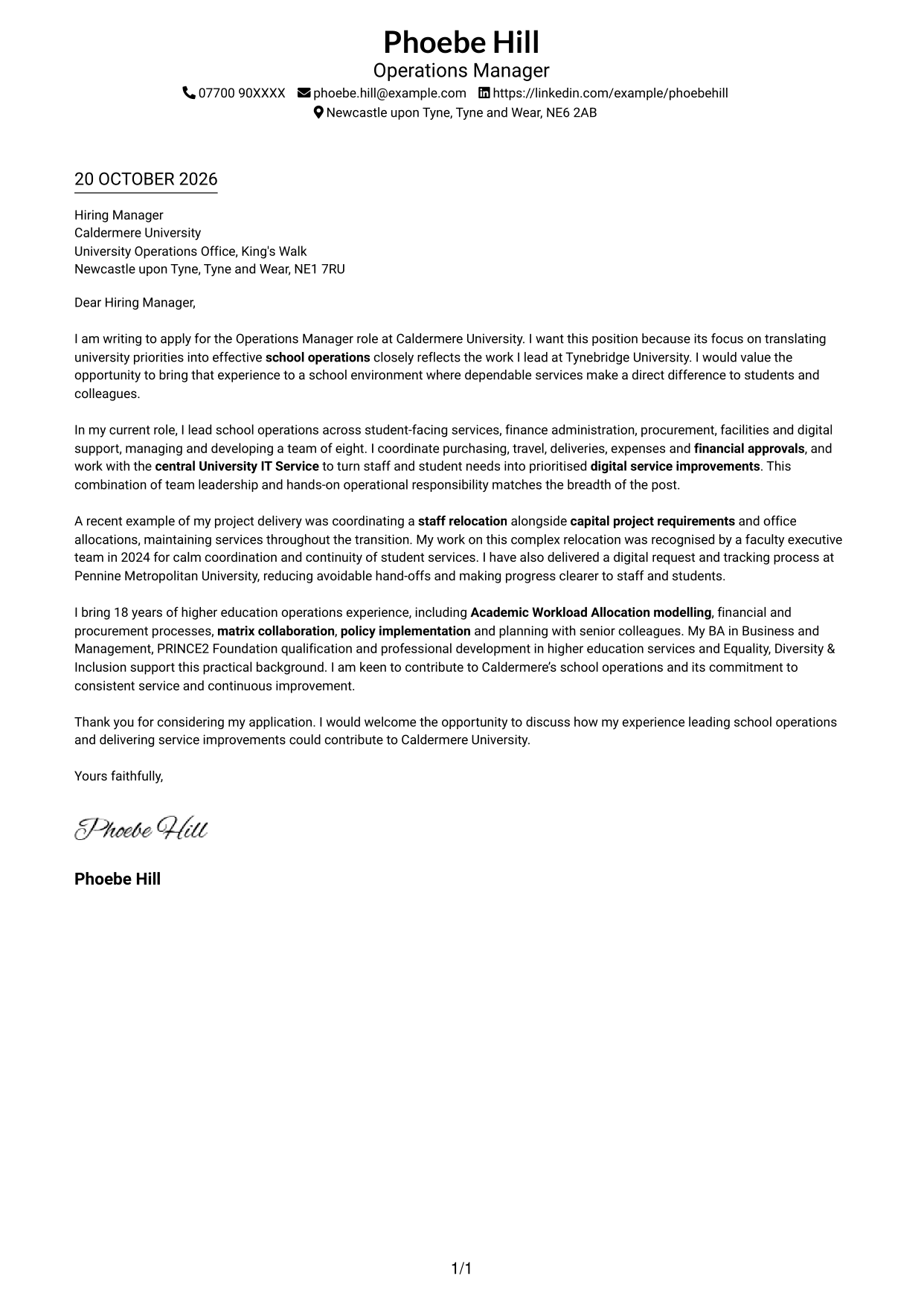
This practical guide helps you create an Operations Manager - Higher Education Operations cover letter and compare seven layouts.
What Makes a Great Operations Manager - Higher Education Operations Cover Letter in 2026
A strong letter connects your school operations experience to the role’s needs, from leading a team to improving services for students and colleagues. Open with a clear reason for applying and a direct link to the work.
Use specific evidence, such as coordinating a relocation while maintaining services or improving a digital request process. Show how your approach supports Caldermere University’s focus on consistent service, collaboration and continuous improvement.
The featured example moves from motivation to current responsibilities, project evidence and a clear close; adapt this focused progression while choosing a presentation suited to the employer and communication context.
#1 Simple One Column Format Cover Letter Example
Sender details appear in the header above a single-column letter, keeping the application message direct and easy to follow.
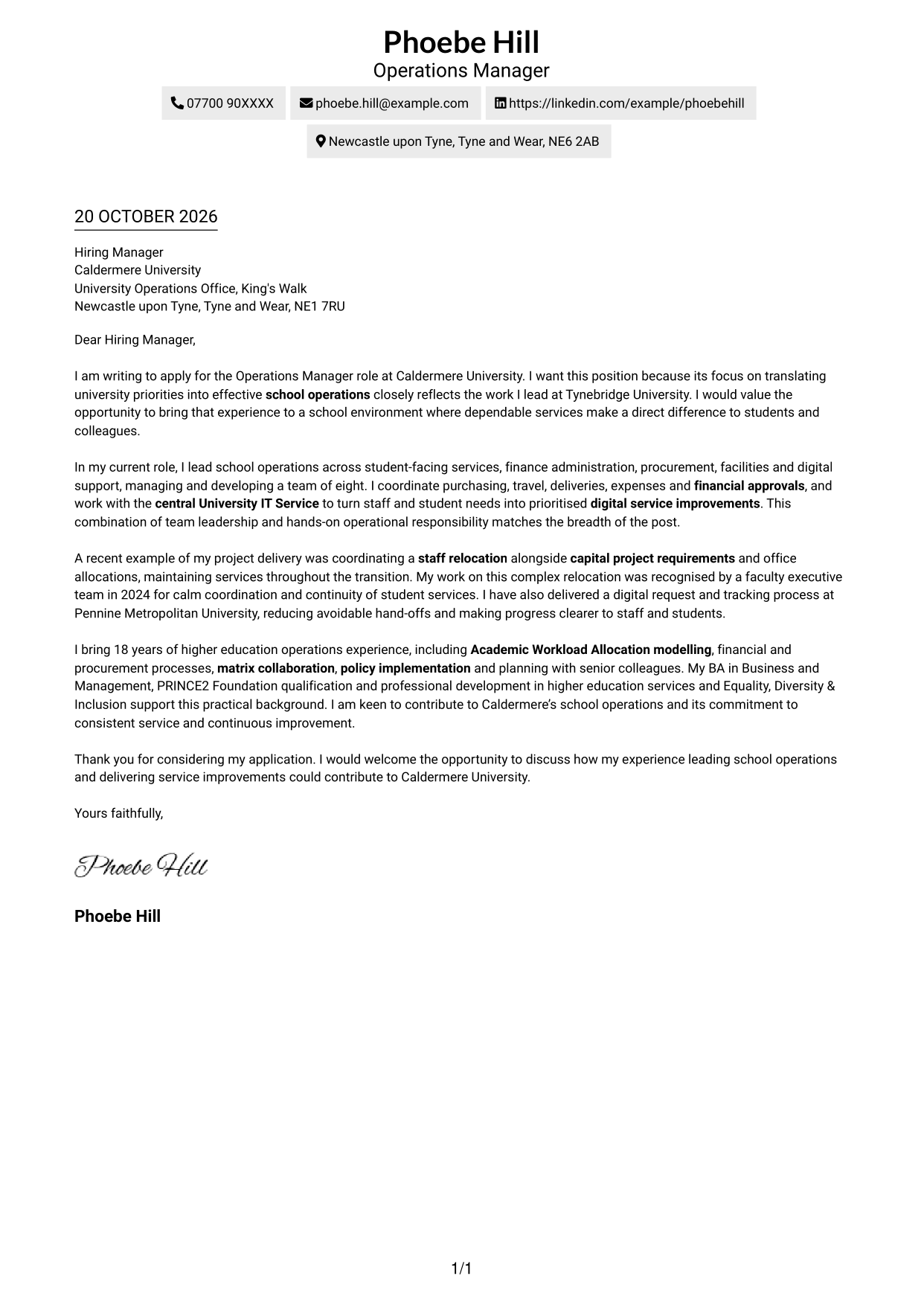
Why This Format Works
- The header gives reviewers a clear place to find contact information.
- Paragraphs carry motivation, evidence and closing in a clear reading sequence.
- A direct page structure suits a concise application letter with a focused case.
Best For
- Single-column letter layouts
- Concise supporting evidence
- A clear opening and close
- Straightforward recruiter reading
- Applications with a focused motivation
#2 Two Column Format Cover Letter Example
This two-column layout places a contact sidebar beside one continuous letter body, keeping contact details apart from the application argument.
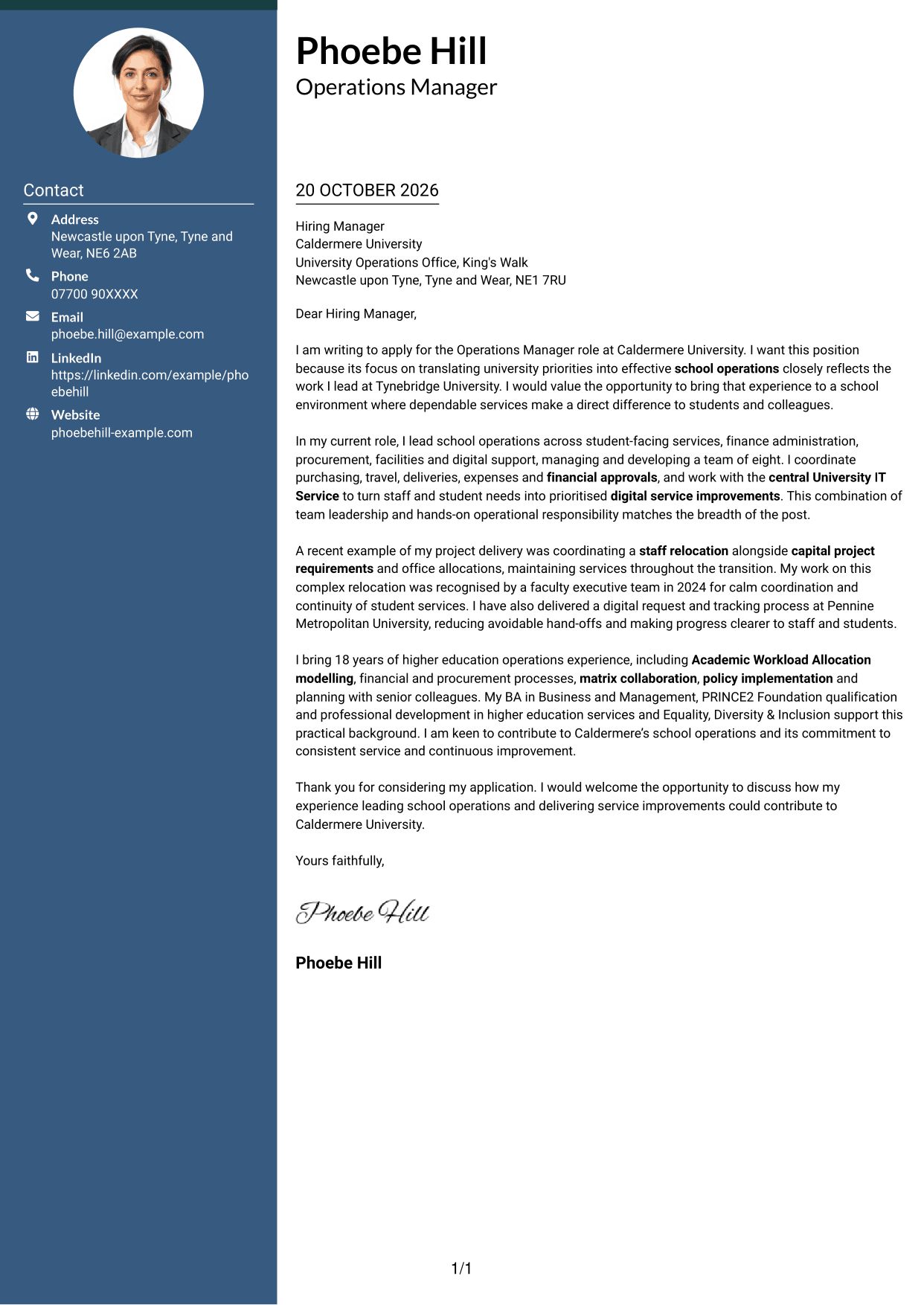
Why This Format Works
- The sidebar separates contact details from the paragraphs making the case.
- One continuous body carries motivation, evidence and closing in sequence.
- Sender information stays beside the letter for easy reference during review.
Best For
- Contact details beside the message
- One continuous persuasive case
- At-a-glance sender information
- Letters with a clear opening and close
- Readers who prefer two-column pages
#3 Photo Header Two Column Format Cover Letter Example
A portrait accompanies the contact sidebar in this two-column format, giving the page a personal visual element while keeping the letter body together.
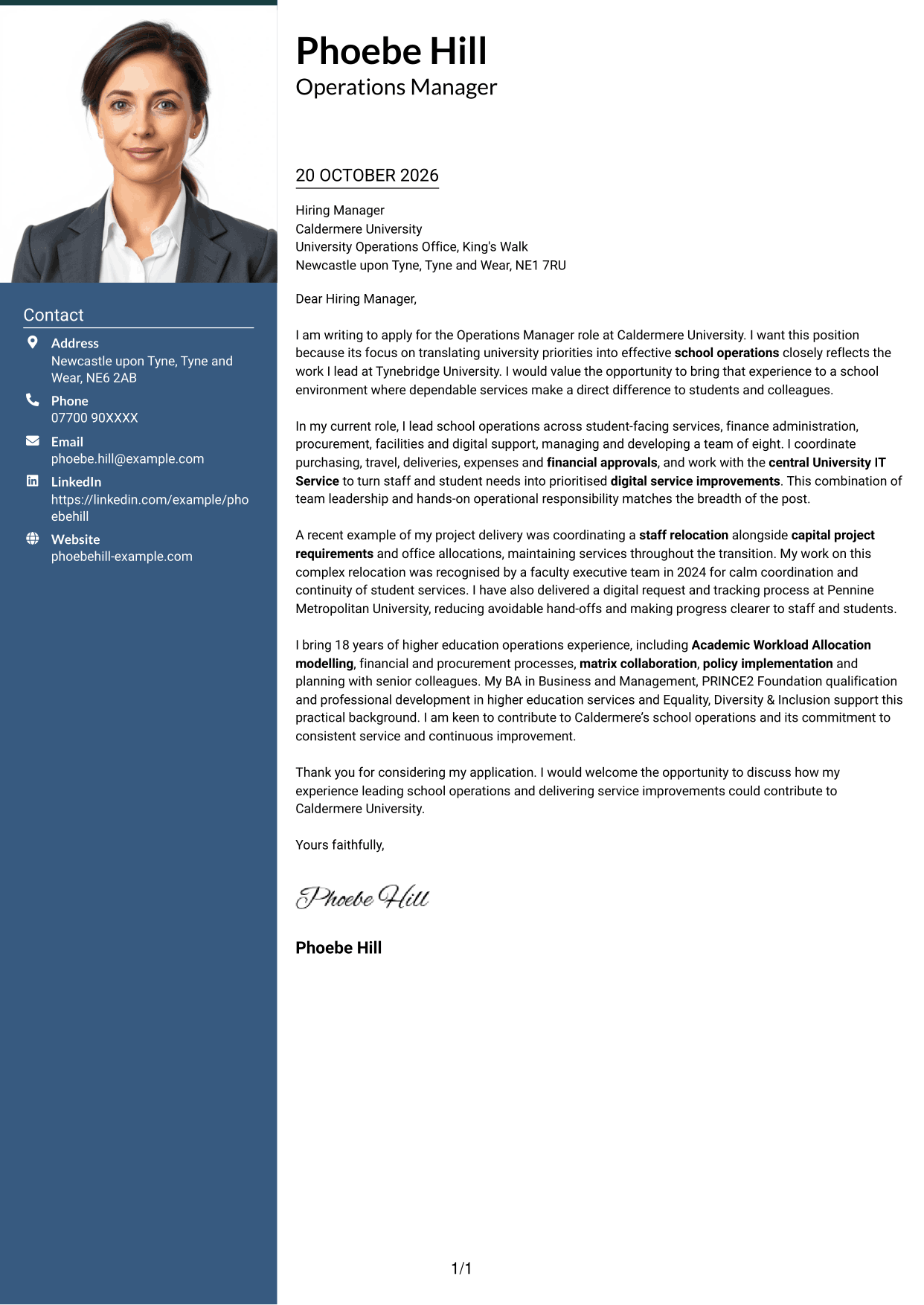
Why This Format Works
- The sidebar keeps sender details distinct from the letter's persuasive paragraphs.
- A continuous body lets reviewers follow the case from opening to close.
- The portrait offers a personal visual choice without dividing the letter.
Best For
- Applications where a portrait is preferred
- Separate contact and message areas
- A continuous letter argument
- Personal visual presentation
- Letters with a clear persuasive sequence
#4 One Column Format with Photo Cover Letter Example
This one-column letter includes a portrait, offering a personal visual element while keeping the message in one continuous reading column.
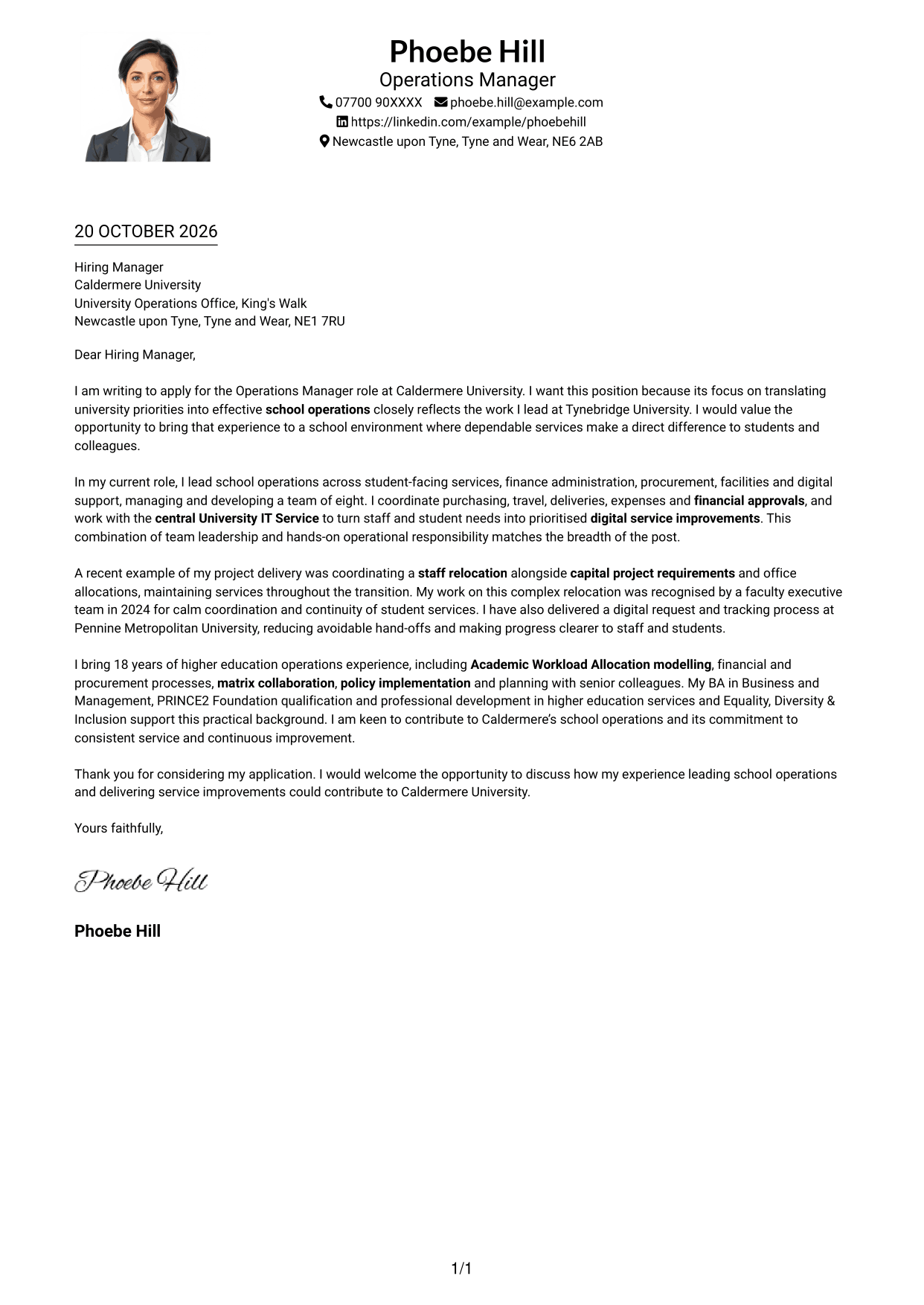
Why This Format Works
- The single-column body presents motivation, evidence and closing in order.
- A portrait adds a personal visual element without splitting the written case.
- Sender details in the header remain distinct from the letter paragraphs.
Best For
- One-column letter reading
- Applications where a portrait is preferred
- A clear sequence of persuasive points
- Header-based contact details
- Concise letters with a personal visual element
#5 Simple Two Column Format Cover Letter Example
A contact sidebar sits alongside the continuous letter body in this two-column format, making the sender information easy to locate without splitting the written case.
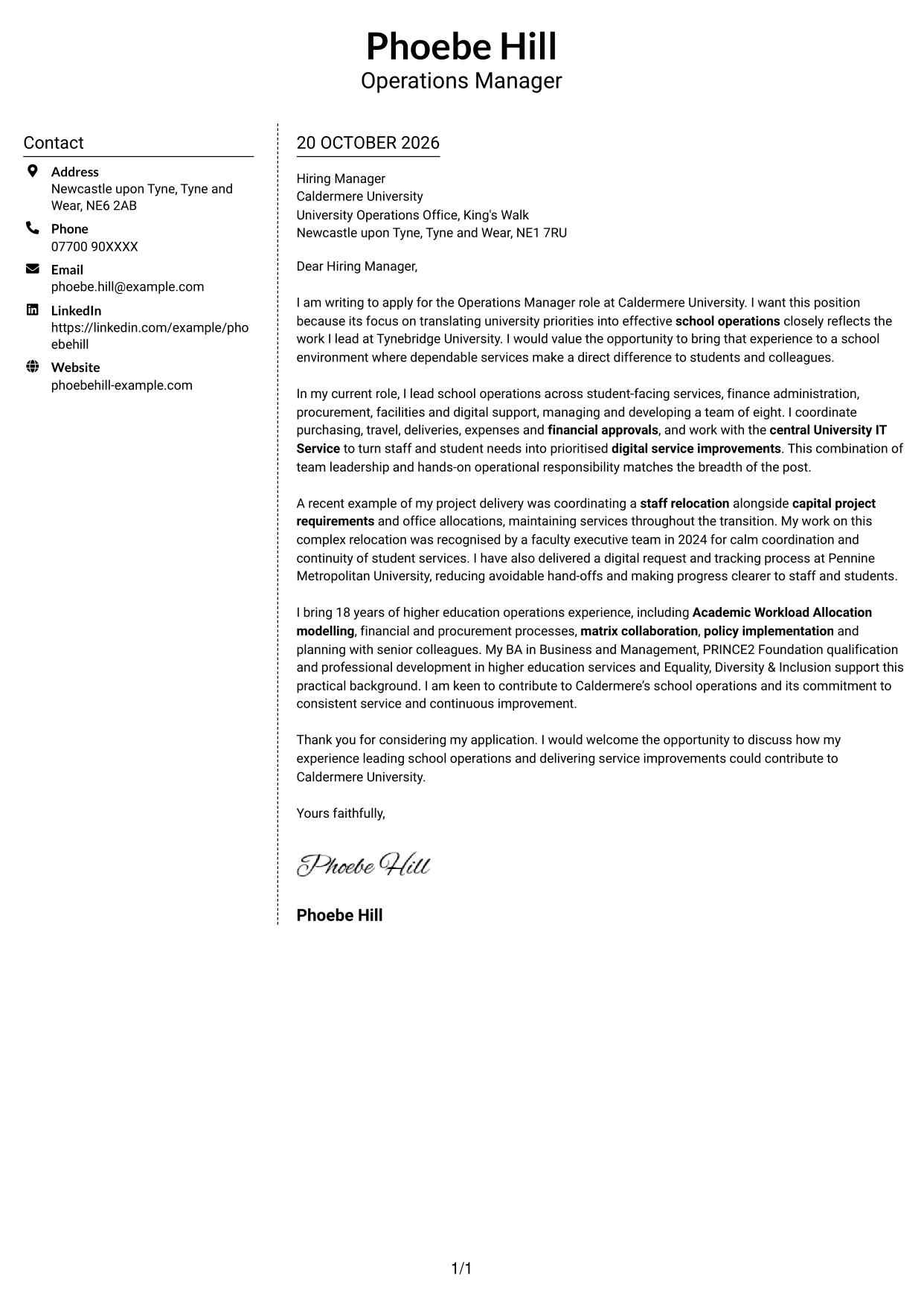
Why This Format Works
- The contact sidebar keeps sender information separate from the application message.
- The letter body carries motivation, supporting evidence and closing in one sequence.
- Reviewers can refer to contact details without interrupting the letter's argument.
Best For
- A separate area for contact details
- Continuous application arguments
- Quick access to sender information
- Letters with concise supporting evidence
- Readers who favour side-by-side page areas
#6 Modern Icon Format Cover Letter Example
This two-column format uses icons as contact cues and header accents, while keeping the letter argument in one continuous body.
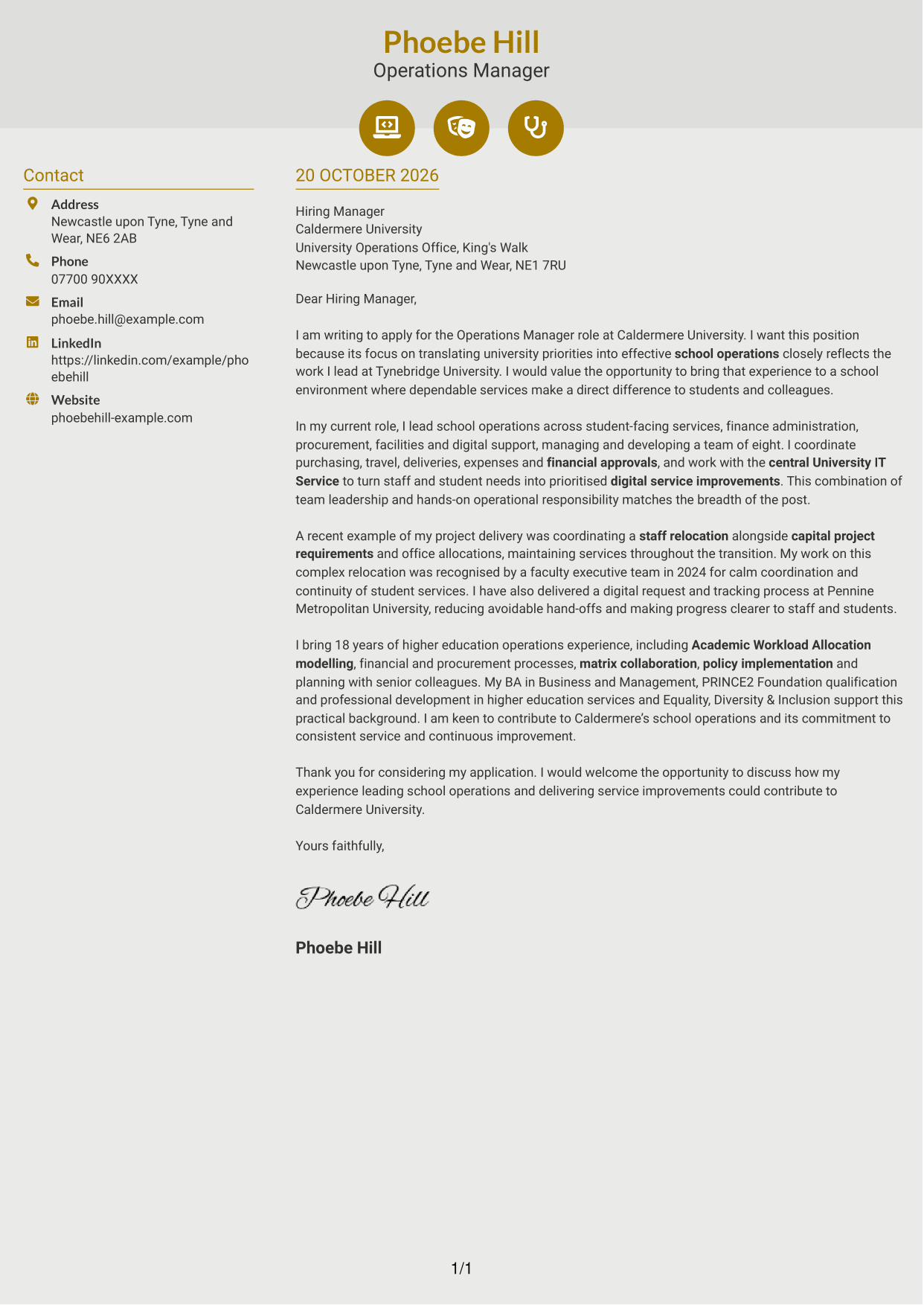
Why This Format Works
- Contact icons help distinguish key sender details in the sidebar.
- The continuous body keeps motivation, evidence and closing together.
- Decorative header accents add a visual touch without labelling argument stages.
Best For
- Contact details with visual cues
- A single continuous letter argument
- Applications with concise evidence
- A lightly decorative header
- Readers who prefer two-column organisation
#7 Creative Two Tone Format Cover Letter Example
The two-column layout places contact information beside one continuous letter body, giving the message a clear area of its own.
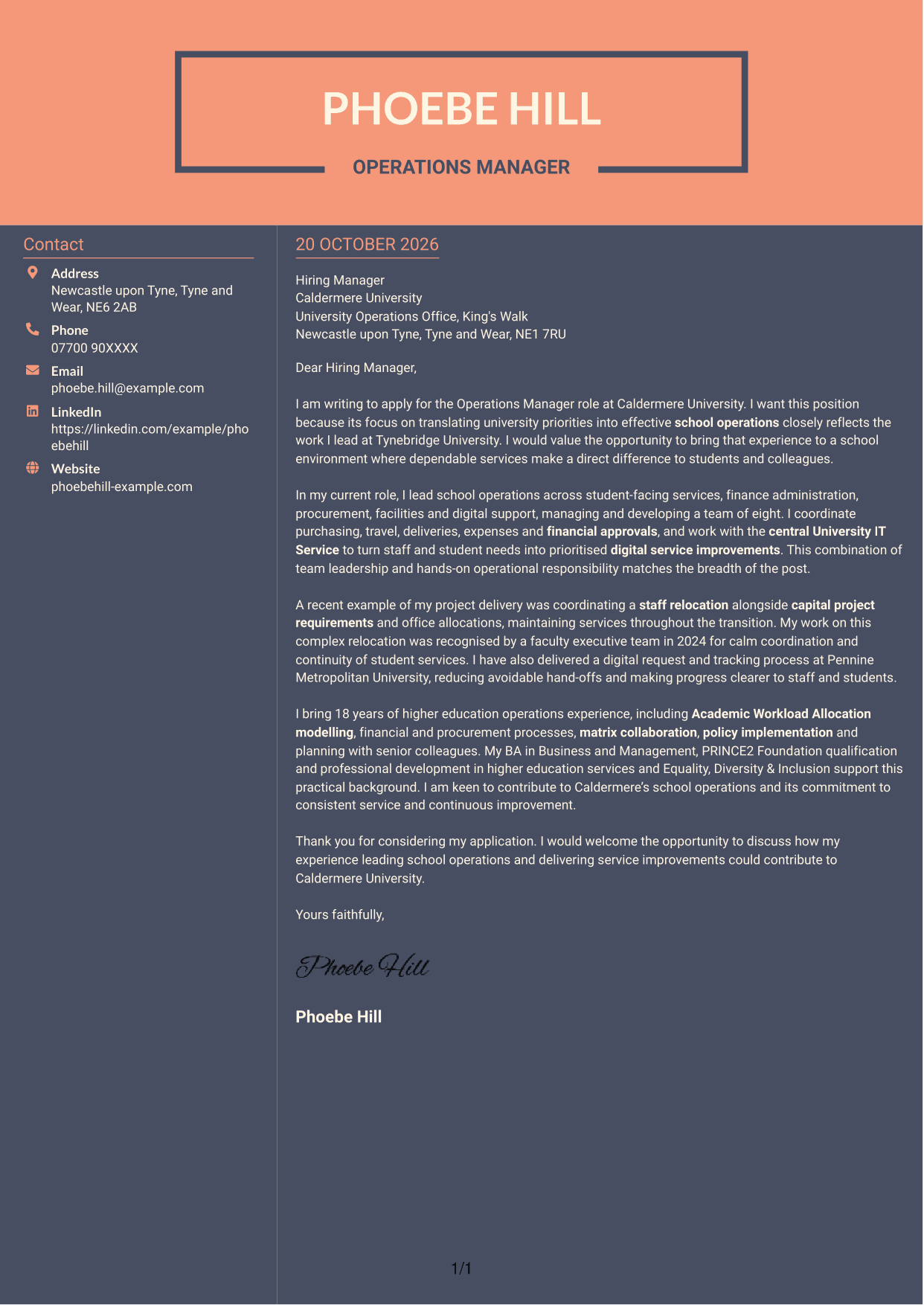
Why This Format Works
- The sidebar gives contact information a distinct place beside the letter.
- One continuous body presents the opening, evidence and closing together.
- The two-column reading order keeps sender details separate from the written case.
Best For
- Side-by-side contact and message areas
- Letters with a clear opening and close
- A continuous persuasive case
- Applications with several supporting points
- Readers who prefer distinct page areas
See Also
- 7 Operations Manager - Higher Education Operations CV Templates with Example
- 7 Area Manager - Multi-site Retail Operations CV Templates with Example
- 7 Business Support Officer - Operations Support CV Templates with Example
- 7 Cleaning Supervisor - Site Cleaning Operations CV Templates with Example
- 7 Customer Account Coordinator - Semiconductor Sales Operations CV Templates with Example
- 7 Front of House Supervisor - Restaurant and Bar Operations CV Templates with Example
- 7 Front of House Supervisor - Restaurant Operations CV Templates with Example
- 7 Head of Security Operations CV Templates with Example
- 7 Area Manager - Multi-site Retail Operations Cover Letter Templates with Example
- 7 Business Support Officer - Operations Support Cover Letter Templates with Example
Frequently Asked Questions
What should an Operations Manager - Higher Education Operations cover letter highlight?
Show how you can support reliable school operations and student and staff services. Choose relevant evidence of team leadership, procurement and financial processes, digital service improvements, project delivery or infrastructure planning.
How can I show that my experience fits this university operations role?
Give a clear example of a problem you handled and the result. You could explain how you coordinated an office relocation while keeping services running, or introduced a request and tracking process that reduced avoidable hand-offs.
How should I explain my interest in Caldermere University?
Connect your motivation to the role’s stated priorities, such as dependable school services, collaboration across schools and continuous improvement. Add a specific reason for choosing Caldermere only if it is genuine and relevant.
How should I structure this cover letter?
Start with your reason for applying and your connection to school operations. Use the body to show relevant leadership and delivery with clear examples, then close by restating your interest and welcoming a discussion.
Should I include every part of my work history?
No. Select the responsibilities and examples that best support your fit for this post. Focus on the contribution you made and how it relates to the role’s needs.




