
7 Cybersecurity Intern - Cybersecurity Research and Operations Cover Letter Templates with Example
This guide helps you create a focused Cybersecurity Intern - Cybersecurity Research and Operations cover letter, with seven layouts to compare for clear presentation.
What Makes a Great Cybersecurity Intern - Cybersecurity Research and Operations Cover Letter in 2026
A strong letter connects your interest in cybersecurity research and operations to the role’s needs. It should make your motivation clear and use a direct, professional tone.
Support your fit with specific examples from research or lab work, such as documenting simulated activity or studying operational technology security. Explain how those experiences relate to the employer’s work and public service goals.
The featured example moves from a clear opening to relevant research and lab evidence, then closes with motivation and a polite next step. Adapt this focused progression while choosing a presentation that suits the employer and communication context.
#1 Simple One Column Format Cover Letter Example
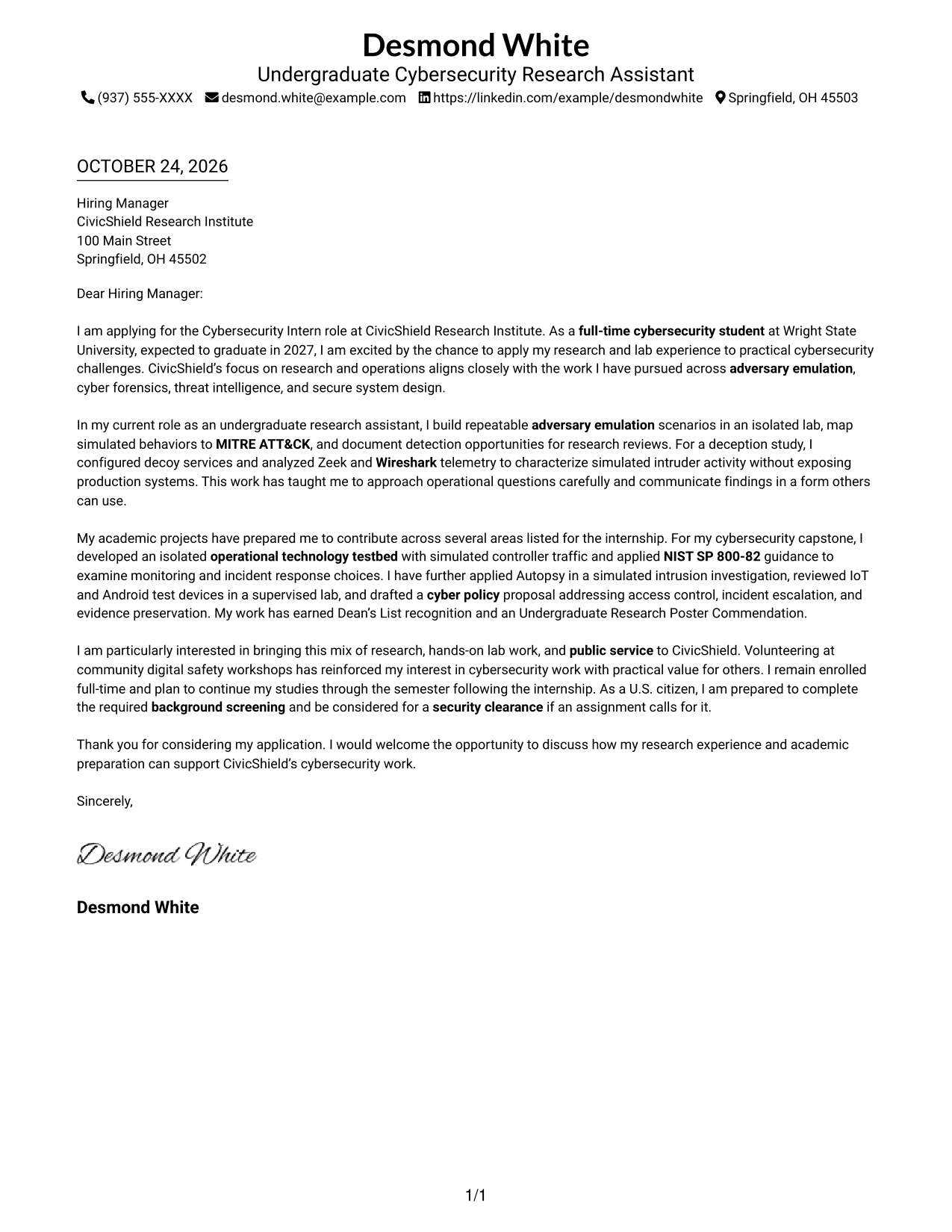
The single-column page places sender details in the header above one continuous letter body, giving the application a direct reading path from greeting to closing.
Why This Format Works
- The single-column structure gives sender details and the letter body one reading path.
- Continuous paragraphs let the application, supporting evidence, and closing read in sequence.
- Photo-free styling suits readers who want the written message without a portrait.
Best For
- Single-column correspondence
- Header-based contact details
- Multi-paragraph application letters
- Text-led presentation
- Photo-free document preference
#2 Two Column Format Cover Letter Example
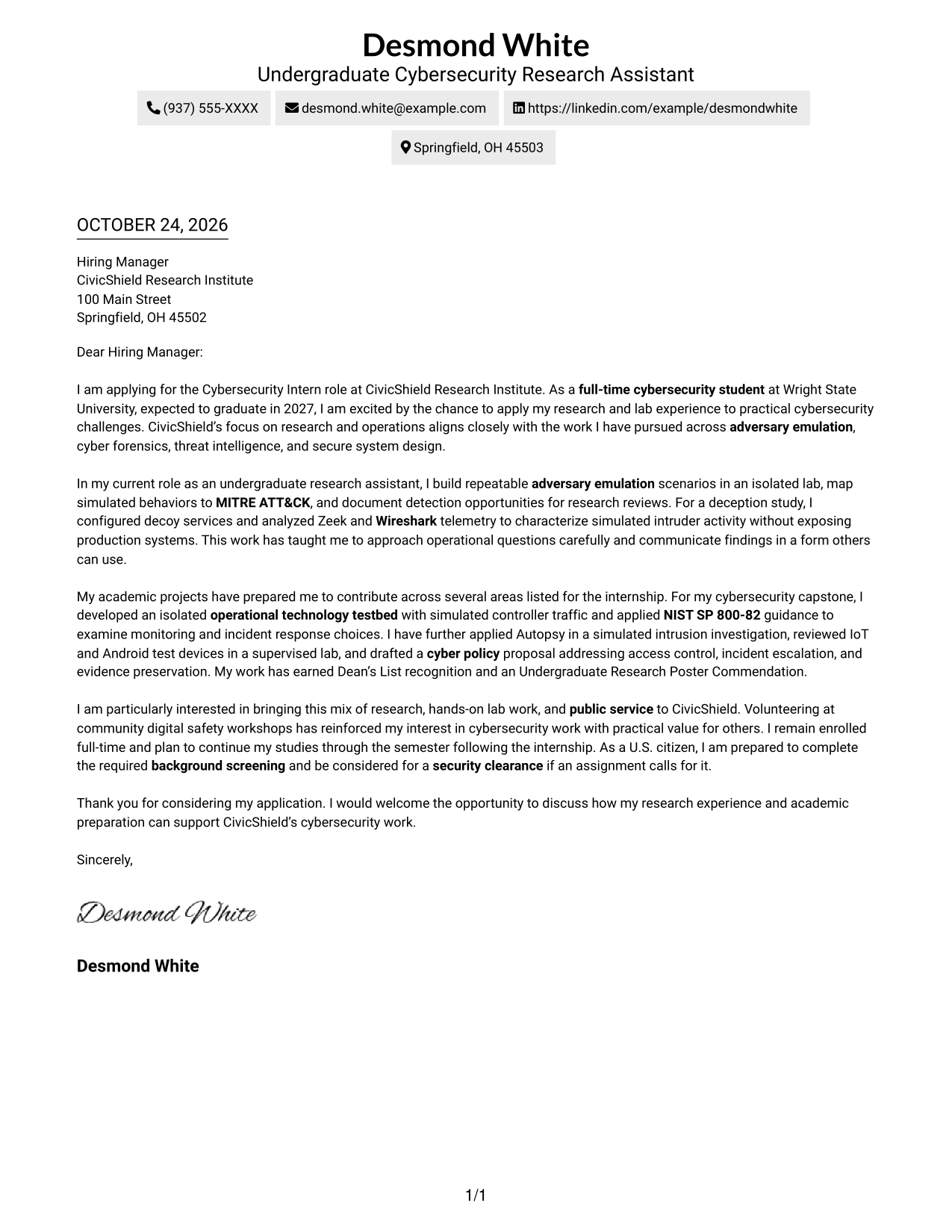
A contact sidebar sits beside one continuous letter body, keeping contact information separate from the application message while preserving its natural flow.
Why This Format Works
- A contact sidebar gives sender information a place apart from the letter body.
- One continuous body carries the opening, supporting evidence, and closing in order.
- Photo-free correspondence suits readers who prefer a text-led application letter.
Best For
- Contact details outside the message
- Continuous application arguments
- Several-paragraph letters
- Research internship correspondence
- Text-focused document preference
#3 Photo Header Two Column Format Cover Letter Example
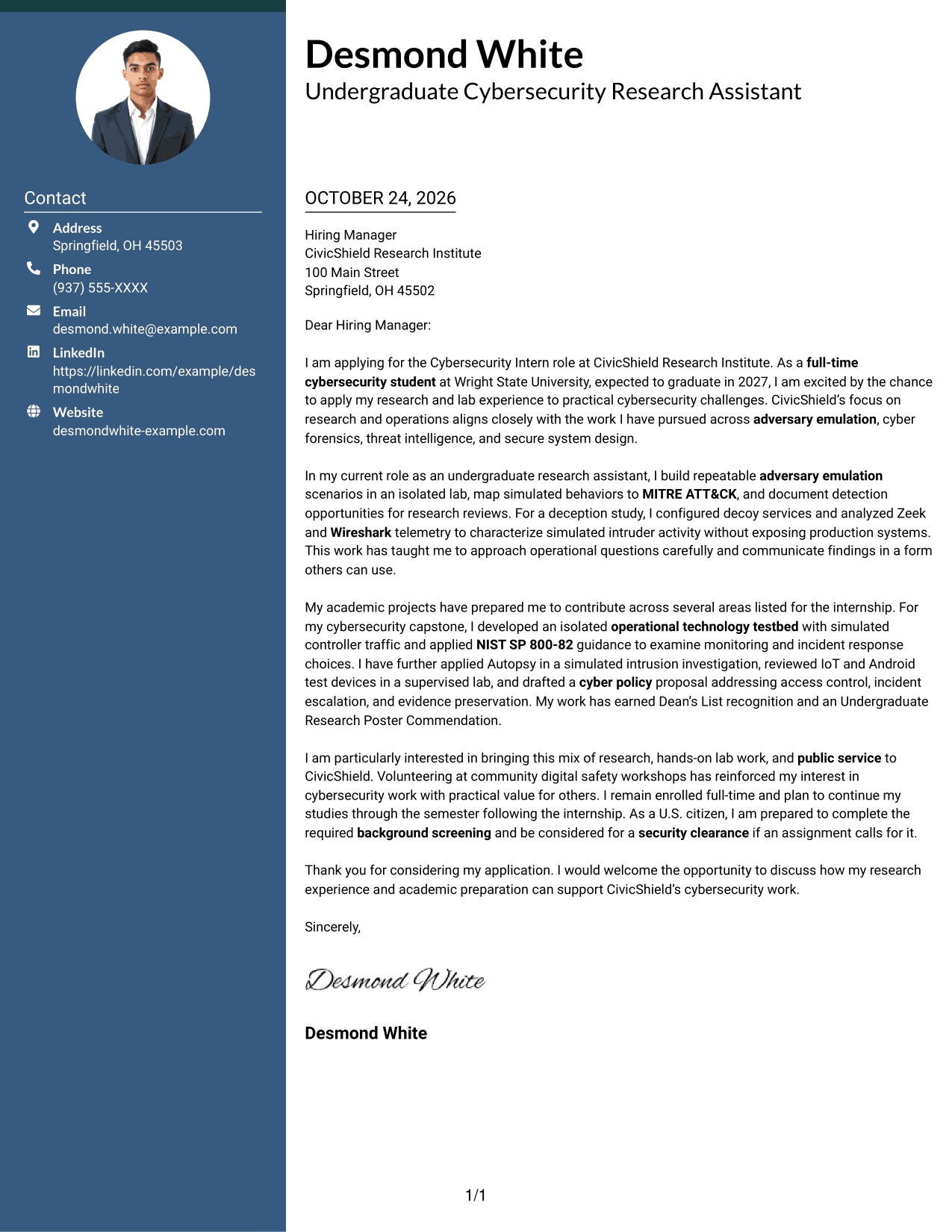
This two-column layout includes a photo and a contact sidebar beside one continuous letter body, offering a portrait option without dividing the application argument.
Why This Format Works
- The contact sidebar keeps sender details apart from the continuous letter paragraphs.
- One body carries the application from opening through supporting evidence to closing.
- The photo provides a distinct visual feature for readers who want a portrait included.
Best For
- Portrait-inclusive applications
- Sidebar contact details
- Continuous multi-paragraph letters
- Research internship correspondence
- Applications with a personal visual element
#4 One Column Format with Photo Cover Letter Example
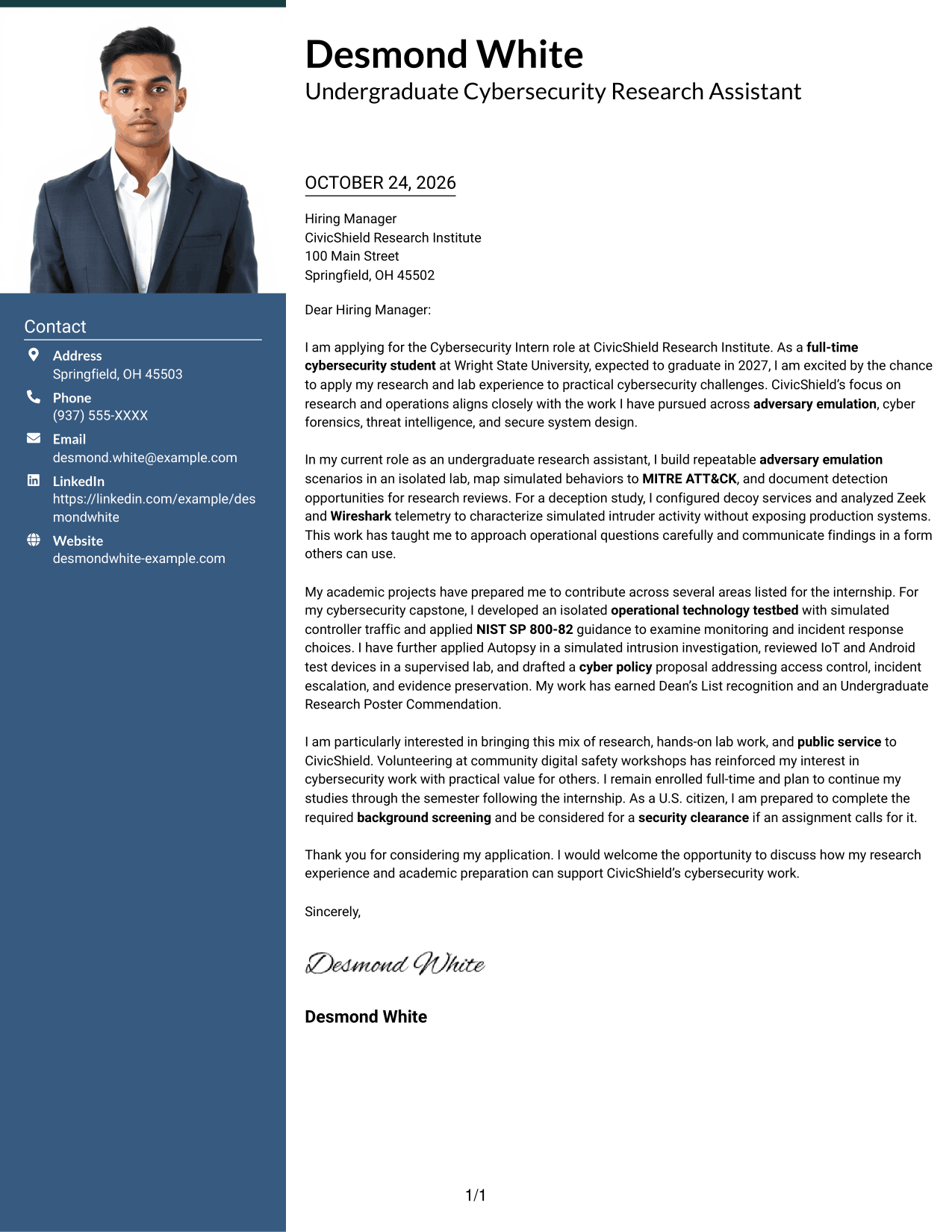
A photo appears in this single-column presentation, while the letter remains one continuous body for readers who want a portrait and a direct reading order.
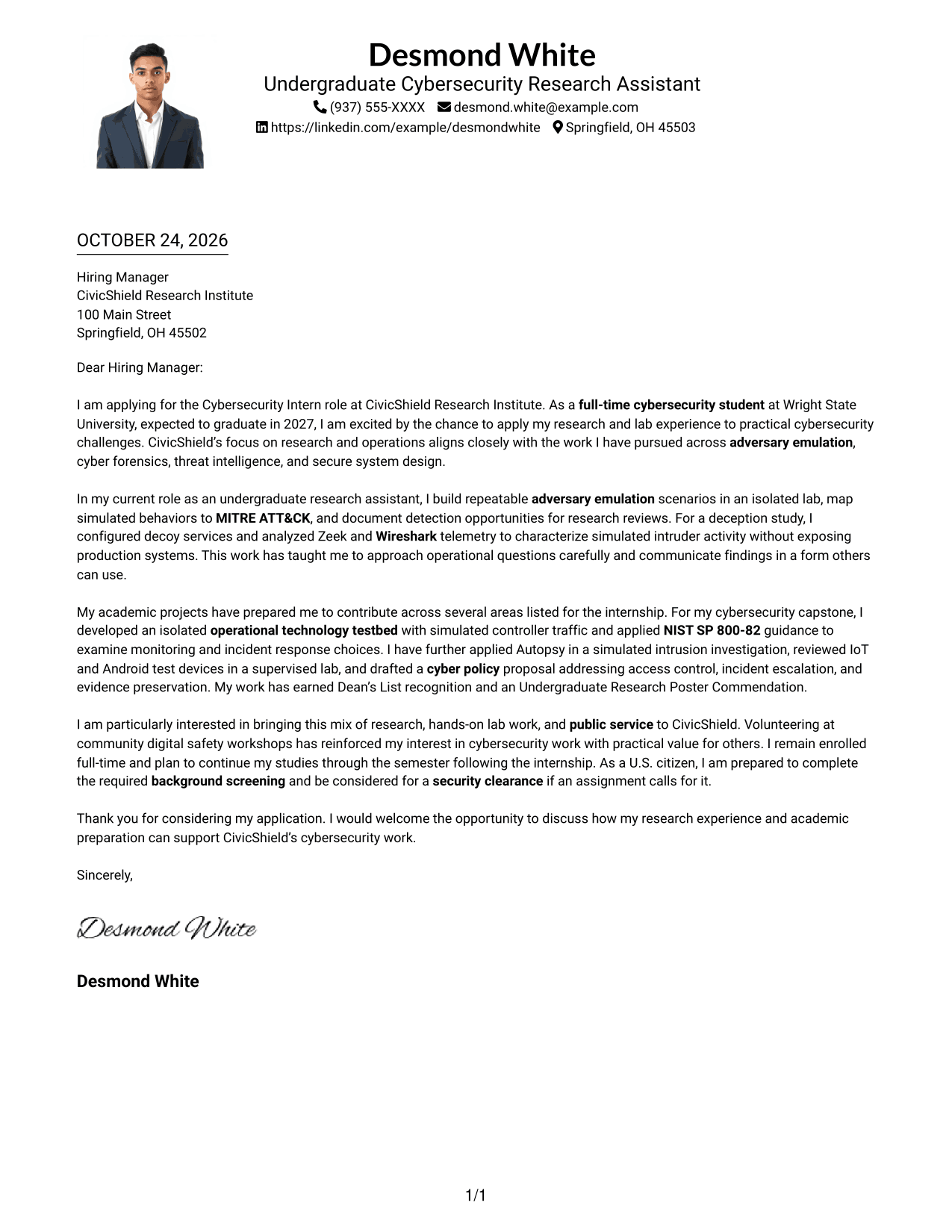
Why This Format Works
- The single-column layout keeps the greeting, body, and sign-off in one reading path.
- Paragraphs remain together as a continuous letter, preserving the message's natural progression.
- Photo inclusion suits readers who prefer a personal visual element.
Best For
- Single-column letter reading
- Portrait-inclusive correspondence
- Continuous application messages
- Multi-paragraph letters
- Text arranged in one reading path
#5 Simple Two Column Format Cover Letter Example
A contact sidebar gives sender information a separate place beside the continuous letter body, keeping the message together in a simple two-column arrangement.
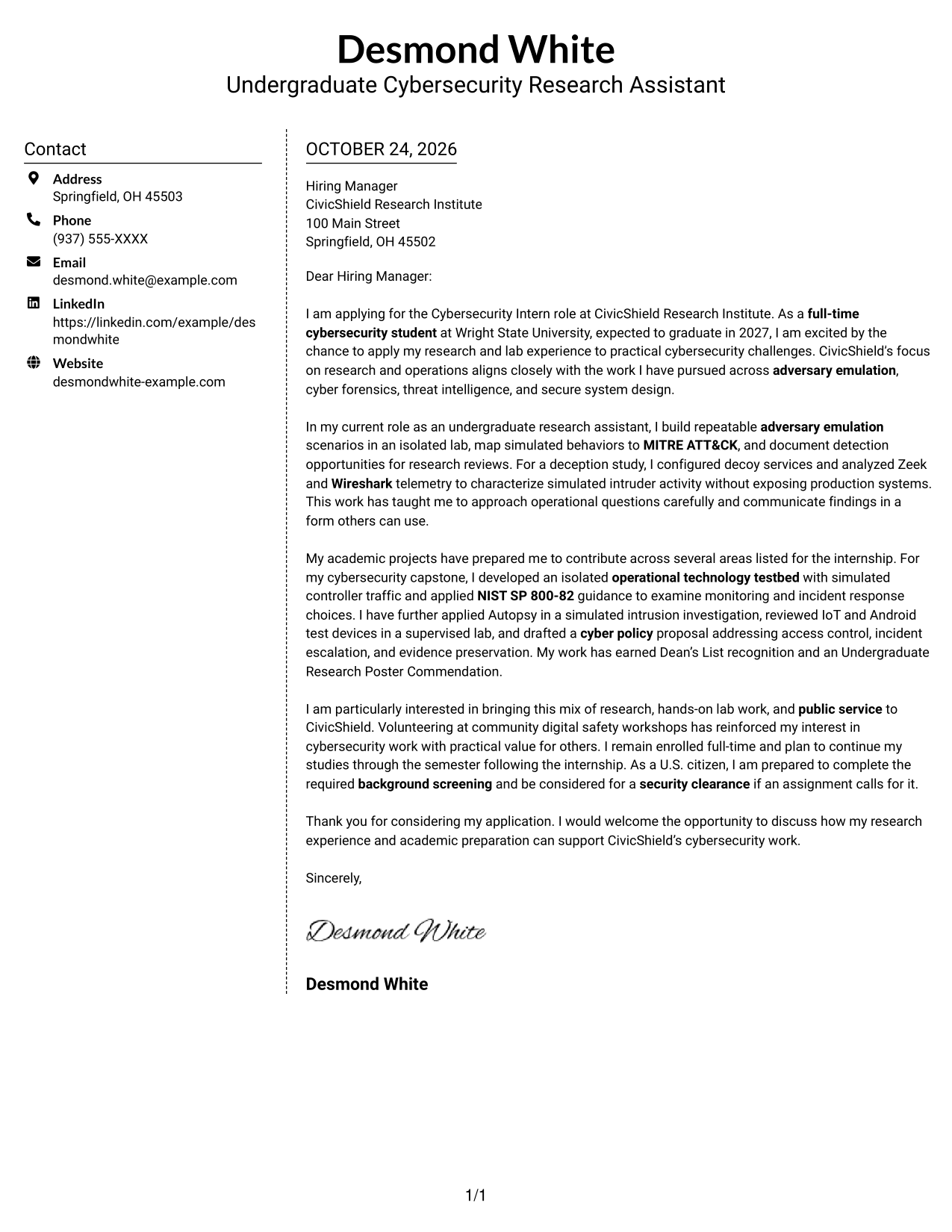
Why This Format Works
- The sidebar separates sender details from the letter's main message.
- One continuous body keeps the opening, evidence, and closing connected.
- The absence of body headings preserves the familiar form of an application letter.
Best For
- Sidebar contact presentation
- Uninterrupted application arguments
- Letters without body headings
- Research internship applications
- Simple two-column correspondence
#6 Modern Icon Format Cover Letter Example
Contact icons provide visual cues in the sidebar beside one continuous letter body, helping readers distinguish contact details from the application message.
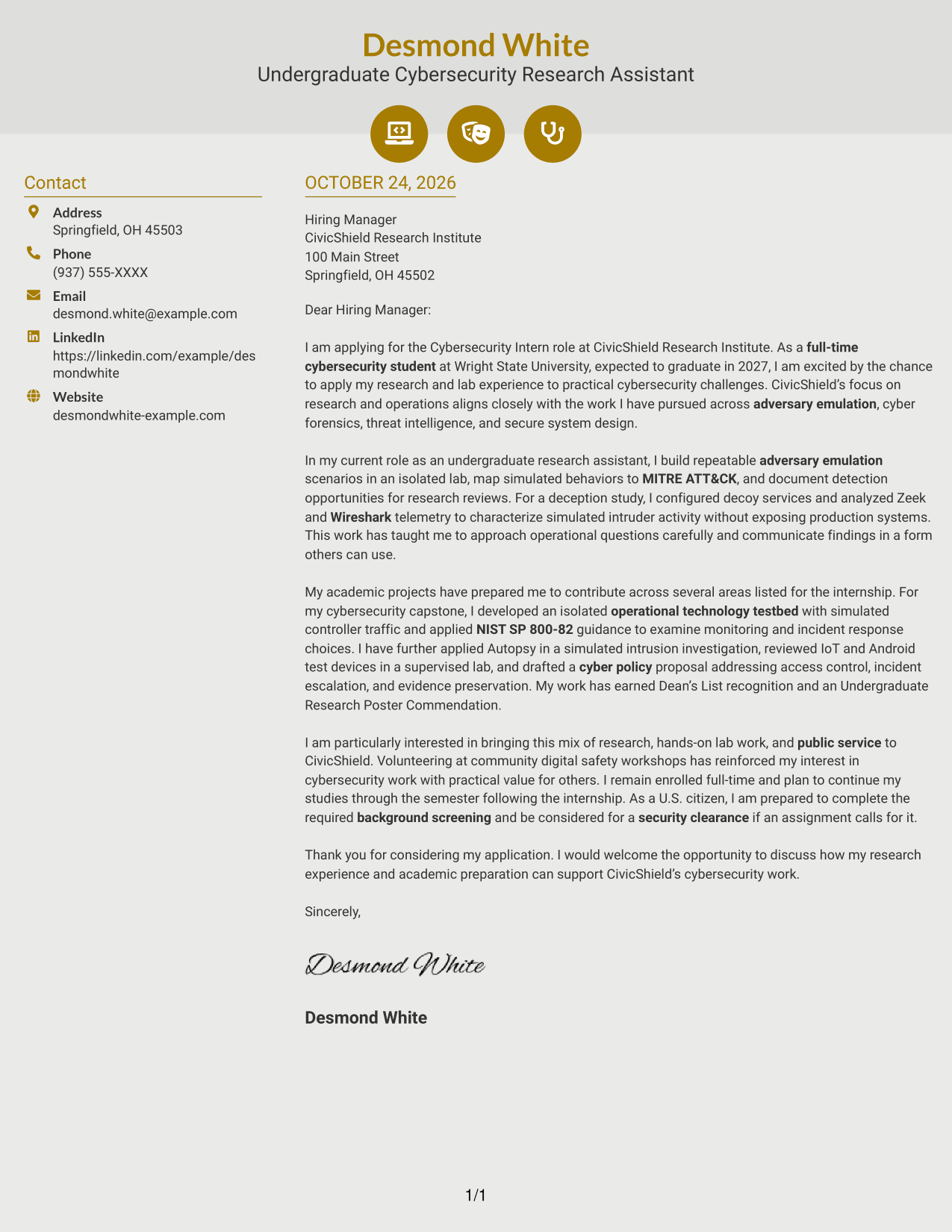
Why This Format Works
- Contact icons offer visual cues for finding sender information in the sidebar.
- The continuous body carries the letter's message without splitting its argument.
- Icons mark contact details rather than labeling stages of the letter.
Best For
- Icon-marked contact presentation
- Sidebar contact details
- Continuous cover letter text
- Research internship correspondence
- Quick contact-detail lookup
#7 Creative Two Tone Format Cover Letter Example
A contact sidebar sits beside one continuous letter body in this two-column layout, separating contact details from the message without breaking the letter's flow.
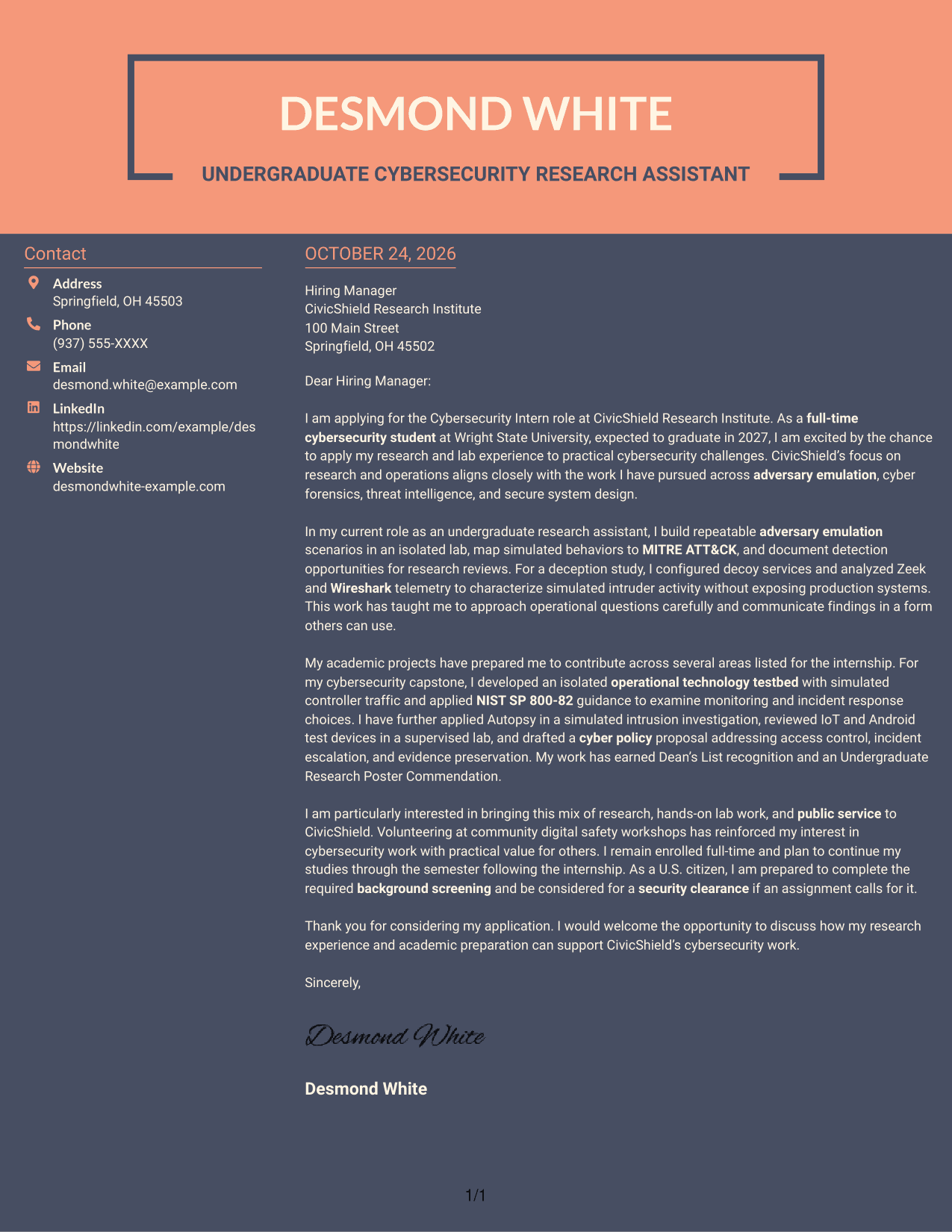
Why This Format Works
- The sidebar places contact information apart from the letter's central message.
- One continuous body connects the opening, supporting evidence, and close.
- Photo-free correspondence suits readers who prefer letters centered on written communication.
Best For
- Contact information beside the message
- Connected opening and closing paragraphs
- Photo-free application letters
- Research and operations internship applications
- Text-centered correspondence
Why Use ResumeInMinutes for a Cybersecurity Intern - Cybersecurity Research and Operations Cover Letter
Compare the image previews to see how different layouts present a cover letter. When a style suits your message, open the example in the editor to view or customize it.
- Clear cover letter layouts
- Readable, professional presentation
- Role-focused writing guidance
- Examples to compare
- Editor access
- Cover letter customization
For this role, focus your letter on research, careful lab work, clear communication, and a specific reason the internship interests you.
See Also
- 7 Cybersecurity Intern - Cybersecurity Research and Operations Resume Templates with Example
- 33 Analyst - Cybersecurity Operations Resume Templates with Example 2026 (ATS-Optimized)
- 7 Cybersecurity Intern - Cyber Operations and Resilient Systems Resume Templates with Example
- 33 Principal Engineer – Aircraft Cybersecurity Operations Resume Templates with Example 2026 (ATS-Optimized)
- 33 AI-Powered Cybersecurity Product Engineer Resume Templates with Example 2026 (ATS-Optimized)
- 33 Associate Cybersecurity Engineer Resume Templates with Example 2026 (ATS-Optimized)
- 33 Chief Technology Officer - Cybersecurity Resume Templates with Example 2026 (ATS-Optimized)
- 7 Cyber Systems Engineer Intern - Offensive Cybersecurity and Automation Resume Templates with Example
- 30+ Analyst - Cybersecurity Operations Cover Letter Templates with Example 2026
- 7 Cybersecurity Intern - Cyber Operations and Resilient Systems Cover Letter Templates with Example
Frequently Asked Questions
What should a Cybersecurity Intern - Cybersecurity Research and Operations cover letter include?
Use a clear opening that names the role and explains your interest. In the body, connect relevant research or lab experience to the work, then close by thanking the reader and expressing interest in a conversation.
How can I show relevant experience for this cybersecurity internship?
Choose specific examples that show how you approached a security question and shared your findings. Research scenarios, controlled lab investigations, operational technology testbeds, and cyber policy work can be useful when they reflect your own experience.
How should I connect my experience to the employer’s needs?
Link each example to a relevant area of the role, such as adversary emulation, cyber forensics, threat intelligence, or secure system design. Explain what you did and why it matters to the work, without claiming experience you do not have.
What cover letter style works well for this position?
A simple, readable layout can help the reader follow your opening, evidence, and closing. Compare the image previews, then choose a style that fits the employer and the tone of your application.
How can a student make a cybersecurity cover letter persuasive?
Use clear examples from coursework, research, or supervised lab work. Show how you investigate carefully, document what you find, and connect your interests to the internship.




